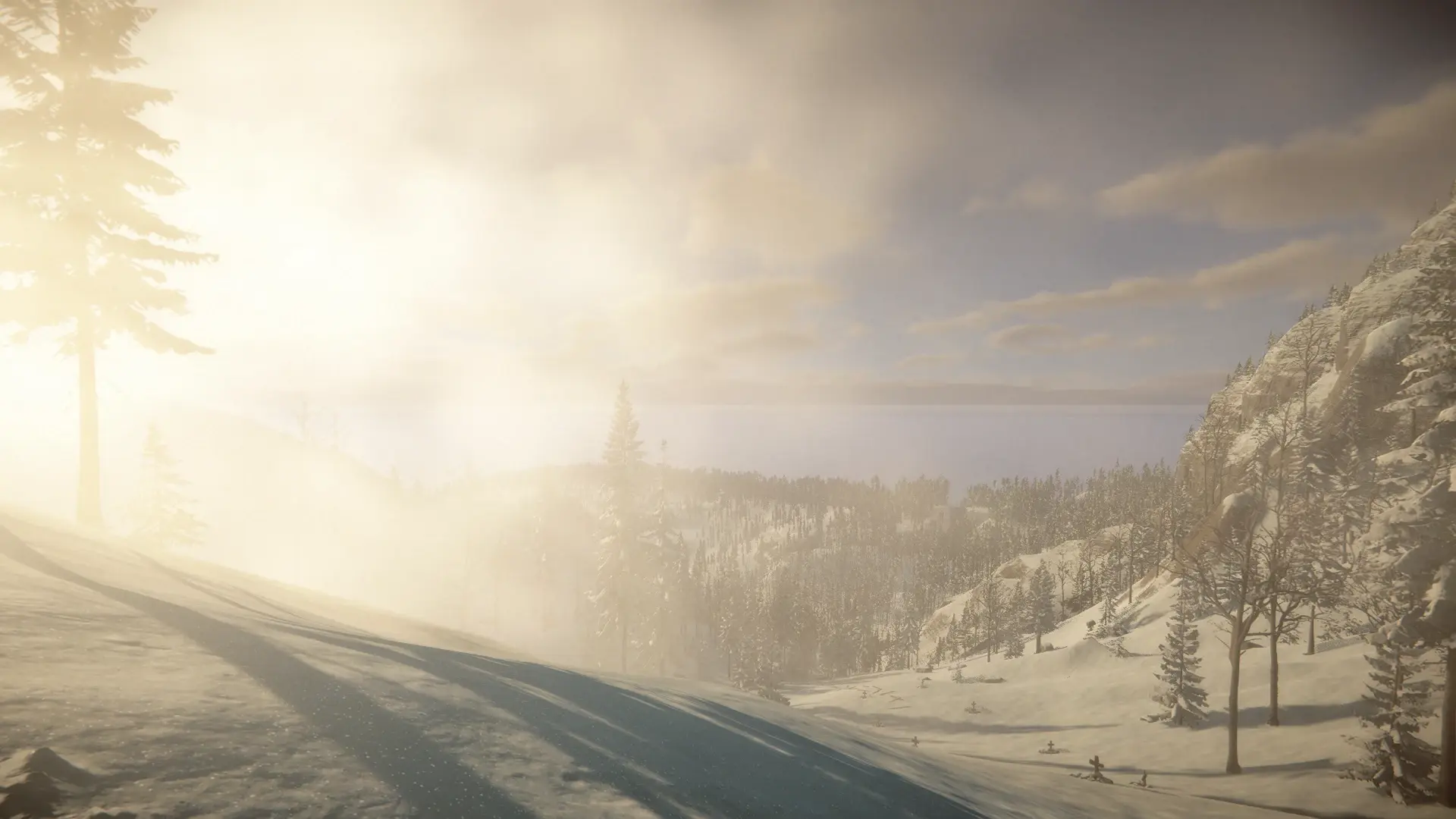
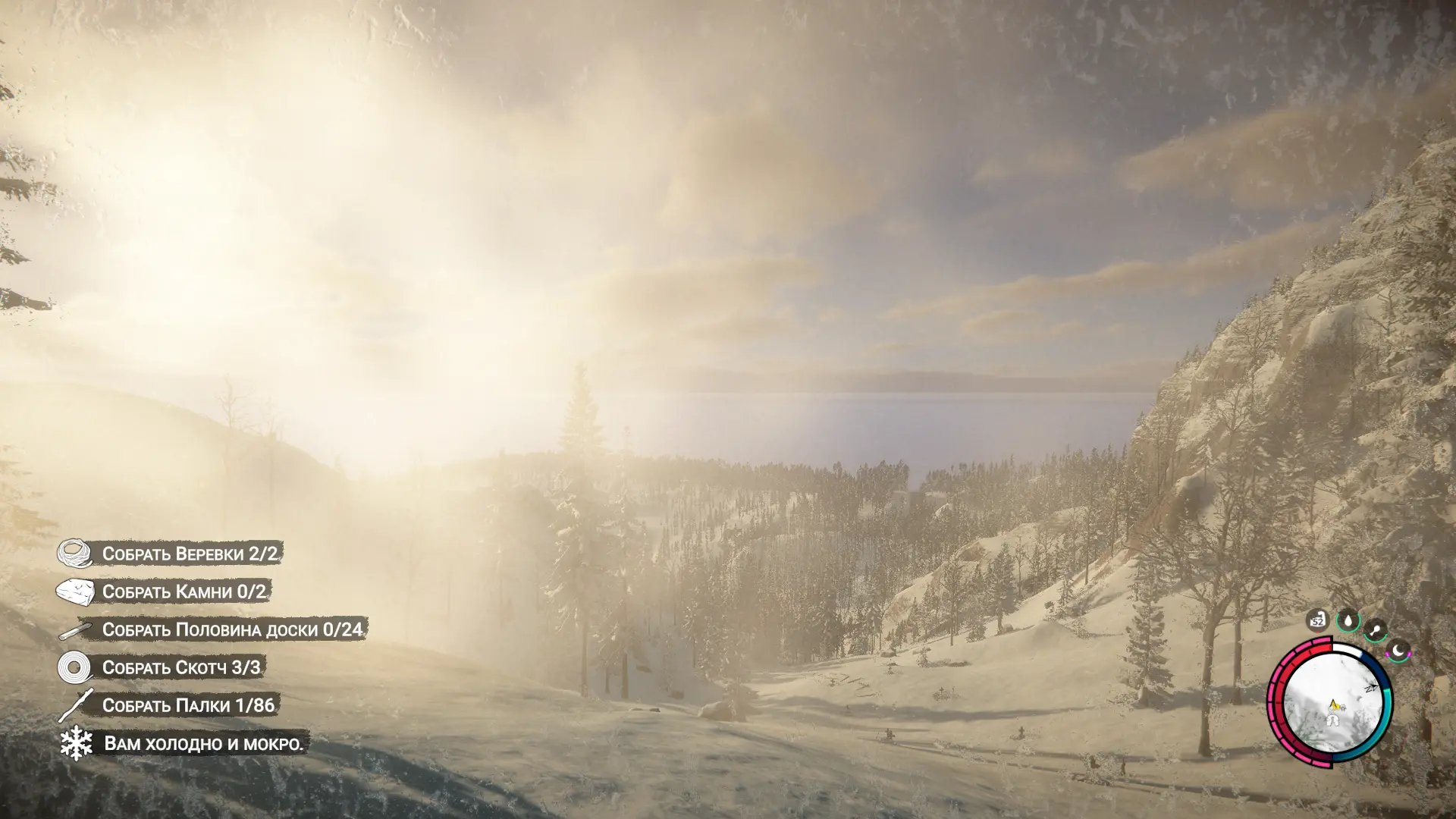
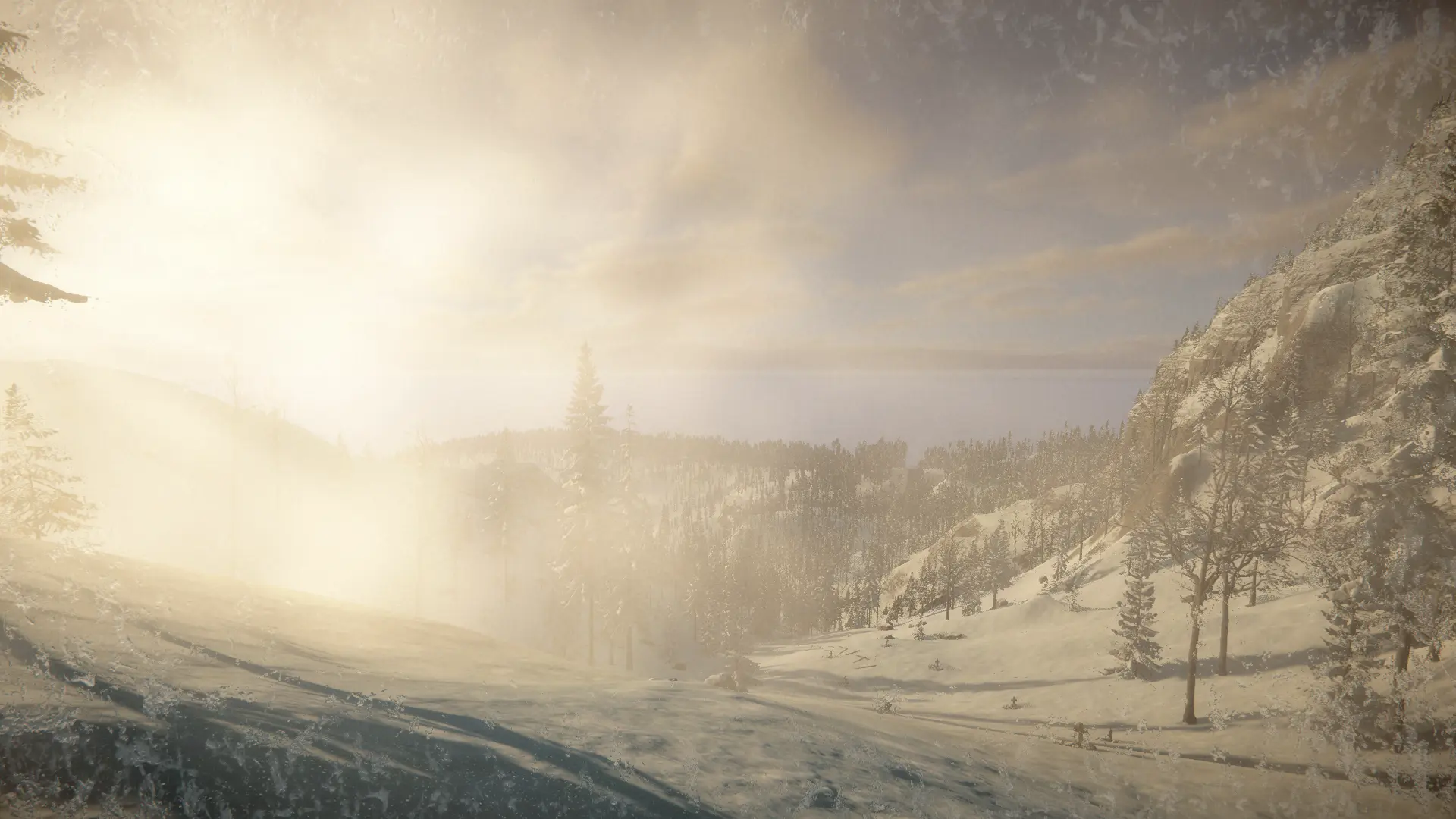
This mod allows you to hide the entire in-game HUD with a single key press. The default key for hiding the HUD is F4, but you can change it to any key you prefer after the first launch by editing the "HideHUD" text file located in the "UserData" folder (found in the game's root directory). To bring the HUD back, simply press the same key used to hide it.
One limitation is that the mod hides the absolute entirety of the HUD, including the pause menu. Consequently, it is primarily designed for quickly clearing the HUD to take screenshots—though you can certainly play the game without the HUD if you wish, as the mod does not affect elements that exist within the 3D game space.


评论
还没有评论。提问、技巧和 bug 反馈都可以写在这里。
有东西不能用?分享你的日志,并把链接粘贴到评论中。
登录后发表评论