Description
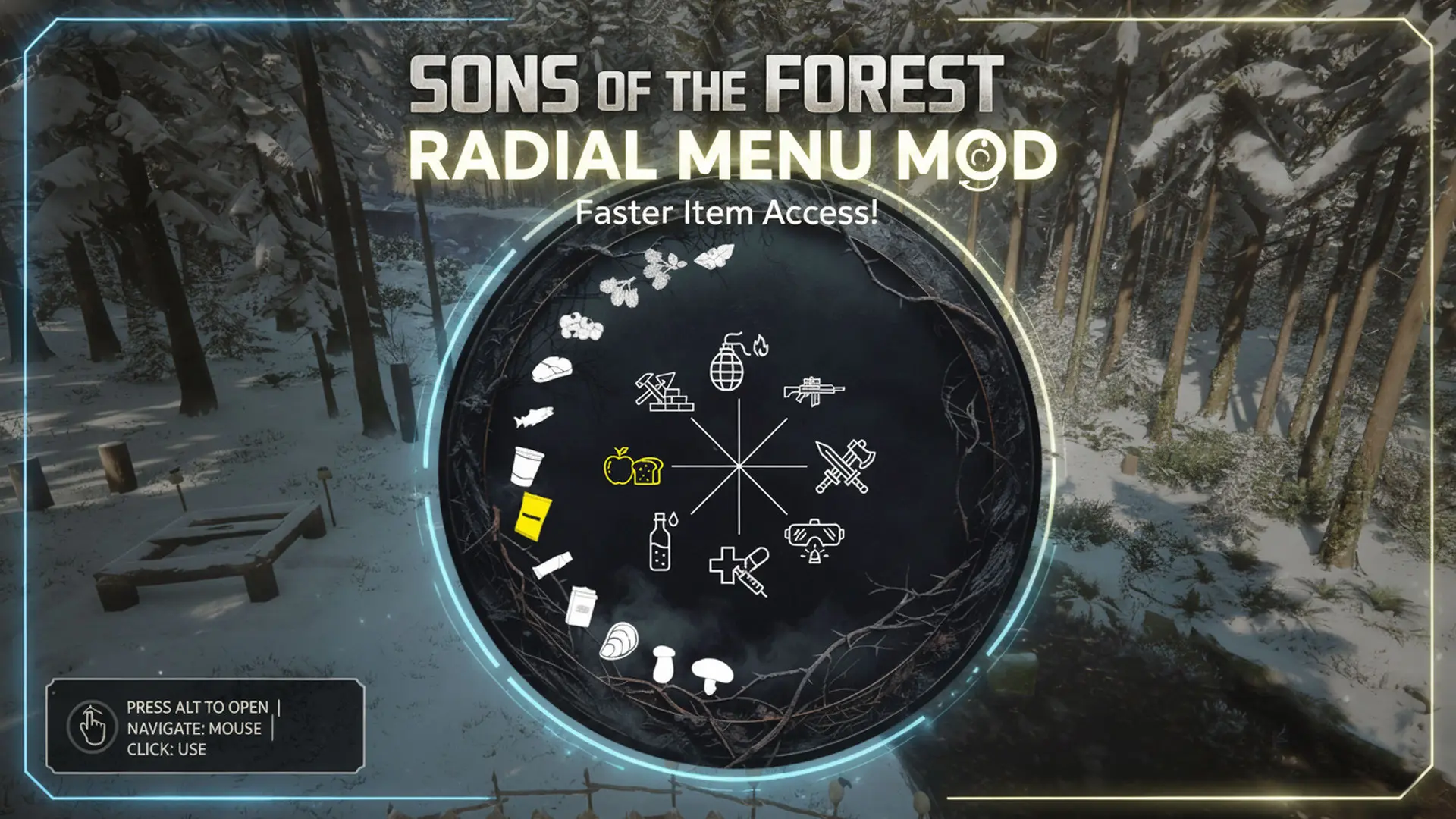
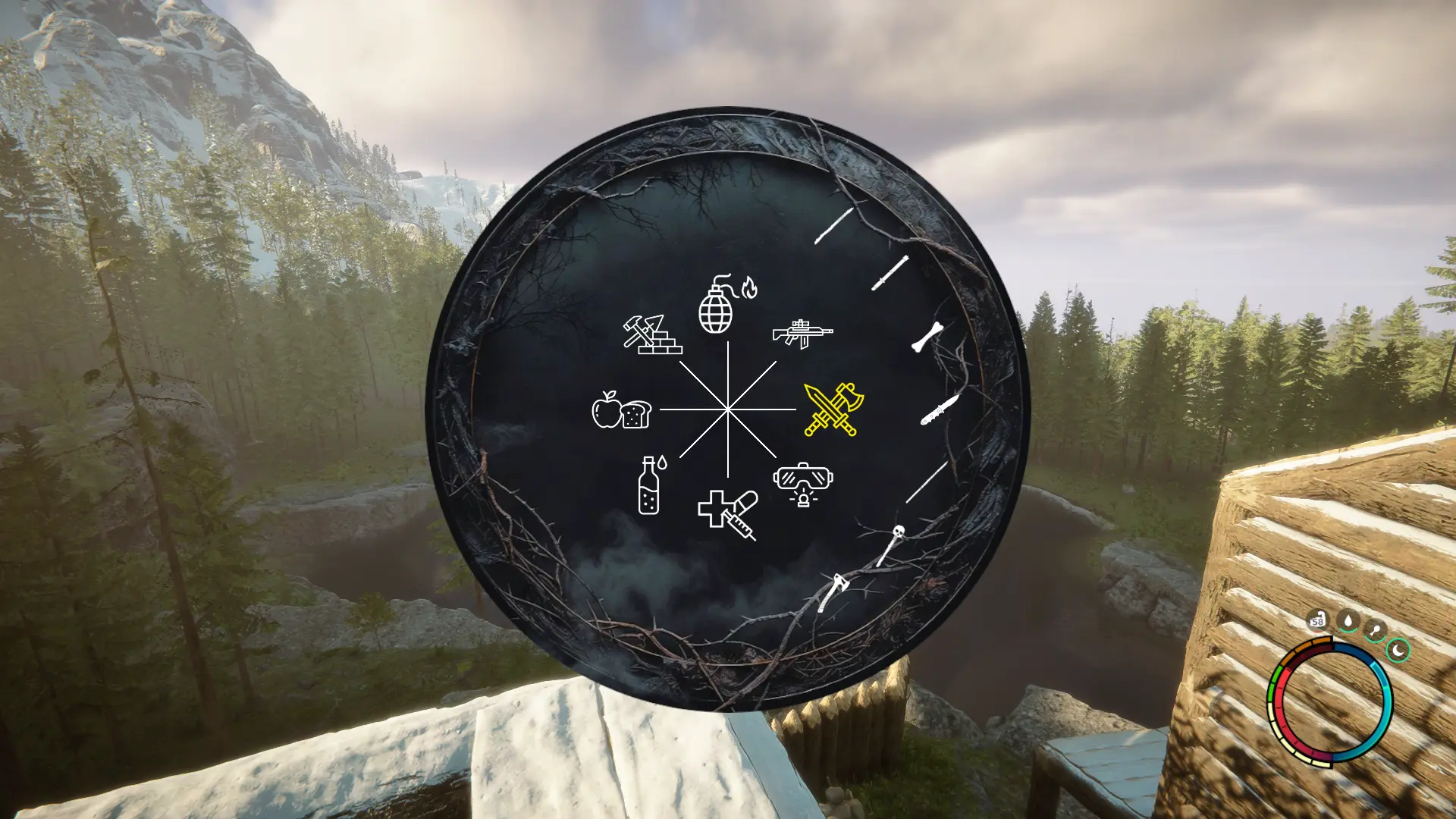
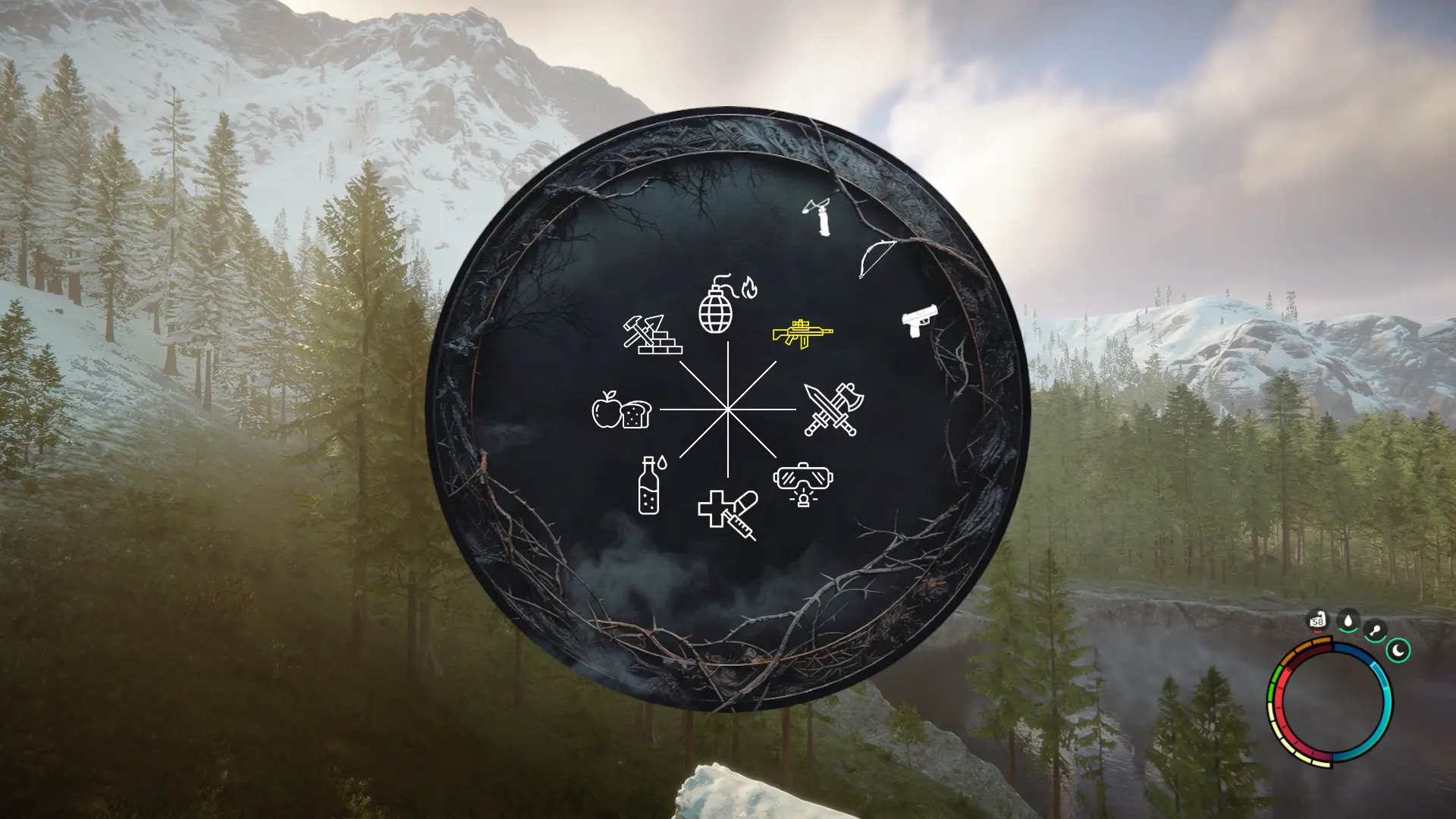
Radial Menu for quick access to items and consumables. Press ALT to bring up, navigate with the mouse and click to equip or consume items.
Installation instructions
Install RedLoader if you haven't already.
Unzip to your game's main folder (where SonsOfTheForest.exe is located) maintaining the ZIP's folder structure.
(The .DLL will end up under the Mods folder, and the .json under the Mods/RW18_RadialMenu folder.)
Main features
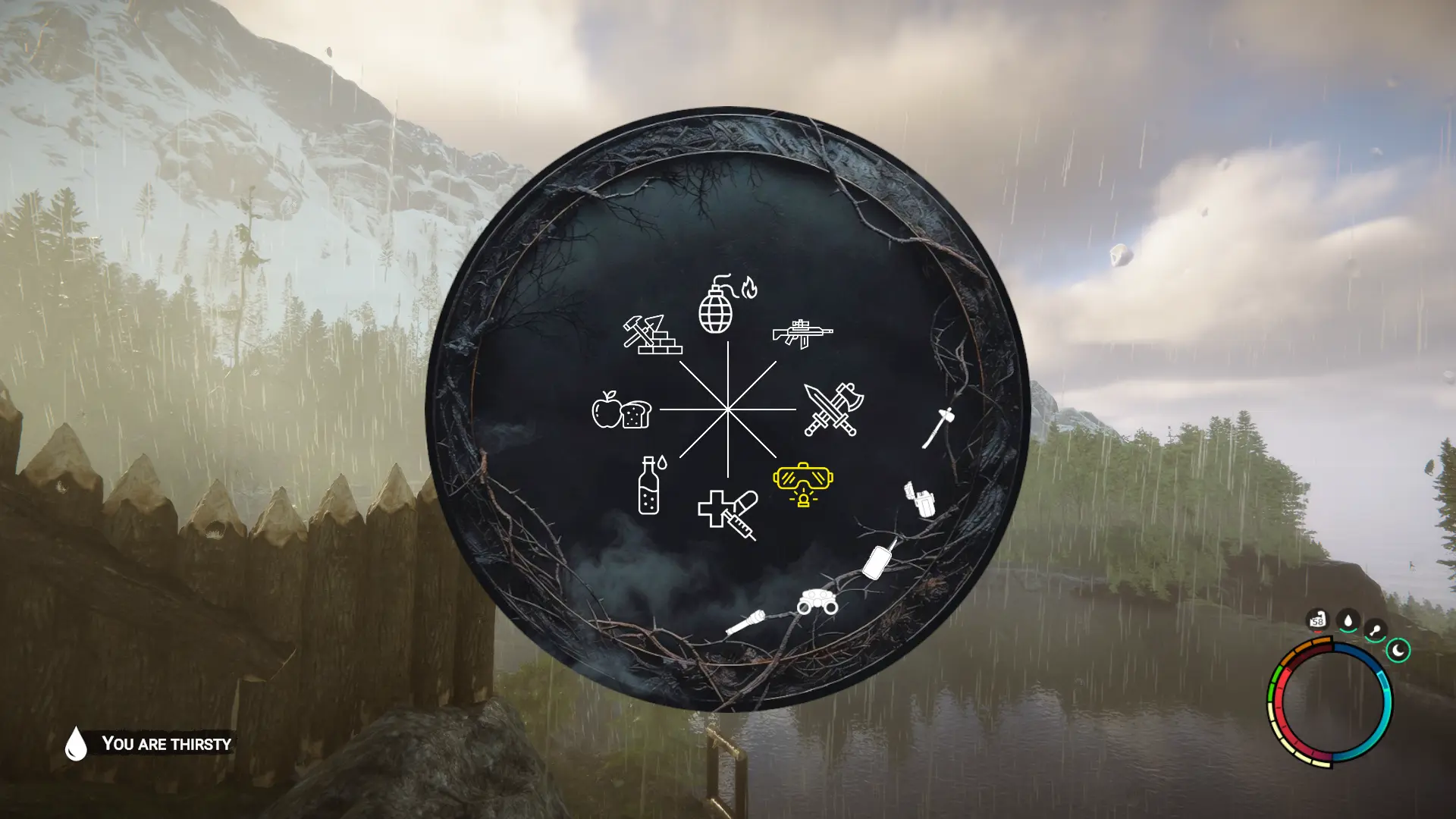
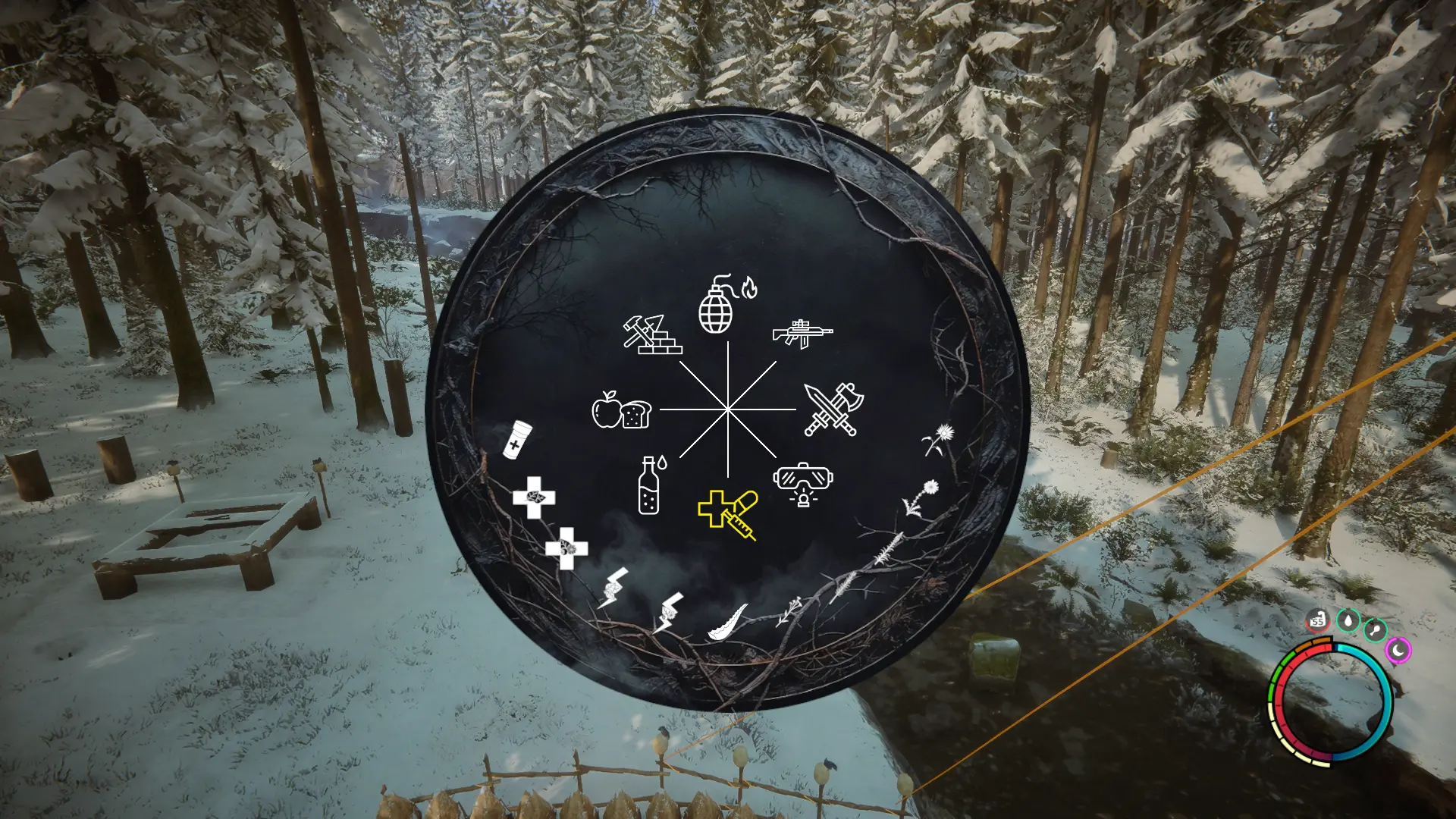
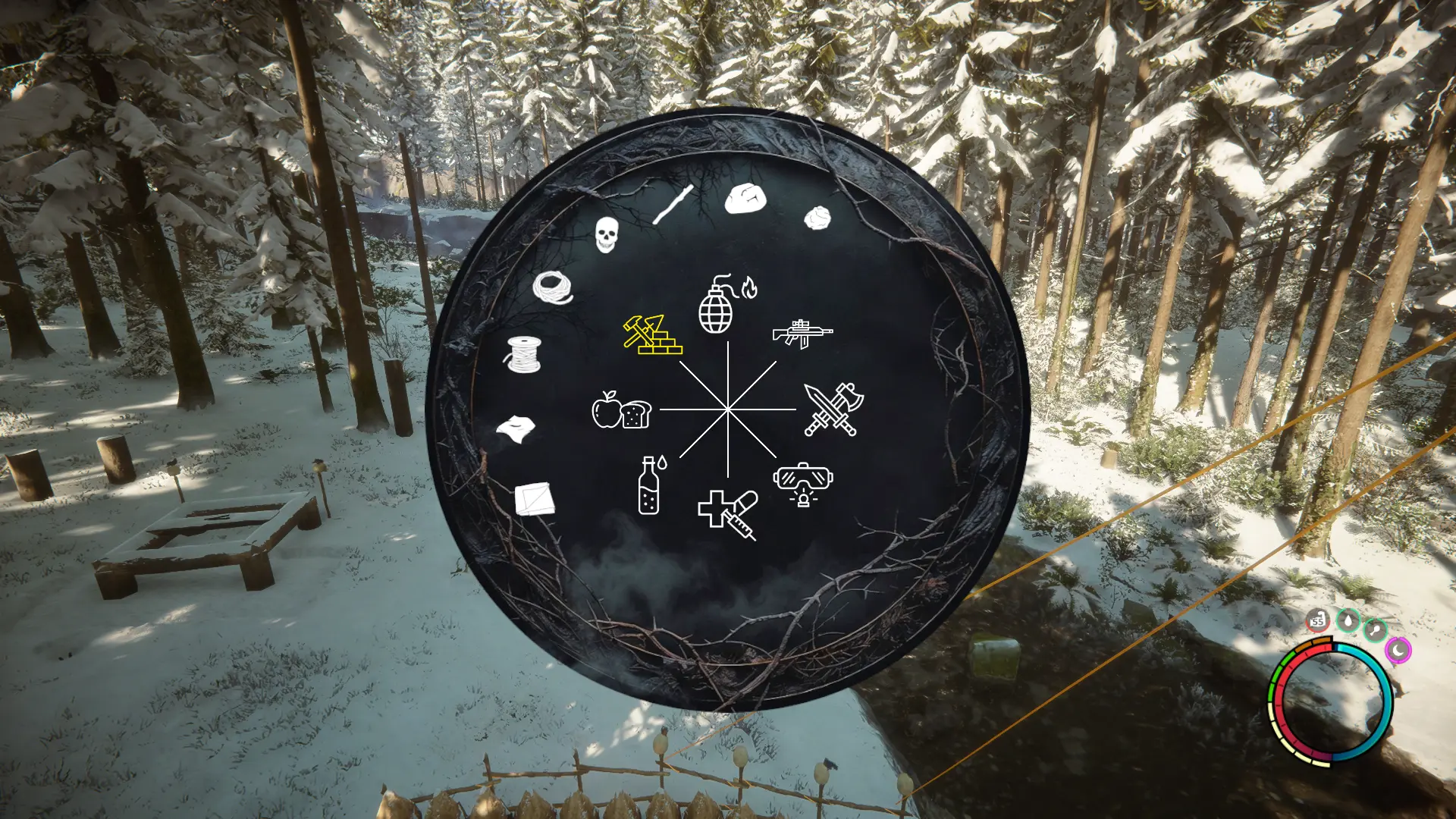
A radial menu for quick access to your inventory items. Will equip or consume the selected items. Only items in your inventory are shown. You can still move (walk, run, strafe) while the menu is active.
Use
Press and hold the LEFT ALT key
Place the mouse over the category you want to unfold
Click on the item that you want to equip/consume or click on already equipped items to put them away.
Known Issues
Meat/Fish/Oyster: Will consume a random one from your inventory, so it may consume spoiled items.
Cooking pot: Clicking it when already equipped won't put it away.
评论
还没有评论。提问、技巧和 bug 反馈都可以写在这里。
有东西不能用?分享你的日志,并把链接粘贴到评论中。
登录后发表评论