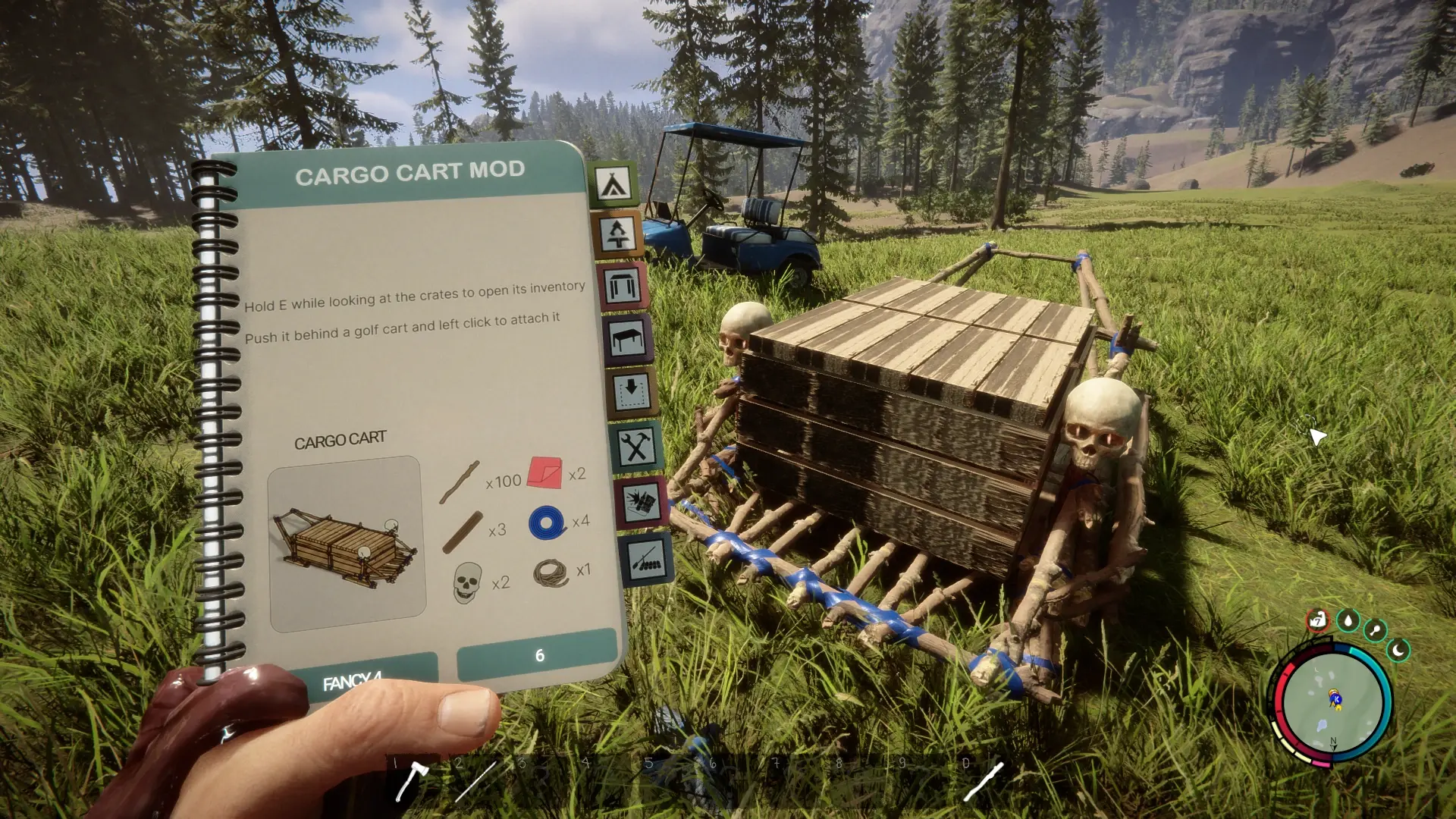
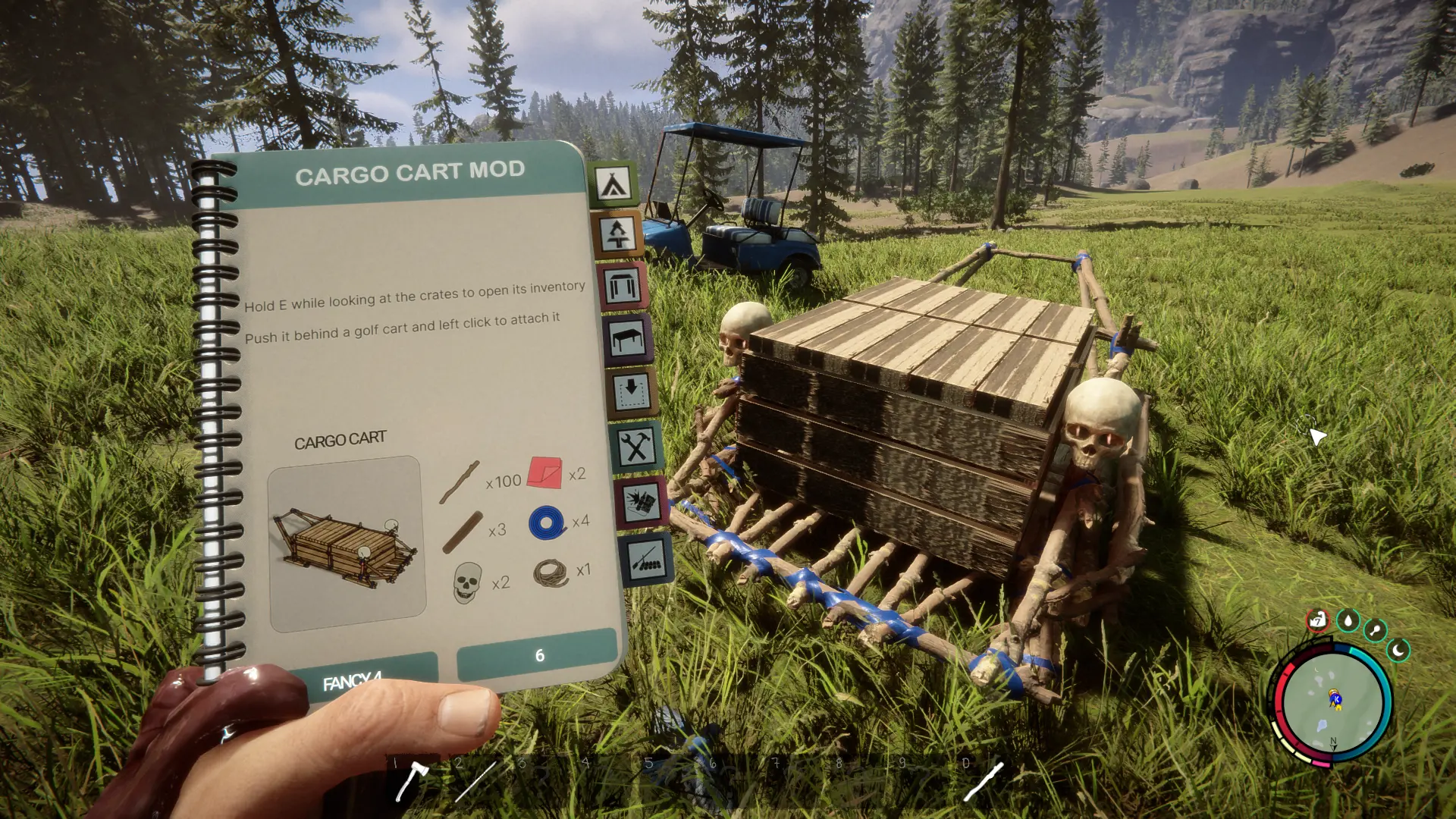
Cargo Cart adds a new structure to the blueprint book: a cargo sled with two wooden crates, organized item storage, and the ability to tow it behind a golf cart.
Features#
- Double your carrying capacity per item type. If you can carry 20 sticks, the cart can hold 40. Each item type has its own allowance.
- Organized storage. Browse categories including armor, ammunition, throwables, materials, consumables, plants, weapons and more.
- Search and quick transfers. Store or take individual items or whole stacks.
- Golf cart towing. Attach your cargo and drive your supplies back to base.
- Saved contents. Cargo contents are saved with your game.
- Custom blueprint artwork and a hold-to-open interaction over the crates.
Clothing, outfits, notes, books, keycards, quest items and bulk logs/planks are excluded. Unequip held or worn equipment before storing it.
How to use#
- Find CARGO CART in the blueprint book and build it.
- Look at either wooden crate and hold E to open storage. Both crates access the same inventory.
- Use the categories or search bar, then choose Store 1, Store all, Take 1 or Take all.
- Close the menu with Close or Escape.
- Press E at the handles to push the cart. Hold Shift to push faster.
E refers to your bound Interact key.
Towing#
Attach: Push the cargo cart behind an empty, parked golf cart, facing the same direction. Left-click at the attach prompt. The handles release automatically. Wait for Attached — ready to drive, then enter the golf cart and drive.
Detach: Park, exit the golf cart, grab the cargo handles with E, then left-click to detach.
Requirements and limitations#
- Requires RedLoader.
- Single player only. Multiplayer is not supported.
- One cargo cart can be attached to each golf cart.
- Attached cargo is protected from structure damage. Fully detach it before damaging or dismantling it.
- Keep the mod installed while your save contains cargo carts or unfinished cargo blueprints. Empty and remove them before uninstalling.
Created by Ibrahim, with development assistance from ChatGPT / OpenAI.

Commenti
Ancora nessun commento. Domande, consigli e bug vanno qui.
Qualcosa non funziona? Condividi il tuo log e incolla il link nel commento.
Accedi per commentare