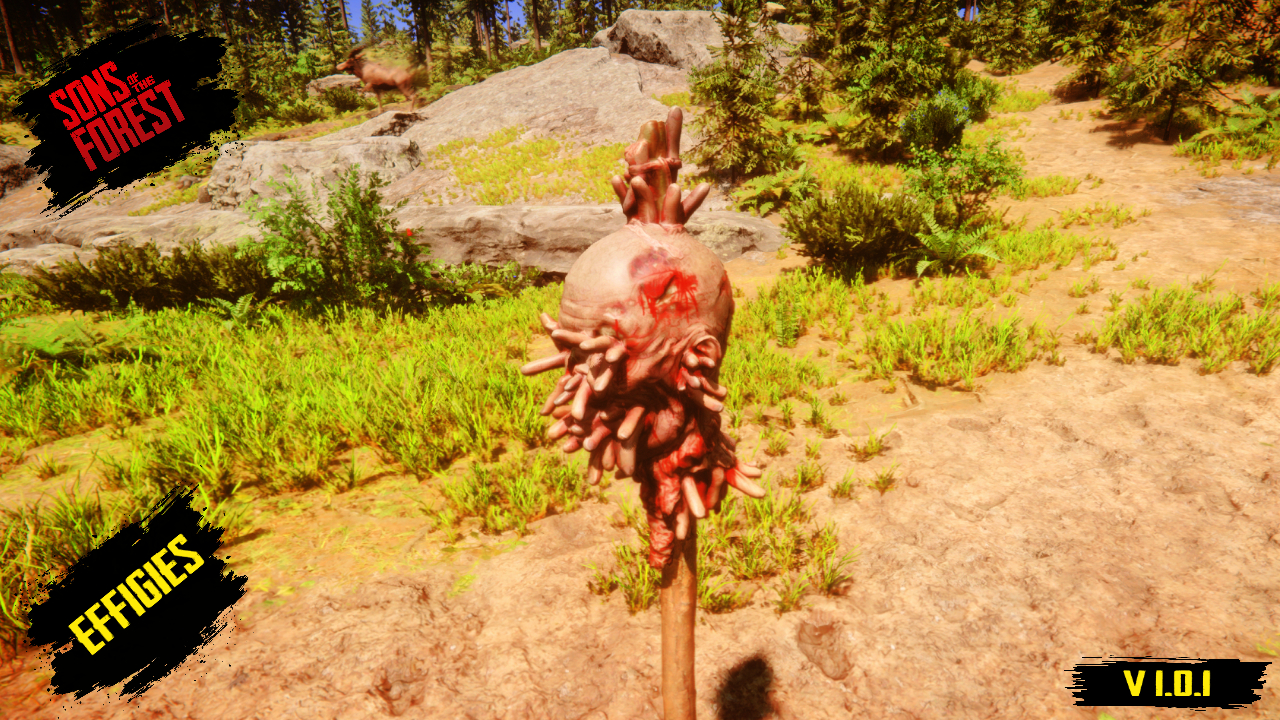
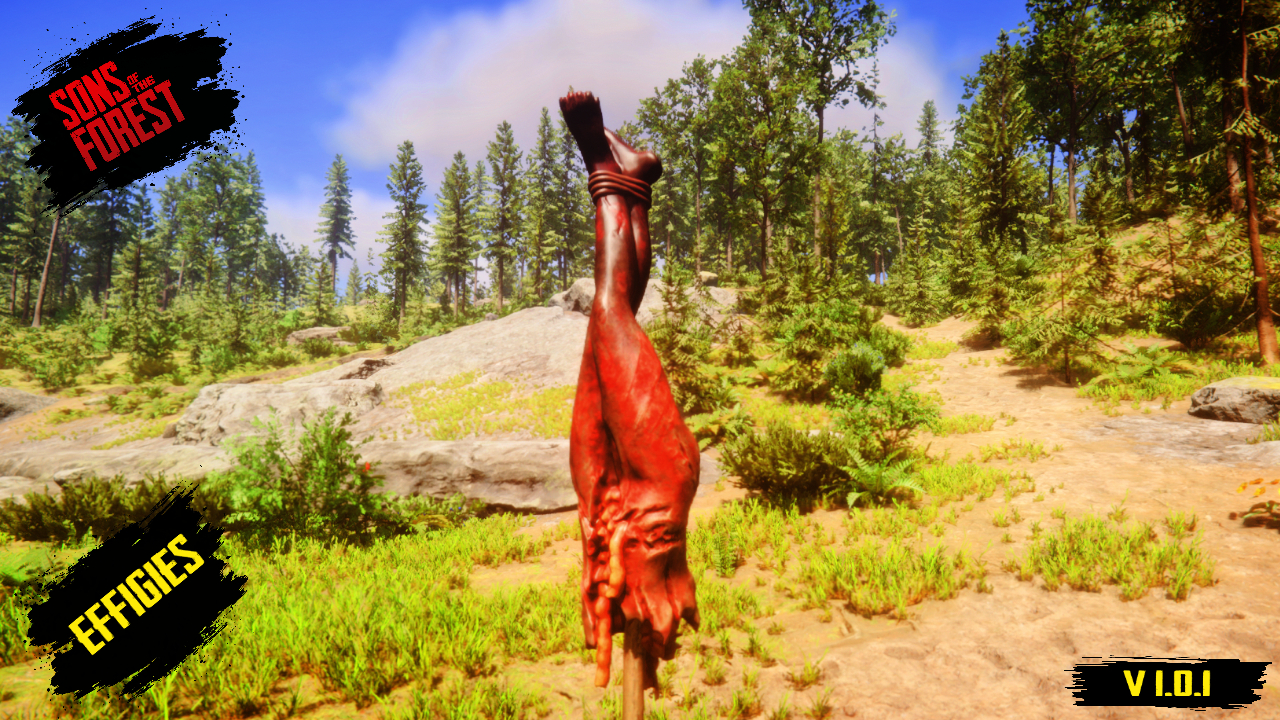
How to install this glorious effigy pack.
First, relax.
You don't need to be an expert or have a degree in modding. Simply download the file, unzip it, and grab the Blueprints folder as if it were your lucky charm.
Now, open the root folder of your Sons of the Forest game (where the game's .exe file is located). Inside, you'll see the Mods folder. Drag the Blueprints folder directly into Mods. Don't hide it in other subfolders or put it in "Documents" because, surprise: it won't do anything there.
Important requirements:
For this whole ritual to work, you need to have the famous Tablet Mod created by Tony Macarrones installed. Download it here:
https://www.nexusmods.com/sonsoftheforest/mods/204
. Without the tablet, your effigies only exist in your imagination. So now you know how it works: install the tablet, start the game, open the little magic tablet, go to Decorations, and scroll through the catalog.
Why was this mod created?
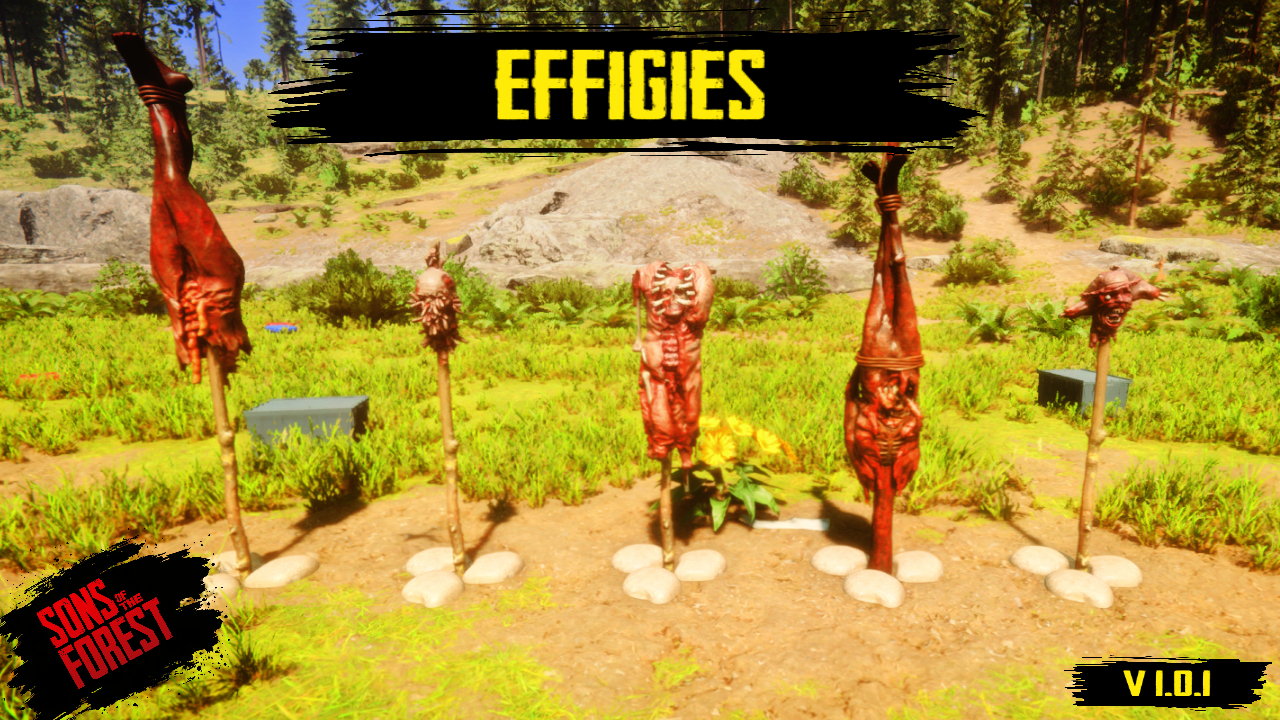
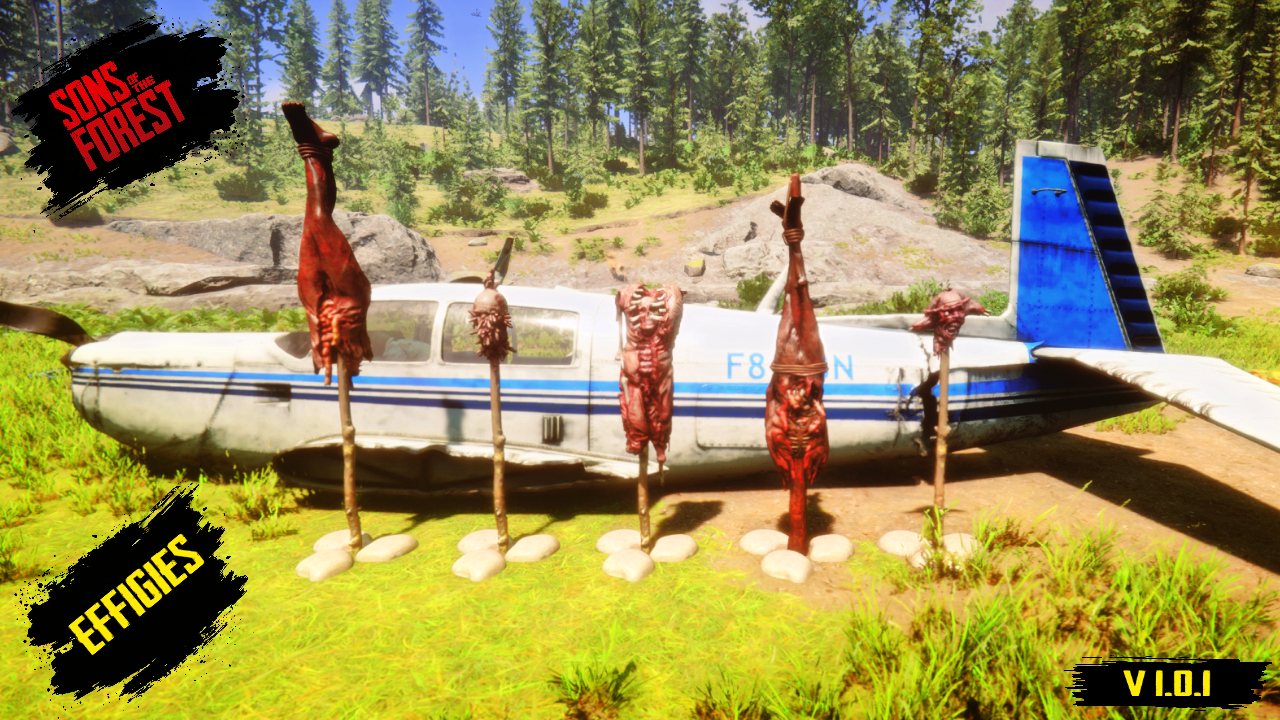
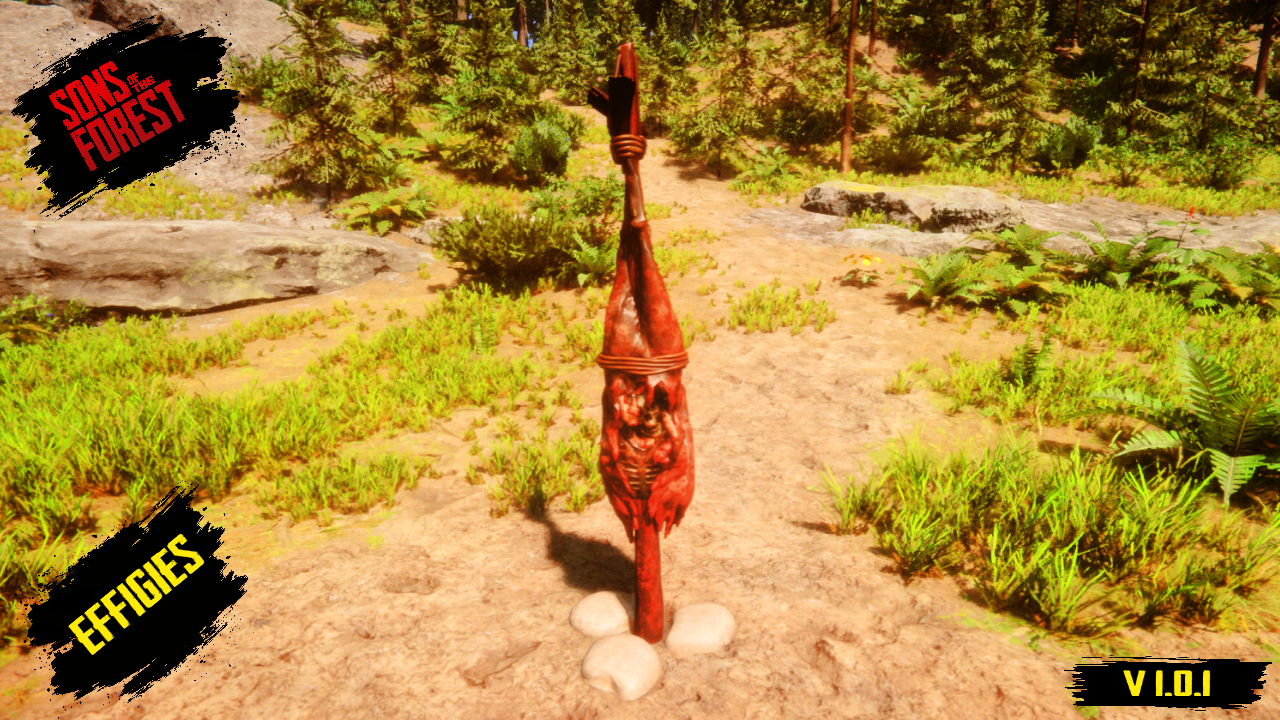
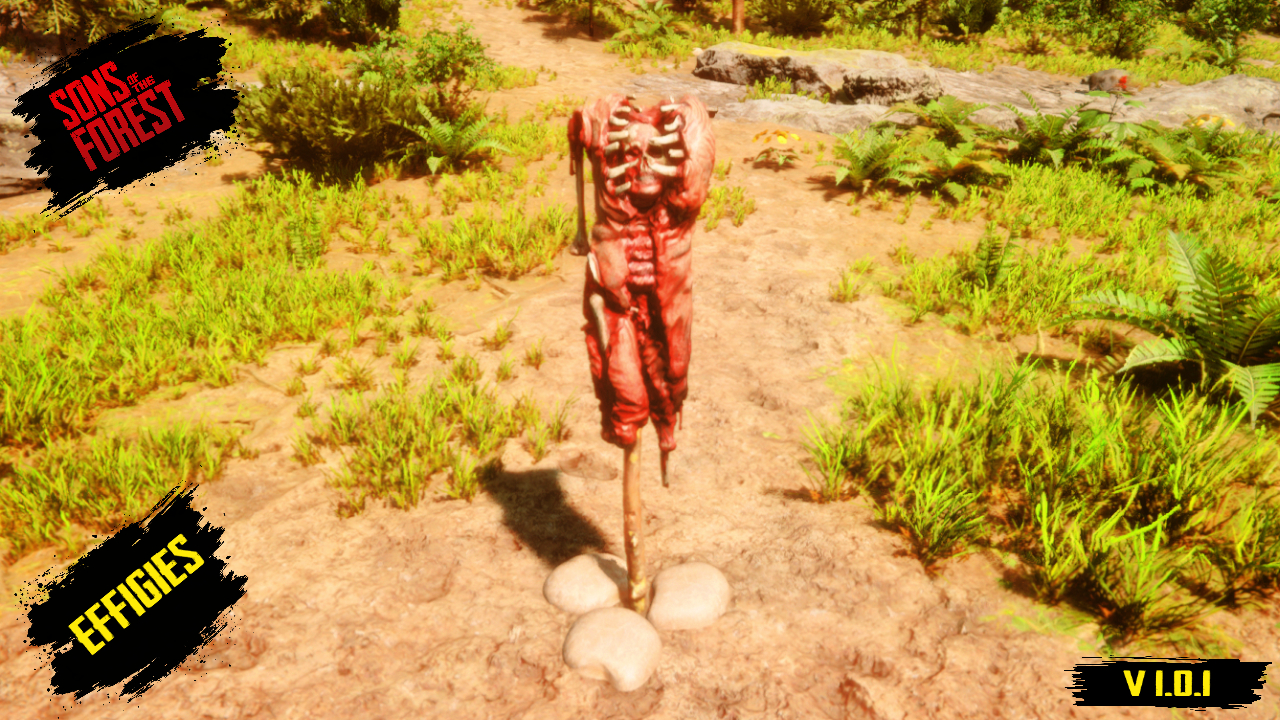
This idea came from the lack of decorative models and creative options in Sons of the Forest. The developers didn't fully utilize the potential of this great project, so I decided to recapture the spirit of player creations with new effigies.
This mod is still in beta, as I plan to add more effigies and, perhaps in a separate mod, more decorative objects that can have simple functions by taking advantage of their structure, like the famous dartboard from The Forest or something similar.
Special thanks:
I would especially like to thank Tony Macarrones, as thanks to the tablet mod he developed, it is now much easier to introduce these models into the game. Without his work, this project would not be possible or as accessible to everyone.
You can also watch my video to see how this mod works in-game at:
https://youtu.be/-jnBYh4Sld4
I am not the author of the models included in this mod; they are owned by Endnight Games, the developer of Sons of the Forest. I simply used those models to create it.

评论
还没有评论。提问、技巧和 bug 反馈都可以写在这里。
登录后发表评论