

1 / 9
Sons of the Forest 模组加载器: RedLoader
多人反作弊 v1.0.0
原标题 Multiplayer Anti-Cheat
服务器端反作弊、基地保护和工作人员工具。
Server-side anti-cheat, base protection and staff tools.
译自英语 ·

- 4 4 下载量
- 0 位关注者
描述
MPAC - Multiplayer Anti-Cheat#
MPAC 可将作弊者和恶意破坏者挡在你的 Sons of the Forest 服务器之外。它能在玩家游玩时捕捉作弊行为、保护基地,并为你和你的管理员提供在游戏内或通过网络控制面板管理服务器的工具。
只有主机需要安装。 你的玩家无需安装任何东西。它适用于托管游戏和专用服务器。
功能#
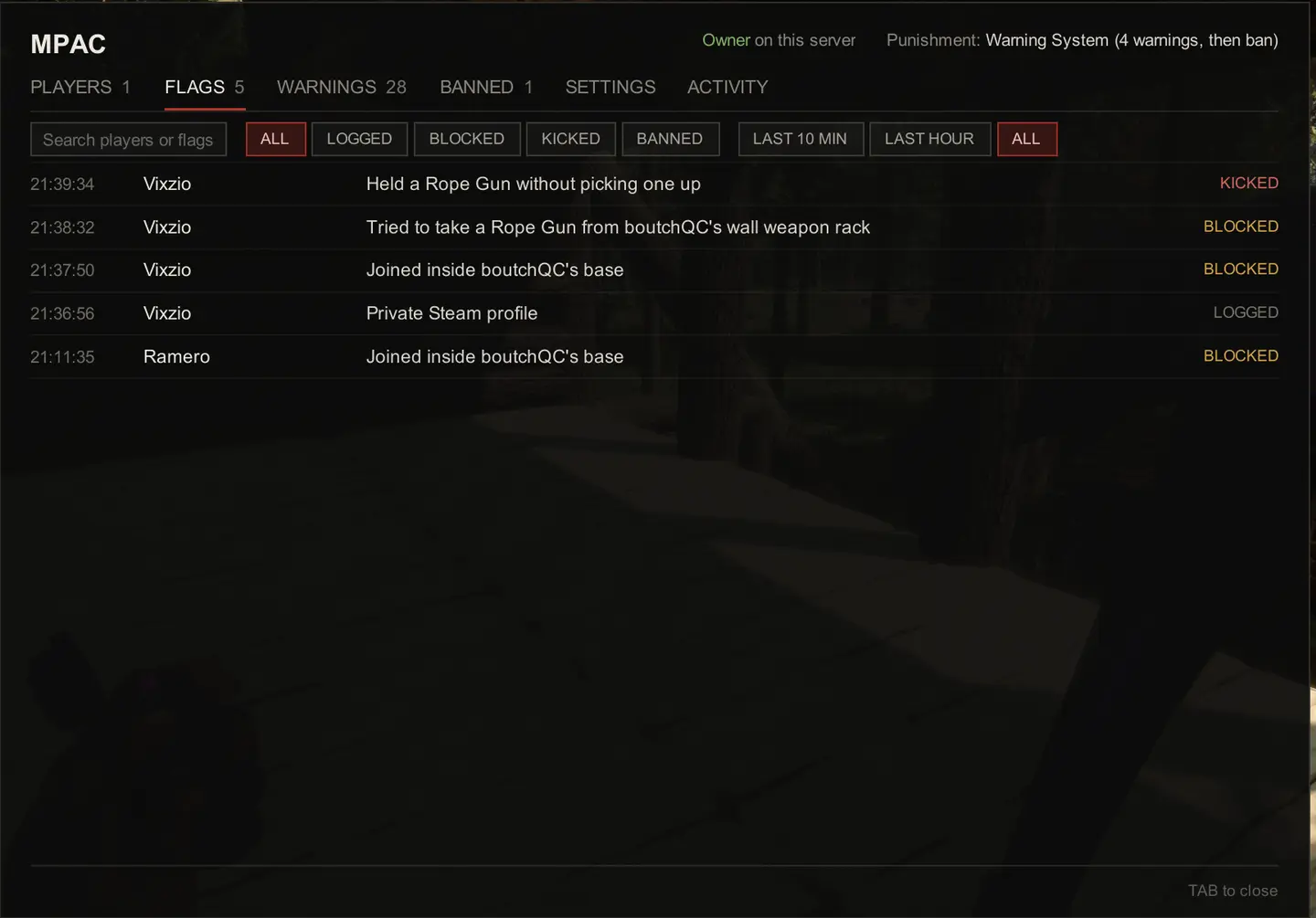
- 捕捉作弊: 飞行、穿墙、速度作弊、传送、生成物品、复制物品、无限弹药、一击必杀、杀戮光环、大规模破坏、瞬间伐树等。每项检查都可记录、阻止或惩罚。
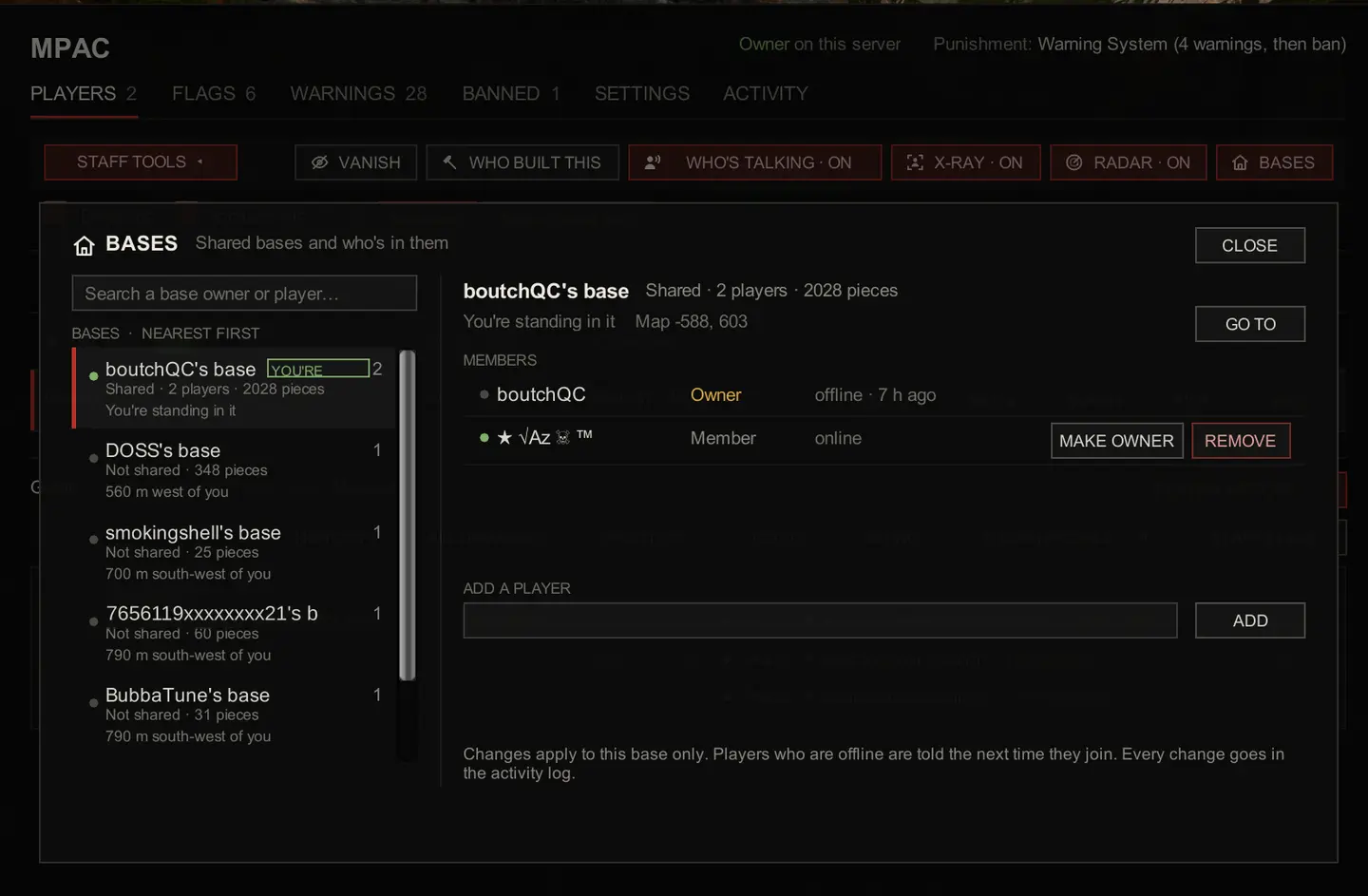
- 保护基地: 阻止外人进入其他玩家的储物箱,阻止他们破坏或拆解你建造的东西,并允许好友通过
!base add共享基地。保护区、离线保护和破坏惩罚也一应俱全。 - 保护 Kelvin 和 Virginia 免受其他玩家伤害。
- 在玩家加入时进行检查: 白名单、名称过滤、伪造管理员操作、冒充他人、封禁执行和预留槽位。
- 保持聊天干净: 违禁词、禁言、慢速模式、链接过滤、麦克风刷屏和对讲机滥用。
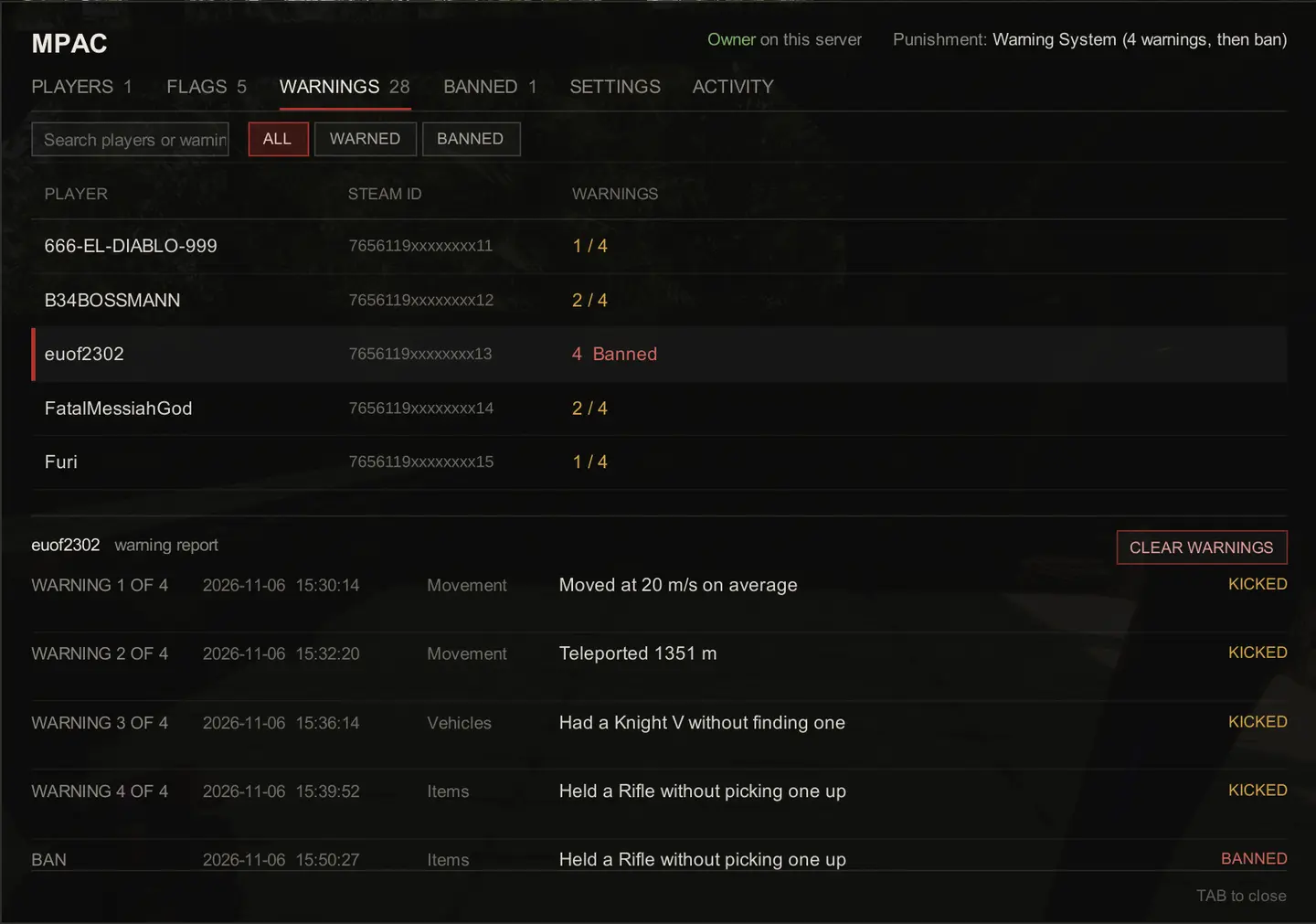
- 按你的方式惩罚: 踢出或封禁、警告系统、临时封禁,或从警告逐步升级到封禁的惩罚阶梯。
为你和你的管理员提供的工具#
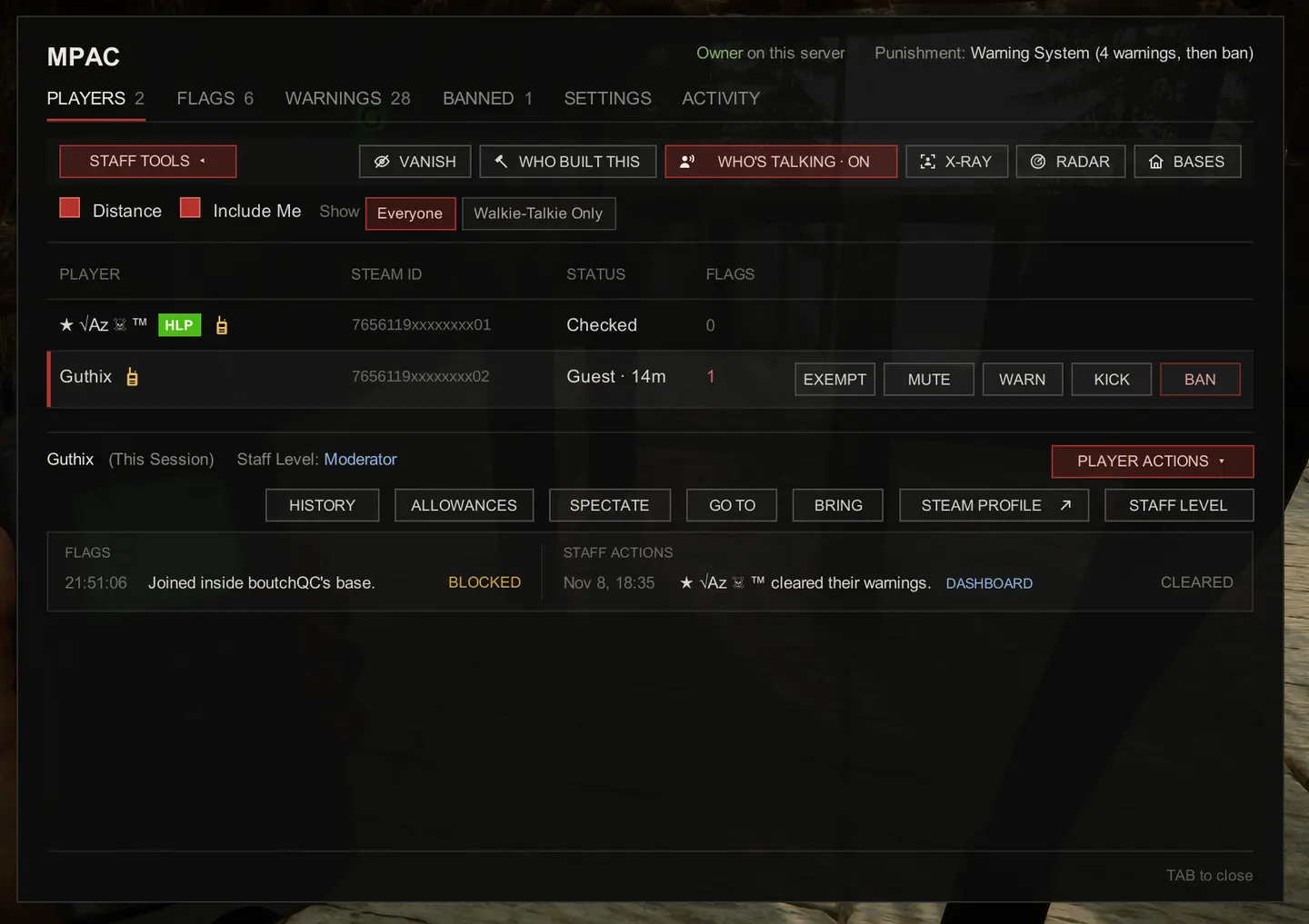
- 游戏内菜单(TAB): 查看谁在线、有哪些被标记以及每个玩家的历史记录。一键禁言、警告、踢出、封禁或豁免,并可在游戏中随时更改任何设置。
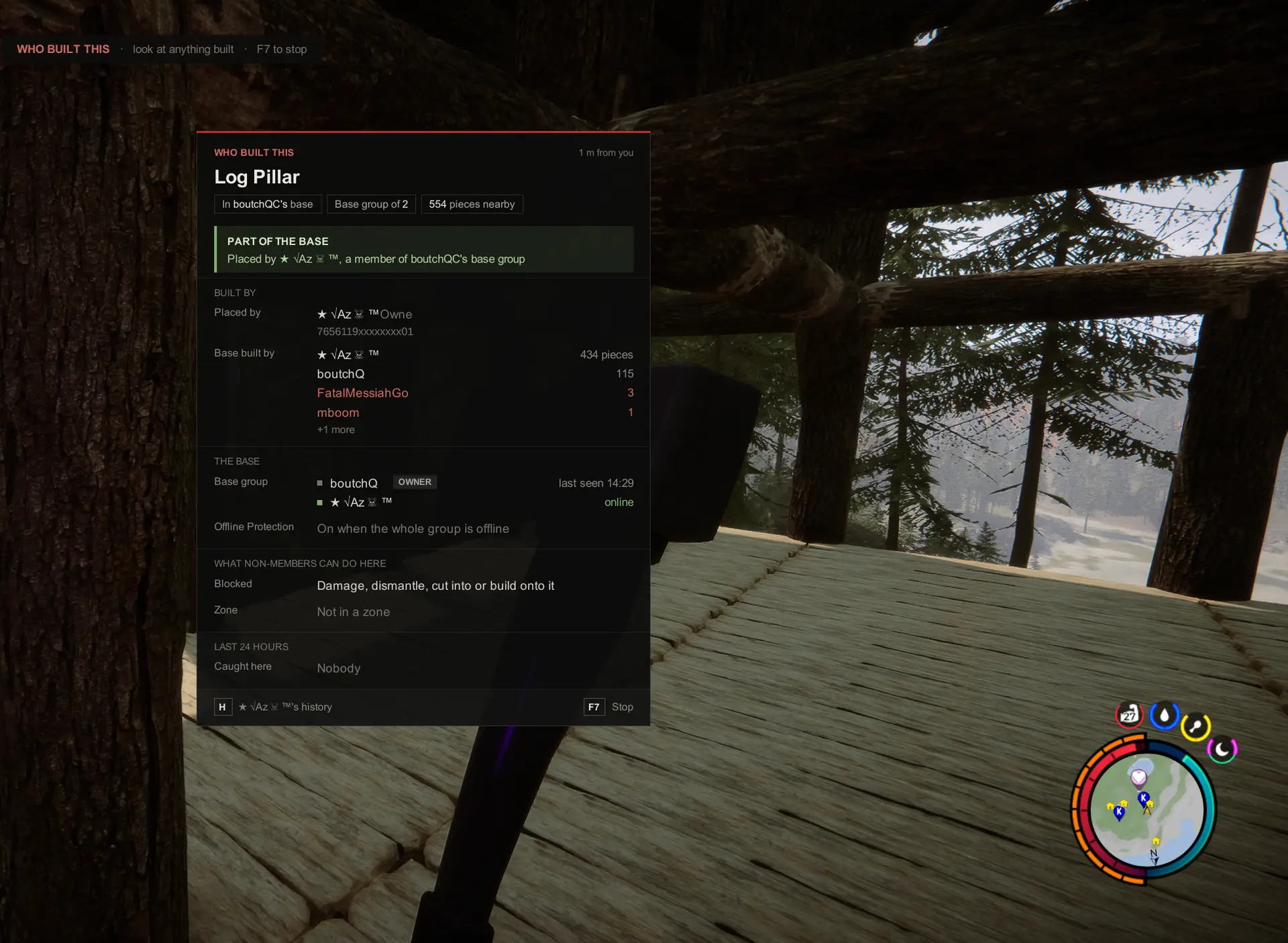
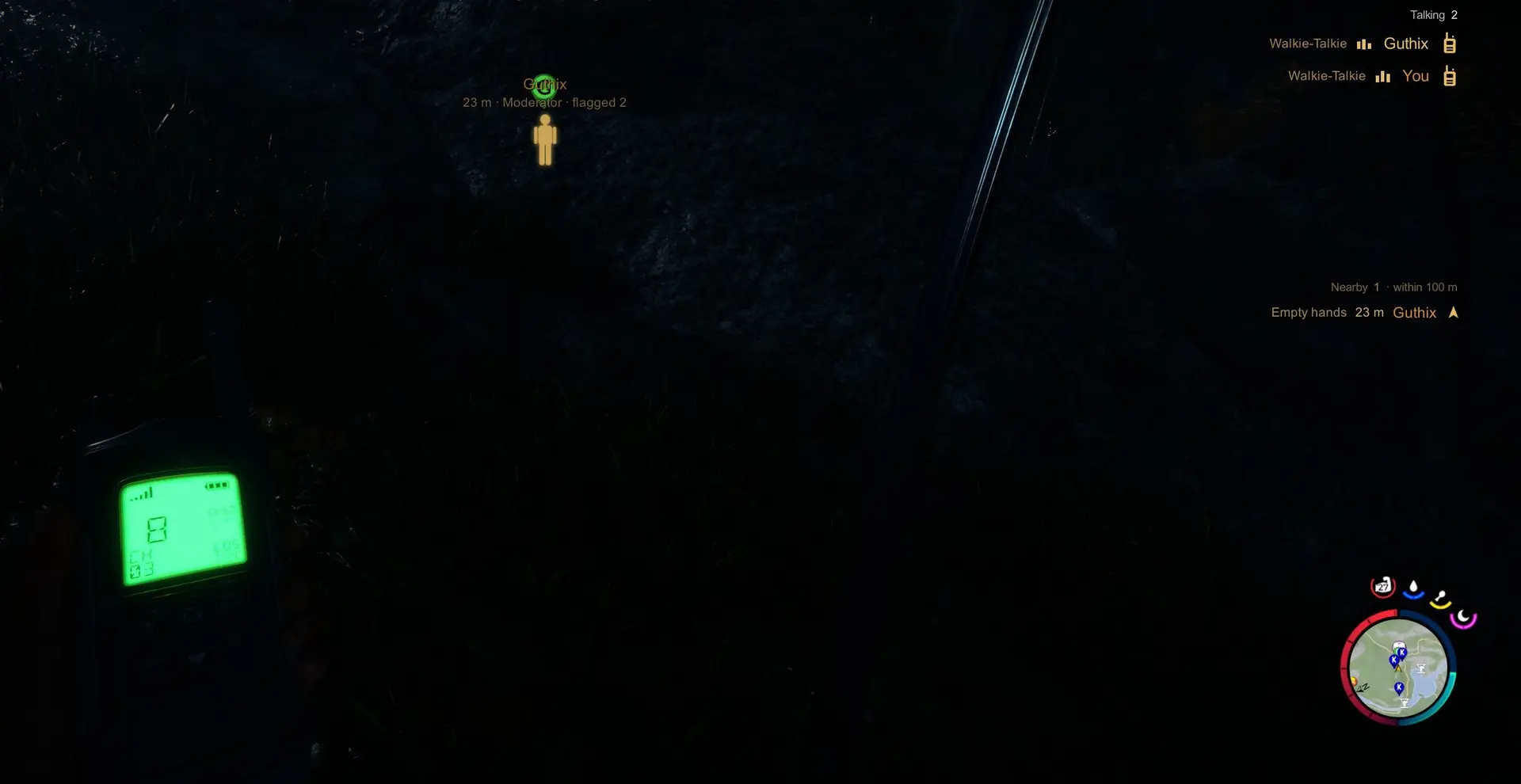
- 管理员工具: 隐身、观战、前往和传送、透视、雷达、谁在说话和谁建造了这个。
- Discord 提醒: 标记、踢出和封禁会发布到你的频道,并可 @ 你的管理员角色。
- 严格程度: 选择仅监视、平衡或严格,或自行设置每项检查。
- 游戏设置: 无需创建新世界即可更改游戏自身的设置。
网络控制面板#
在 dash.mpac.games 使用 Steam 登录,即可通过任何浏览器在你的电脑或手机上管理服务器:
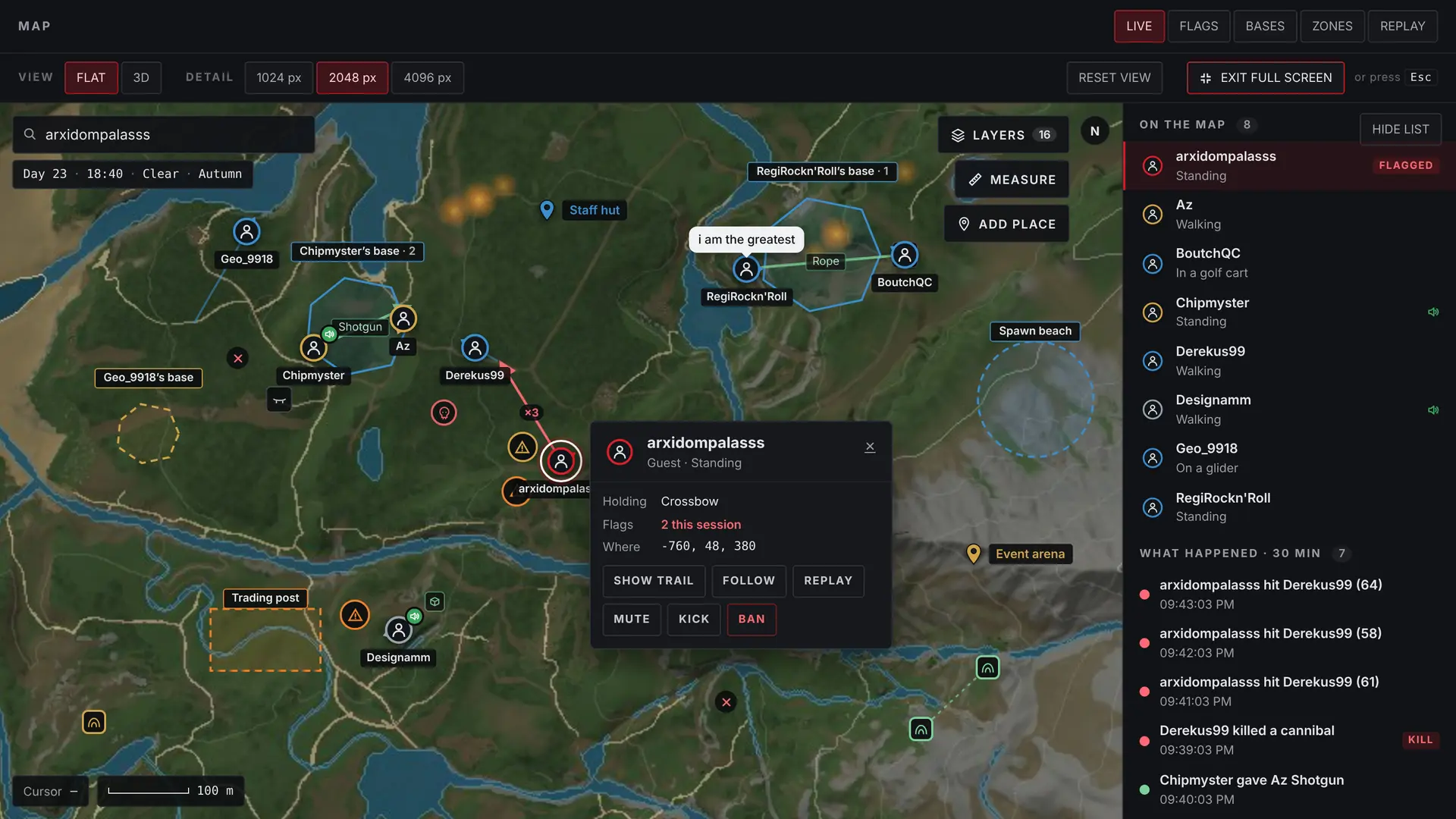
- 实时地图: 查看每个玩家、基地和区域,并回放任何人的行动轨迹。
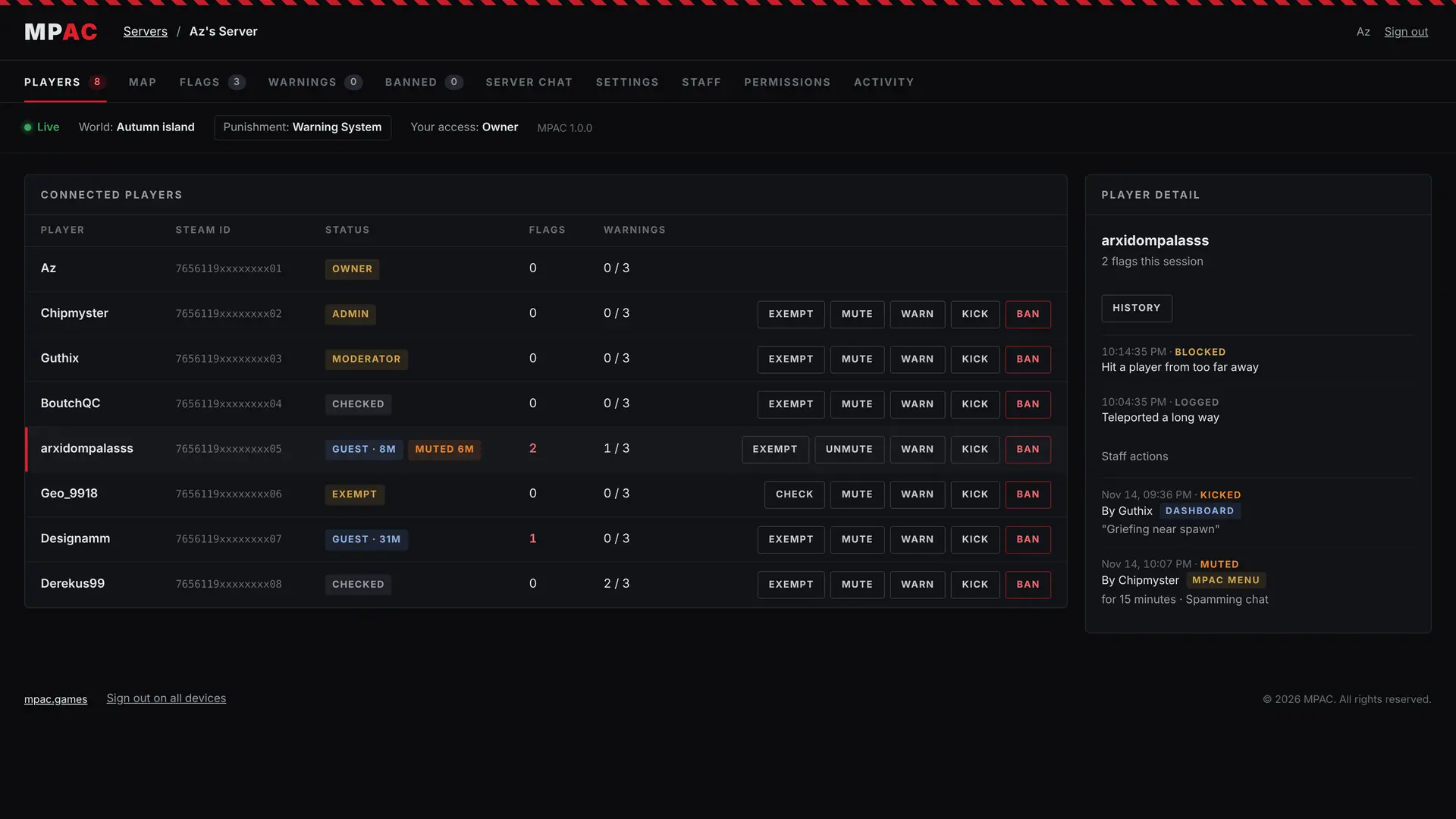
- 管理: 玩家、标记、警告、封禁和服务器聊天,以及所有设置。
- 管理员权限: 为你的团队授予查看者、版主或管理员权限,并选择每个级别可以做什么。
关联你的服务器: 安装 MPAC 后启动游戏或服务器一次。MPAC 会将关联码写入 Mods/MPAC/private/secrets.json。在控制面板登录,在 LINK A SERVER 下输入该关联码,服务器就归你所有了。请对关联码保密:谁先输入它,谁就成为所有者。
完整关联步骤:mpac.games/server-setup.html#link
安装(托管游戏)#
- 安装 RedLoader 并启动游戏一次,让它自行完成设置。
- 将
MPAC.dll和MPAC文件夹放入你的Sons Of The Forest\Mods文件夹。 - 创建游戏。MPAC 会以平衡模式启动。按 TAB 打开菜单并选择严格程度。
专用服务器#
MPAC 也能在专用服务器上运行,包括租用的服务器,只要你的主机允许 RedLoader。请按照分步指南操作:mpac.games/server-setup.html
所有功能#
这里只是简要介绍。完整的功能列表以及每项功能的具体作用,请见 mpac.games/features.html
有问题或遇到困难?来 Discord 找我们:discord.gg/zknH3BRXg
特别鸣谢#
Az、RegiRockn'Roll 以及专用服务器测试人员。
MPAC - Multiplayer Anti-Cheat#
MPAC keeps cheaters and griefers out of your Sons of the Forest server. It catches cheats while people play, protects bases, and gives you and your staff the tools to run the server, in game or from a web dashboard.
Only the host needs it. Your players don't install anything. It works on hosted games and on dedicated servers.
What it does#
- Catches cheats: flying, clipping, speed hacks, teleporting, spawned items, duped items, infinite ammo, one-hit kills, kill aura, mass destruction, instant tree felling and more. Each check can log, block or punish.
- Protects bases: keeps outsiders out of other players' storage, stops them damaging or taking apart what you built, and lets friends share a base with
!base add. Protected zones, offline protection and grief penalties are all there too. - Protects Kelvin and Virginia from other players.
- Checks players when they join: whitelist, name filter, fake admin actions, people posing as someone else, ban enforcement and reserved slots.
- Keeps chat clean: banned words, mutes, slow mode, a link filter, mic spam and walkie-talkie abuse.
- Punishes your way: kick or ban, a warning system, temporary bans, or a punishment ladder that steps up from a warning to a ban.
Tools for you and your staff#
- In-game menu (TAB): see who's online, what's been flagged and each player's history. Mute, warn, kick, ban or exempt in one click, and change any setting mid-game.
- Staff tools: Vanish, Spectate, Go To and Bring, X-Ray, Radar, Who's Talking and Who Built This.
- Discord alerts: flags, kicks and bans post to your channel and can ping your staff roles.
- Strictness levels: pick Watch Only, Balanced or Strict, or set every check yourself.
- Game settings: change the game's own settings without starting a new world.
Web dashboard#
Sign in with Steam at dash.mpac.games to run your server from any browser, on your PC or your phone:
- Live map: see every player, base and zone, and replay where anyone went.
- Management: players, flags, warnings, bans and server chat, plus every setting.
- Staff access: give your team Viewer, Moderator or Admin access, and choose what each level can do.
To link your server: start the game or server once with MPAC installed. MPAC writes a link code to Mods/MPAC/private/secrets.json. Sign in at the dashboard, enter the code under LINK A SERVER, and the server is yours. Keep the code to yourself: whoever enters it first becomes the owner.
Full linking steps: mpac.games/server-setup.html#link
Install (Hosted Game)#
- Install RedLoader and launch the game once so it sets itself up.
- Put
MPAC.dlland theMPACfolder into yourSons Of The Forest\Modsfolder. - Host a game. MPAC starts on Balanced. Press TAB to open the menu and choose how strict it should be.
Dedicated servers#
MPAC runs on dedicated servers too, including rented ones, as long as your host allows RedLoader. Follow the step-by-step guide: mpac.games/server-setup.html
Every feature#
This is only the short version. For the full list of features and what each one does, see mpac.games/features.html
Questions or problems? Join us on Discord: discord.gg/zknH3BRXg
Special thanks#
Az, RegiRockn'Roll and the dedicated server testers.
译自英语 ·
版本与更新日志
全部 1 个版本-
First release
评论
还没有评论。提问、技巧和 bug 反馈都可以写在这里。
有东西不能用?分享你的日志,并把链接粘贴到评论中。
登录后发表评论