MPAC - Multiplayer Anti-Cheat#
MPAC keeps cheaters and griefers out of your Sons of the Forest server. It catches cheats while people play, protects bases, and gives you and your staff the tools to run the server, in game or from a web dashboard.
Only the host needs it. Your players don't install anything. It works on hosted games and on dedicated servers.
What it does#
- Catches cheats: flying, clipping, speed hacks, teleporting, spawned items, duped items, infinite ammo, one-hit kills, kill aura, mass destruction, instant tree felling and more. Each check can log, block or punish.
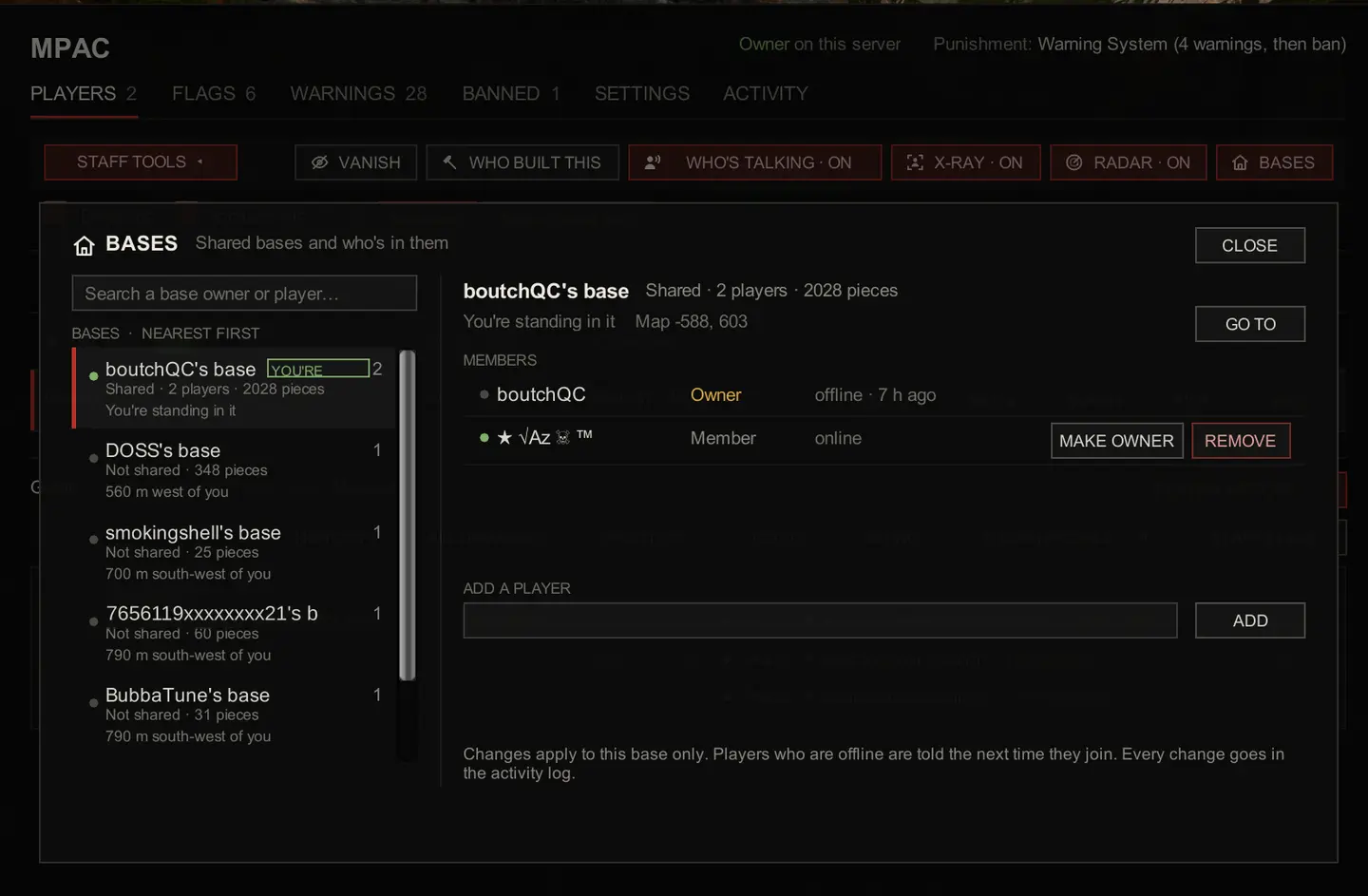
- Protects bases: keeps outsiders out of other players' storage, stops them damaging or taking apart what you built, and lets friends share a base with
!base add. Protected zones, offline protection and grief penalties are all there too.
- Protects Kelvin and Virginia from other players.
- Checks players when they join: whitelist, name filter, fake admin actions, people posing as someone else, ban enforcement and reserved slots.
- Keeps chat clean: banned words, mutes, slow mode, a link filter, mic spam and walkie-talkie abuse.
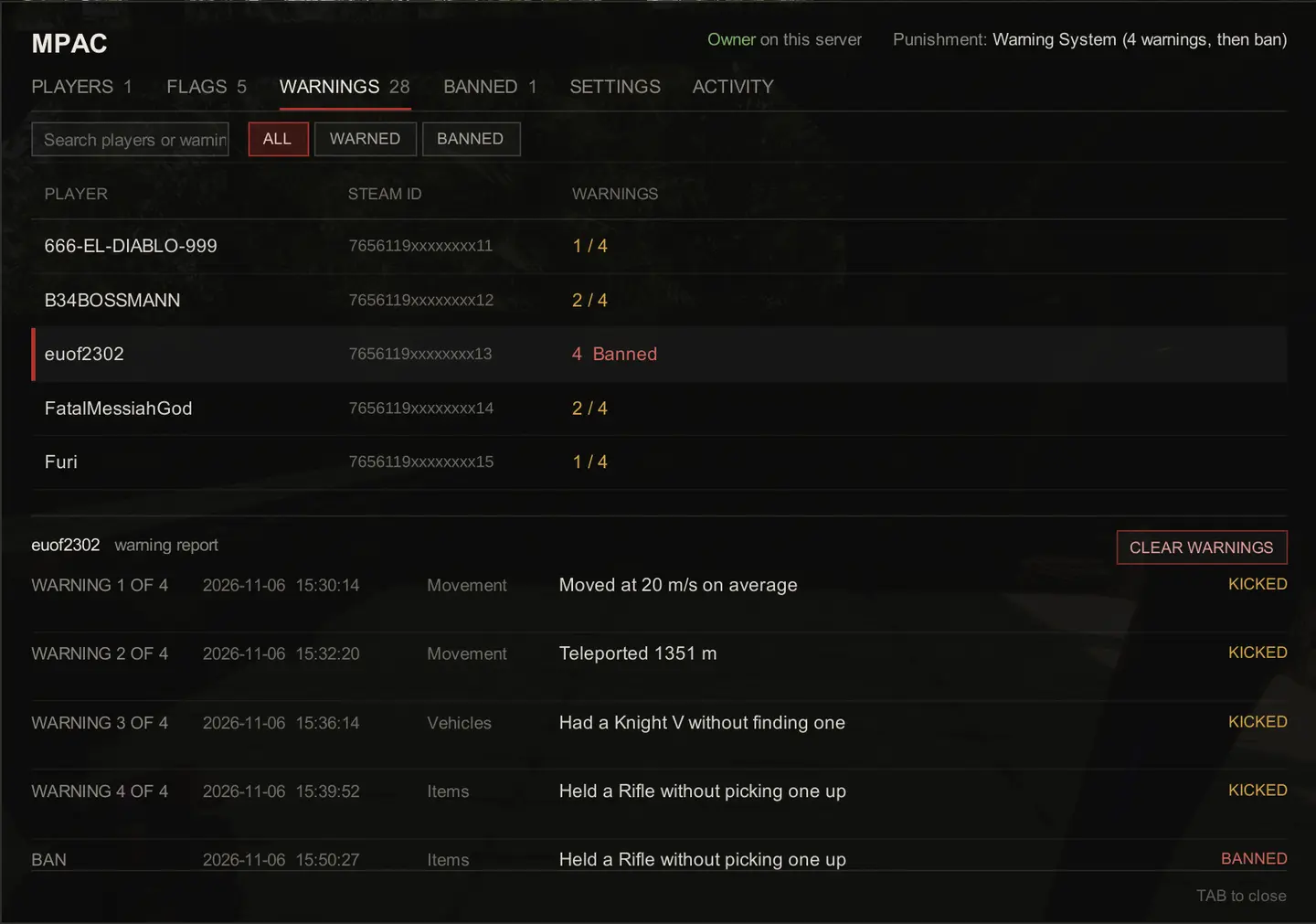
- Punishes your way: kick or ban, a warning system, temporary bans, or a punishment ladder that steps up from a warning to a ban.
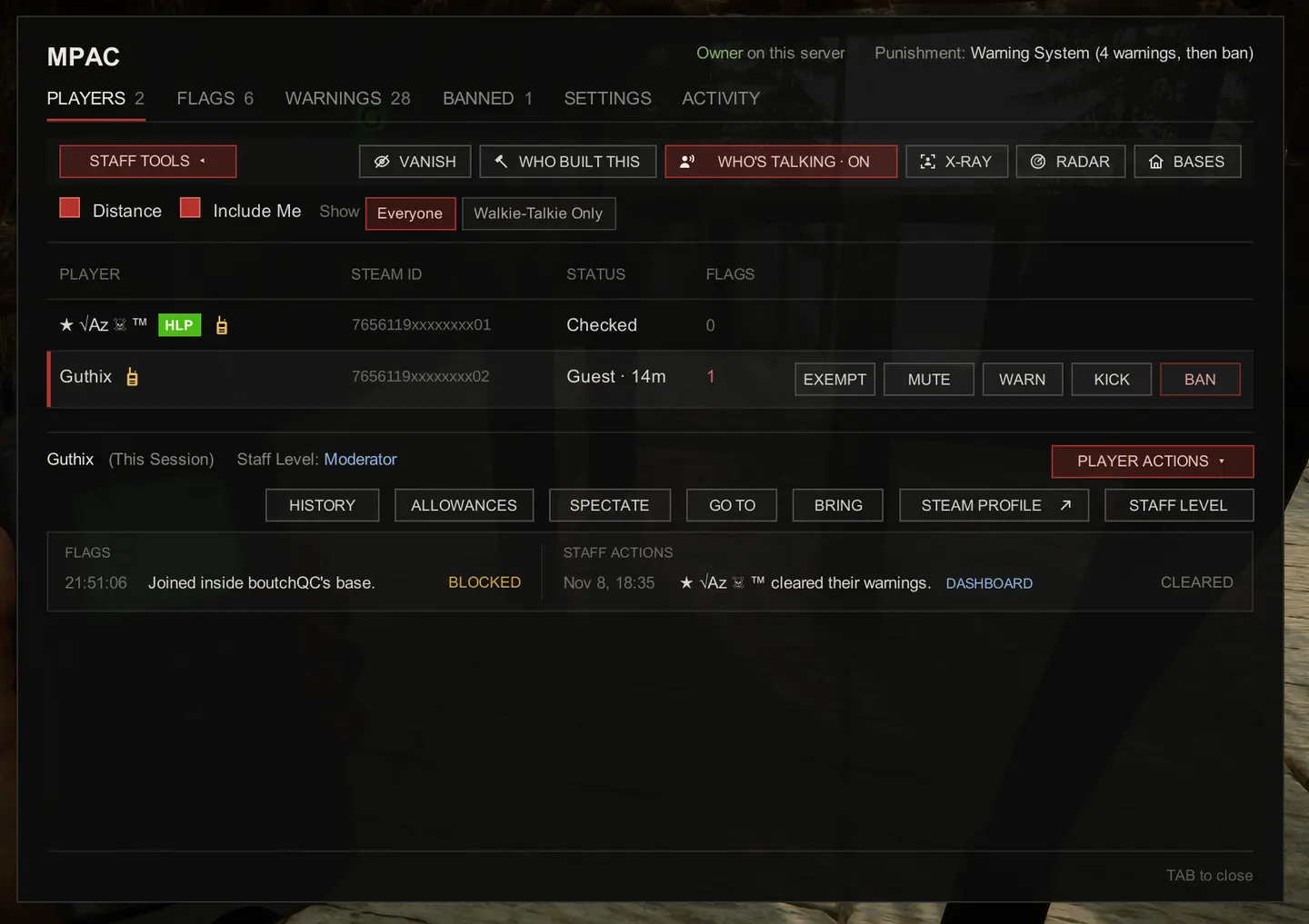
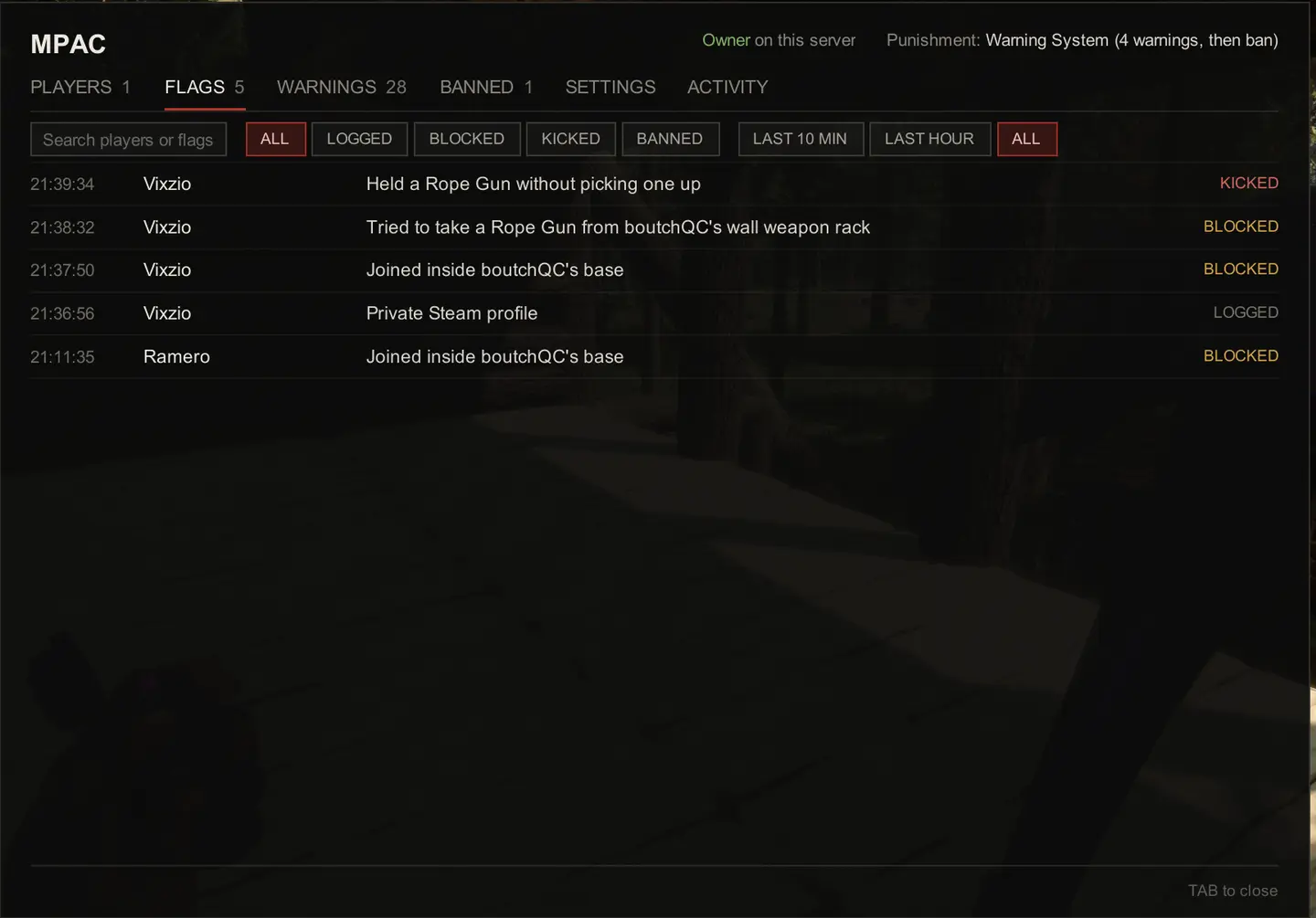
- In-game menu (TAB): see who's online, what's been flagged and each player's history. Mute, warn, kick, ban or exempt in one click, and change any setting mid-game.
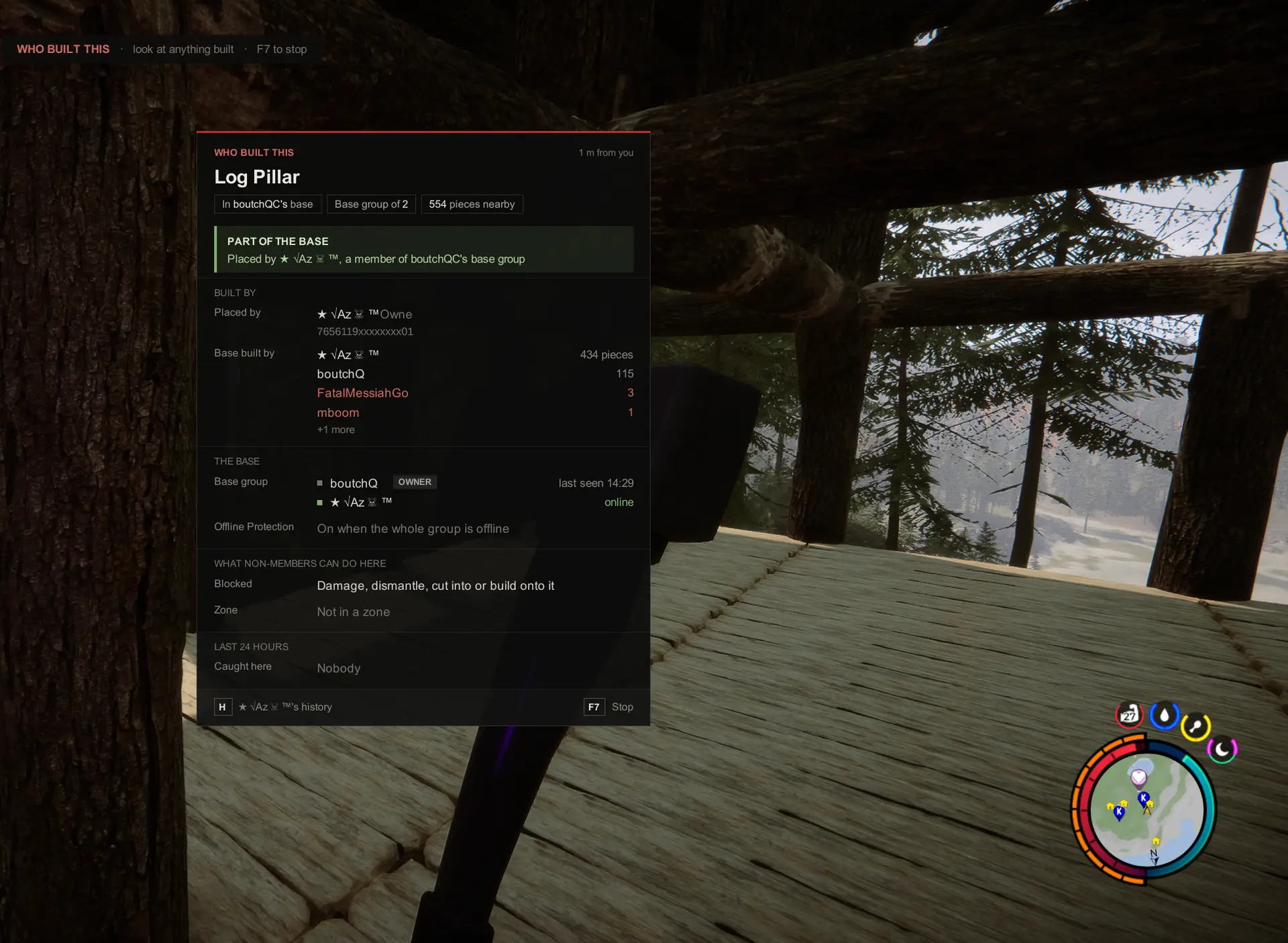
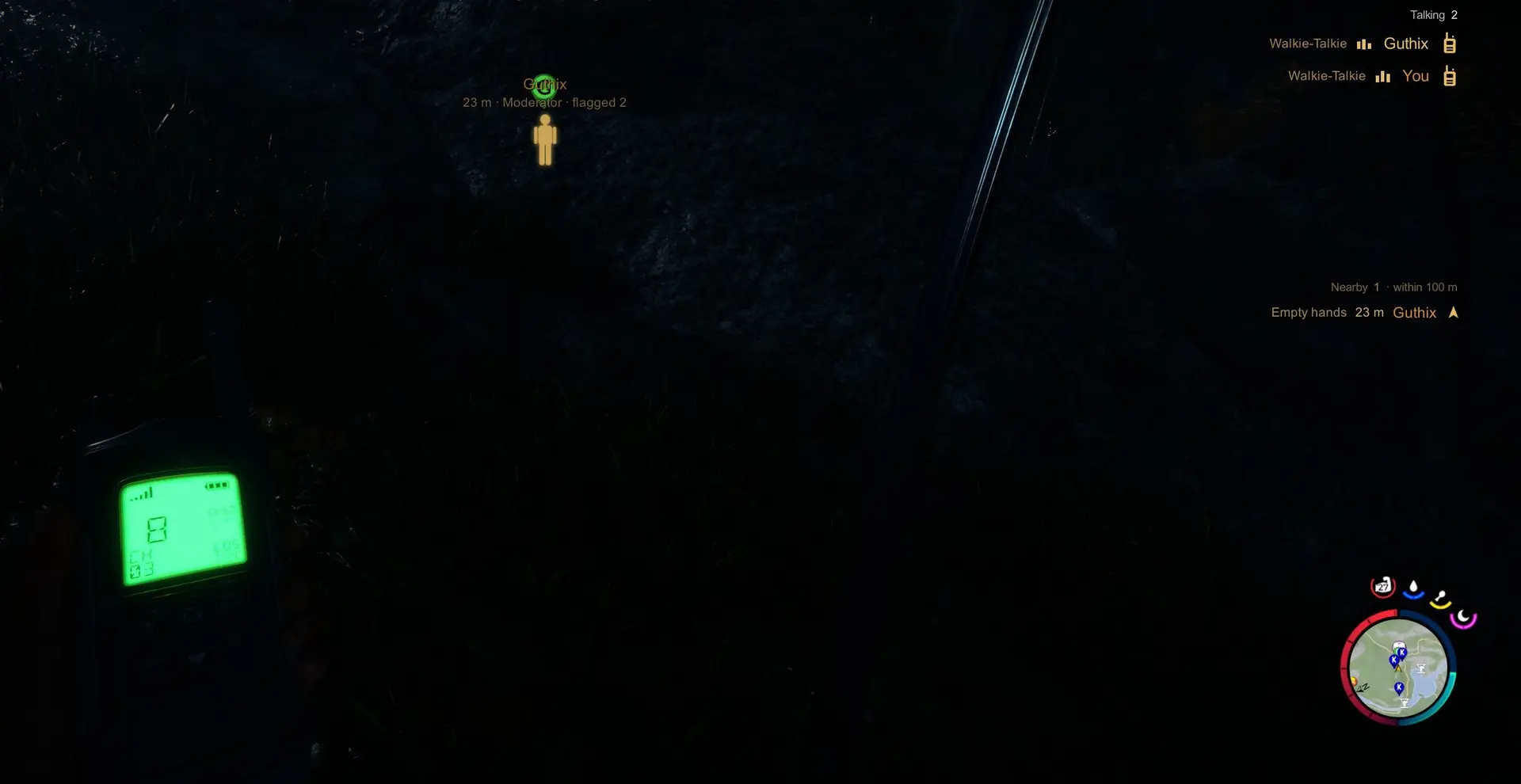
- Staff tools: Vanish, Spectate, Go To and Bring, X-Ray, Radar, Who's Talking and Who Built This.
- Discord alerts: flags, kicks and bans post to your channel and can ping your staff roles.
- Strictness levels: pick Watch Only, Balanced or Strict, or set every check yourself.
- Game settings: change the game's own settings without starting a new world.
Web dashboard#
Sign in with Steam at dash.mpac.games to run your server from any browser, on your PC or your phone:
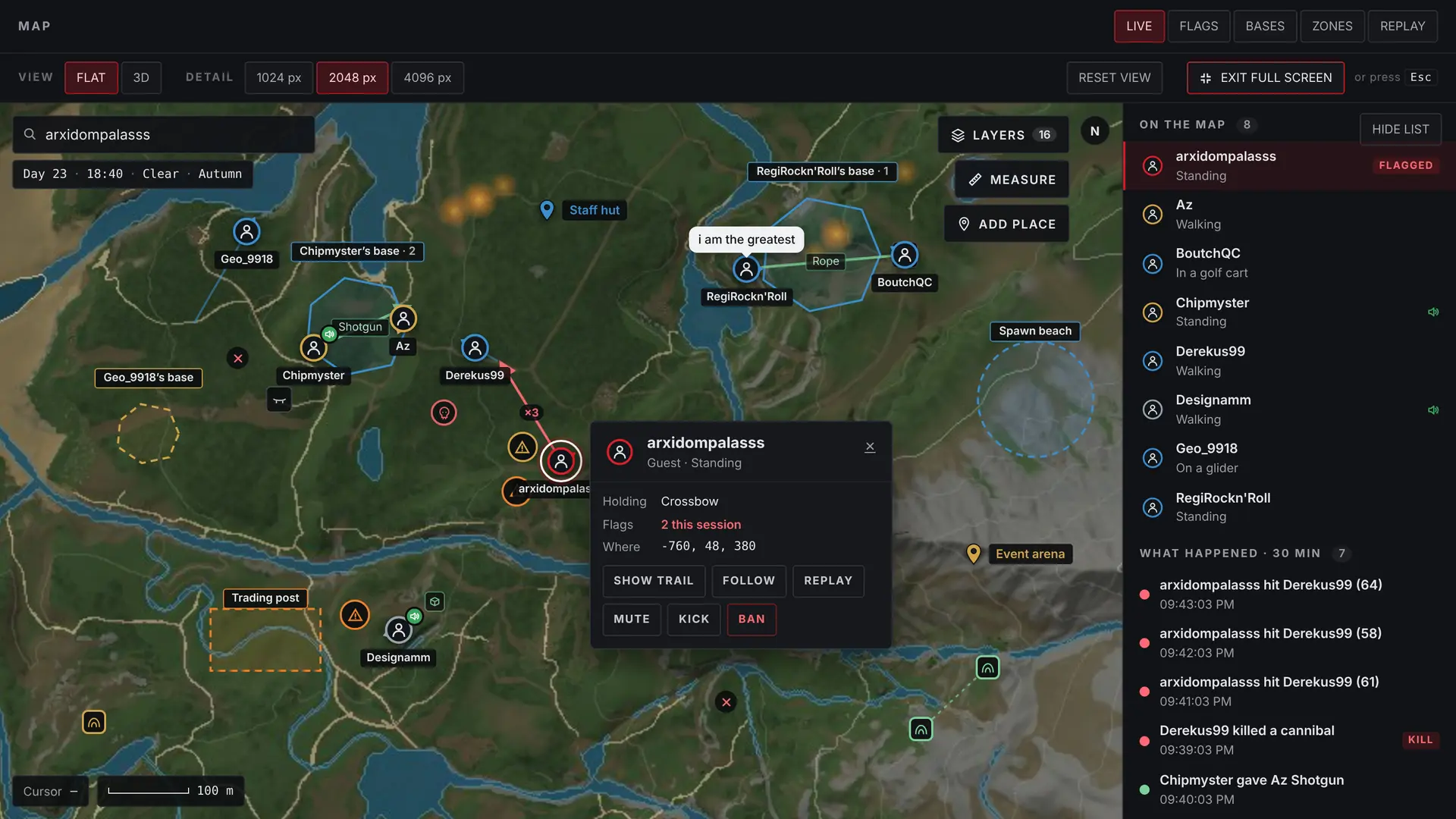
- Live map: see every player, base and zone, and replay where anyone went.
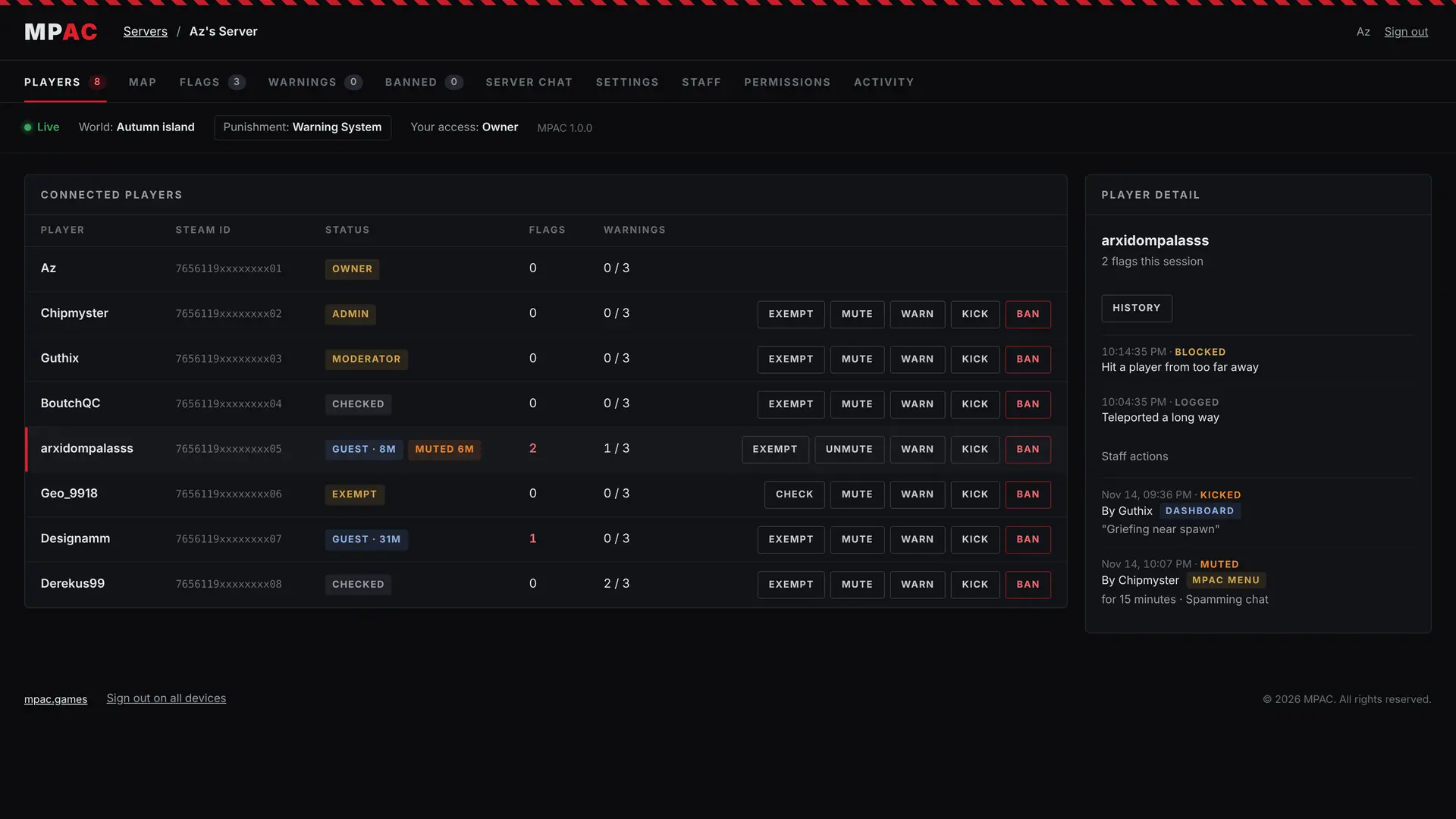
- Management: players, flags, warnings, bans and server chat, plus every setting.
- Staff access: give your team Viewer, Moderator or Admin access, and choose what each level can do.
To link your server: start the game or server once with MPAC installed. MPAC writes a link code to Mods/MPAC/private/secrets.json. Sign in at the dashboard, enter the code under LINK A SERVER, and the server is yours. Keep the code to yourself: whoever enters it first becomes the owner.
Full linking steps: mpac.games/server-setup.html#link
Install (Hosted Game)#
- Install RedLoader and launch the game once so it sets itself up.
- Put
MPAC.dll and the MPAC folder into your Sons Of The Forest\Mods folder.
- Host a game. MPAC starts on Balanced. Press TAB to open the menu and choose how strict it should be.
Dedicated servers#
MPAC runs on dedicated servers too, including rented ones, as long as your host allows RedLoader. Follow the step-by-step guide: mpac.games/server-setup.html
Every feature#
This is only the short version. For the full list of features and what each one does, see mpac.games/features.html
Questions or problems? Join us on Discord: discord.gg/zknH3BRXg
Special thanks#
Az, RegiRockn'Roll and the dedicated server testers.



Comments
No comments yet. Questions, tips and bug reports go here.
Something not working? Share your log and paste the link in your comment.
Log in to comment