
本文へスキップ

SOTF Mods を再構築しました。同じパスワードでもう一度ログインしてください。

Sons of the Forest MODローダー: RedLoader

サバイバルジャーナル(BETA) v0.9.1

原題 Survival Journal (BETA)

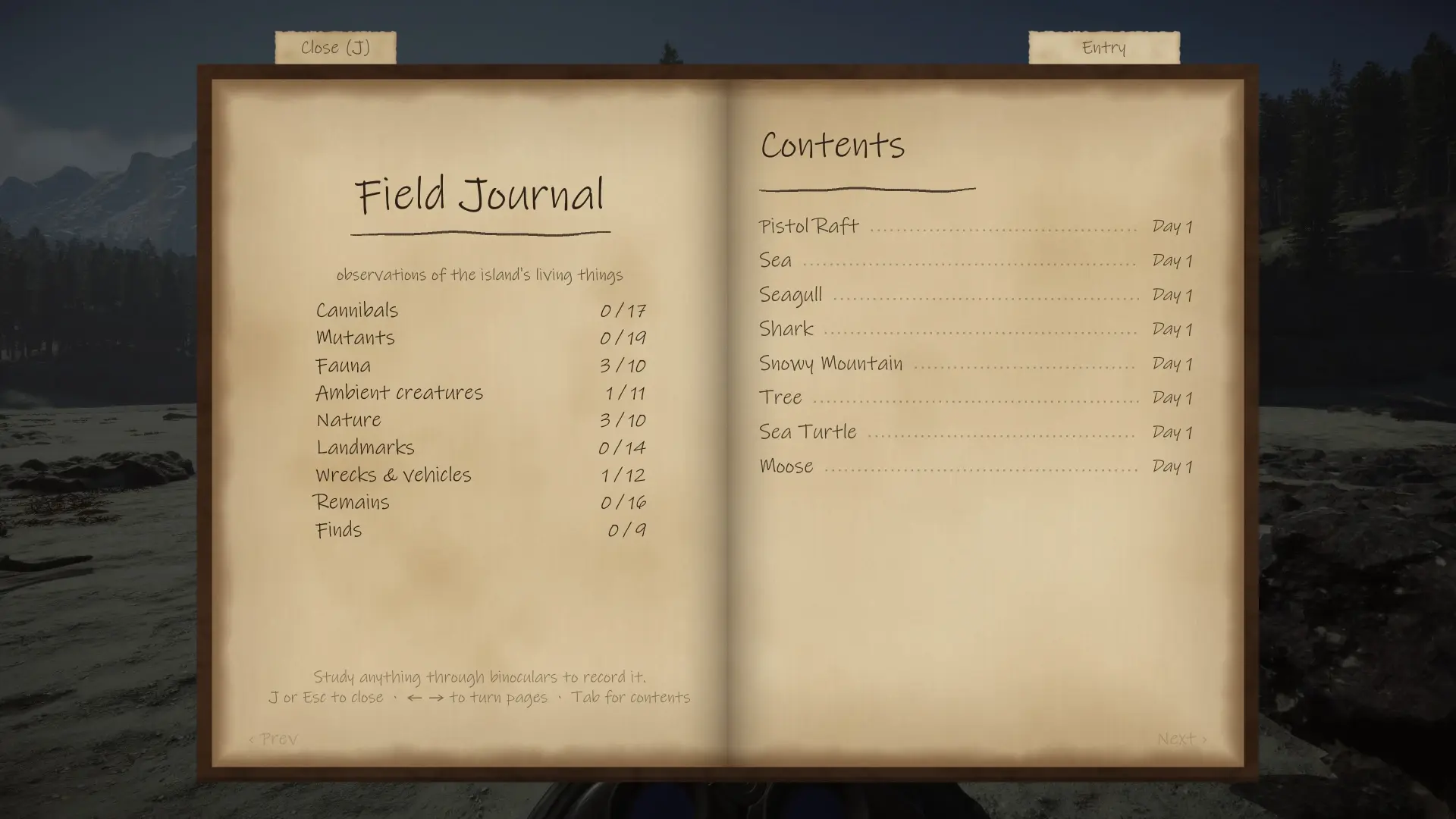
双眼鏡で生き物、場所、遺体を調べ、手書きのフィールドジャーナルに記録しよう。119件の項目、自分だけのスケッチとメモ、そしてJキーで開くRDR2スタイルの2ページジャーナル。

英語から翻訳
Zemo Gameplay & Difficulty

  • 3 3 ダウンロード数
  • フォロワー 1 人
  • に更新

説明

サバイバルジャーナル (ベータ)

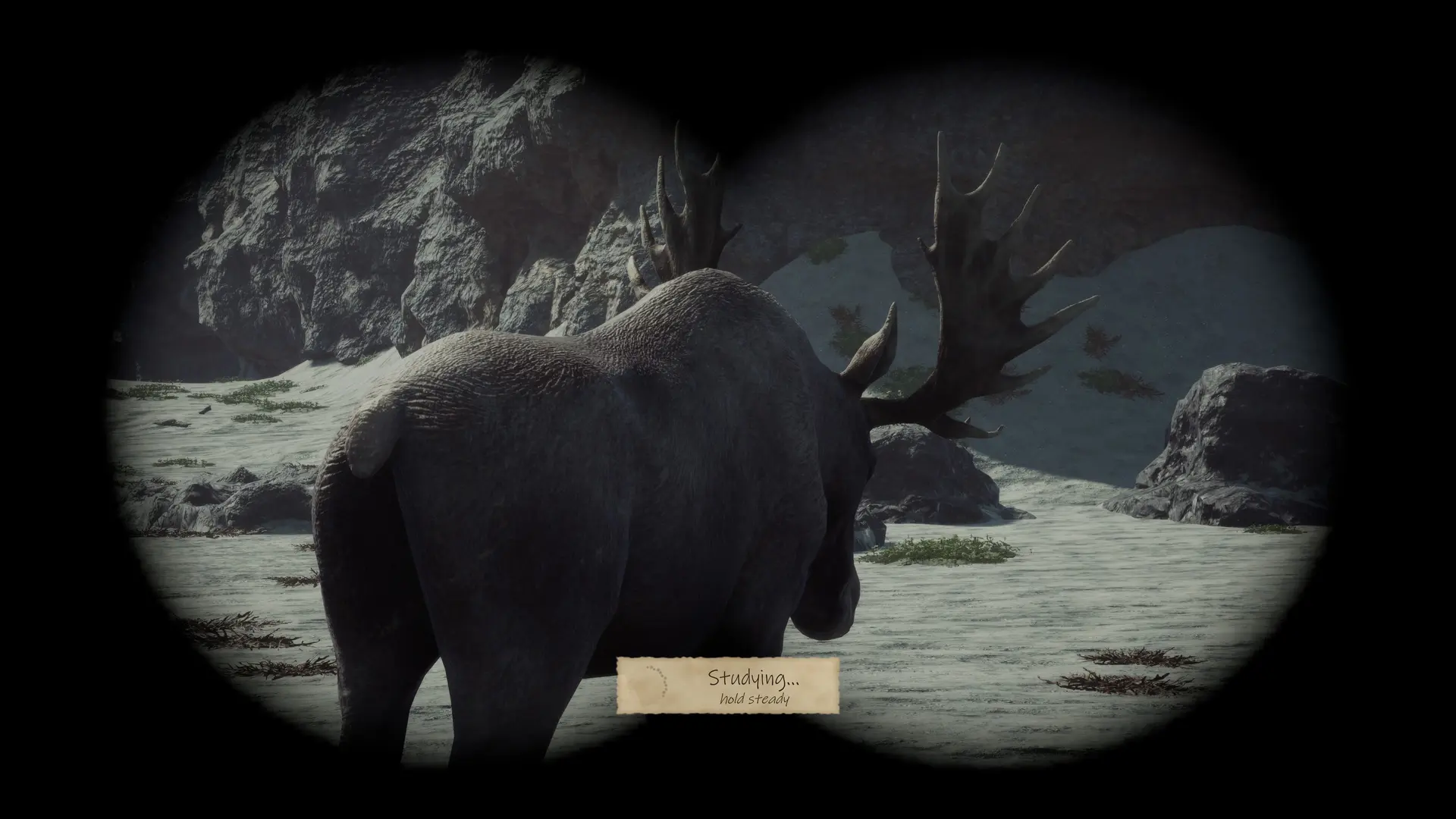
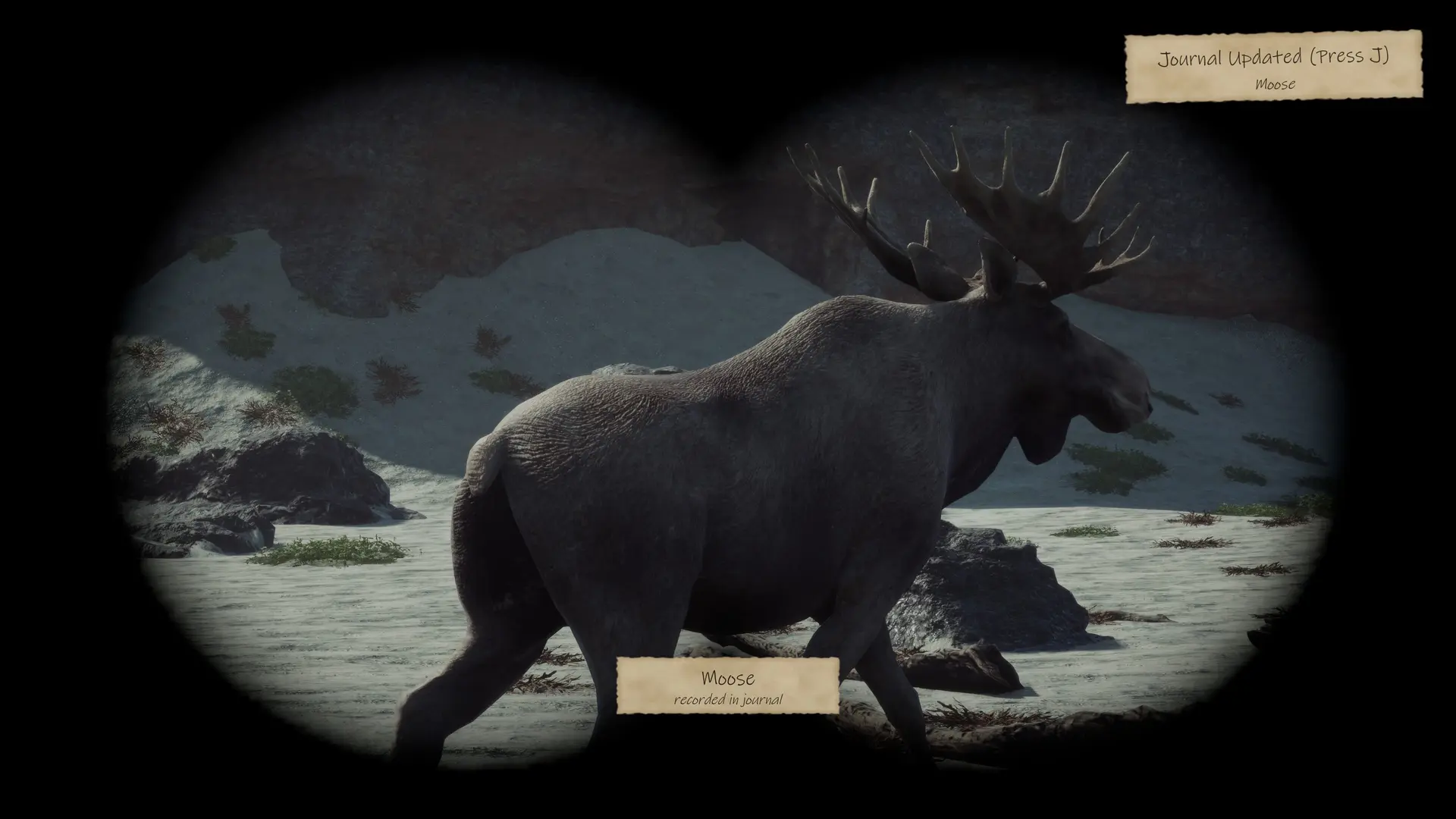
双眼鏡を博物学者の道具に変えよう。双眼鏡を構え、何かを視界に収めて観察する。完了すると、紙の上を鉛筆が走り、ノートに「ジャーナル更新 (Jを押す)」と表示され、発見がその日見つけた日とともにフィールドジャーナルに記録される。

記録できるもの

  • 人食い人種の種類: 基本、鎧、完全鎧 (実際に着ている骨鎧に基づく)、女性、泥まみれ、ペイント、金色の仮面、ブルート、太った人食い人種、そして名前付きの特別な人食い人種。
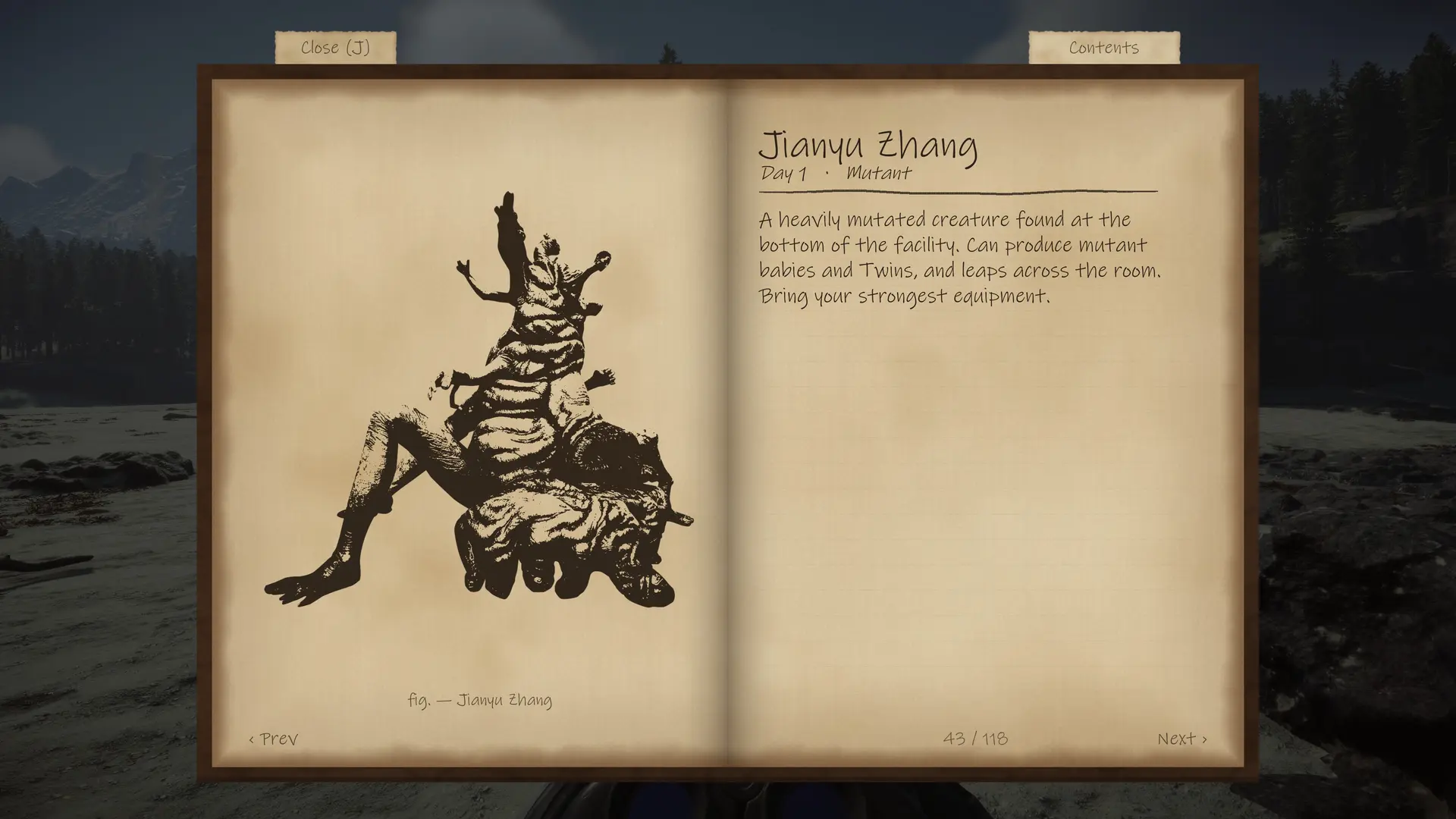
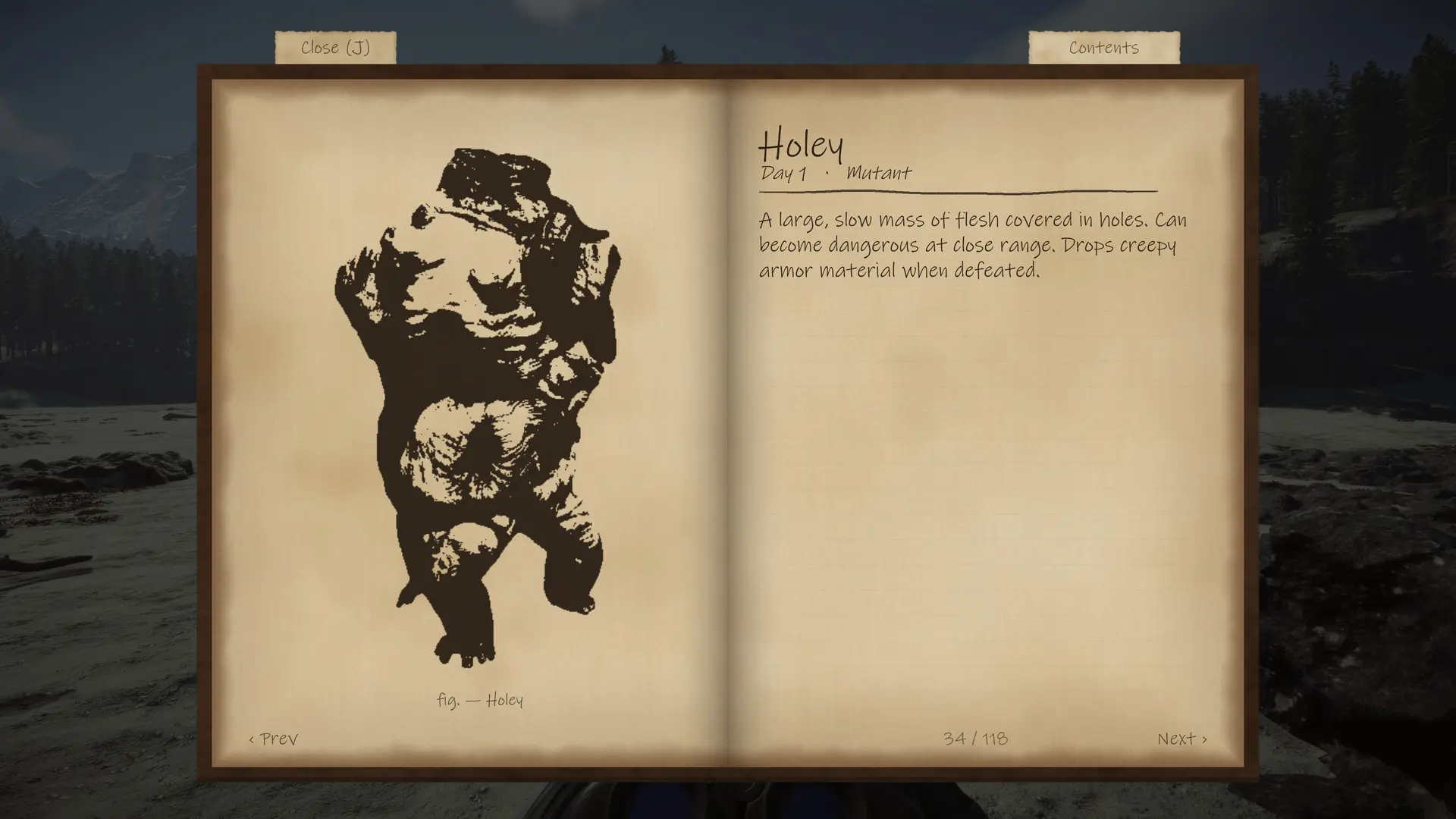
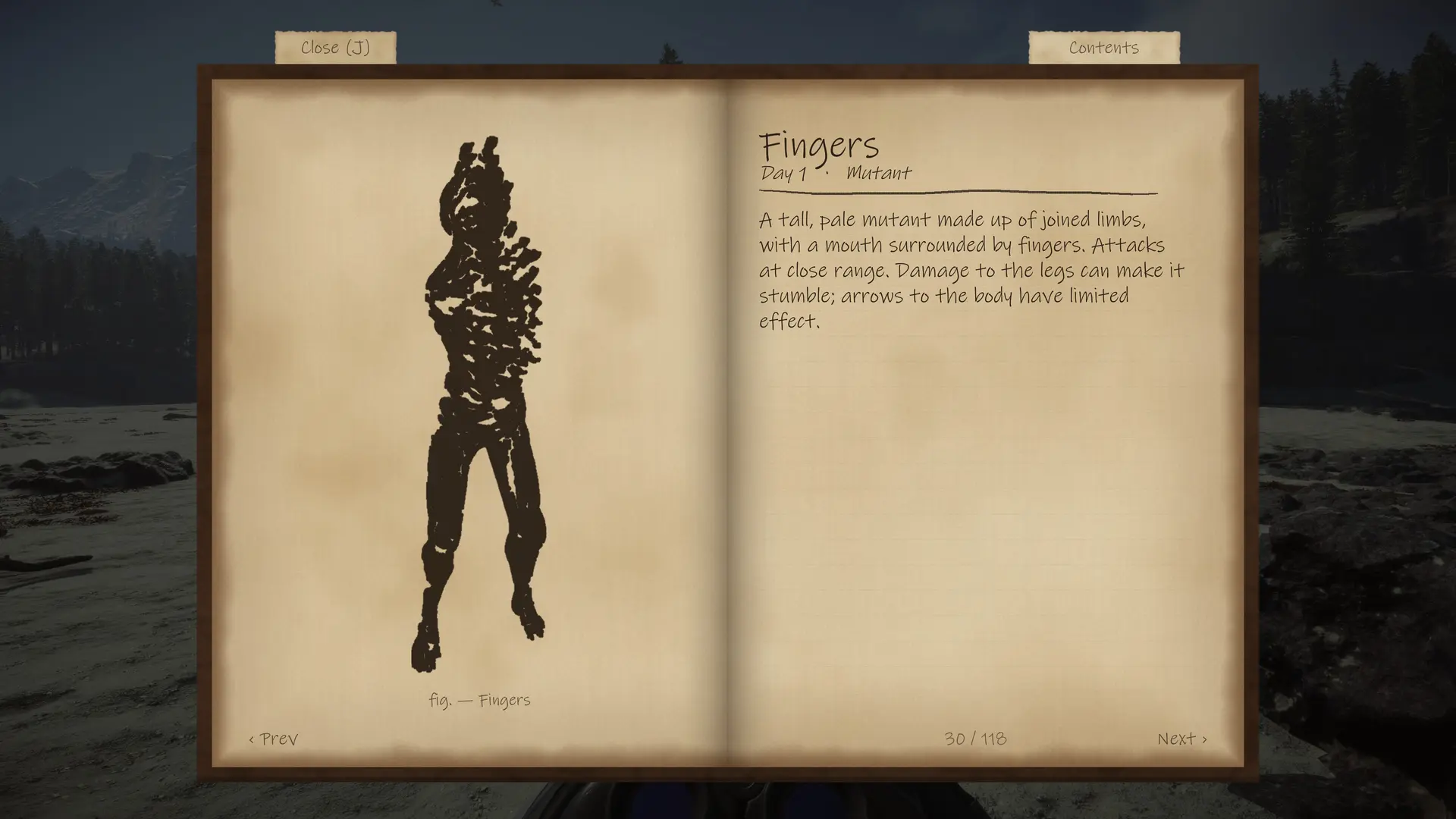
  • ミュータント: Fingers や Twins から Puffies、斑点のある Puffies、ボスまで。
  • 動物相と環境生物: シカ、ヘラジカ、ウサギ、サケ、サメ、鳥、カエル、チョウ、ヒトデなど。
  • 自然: 木、滝、湖、池、小川、川、地下水、海、雪山。
  • ランドマーク: 洞窟とバンカーの入口、人食い人種・生存者・兵士のキャンプ、放棄された村、墓、彫像、玉座、ロープブリッジ、金色のキューブ。
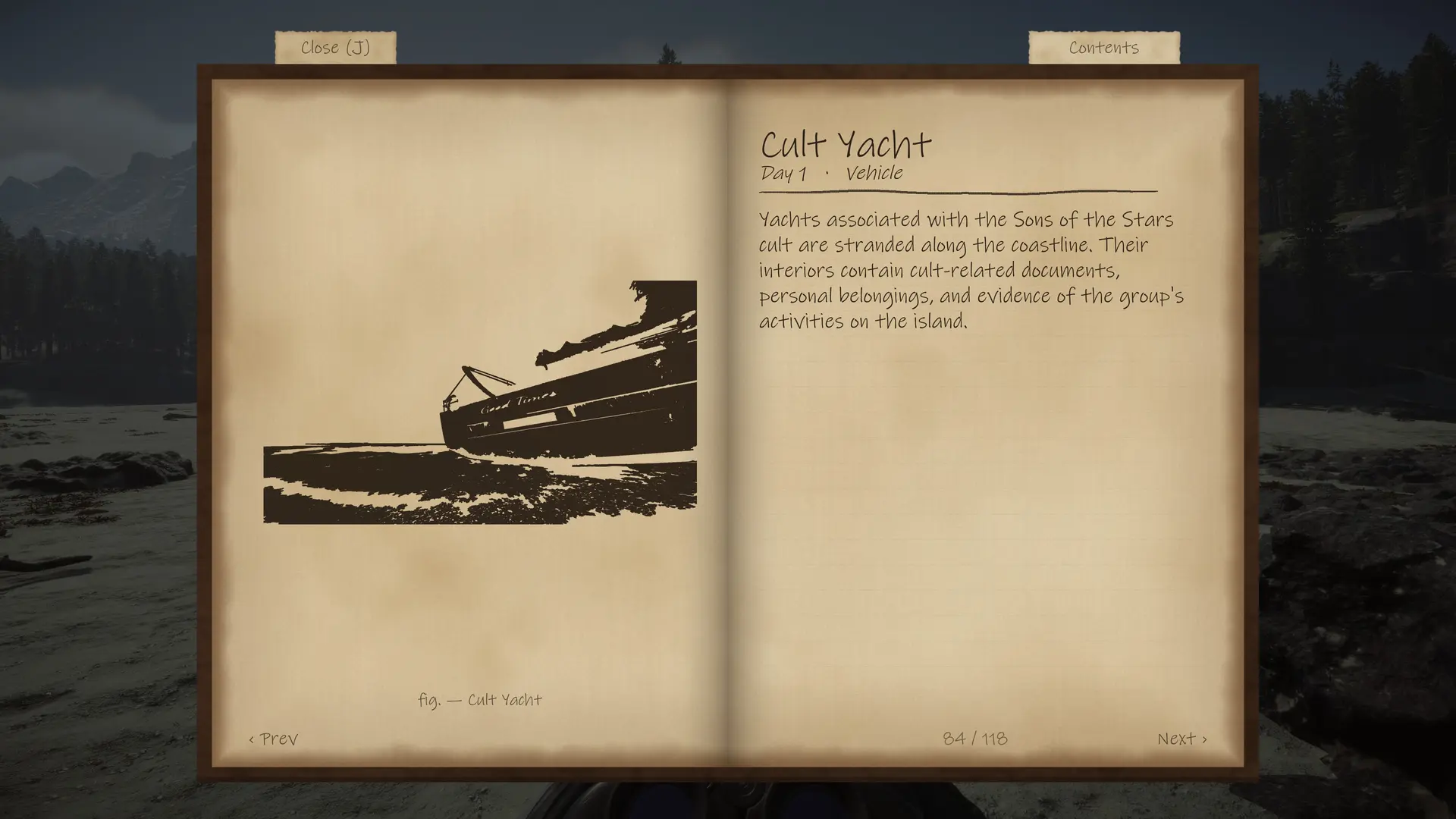
  • 残骸と乗り物: 墜落したヘリコプター、飛行機、カヤック、座礁したカルトのヨット、ゴルフカート、Knight V、ハンググライダー、飛行中の軍用ヘリコプター。
  • 遺体: 骸骨、吊るされた死体、死んだカルト信者、Team B (吊るされた者、埋められた者、ピストルのいかだで見つかる者)、座礁したシャチ、槍で刺されたウミガメ、そして自分自身のキル。
  • 発見物: ラジオ、セオドライト、バレル、作業灯、スーツケース、補給箱、ソラファイト、アーティファクトの破片。

スマート記録

  • 最も具体的な項目が常に優先される: 吊るされた傭兵は、一般的な死体ではなく Hanging Mercenary として記録される。
  • 海はビーチからのみカウントされ、雪山は遠くからのみ、軍用ヘリコプターは飛行中のみカウントされる。
  • 「My Kill」の死体項目は、自分の攻撃が最後の一撃だった場合のみカウントされる。
  • オプションで Simmelsau's BinoZoomMod を追加できる

ジャーナル

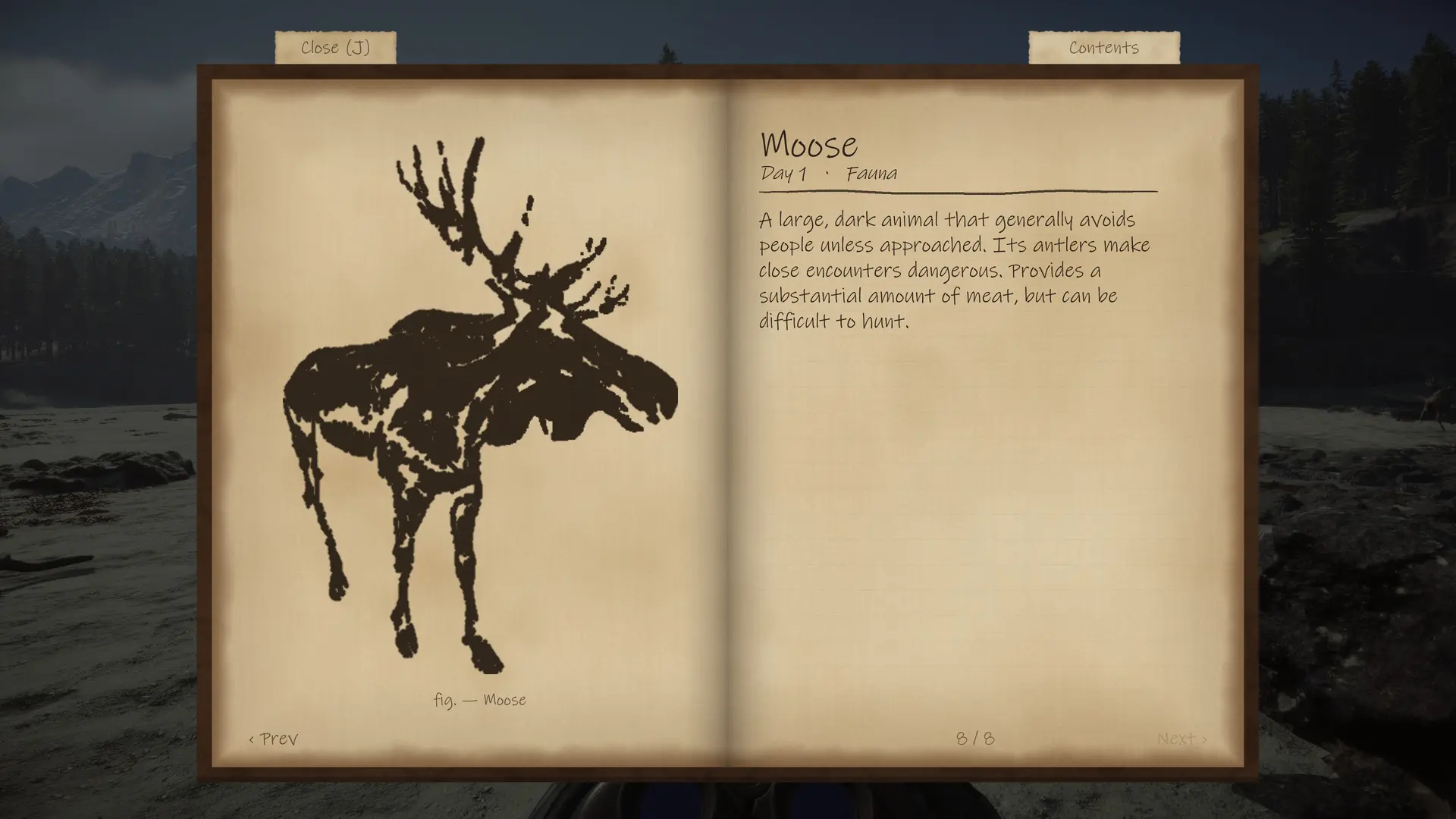
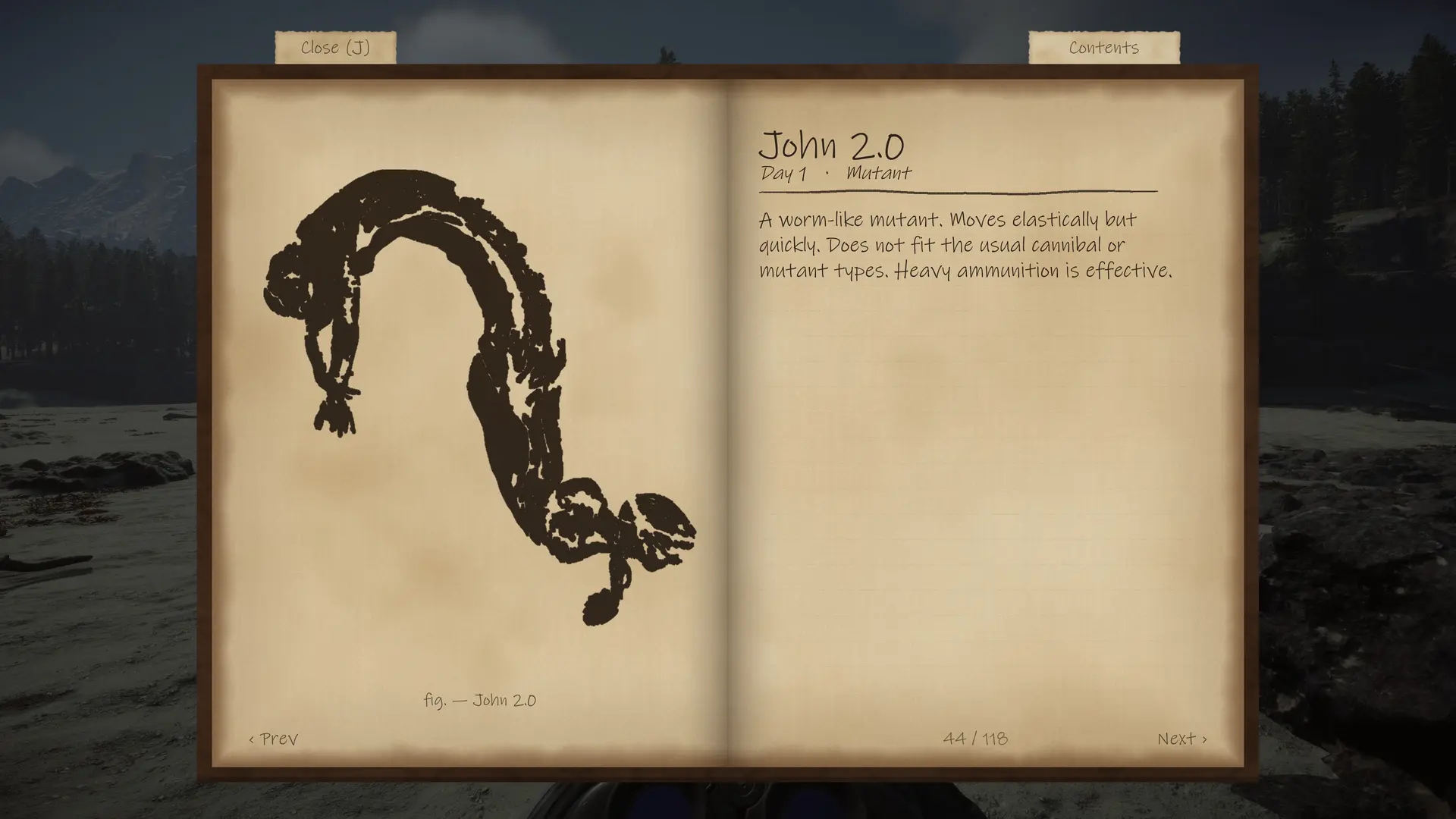
  • Jを押すとRDR2スタイルの見開き2ページのジャーナルが開く。左にスケッチ、右に名前、発見した日、フィールドノートが表示される。
  • A/Dまたは矢印キーでページをめくり、Tabで目次を表示する。
  • 自作のスケッチを追加できる: 項目名を付けたPNGを Sketches フォルダに入れる。白または黒の背景は自動的に除去され、絵はジャーナルのセピアインクで着色される。
  • すべてのノートは entries.json で編集できる。アップデートでは、進行状況やテキストに触れることなく新しい項目が追加される。

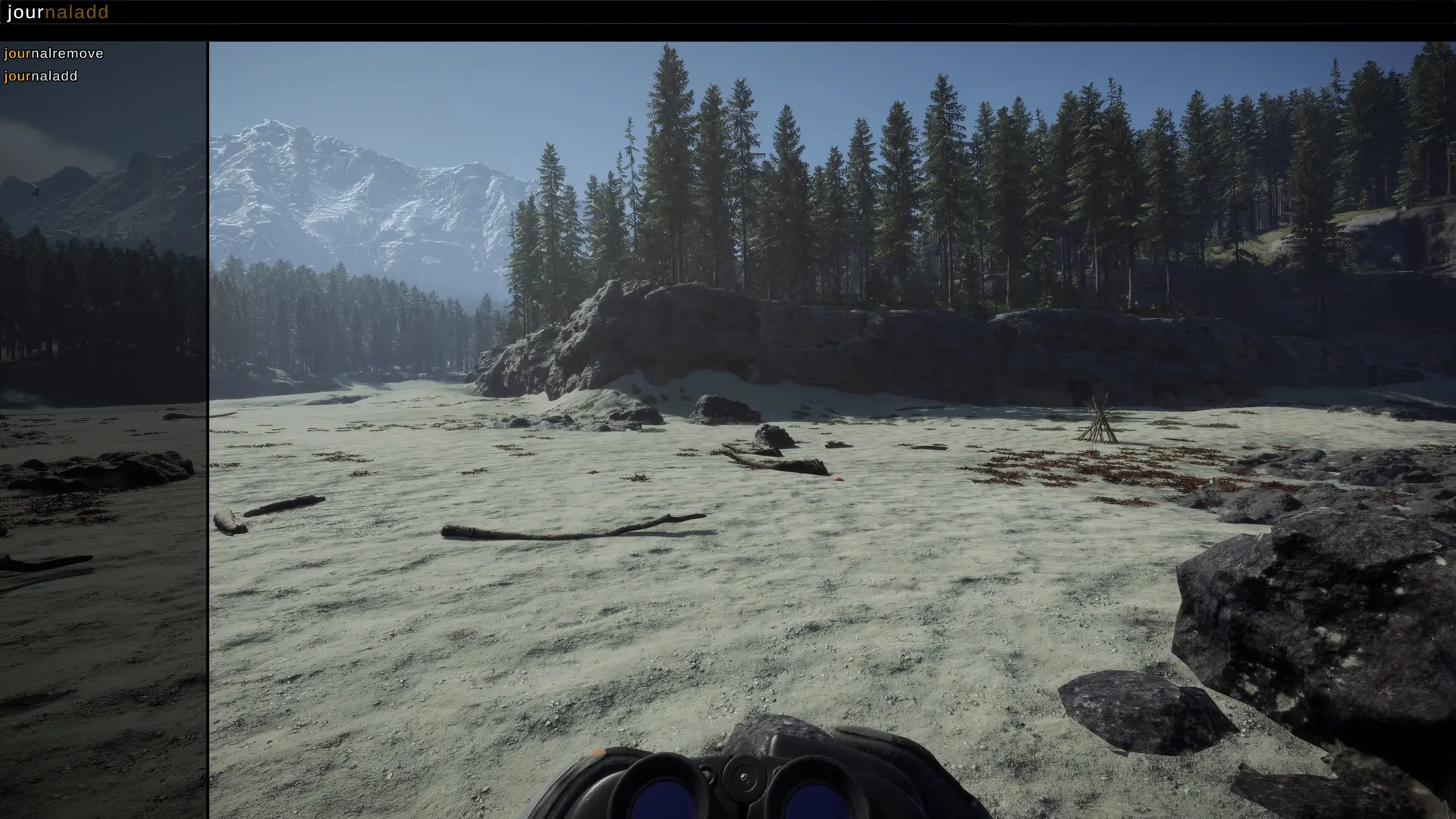
コンソールコマンド (F1)

  • journaladd (name) / journaladd all
  • journalremove (name) / journalremove all

ベータに関する注意

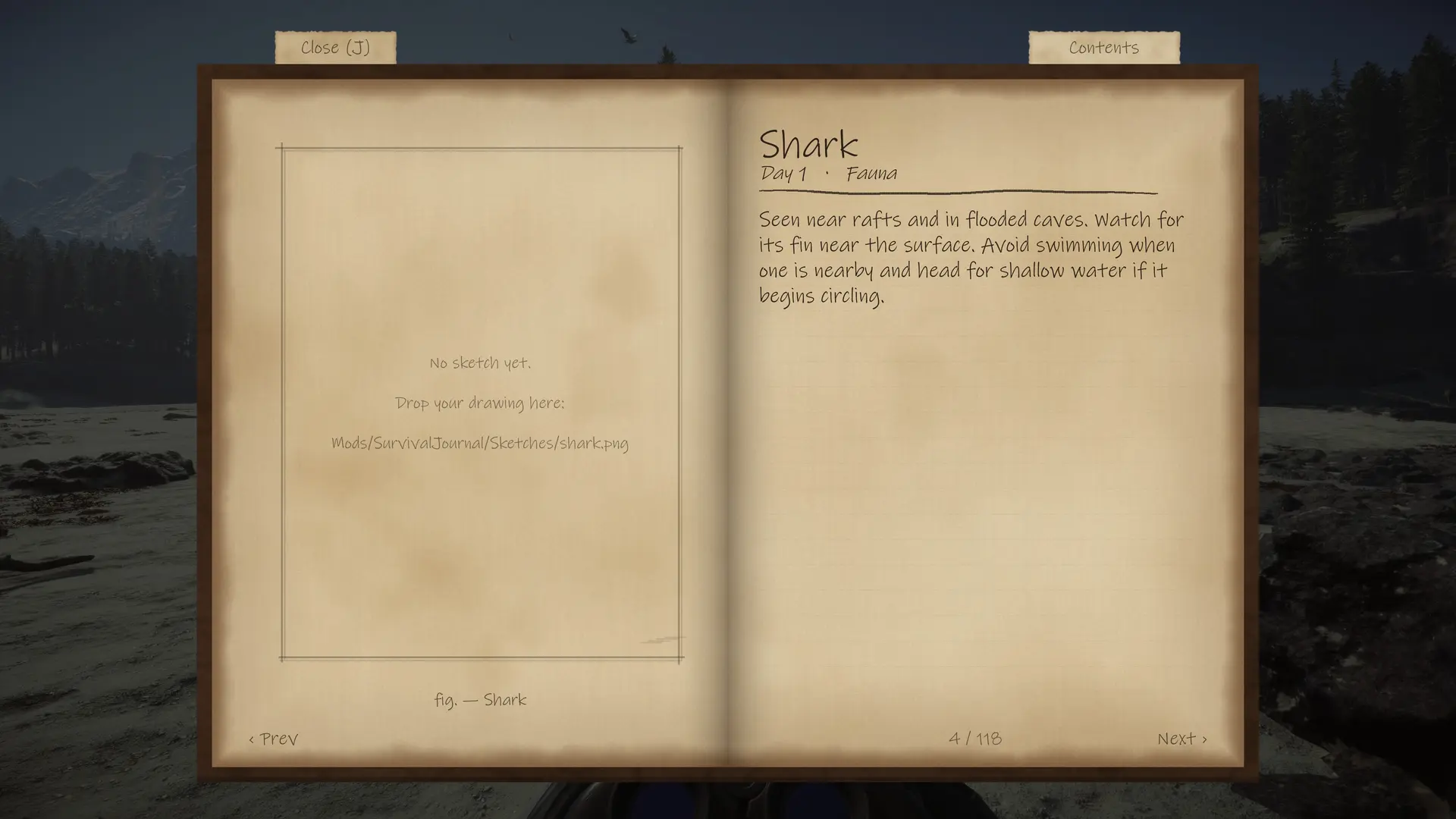
すべての項目にフィールドノートがあるが、まだスケッチがないものもあり、プレースホルダーページが表示される。
何かが登録されない場合、または間違ったものとして登録される場合は、何をどこで見ていたかをコメントで報告してほしい。

英語から翻訳

バージョンと更新履歴

全 2 バージョン
  1. v0.9.1 最新 ベータ Survival Journal 0.9.1# New# Added the Satellite Dish (Landmark), with its own journal entry. Color sketches. Sketches listed in the new ColorSketches setting keep their own colors, and only the white background is removed. The ones that ship in color are bluebird, cave entrance, crashed kayak, dead cultist, dead deer, beached killer whale, frog, half hanging body, killed shark, painted cannibal and soldier camp. Every other sketch keeps the sepia ink look. New InvertSketches setting for light-on-dark sketches. Ships with the cave bat. Changes# Entries without a sketch now just say "Placeholder". Sketches are no longer flipped automatically. This fixes the Tree and Rope Bridge sketches showing up inverted. Background removal now treats a white background correctly even when most of the drawing's edge is dark. White gaps inside a drawing blend into the paper, the same way the sepia sketches do. Fixes# The scanner now checks exactly what's in the centre of the binoculars first, and only falls back to the wider scan when that finds nothing. Aiming at one thing no longer records something next to it. Hanging bodies on trees can now be studied as Half Hanging Body. Before, the tree they hang from was always picked instead, and aiming at the trunk of one of those trees now gives Tree. Studying the satellite dish no longer records the dead worker lying next to it. Updating keeps all your discoveries and notes. The new entry is added to your journal automatically. · 5.6 MB · 4 回ダウンロード
  2. v0.9.0 ベータ 0.9.0 beta release · 5.7 MB · 4 回ダウンロード
  1. v0.9.1

    最新 ベータ 5.6 MB

    Survival Journal 0.9.1

    New

    • Added the Satellite Dish (Landmark), with its own journal entry.
    • Color sketches. Sketches listed in the new ColorSketches setting keep their own colors, and only the white background is removed. The ones that ship in color are bluebird, cave entrance, crashed kayak, dead cultist, dead deer, beached killer whale, frog, half hanging body, killed shark, painted cannibal and soldier camp. Every other sketch keeps the sepia ink look.
    • New InvertSketches setting for light-on-dark sketches. Ships with the cave bat.

    Changes

    • Entries without a sketch now just say "Placeholder".
    • Sketches are no longer flipped automatically. This fixes the Tree and Rope Bridge sketches showing up inverted.
    • Background removal now treats a white background correctly even when most of the drawing's edge is dark. White gaps inside a drawing blend into the paper, the same way the sepia sketches do.

    Fixes

    • The scanner now checks exactly what's in the centre of the binoculars first, and only falls back to the wider scan when that finds nothing. Aiming at one thing no longer records something next to it.
    • Hanging bodies on trees can now be studied as Half Hanging Body. Before, the tree they hang from was always picked instead, and aiming at the trunk of one of those trees now gives Tree.
    • Studying the satellite dish no longer records the dead worker lying next to it.

    Updating keeps all your discoveries and notes. The new entry is added to your journal automatically.

  2. v0.9.0

    ベータ 5.7 MB

    0.9.0

    • beta release

コメント

レビュー

まだレビューはありません。最初のレビューを書いてみてください。

レビューを書く

ログイン · レビューは 1 ユーザーにつき 1 件。バージョン、動いた点、動かなかった点を具体的に。

この MOD の導入方法

Survival Journal (BETA) を手動で、マネージャーなしでインストールする手順です。

SotF Mods Manager が Mod とその依存関係のインストールと更新を行います。 SotF Mods Manager を入手

この MOD には BepInEx ではなく RedLoader が必要です。BepInEx 向けの MOD や解説は Sons of the Forest には使えません。

  1. RedLoader を導入する

    RedLoader は Sons of the Forest の MOD ローダーです。インストールは一度だけで済みます。

    RedLoader の導入方法
  2. Survival Journal (BETA) v0.9.1 をダウンロード

    v0.9.1 をダウンロード
  3. ZIP を Mods フォルダーに展開する

    PC では、ゲームの Mods フォルダーに展開します:

    Steam/steamapps/common/Sons Of The Forest/Mods

    ZIP 内のフォルダー構成はそのままに。ZIP ファイル自体をフォルダーに入れないでください。

  4. ゲームを起動する

    RedLoader が起動時に MOD を読み込みます。メインメニューで F1 を押すと MOD 一覧が表示されます。

    マルチプレイ:自分だけ導入すれば OK。

導入ガイドを見る

その他の操作

この MOD を共有

ページ用バッジ

READMEやフォーラムの投稿、Discord にバッジを貼れます。バッジは自動で更新されます。

ダウンロード数バッジ: Survival Journal (BETA)バージョンバッジ: Survival Journal (BETA)互換性バッジ: Survival Journal (BETA)評価バッジ: Survival Journal (BETA)
QR コード

スマホで読み取るとページが開きます。

Survival Journal (BETA) を通報

問題をモデレーターに伝えてください。通報は非公開です。

理由

リンクやバージョンなど、モデレーターの役に立つ情報。2000 文字まで。

Survival Journal (BETA) の承認を取り消しますか?

承認待ちに戻ります。メインの一覧から外れ、新規MODのキューに戻ります。

  • studying...
    studying...
  • updated journal
    updated journal
  • moose in journal
    moose in journal
  • console commands
    console commands
  • placeholder example
    placeholder example
  • jianyu zhang entry
    jianyu zhang entry
  • cult yacht entry
    cult yacht entry
  • holey entry
    holey entry
  • fingers entry
    fingers entry
  • john 2 entry
    john 2 entry

1 / 10

変更履歴

コメント

レビュー