
 SotF Mods Manager · Free for Windows
The new way to install Sons of the Forest mods
Install any mod from SOTF Mods in one click, get whole modpacks, keep everything updated and switch between mod profiles. It also installs RedLoader for you.
Windows 10 and 11 · Free and open source · Nothing to install Release notes
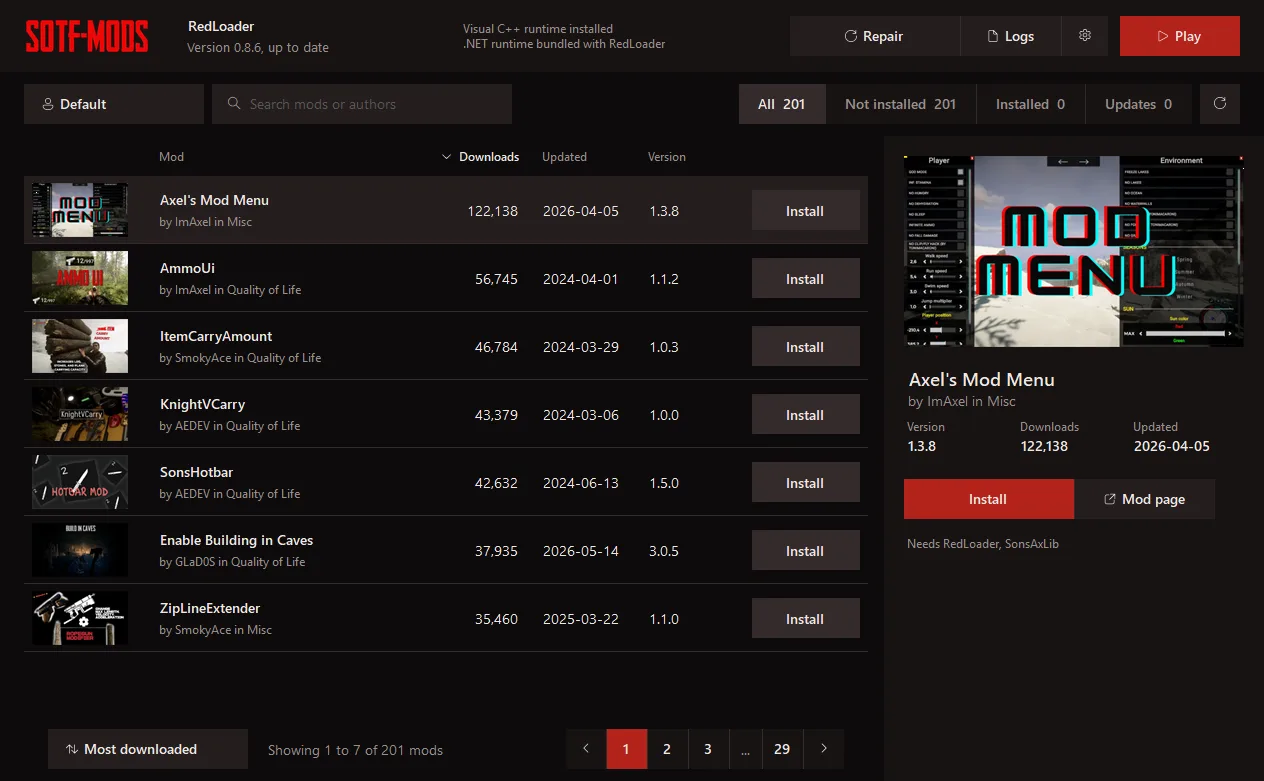
- mods ready to install
- 201
- click per mod
- 1
- files to move by hand
- 0
Stop moving files around
Installing mods by hand works, but it is slow and easy to get wrong. The manager does every step for you.
The old way
- Find the mod and download a zip
- Extract it into the right game folder
- Hunt down every library it needs
- Repeat all of it for every update
With SotF Mods Manager
- Click Install on any mod
- Dependencies come along on their own
- Update everything with one button
- Install a whole modpack in one click
Everything you need to mod the game
One-click install
Click «Install with SotF Mods Manager» on any mod page and the manager downloads it with its dependencies.
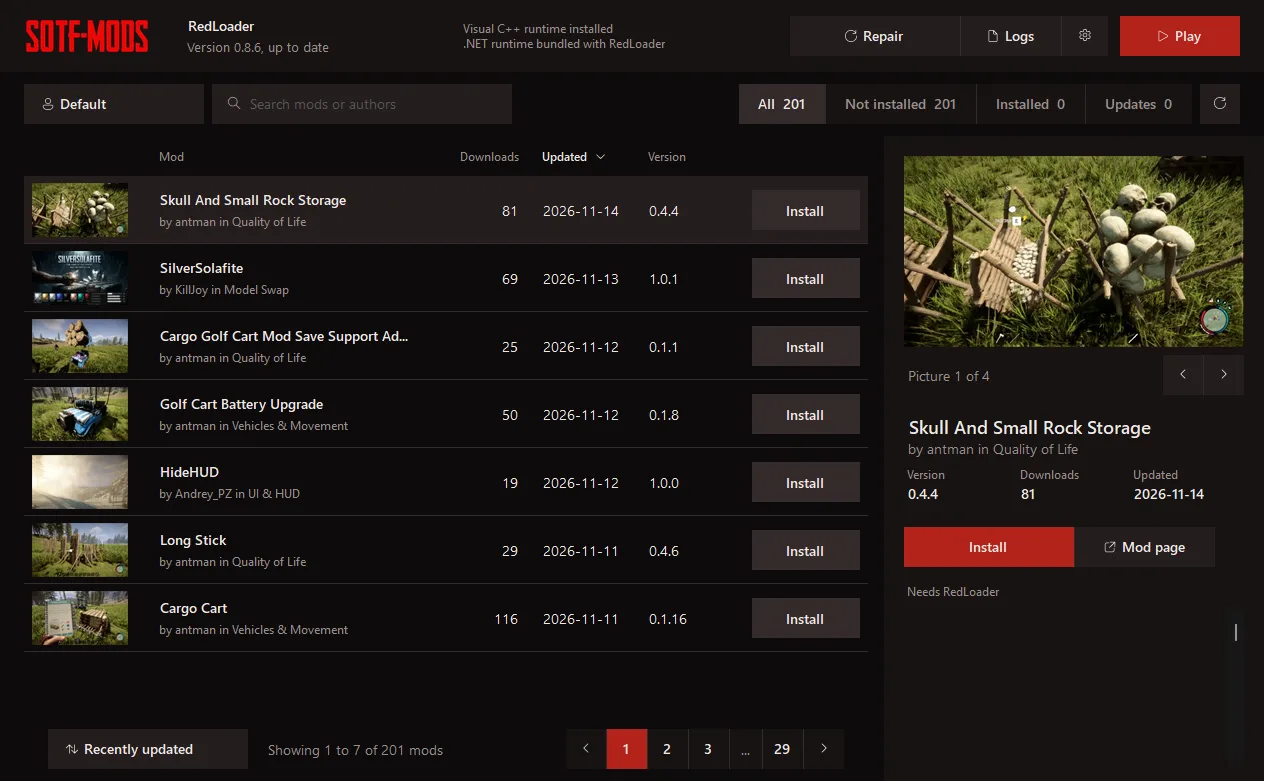
Updates at a glance
See which mods have a new version and update them with one button.
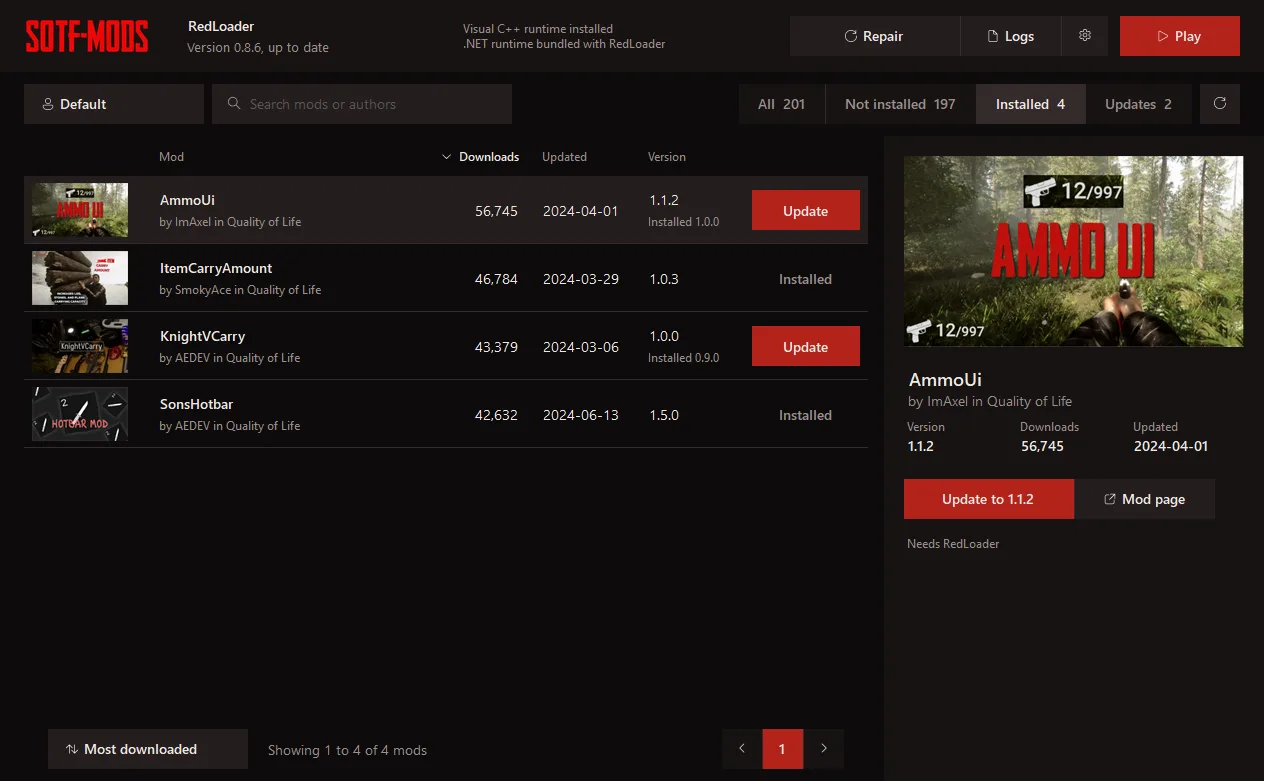
RedLoader made easy
Install, repair or update RedLoader, the mod loader, without touching the game files yourself.
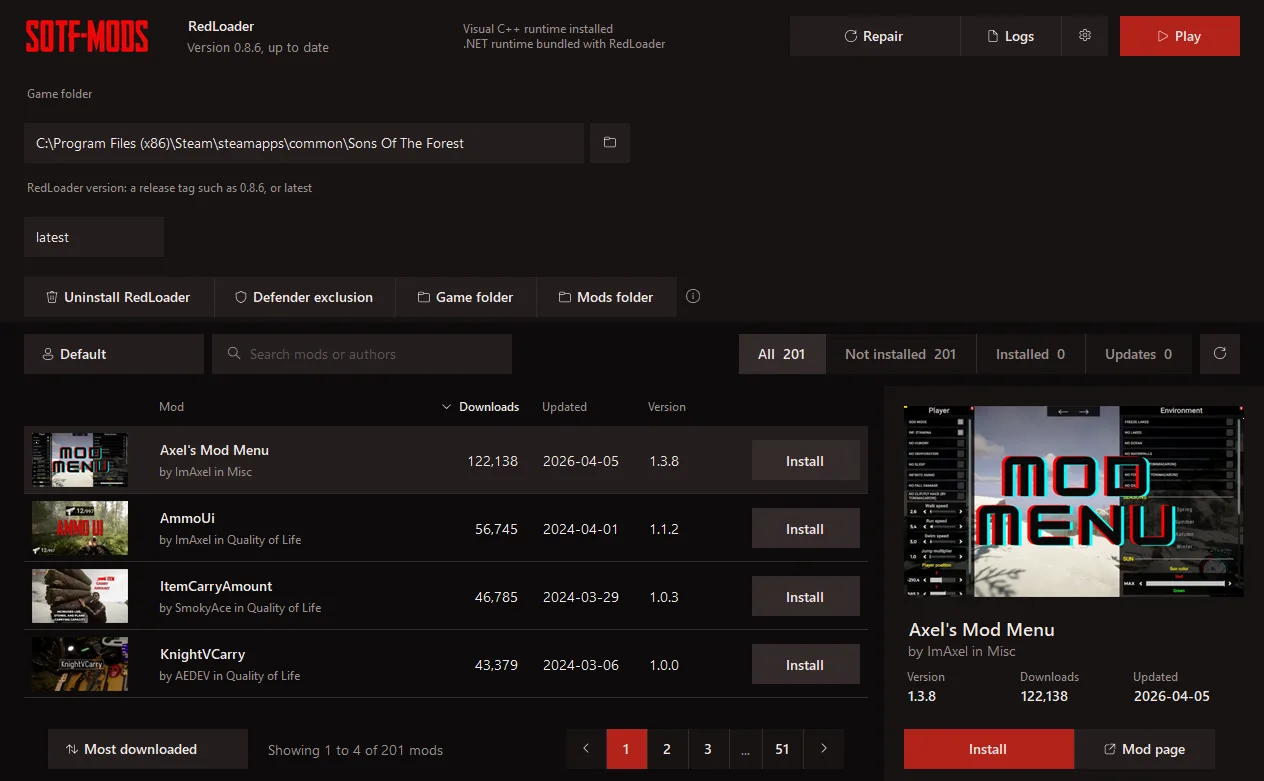
-
Modpacks
Open a modpack from the site and it becomes a new profile with all its mods, ready to play.
-
Profiles
Keep separate mod sets for solo and multiplayer and switch between them instantly.
-
Crash help
If the game crashes, the manager opens the logs so you can find the mod that caused it.
Your next run starts here
Download SotF Mods Manager, pick your mods or a modpack and play. Free, open source and made for SOTF Mods.
Start in three steps
- 1 Download SotfModsManager.exe and open it. It finds your game through Steam.
- 2 Click Install in the top bar if RedLoader is missing.
- 3 Install mods or a modpack, then click Play.
Windows SmartScreen may warn you the first time because the exe is not signed: click More info, then Run anyway. The source code is public on GitHub.