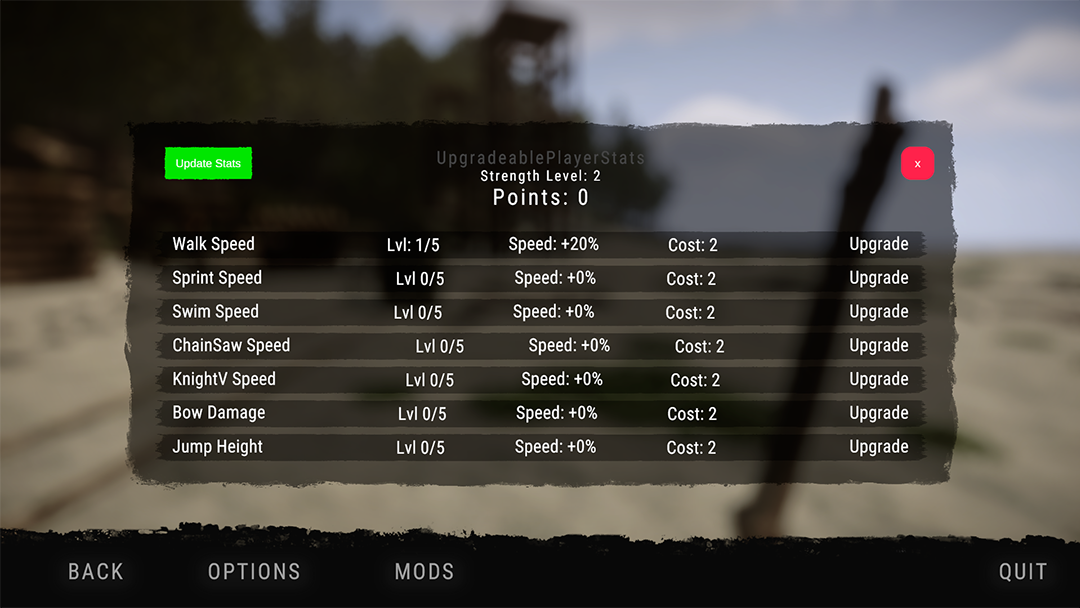
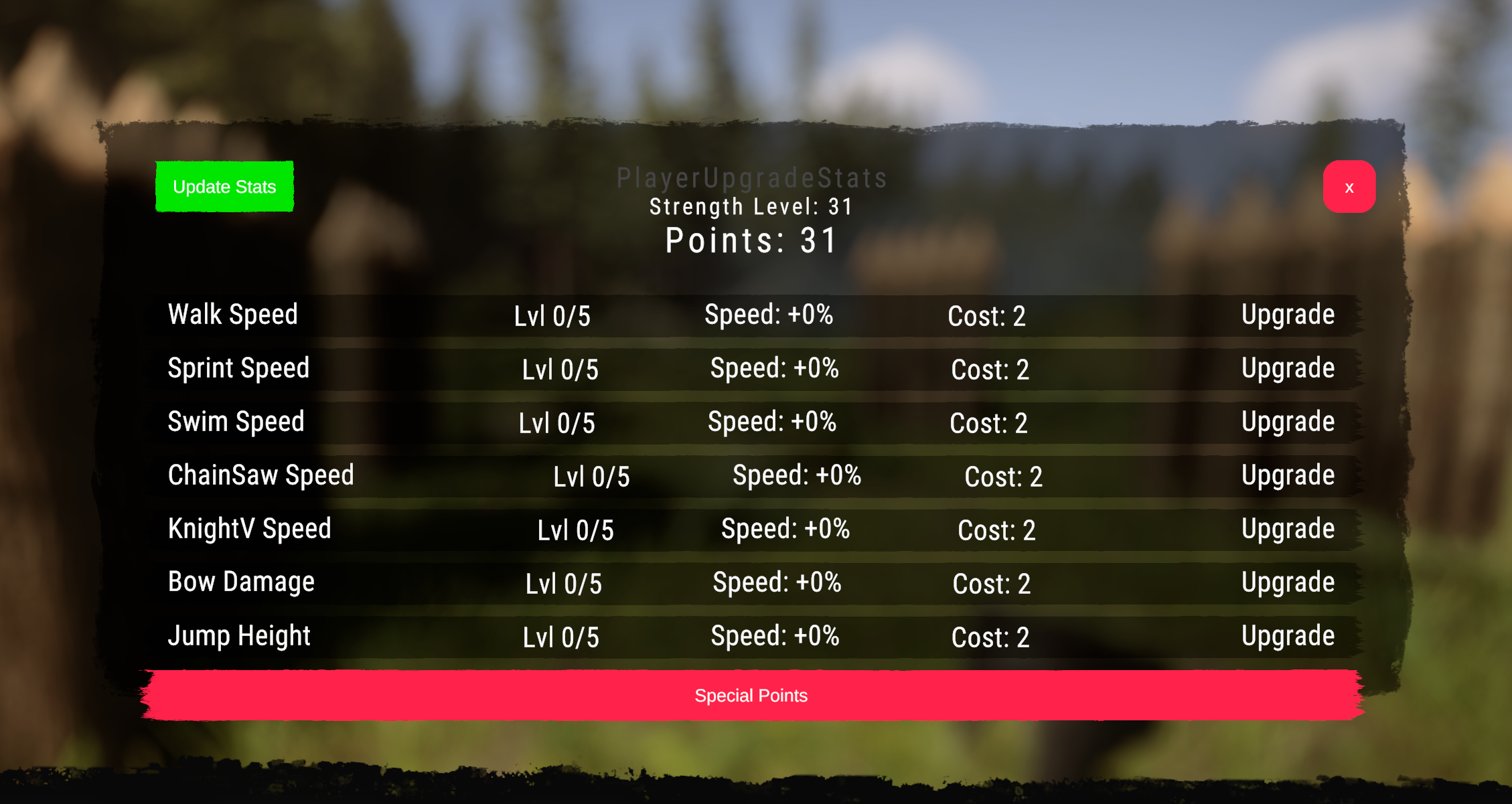
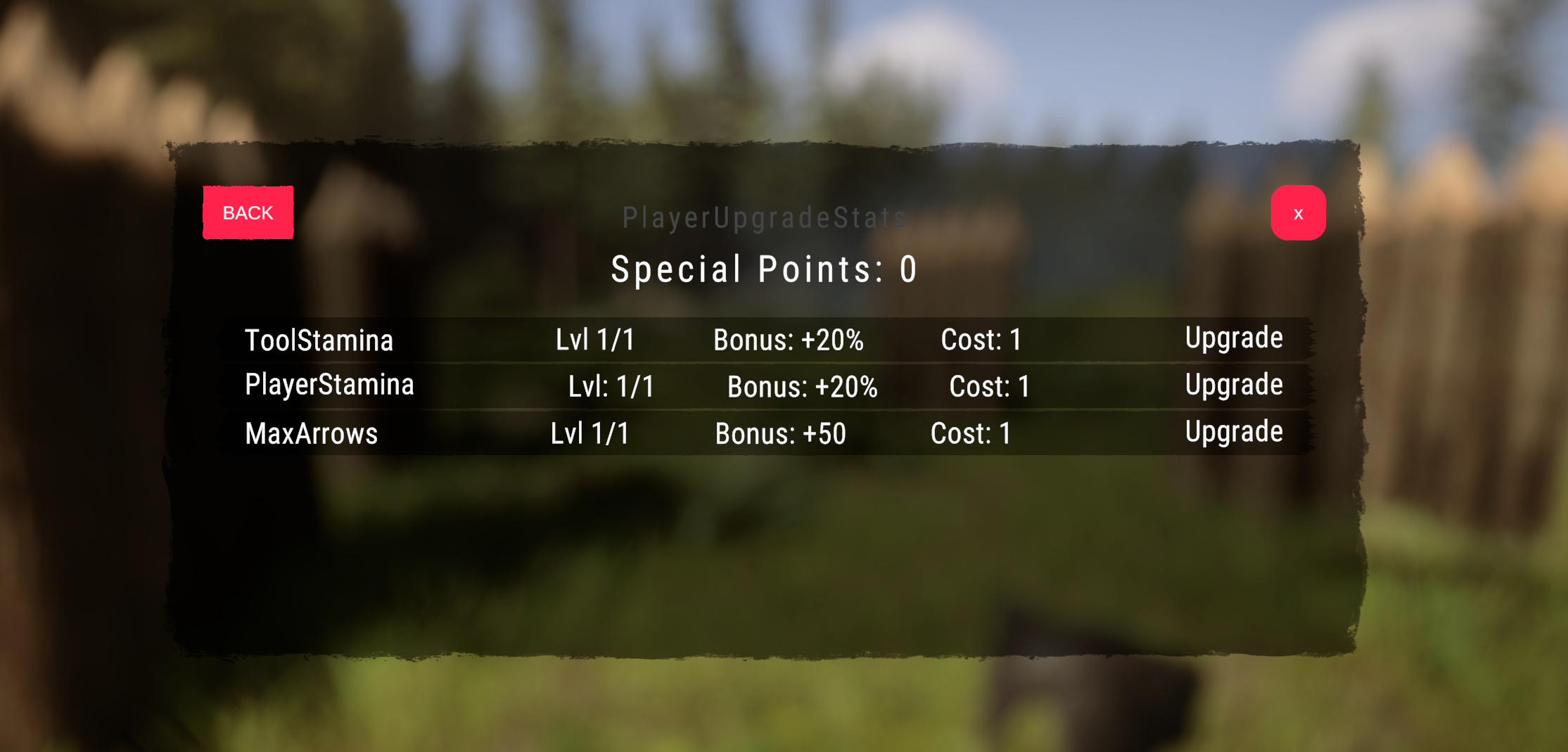
UpgradeablePlayerStats
Simple Mod that allows you to upgrade your player statistics with your accumulated strength points.
SmokyAce Quality of Life 版本:v1.1.2 更新于 2025年3月8日
- 下载量
- 23,133 总计
- 本周下载量
- 本周 86
- 关注者
- 3 位关注者
未验证 尚未在最新补丁上验证。试过了吗?告诉我们结果。 报告
概览
野外笔记
全部 5 个版本评价
还没有评价。下载过了吗?来当第一个分享体验的人。
常见问题
- UpgradeablePlayerStats 支持多人游戏吗?
- 作者尚未说明是否支持多人游戏。可以看看评论和其他玩家的实测报告。
- 如何安装 UpgradeablePlayerStats?
- 先安装 RedLoader(RedManager 可以帮你完成),在本页下载 UpgradeablePlayerStats 1.1.2,放进游戏目录中的 _RedLoader/Mods 文件夹。启动游戏后按 F1,确认它已经加载。
- UpgradeablePlayerStats 需要什么?
- 只需要 Steam 版 Sons of the Forest 和 RedLoader,没有其他依赖。
- UpgradeablePlayerStats 在当前游戏补丁上能用吗?
- 还没有兼容性报告。如果你试过,请提交一份实测报告。
12 条评论
"Upgradeable Player Stats" keeps crashing in the cave where you can get the blueprint for the spotlight; the coordinates (https//sotf.th.gl) are VI. It is the only cave where this happens; there were no issues entering any of the others.
level cheat?
Version 1.1.2 ,which is supposed not to change Arrow Capacity if other mod does that, still changes Arrow Capacity when you upgrade any other skill. It requires to save and restart the game after upgrade. And even after that, the capacity will be overwritten at some point.
Please make an option without Arrow Capacity at all.
Is there a way to reset the stats?
Also can I change the values? 20% increases is to OP in my opinion.
Now It is saved. Could Axel's Mod Menu be the Reason?
This resets everytime I load my save.
This works perfectly now, thank you so much! Apologies for the annoying group of comments I left, just had 'another thought' then 'another thought', lol.
Really, really appreciate this update. <3
Okay, can try to fix it later today, problem is that other mods set the capacity before you are in a world (loaded in main menu), and that wont work in this case since stats are saved on each world (loaded on game join)
at the very least, if users don't put any a point in it, make it so it does not touch arrow capacity at all. Even without the point put in arrow capacity, it still forces the max to 20
登录后发表评论