Zum Inhalt springen
Anmelden

Wir haben SOTF Mods neu gebaut. Melde dich erneut an – dein Passwort ist dasselbe.

Titelbild von DynamicLighting
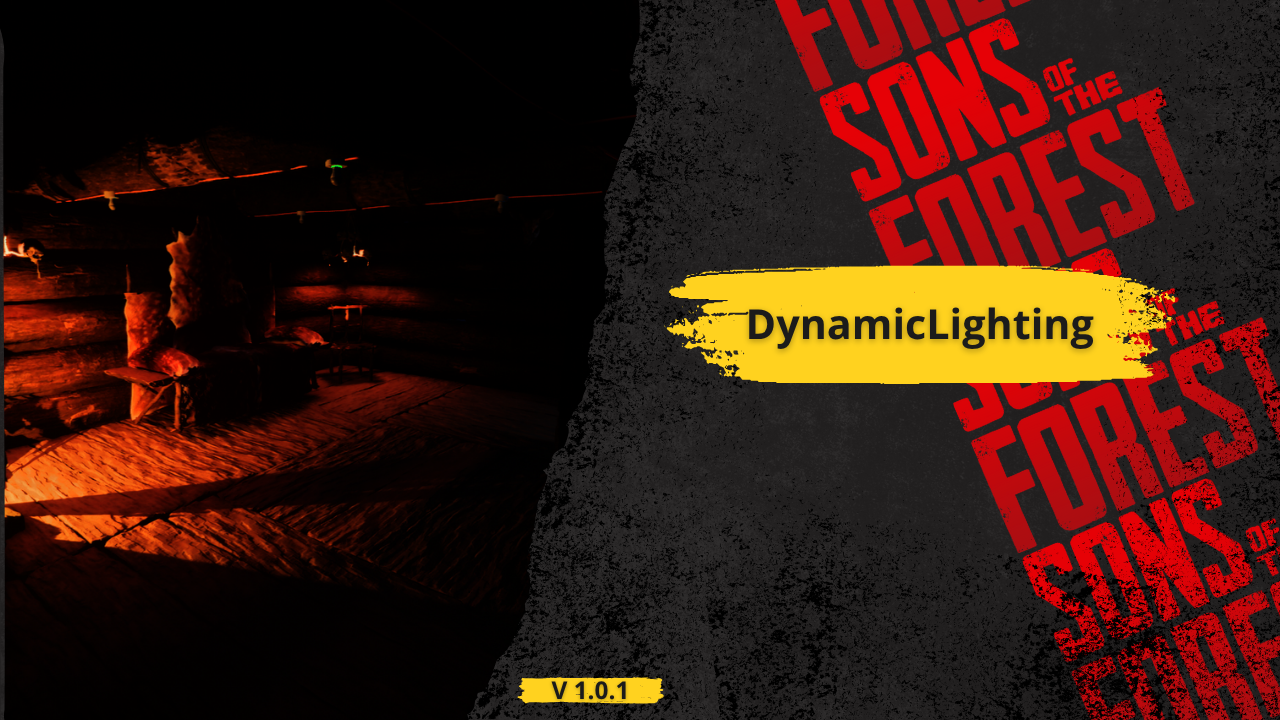
  • Screenshot 1 von 3
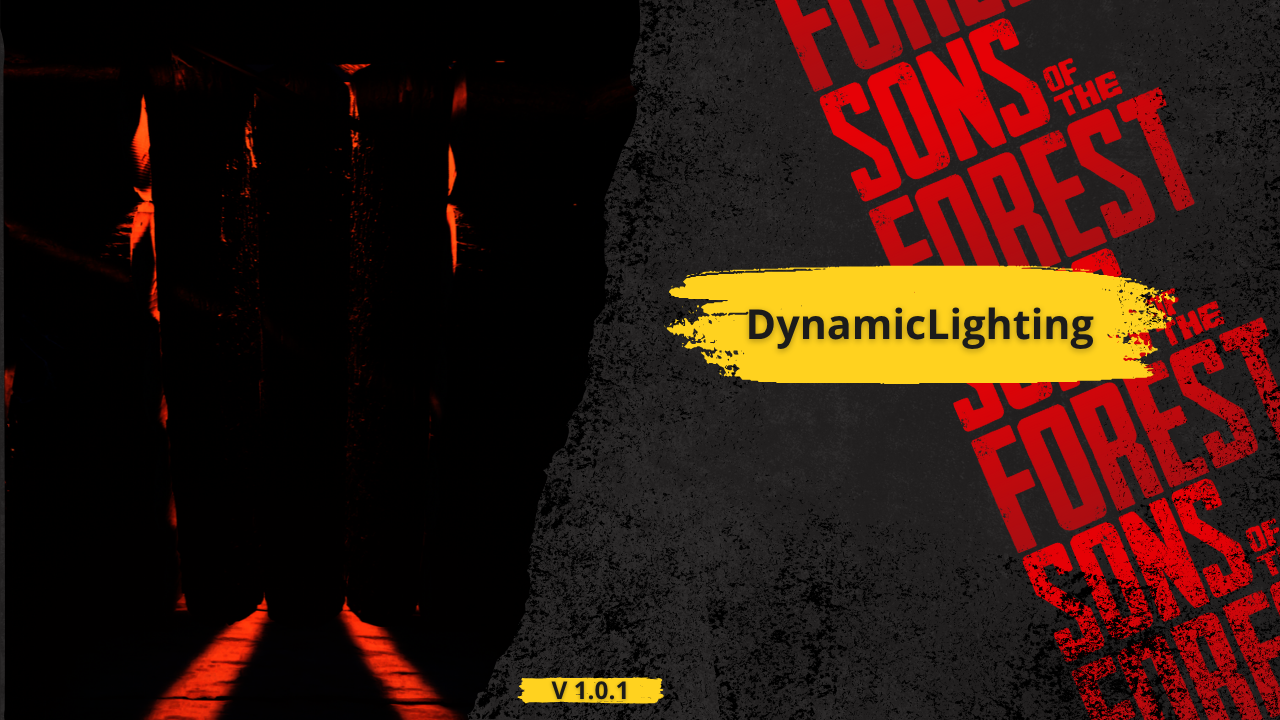
  • Screenshot 2 von 3
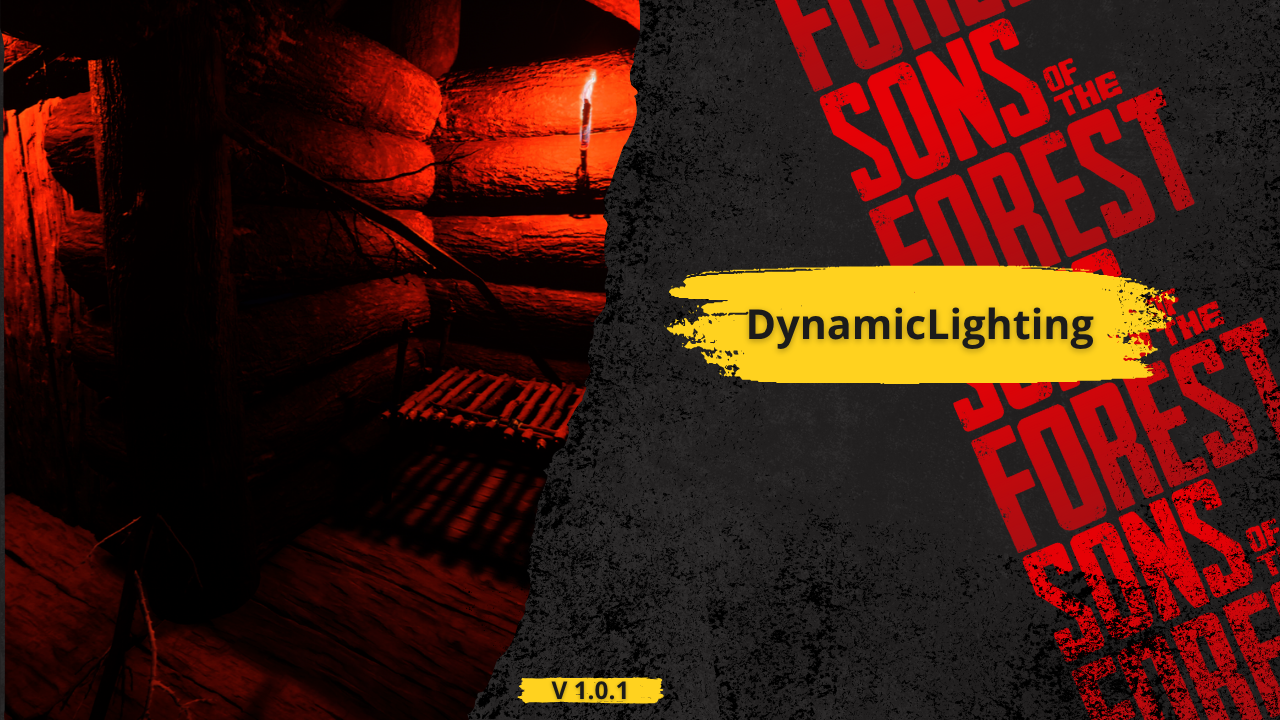
  • Screenshot 3 von 3

DynamicLighting

Gott sprach: "Es werde Licht", und die Modder gehorchten.

Automatisch übersetzt

BadBoy7 Other Version:v1.0.0 Aktualisiert am 31.07.2025

Downloads
17.799 insgesamt
Downloads diese Woche
131 diese Woche
Follower
1 Follower

Nicht bestätigt Mit dem neuesten Patch noch nicht geprüft. Ausprobiert? Gib Bescheid. Melden

Übersicht

This mod for Sons of the Forest is designed to unlock the full visual potential of the game's lighting system. By default, many in-game light sources—especially decorative or atmospheric ones—do not have dynamic shadows enabled, despite having the capability to support them. This oversight can make environments feel flat or unnatural in dark settings, caves, or when interacting with crafted structures. This mod fixes that.

It automatically detects and processes specific light sources in the world, enabling dynamic shadows where they were previously disabled. The mod not only activates shadows, but also fine-tunes various light parameters such as range, intensity, bounce intensity, color temperature, and more. Each light type is adjusted individually depending on its context and structure—for example:

Hanging skull lights and skull fires have their shadows enabled and adjusted for atmospheric warmth.

Wall torches receive a realistic color temperature (1600K) and bounce to simulate flame lighting more naturally.

Spotlights like those on poles or structures are adjusted for proper projection distance, brightness, and shadow culling.

All changes respect the structure’s original style while making lights more visually impactful and immersive.

These tweaks enhance the mood of the game without overexposing or breaking its native art direction. The lighting feels more alive, shadows behave naturally, and night scenes become more believable and engaging.

Whether you're deep in the forest at night, exploring an abandoned cave, or simply walking by crafted structures, you'll notice more realism, atmosphere, and depth thanks to this mod’s subtle but important improvements.

Feldnotizen

Die 1 Version
  1. v1.0.0

    Neueste

    First release

Bewertungen

Noch keine Bewertungen. Heruntergeladen? Erzähl als Erste:r, wie es lief.

Bewertung schreiben

Anmelden · Eine Bewertung pro Überlebendem. Sei konkret: Version, was lief, was nicht.

5 Kommentare

  1. shittodesu

    Not work in my game.
    I don't know what's wrong, but I try put wall torch on tree, I see no shadow behind the tree.

  2. Cobalt

    I assume yes, but do you need a beefy GPU to run and enjoy this mod?

    derlick

    @Cobalt No, I don't believe so as I'm running it pretty well, unless my 6750 XT is considered strong idk

Häufige Fragen

Funktioniert DynamicLighting im Mehrspielermodus?
Der Autor hat die Mehrspieler-Unterstützung noch nicht angegeben. Sieh dir die Kommentare und die Feldberichte anderer Spieler an.
Wie installiere ich DynamicLighting?
Installiere RedLoader (RedManager erledigt das für dich), lade DynamicLighting 1.0.0 von dieser Seite herunter und lege es in den Ordner _RedLoader/Mods im Spielverzeichnis. Starte das Spiel und drücke F1, um zu prüfen, ob es geladen ist.
Was braucht DynamicLighting?
Nur Sons of the Forest auf Steam und RedLoader. Es gibt keine weiteren Abhängigkeiten.
Funktioniert DynamicLighting mit dem aktuellen Spielpatch?
Es gibt noch keine Kompatibilitätsberichte. Wenn du es ausprobierst, füge einen Feldbericht hinzu.

Auf einen Blick

Spiel-Build
Nicht bestätigt
RedLoader
Nicht angegeben
Plattform
Unbekannt
Mehrspieler
Unbekannt
Dedizierter Server
Unbekannt
Mitten im Spielstand entfernen
Unbekannt
Abhängigkeiten
Keine
Konflikte
Keine bekannt
Version
1.0.0
Aktualisiert
Veröffentlicht

Feldberichte

Melden

Noch keine Feldberichte. Ausprobiert? Berichte davon.

Hat es in deinem Spiel funktioniert?

Ein Feldbericht dauert zehn Sekunden und zeigt allen, ob dieser Mod mit dem aktuellen Patch läuft.

Melde dich an, um einen Feldbericht abzugeben

So installierst du diesen Mod

Fünf Minuten, kein Manager nötig. Diese Schritte gelten für DynamicLighting.

Dieser Mod braucht RedLoader, nicht BepInEx. BepInEx-Mods und -Anleitungen gelten nicht für Sons of the Forest.

  1. RedLoader installieren

    RedLoader ist der Mod-Loader von Sons of the Forest. Einmal installiert, funktionieren alle Mods.

    So installierst du RedLoader
  2. DynamicLighting v1.0.0 herunterladen

    v1.0.0 herunterladen
  3. ZIP in den Mods-Ordner entpacken

    Auf deinem PC in den Mods-Ordner des Spiels entpacken:

    Steam/steamapps/common/Sons Of The Forest/Mods

    Behalte die Ordnerstruktur des ZIPs bei. Lege nicht das ZIP selbst in den Ordner.

  4. Spiel starten

    RedLoader lädt den Mod beim Start. Drücke im Hauptmenü F1, um die Mod-Liste zu sehen.

Lieber mit einem Klick? RedManager installiert und aktualisiert Mods samt Abhängigkeiten für dich.

Vollständige Installationsanleitung

Diesen Mod teilen

Badges für deine Seite

Füge ein Badge in ein README, Forum oder Discord ein. Sie aktualisieren sich selbst.

Downloads-Badge: DynamicLightingVersion-Badge: DynamicLightingKompatibilität-Badge: DynamicLightingBewertung-Badge: DynamicLighting
QR-Code

Scanne ihn mit dem Handy, um die Seite zu öffnen.

DynamicLighting melden

Sag den Rangern, was nicht stimmt. Meldungen sind privat.

Grund

Links, Versionen oder alles, was den Rangern hilft. Bis zu 2000 Zeichen.

  • Screenshot 1 von DynamicLighting
  • Screenshot 2 von DynamicLighting
  • Screenshot 3 von DynamicLighting

1 / 3