Saltar al contenido
Iniciar sesión

Hemos renovado SOTF Mods. Inicia sesión de nuevo: tu contraseña es la misma.

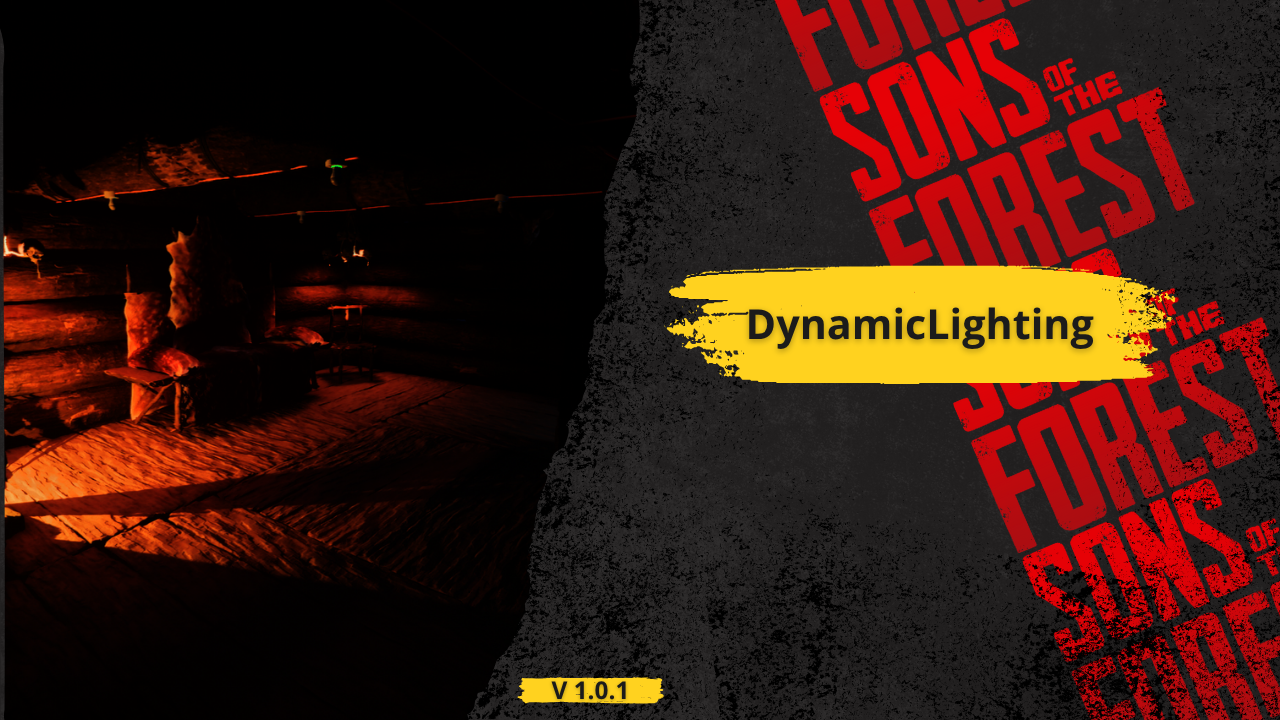
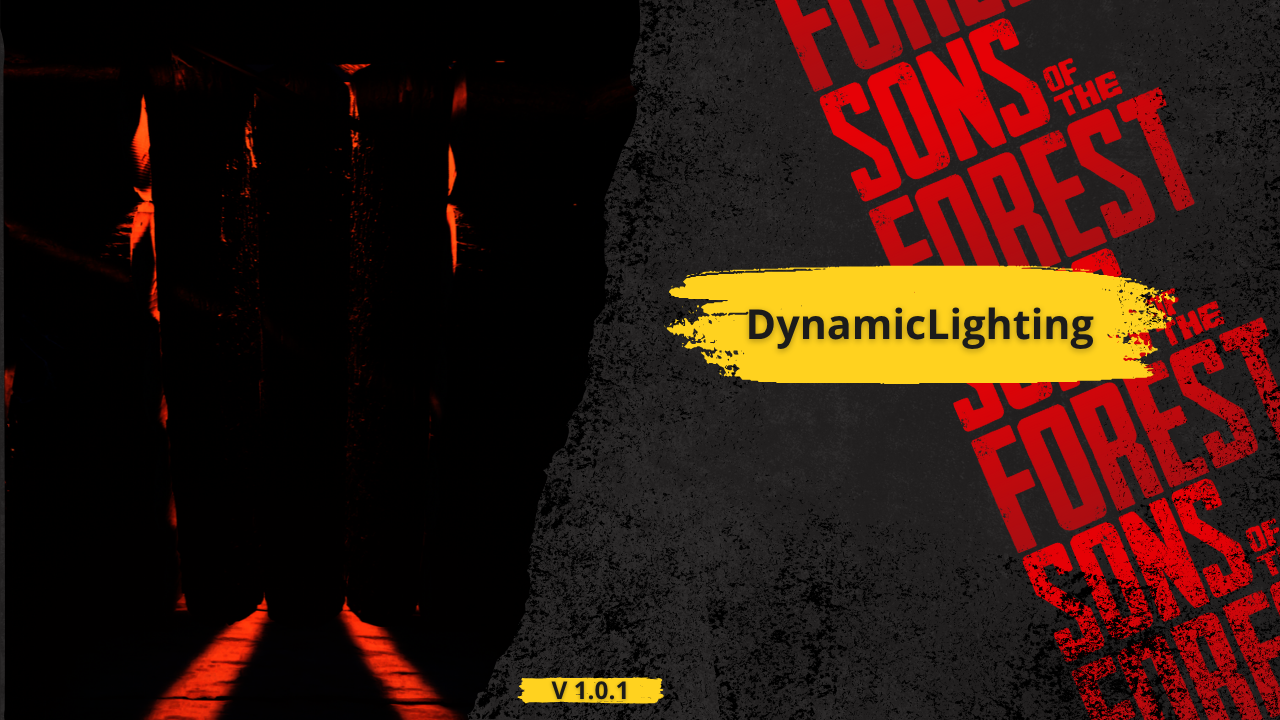
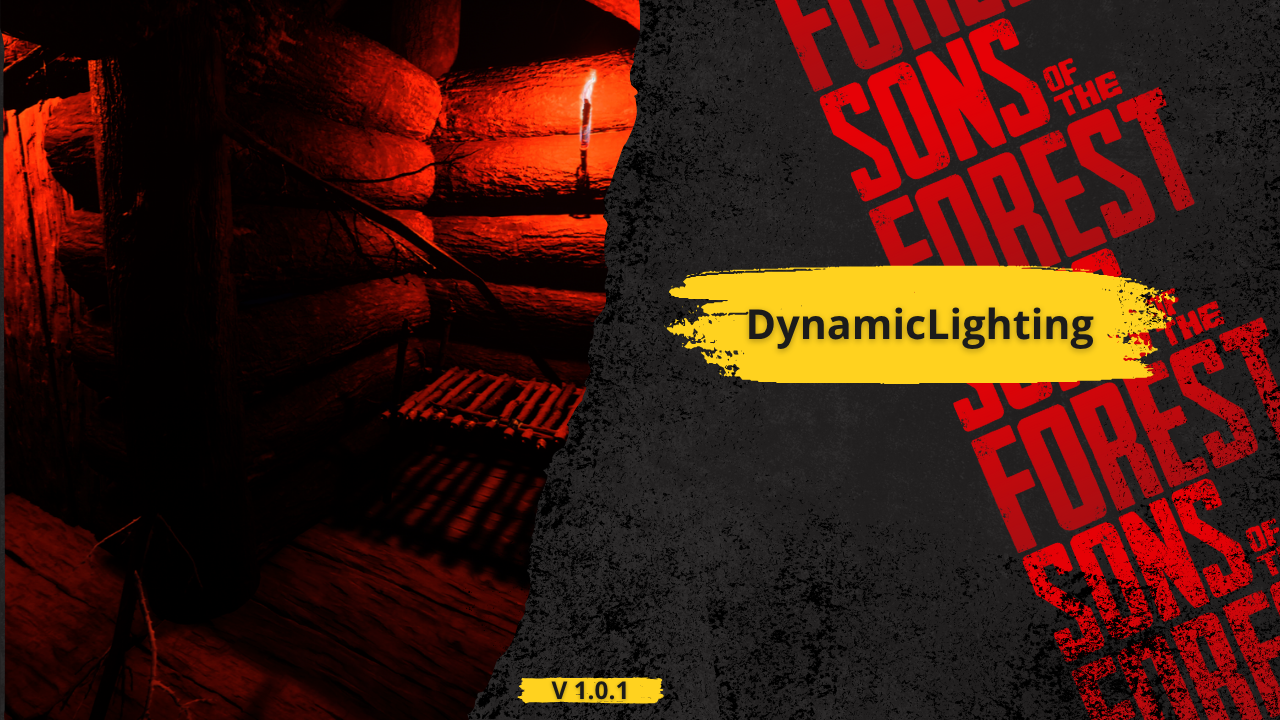
Portada de DynamicLighting
  • Captura 1 de 3
  • Captura 2 de 3
  • Captura 3 de 3

DynamicLighting

Dios dijo: "Que se haga la luz", y los modders obedecieron.

Traducido automáticamente

BadBoy7 Other Versión:v1.0.0 Actualizado el 31 jul 2025

Descargas
17.799 en total
Descargas esta semana
131 esta semana
Seguidores
1 seguidor

Sin verificar Aún sin verificar en el último parche. ¿Lo probaste? Cuéntanos. Reportar

Resumen

This mod for Sons of the Forest is designed to unlock the full visual potential of the game's lighting system. By default, many in-game light sources—especially decorative or atmospheric ones—do not have dynamic shadows enabled, despite having the capability to support them. This oversight can make environments feel flat or unnatural in dark settings, caves, or when interacting with crafted structures. This mod fixes that.

It automatically detects and processes specific light sources in the world, enabling dynamic shadows where they were previously disabled. The mod not only activates shadows, but also fine-tunes various light parameters such as range, intensity, bounce intensity, color temperature, and more. Each light type is adjusted individually depending on its context and structure—for example:

Hanging skull lights and skull fires have their shadows enabled and adjusted for atmospheric warmth.

Wall torches receive a realistic color temperature (1600K) and bounce to simulate flame lighting more naturally.

Spotlights like those on poles or structures are adjusted for proper projection distance, brightness, and shadow culling.

All changes respect the structure’s original style while making lights more visually impactful and immersive.

These tweaks enhance the mood of the game without overexposing or breaking its native art direction. The lighting feels more alive, shadows behave naturally, and night scenes become more believable and engaging.

Whether you're deep in the forest at night, exploring an abandoned cave, or simply walking by crafted structures, you'll notice more realism, atmosphere, and depth thanks to this mod’s subtle but important improvements.

Notas de campo

La 1 versión
  1. v1.0.0

    Última

    First release

Reseñas

Aún no hay reseñas. ¿Lo descargaste? Sé el primero en contar qué tal.

Escribir una reseña

Iniciar sesión · Una reseña por superviviente. Sé concreto: versión, qué funcionó y qué no.

5 comentarios

  1. shittodesu

    Not work in my game.
    I don't know what's wrong, but I try put wall torch on tree, I see no shadow behind the tree.

  2. Cobalt

    I assume yes, but do you need a beefy GPU to run and enjoy this mod?

Preguntas frecuentes

¿DynamicLighting funciona en multijugador?
El autor aún no ha indicado si funciona en multijugador. Revisa los comentarios y los informes de campo de otros jugadores.
¿Cómo se instala DynamicLighting?
Instala RedLoader (RedManager puede hacerlo por ti), descarga DynamicLighting 1.0.0 desde esta página y ponlo en la carpeta _RedLoader/Mods dentro del directorio del juego. Abre el juego y pulsa F1 para comprobar que cargó.
¿Qué necesita DynamicLighting?
Solo Sons of the Forest en Steam y RedLoader. No tiene otras dependencias.
¿DynamicLighting funciona con el parche actual del juego?
Todavía no hay informes de compatibilidad. Si lo pruebas, añade un informe de campo.

De un vistazo

Build del juego
Sin verificar
RedLoader
Sin declarar
Plataforma
Desconocido
Multijugador
Desconocido
Servidor dedicado
Desconocido
Quitar a mitad de partida
Desconocido
Dependencias
Ninguno
Conflictos
Ninguno conocido
Versión
1.0.0
Actualizado
Publicado

Reportes de campo

Reportar

Aún no hay reportes de campo. ¿Lo has probado? Cuéntalo.

¿Te funcionó en tu partida?

Un reporte de campo lleva diez segundos y dice a todos si este mod funciona en el parche actual.

Inicia sesión para añadir un reporte de campo

Cómo instalar este mod

Cinco minutos y sin gestor. Estos pasos son para DynamicLighting.

Este mod necesita RedLoader, no BepInEx. Los mods y guías de BepInEx no sirven para Sons of the Forest.

  1. Instala RedLoader

    RedLoader es el cargador de mods de Sons of the Forest. Se instala una vez y funcionan todos los mods.

    Cómo instalar RedLoader
  2. Descarga DynamicLighting v1.0.0

    Descargar v1.0.0
  3. Extrae el ZIP en la carpeta Mods

    En tu PC, extráelo en la carpeta Mods del juego:

    Steam/steamapps/common/Sons Of The Forest/Mods

    Respeta la estructura de carpetas del ZIP. No metas el ZIP tal cual en la carpeta.

  4. Inicia el juego

    RedLoader carga el mod al arrancar. Pulsa F1 en el menú principal para ver la lista de mods.

¿Prefieres un clic? RedManager instala y actualiza los mods y sus dependencias por ti.

Guía de instalación completa

Compartir este mod

Insignias para tu página

Pega una insignia en un README, foro o Discord. Se actualizan solas.

Insignia de Descargas: DynamicLightingInsignia de Versión: DynamicLightingInsignia de Compatibilidad: DynamicLightingInsignia de Valoración: DynamicLighting
Código QR

Escanéalo con el móvil para abrir la página.

Denunciar DynamicLighting

Cuéntales a los guardabosques qué pasa. Las denuncias son privadas.

Motivo

Enlaces, versiones o lo que ayude a los guardabosques. Hasta 2000 caracteres.

  • Captura 1 de DynamicLighting
  • Captura 2 de DynamicLighting
  • Captura 3 de DynamicLighting

1 / 3