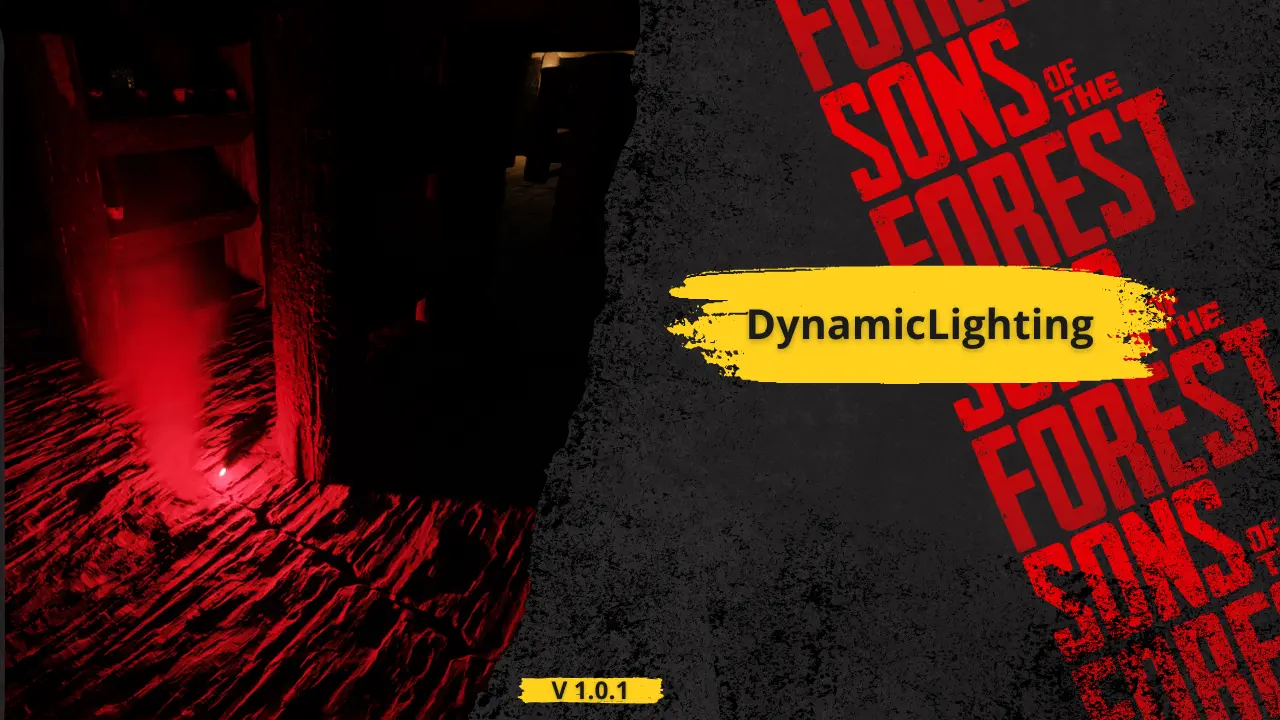
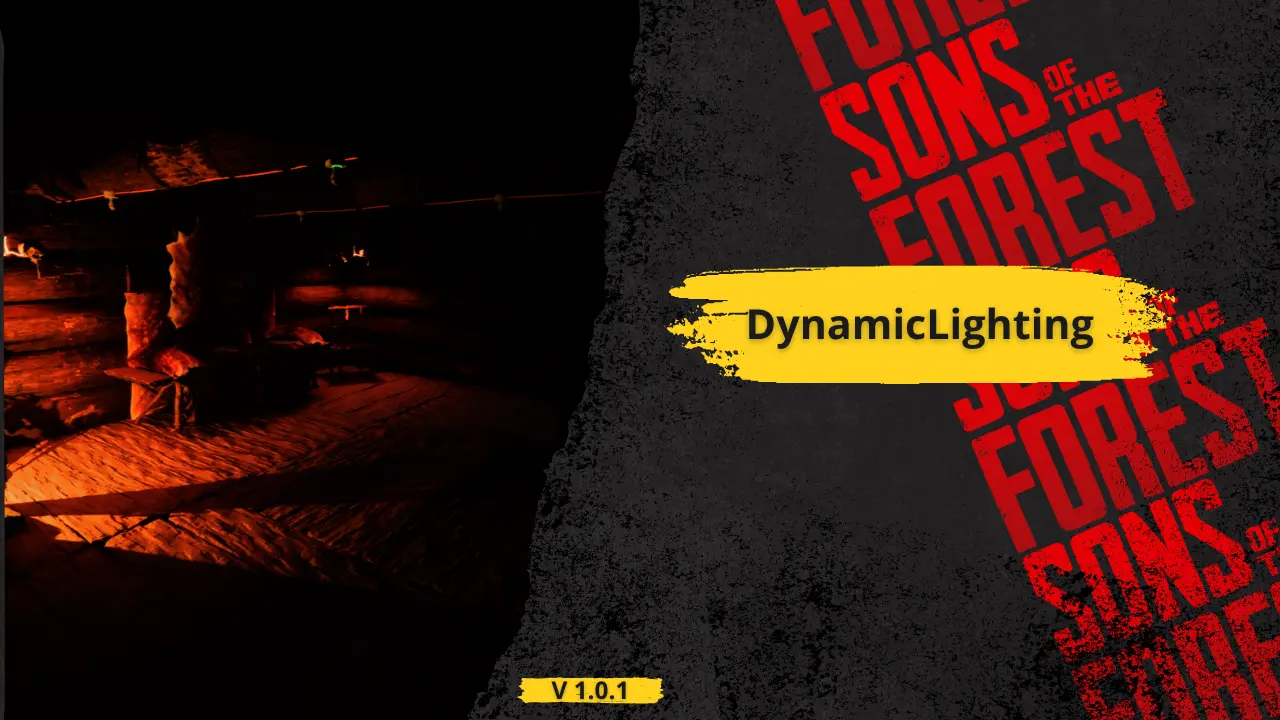
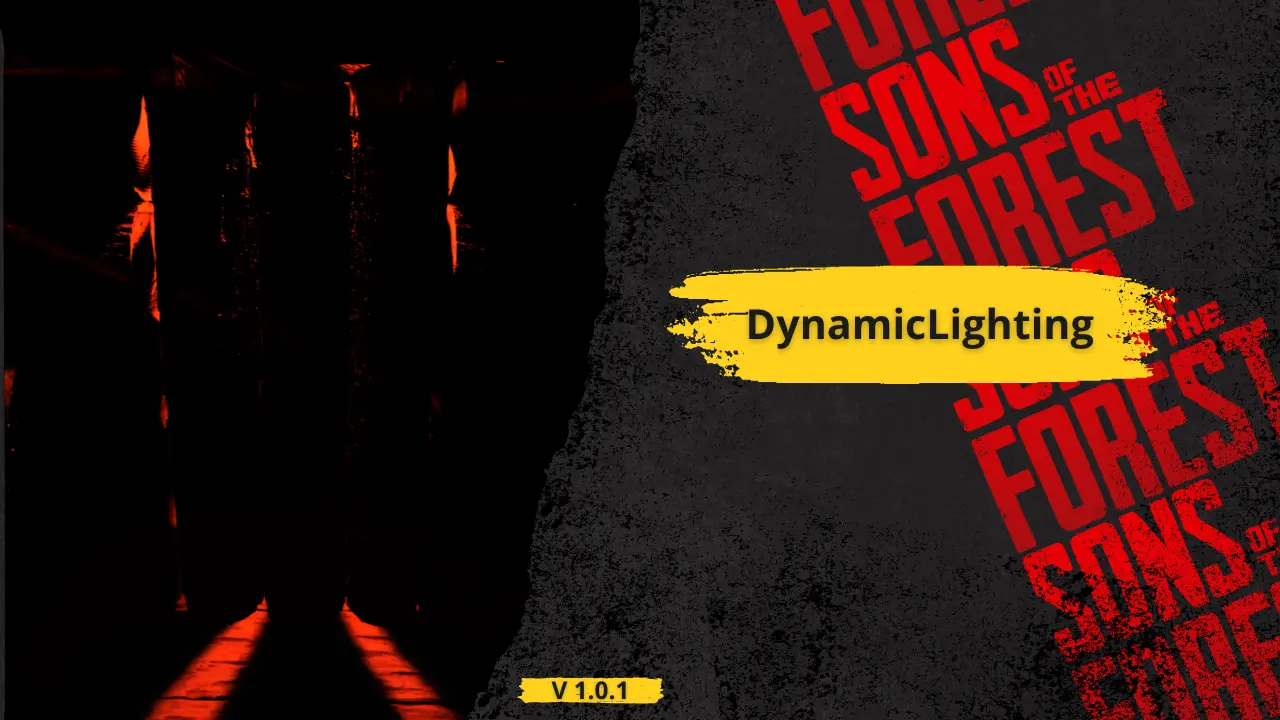
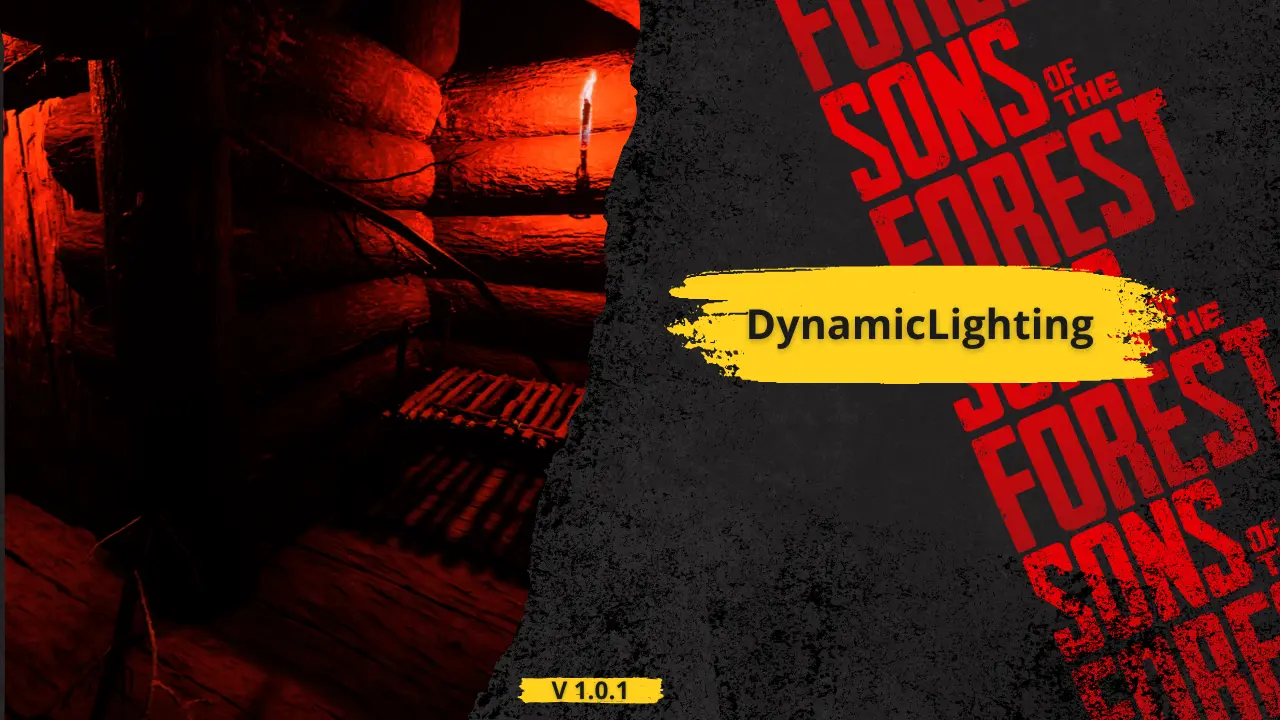
This mod for Sons of the Forest is designed to unlock the full visual potential of the game's lighting system. By default, many in-game light sources—especially decorative or atmospheric ones—do not have dynamic shadows enabled, despite having the capability to support them. This oversight can make environments feel flat or unnatural in dark settings, caves, or when interacting with crafted structures. This mod fixes that.
It automatically detects and processes specific light sources in the world, enabling dynamic shadows where they were previously disabled. The mod not only activates shadows, but also fine-tunes various light parameters such as range, intensity, bounce intensity, color temperature, and more. Each light type is adjusted individually depending on its context and structure—for example:
Hanging skull lights and skull fires have their shadows enabled and adjusted for atmospheric warmth.
Wall torches receive a realistic color temperature (1600K) and bounce to simulate flame lighting more naturally.
Spotlights like those on poles or structures are adjusted for proper projection distance, brightness, and shadow culling.
All changes respect the structure’s original style while making lights more visually impactful and immersive.
These tweaks enhance the mood of the game without overexposing or breaking its native art direction. The lighting feels more alive, shadows behave naturally, and night scenes become more believable and engaging.
Whether you're deep in the forest at night, exploring an abandoned cave, or simply walking by crafted structures, you'll notice more realism, atmosphere, and depth thanks to this mod’s subtle but important improvements.


5 comments
Not work in my game.
I don't know what's wrong, but I try put wall torch on tree, I see no shadow behind the tree.
opening inventory crashes my game with this mod
flickers so much it basically triggers my epilepsy
i dont even HAVE epilepsy, man!
I assume yes, but do you need a beefy GPU to run and enjoy this mod?
@Cobalt No, I don't believe so as I'm running it pretty well, unless my 6750 XT is considered strong idk
Something not working? Share your log and paste the link in your comment.
Log in to comment