Przejdź do treści
Zaloguj się

Przebudowaliśmy SOTF Mods. Zaloguj się ponownie — hasło się nie zmieniło.

Okładka DynamicLighting
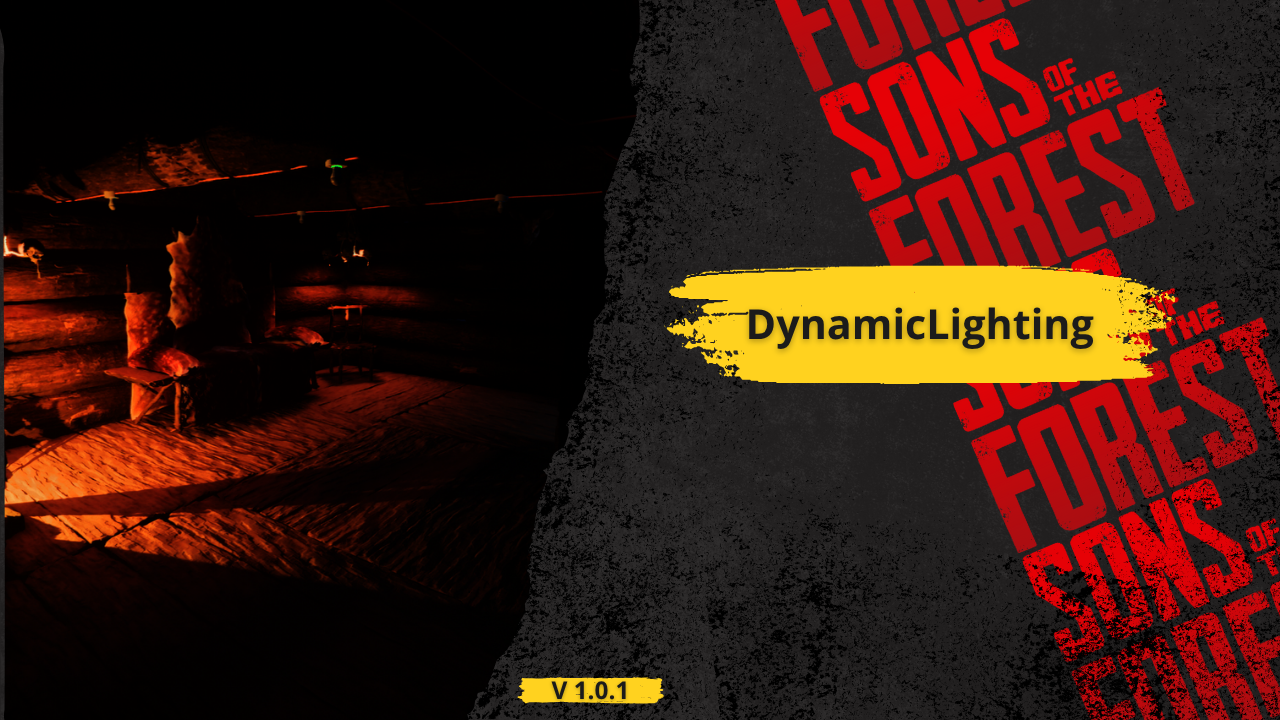
  • Zrzut ekranu 1 z 3
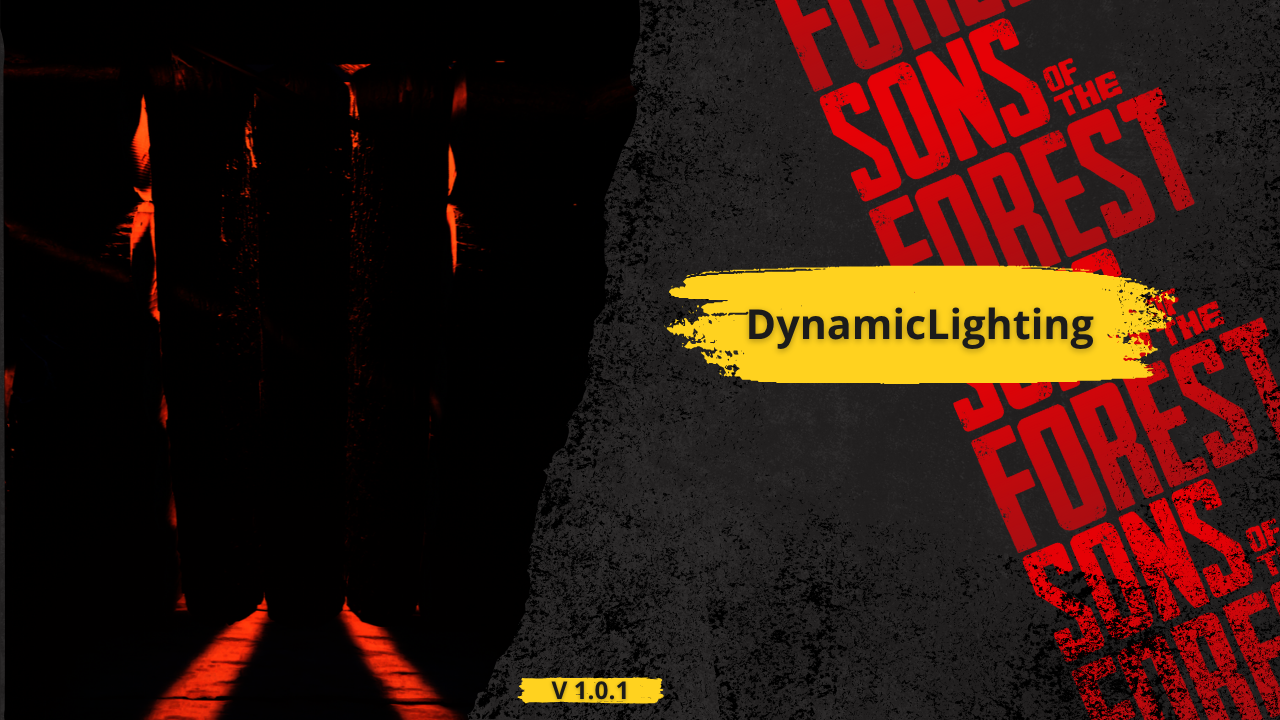
  • Zrzut ekranu 2 z 3
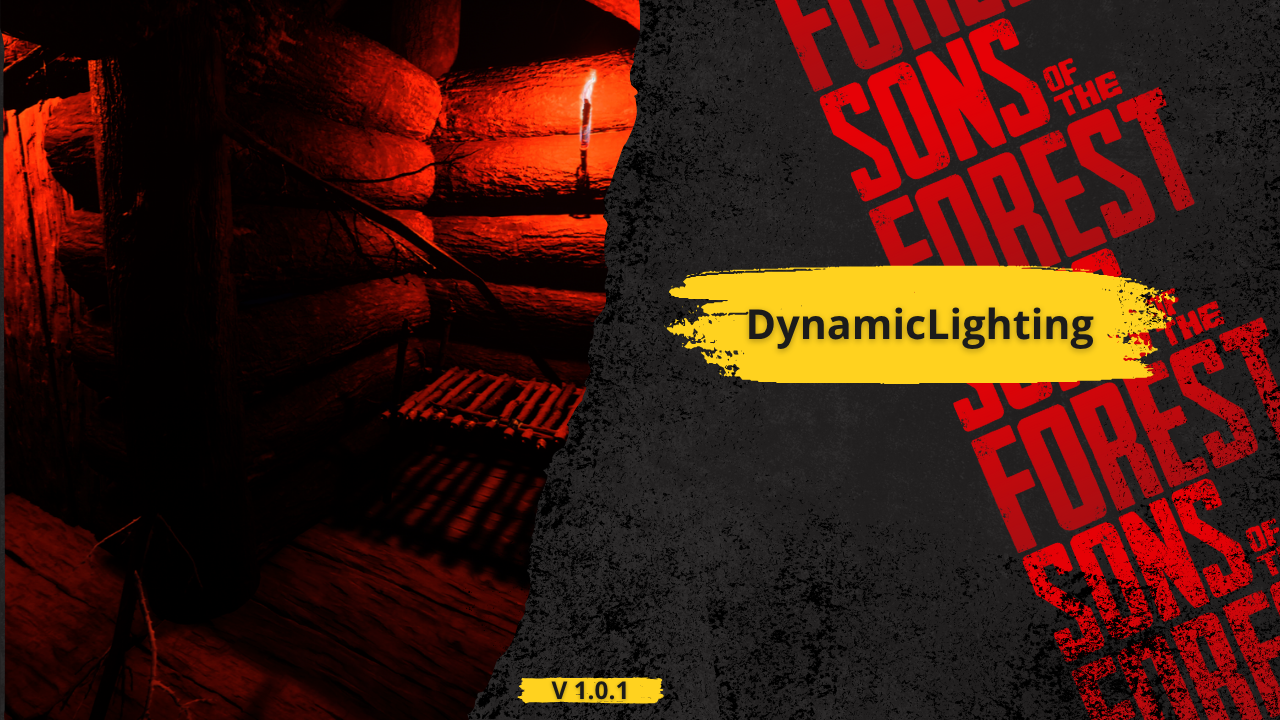
  • Zrzut ekranu 3 z 3

DynamicLighting

Bóg rzekł: "Niech stanie się światłość", a modderzy posłuchali.

Przetłumaczono automatycznie

BadBoy7 Other Wersja:v1.0.0 Zaktualizowano 31 lip 2025

Pobrania
17 799 łącznie
Pobrania w tym tygodniu
131 w tym tygodniu
Obserwujący
1 obserwujący

Niezweryfikowany Jeszcze niesprawdzony na najnowszym patchu. Testowałeś? Daj znać. Zgłoś

Przegląd

This mod for Sons of the Forest is designed to unlock the full visual potential of the game's lighting system. By default, many in-game light sources—especially decorative or atmospheric ones—do not have dynamic shadows enabled, despite having the capability to support them. This oversight can make environments feel flat or unnatural in dark settings, caves, or when interacting with crafted structures. This mod fixes that.

It automatically detects and processes specific light sources in the world, enabling dynamic shadows where they were previously disabled. The mod not only activates shadows, but also fine-tunes various light parameters such as range, intensity, bounce intensity, color temperature, and more. Each light type is adjusted individually depending on its context and structure—for example:

Hanging skull lights and skull fires have their shadows enabled and adjusted for atmospheric warmth.

Wall torches receive a realistic color temperature (1600K) and bounce to simulate flame lighting more naturally.

Spotlights like those on poles or structures are adjusted for proper projection distance, brightness, and shadow culling.

All changes respect the structure’s original style while making lights more visually impactful and immersive.

These tweaks enhance the mood of the game without overexposing or breaking its native art direction. The lighting feels more alive, shadows behave naturally, and night scenes become more believable and engaging.

Whether you're deep in the forest at night, exploring an abandoned cave, or simply walking by crafted structures, you'll notice more realism, atmosphere, and depth thanks to this mod’s subtle but important improvements.

Notatki terenowe

1 wersja
  1. v1.0.0

    Najnowsza

    First release

Recenzje

Brak recenzji. Pobrałeś? Opowiedz jako pierwszy, jak poszło.

Napisz recenzję

Zaloguj się · Jedna recenzja na ocalałego. Konkretnie: wersja, co działało, a co nie.

5 komentarzy

  1. shittodesu

    Not work in my game.
    I don't know what's wrong, but I try put wall torch on tree, I see no shadow behind the tree.

  2. Cobalt

    I assume yes, but do you need a beefy GPU to run and enjoy this mod?

Najczęstsze pytania

Czy DynamicLighting działa w trybie wieloosobowym?
Autor nie podał jeszcze, czy działa w trybie wieloosobowym. Sprawdź komentarze i raporty z terenu innych graczy.
Jak zainstalować DynamicLighting?
Zainstaluj RedLoader (RedManager może zrobić to za ciebie), pobierz DynamicLighting 1.0.0 z tej strony i umieść go w folderze _RedLoader/Mods w katalogu gry. Uruchom grę i naciśnij F1, aby sprawdzić, czy się wczytał.
Czego potrzebuje DynamicLighting?
Tylko Sons of the Forest na Steamie i RedLoadera. Nie ma innych zależności.
Czy DynamicLighting działa z aktualną łatką gry?
Nie ma jeszcze zgłoszeń zgodności. Jeśli go wypróbujesz, dodaj raport z terenu.

W skrócie

Build gry
Niezweryfikowany
RedLoader
Nie podano
Platforma
Nieznany
Tryb wieloosobowy
Nieznany
Serwer dedykowany
Nieznany
Usuwanie w trakcie zapisu
Nieznany
Zależności
Brak
Konflikty
Brak znanych
Wersja
1.0.0
Zaktualizowano
Opublikowano

Raporty terenowe

Zgłoś

Brak raportów terenowych. Testowałeś? Daj znać.

Czy działało w twojej grze?

Raport terenowy zajmuje dziesięć sekund i mówi wszystkim, czy ten mod działa z obecną łatką.

Zaloguj się, aby dodać raport terenowy

Jak zainstalować ten mod

Pięć minut, bez menedżera. Te kroki dotyczą DynamicLighting.

Ten mod wymaga RedLoadera, nie BepInEx. Mody i poradniki do BepInEx nie dotyczą Sons of the Forest.

  1. Zainstaluj RedLoader

    RedLoader to loader modów do Sons of the Forest. Instalujesz go raz i działa każdy mod.

    Jak zainstalować RedLoader
  2. Pobierz DynamicLighting v1.0.0

    Pobierz v1.0.0
  3. Rozpakuj ZIP do folderu Mods

    Na komputerze rozpakuj go do folderu Mods gry:

    Steam/steamapps/common/Sons Of The Forest/Mods

    Zachowaj strukturę folderów z ZIP-a. Nie wrzucaj samego ZIP-a do folderu.

  4. Uruchom grę

    RedLoader wczytuje mod przy starcie. Naciśnij F1 w menu głównym, aby zobaczyć listę modów.

Wolisz jedno kliknięcie? RedManager zainstaluje i zaktualizuje mody oraz ich zależności za ciebie.

Pełny poradnik instalacji

Udostępnij ten mod

Odznaki dla Twojej strony

Wklej odznakę do README, na forum lub Discorda. Aktualizują się same.

Odznaka „Pobrania”: DynamicLightingOdznaka „Wersja”: DynamicLightingOdznaka „Zgodność”: DynamicLightingOdznaka „Ocena”: DynamicLighting
Kod QR

Zeskanuj go telefonem, aby otworzyć stronę.

Zgłoś DynamicLighting

Powiedz strażnikom, co jest nie tak. Zgłoszenia są prywatne.

Powód

Linki, wersje lub cokolwiek, co pomoże strażnikom. Do 2000 znaków.

  • Zrzut ekranu 1 z DynamicLighting
  • Zrzut ekranu 2 z DynamicLighting
  • Zrzut ekranu 3 z DynamicLighting

1 / 3