

Skip to content

We rebuilt SOTF Mods. Log in again with the same password.

  • Screenshot 1 of 3
  • Screenshot 2 of 3
  • Screenshot 3 of 3

Sons of the Forest Mod loader: RedLoader

Better Golfcarts v1.1.2

A utility mod to add small features to golf carts and also allow for some tuning.

Dreamline Quality of Life

  • 14.9K 14,874 Downloads
  • 2 followers

Description

Better Golfcarts is a utility mod which seeks to improve and tune various aspects of golf carts.

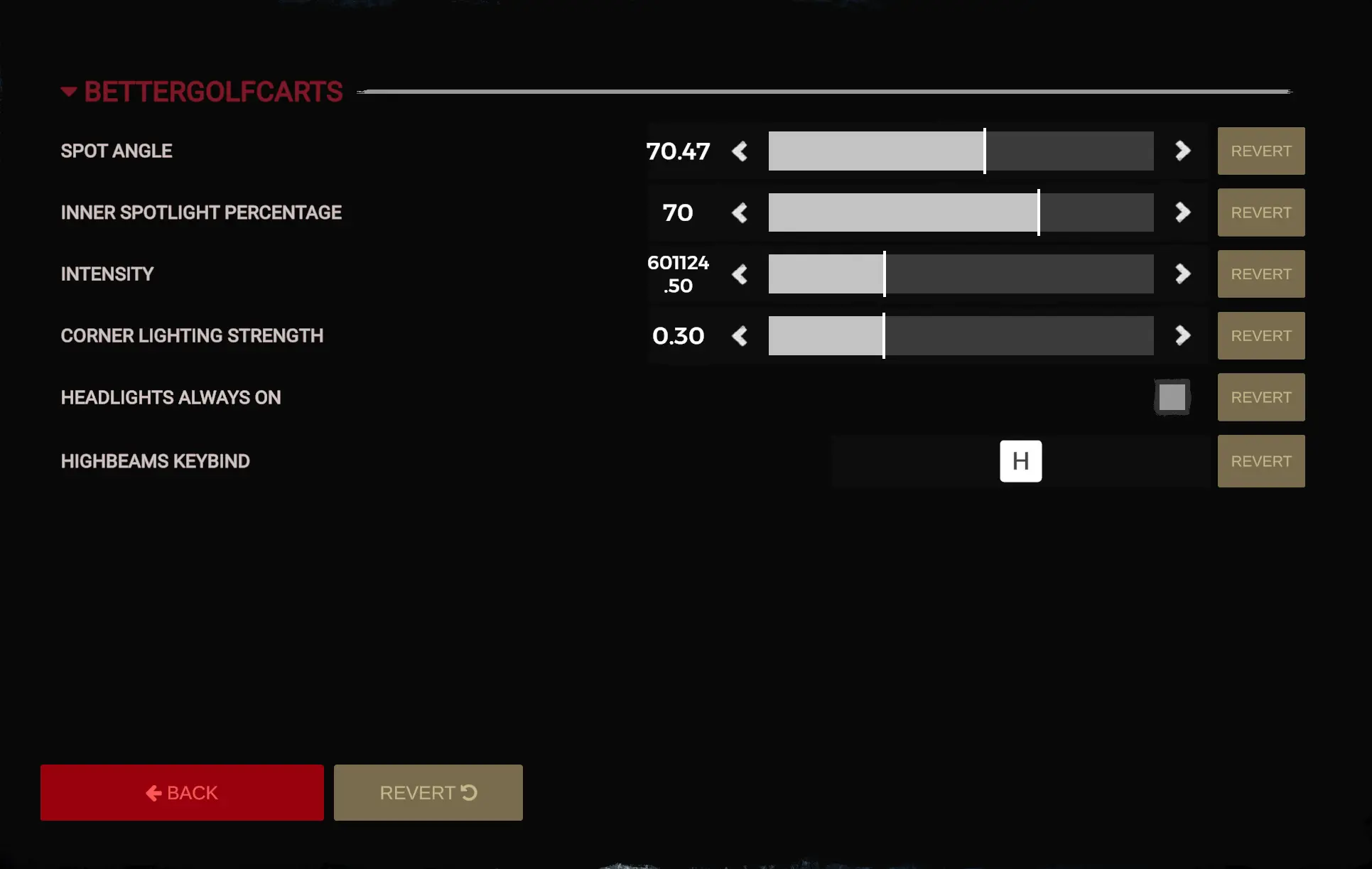
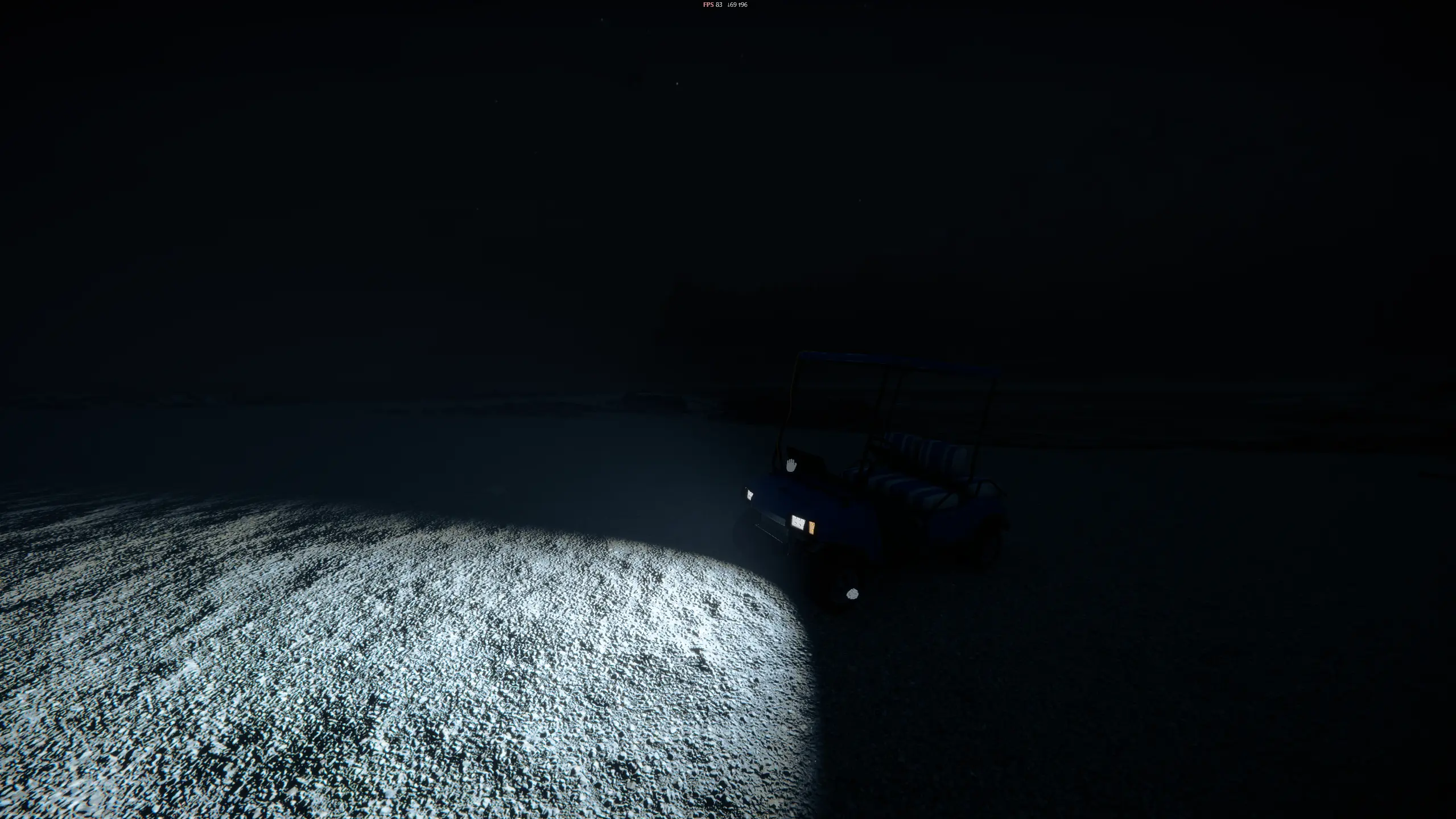
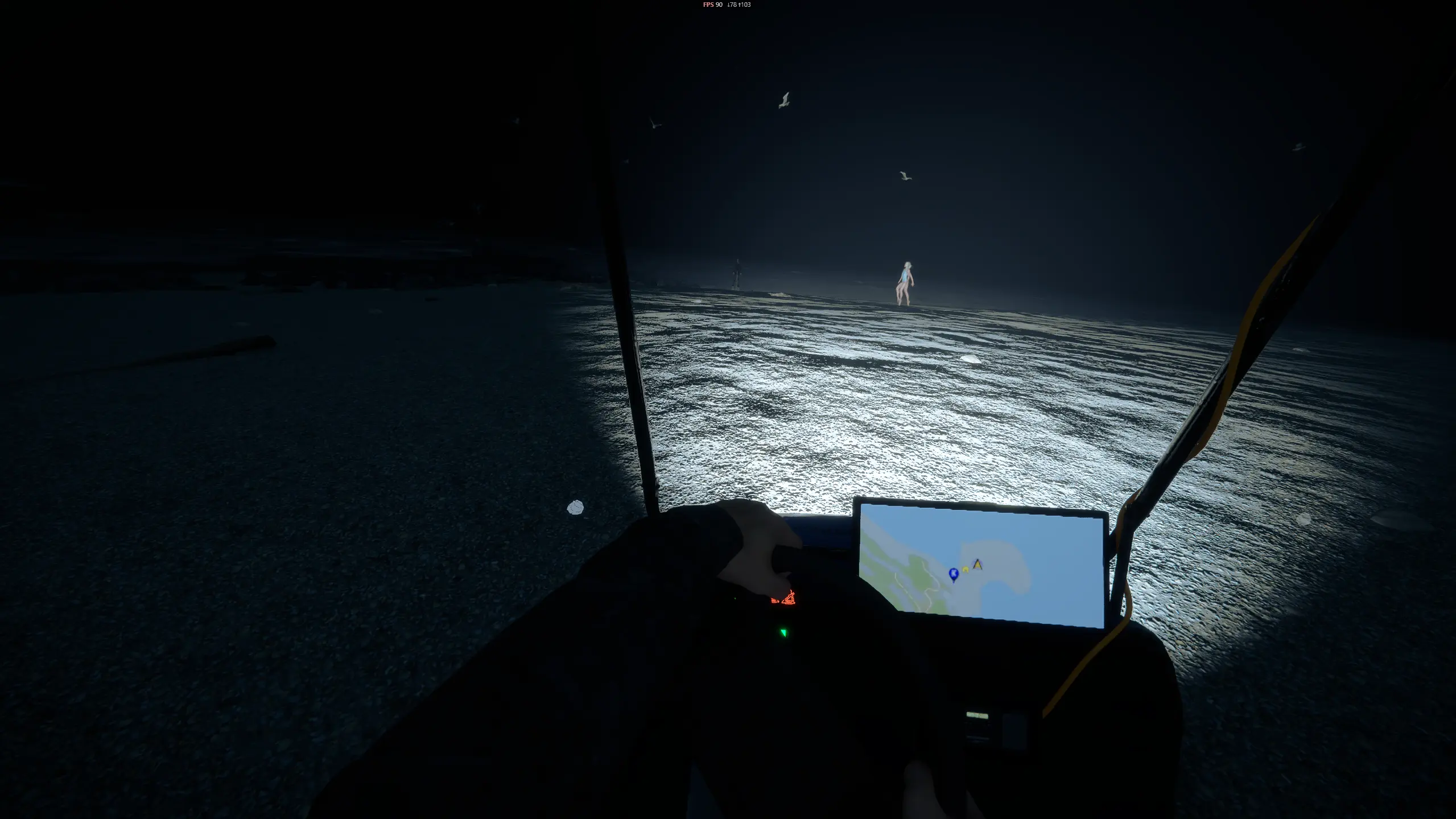
The mod currently changes the headlights of the golfcarts. Features include:

  • Improved look of the headlights and removed the jagged edge to increase realism

  • Added high beams, default hotkey H

  • Added corner lighting, the lighting angle moves with your steering to light up corners better.

  • Headlights can be configured to always be on.

Configuration can be done through the option menu. Headlights always on does not take effect until reboot.

Corner lighting

Corner lighting is a feature commonly found on modern cars. The headlights move in the steering direction. This mod does the same thing.

The strength of the corner lighting can be adjusted in the settings. 1 means it directly mirrors your steering, where as 0 disables it entirely.

Info

Multiplayer currently isn't supported (yet). It works on servers, but other players will see the default lighting.

Versions and changelog

All 4 versions
  1. v1.1.2 Latest Restored the 'keep golfcart lights on' functionality that somehow got lost in patch 1.1 · 13.6K downloads
  2. v1.1.1 Hello everyone, This patch fixes a small bug that caused the 'boost engaged' message to stay on the HUD even after exiting the cart. · 397 downloads
  3. v1.1.0 Better Golfcarts Patch 1.1# This patch adds some new features! Added a parking brake. The parking brake can be toggled using the assigned keybind (default P). An icon should appear on the GPS screen indicating that the parking brake is active. The parking brake will keep the golfcart in place. Never run after your golfcart again! Added Boost functionality. Golfcarts now have a turbo boost that can be activated using a hotkey (default L). Enabling the boost will make the golfcart accelerate more agressively, but the handling gets worse. Added Max Brake Torque This setting can be used to configure the maximum torque applied to the wheels by the brakes. Higher value means stronger brakes. Configuration# Ofcourse, everything can be configured! Added hotkey settings for boost and parking brake Boost strength can be customized or fully disabled. Maximum brake torque can be configured. · 482 downloads
  1. v1.1.2

    Latest

    Restored the 'keep golfcart lights on' functionality that somehow got lost in patch 1.1

  2. v1.1.1

    Hello everyone,

    This patch fixes a small bug that caused the 'boost engaged' message to stay on the HUD even after exiting the cart.

  3. v1.1.0

    Better Golfcarts Patch 1.1

    This patch adds some new features!

    • Added a parking brake. The parking brake can be toggled using the assigned keybind (default P). An icon should appear on the GPS screen indicating that the parking brake is active. The parking brake will keep the golfcart in place. Never run after your golfcart again!

    • Added Boost functionality. Golfcarts now have a turbo boost that can be activated using a hotkey (default L). Enabling the boost will make the golfcart accelerate more agressively, but the handling gets worse.

    • Added Max Brake Torque This setting can be used to configure the maximum torque applied to the wheels by the brakes. Higher value means stronger brakes.

    Configuration

    Ofcourse, everything can be configured!

    • Added hotkey settings for boost and parking brake
    • Boost strength can be customized or fully disabled.
    • Maximum brake torque can be configured.

2 comments

  1. InsideHerTrading

    it has been 4 months, do u have an eta for the increased accelration of the golf cart

    DreamlineCreator

    @InsideHerTrading That functionality was added in patch 1.1. You can configure the boost strength for the increased acceleration.

    I have been very busy over the past few months so this project isn't being actively worked on anymore, unless someone reports a large bug.

Something not working? Share your log and paste the link in your comment.

Reviews

No reviews yet. Be the first to review this mod.

Write a review

Log in · One review per user. Be specific: version, what worked, what didn’t.

How to install this mod

These steps install Better Golfcarts by hand, without a manager.

SotF Mods Manager installs and updates mods and their dependencies for you. Get SotF Mods Manager

This mod needs RedLoader, not BepInEx. BepInEx mods and guides don’t apply to Sons of the Forest.

  1. Install RedLoader

    RedLoader is the mod loader for Sons of the Forest. You only need to install it once.

    How to install RedLoader
  2. Download Better Golfcarts v1.1.2

    Download v1.1.2
  3. Extract the ZIP into the Mods folder

    On your PC, extract it into the game’s Mods folder:

    Steam/steamapps/common/Sons Of The Forest/Mods

    Keep the folder structure of the ZIP. Don’t put the ZIP itself in the folder.

  4. Launch the game

    RedLoader loads the mod on start. Press F1 in the main menu to see the list of mods.

Full install guide

More actions

Share this mod

Badges for your page

Paste a badge into a README, forum post or Discord. Badges update automatically.

Downloads badge: Better GolfcartsVersion badge: Better GolfcartsCompatibility badge: Better GolfcartsRating badge: Better Golfcarts
QR code

Scan it with your phone to open the page.

Report Better Golfcarts

Tell the moderators what’s wrong. Reports are private.

Reason

Links, versions or anything that helps the moderators. Up to 2,000 characters.

Unapprove Better Golfcarts?

It goes back to Pending approval: it leaves the main list and returns to the New mods queue.

  • Screenshot 1 of Better Golfcarts
  • Screenshot 2 of Better Golfcarts
  • Screenshot 3 of Better Golfcarts

1 / 3

Changelog

Comments

Reviews