ForestTalk turns Kelvin and Virginia into real companions, not silent bots you just watch.
💬 How to talk to them#
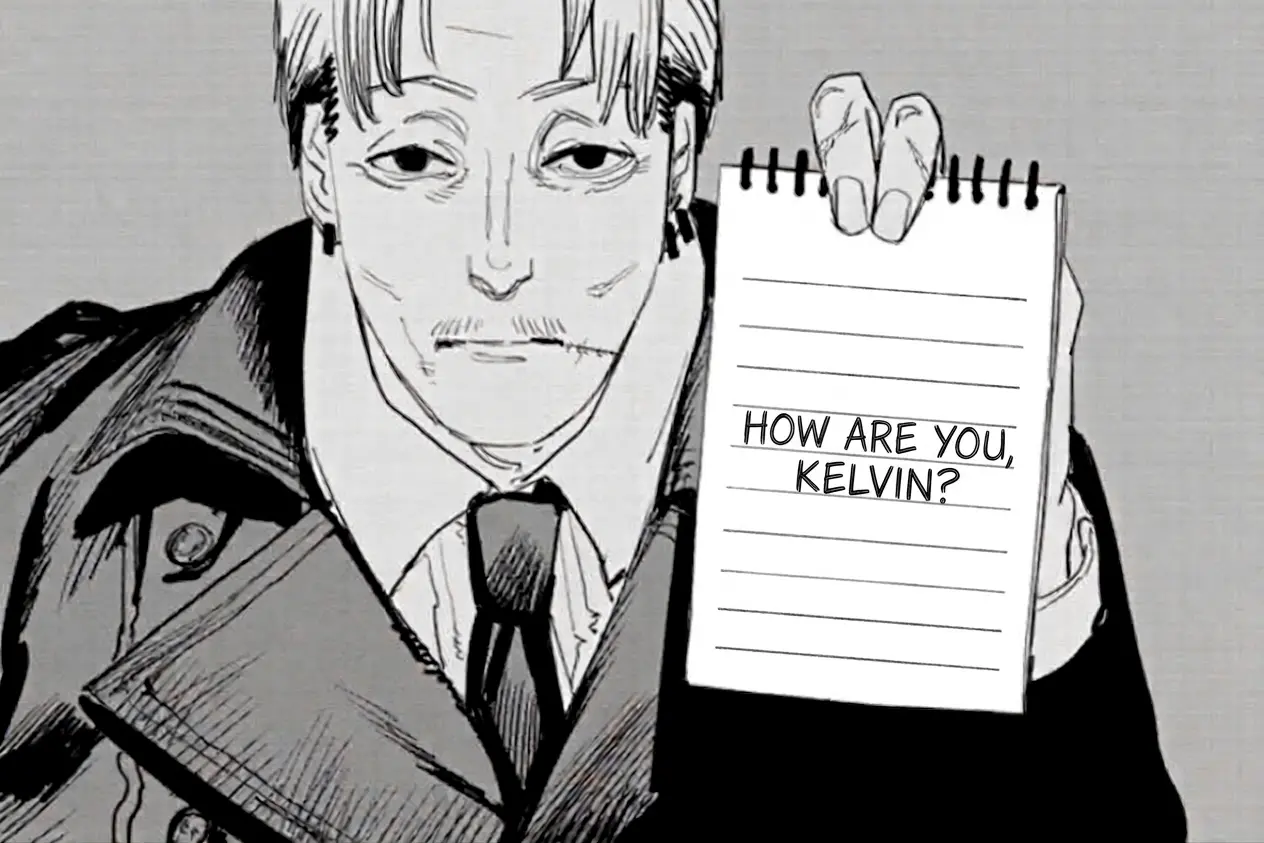
With Kelvin, open his notepad and press T to type. You can also press O while nearby and looking at him, no notepad needed. Virginia works the same way: get close, look at her, and press O, if she's willing.
🧠 Kelvin, your companion#
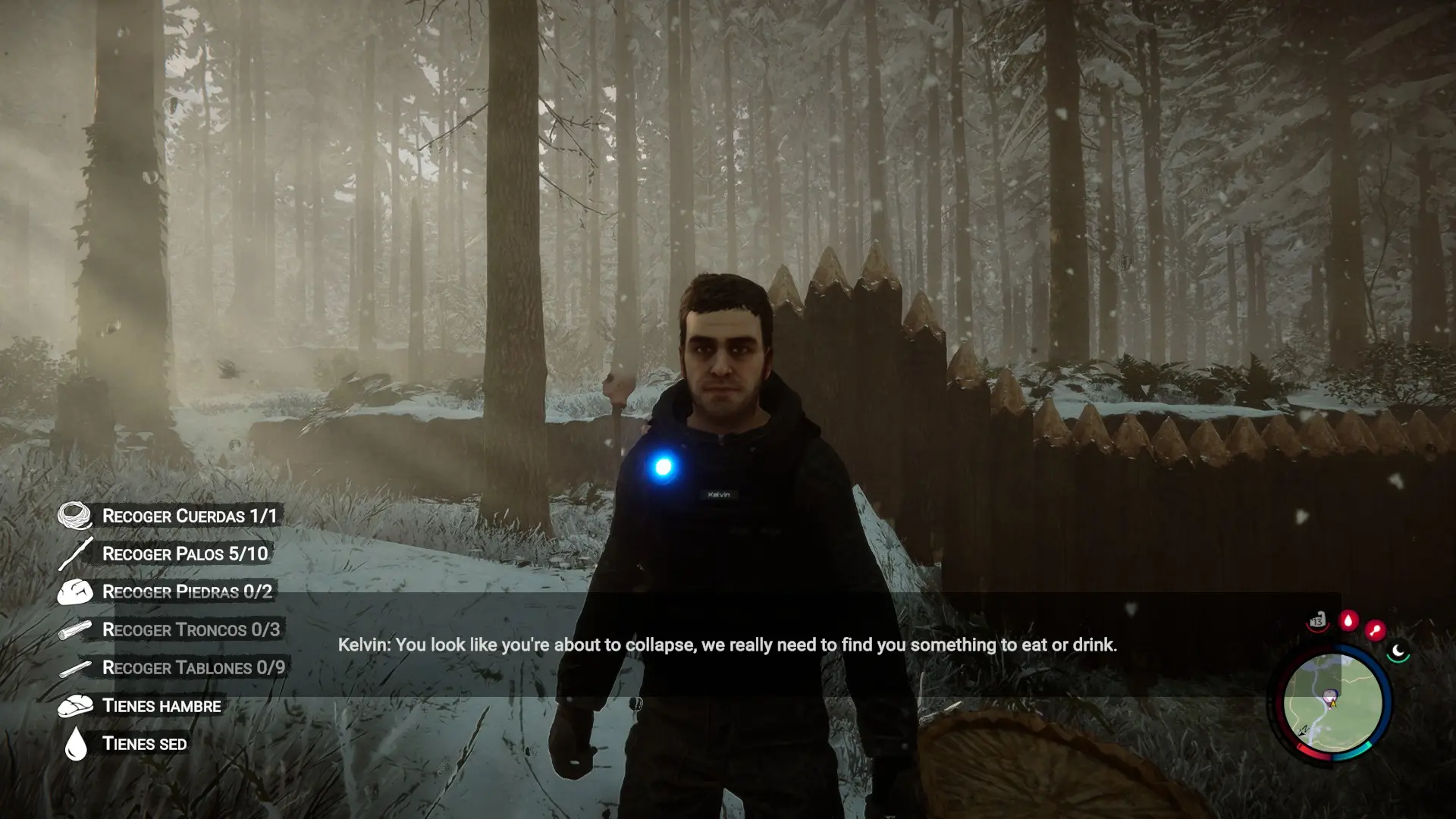
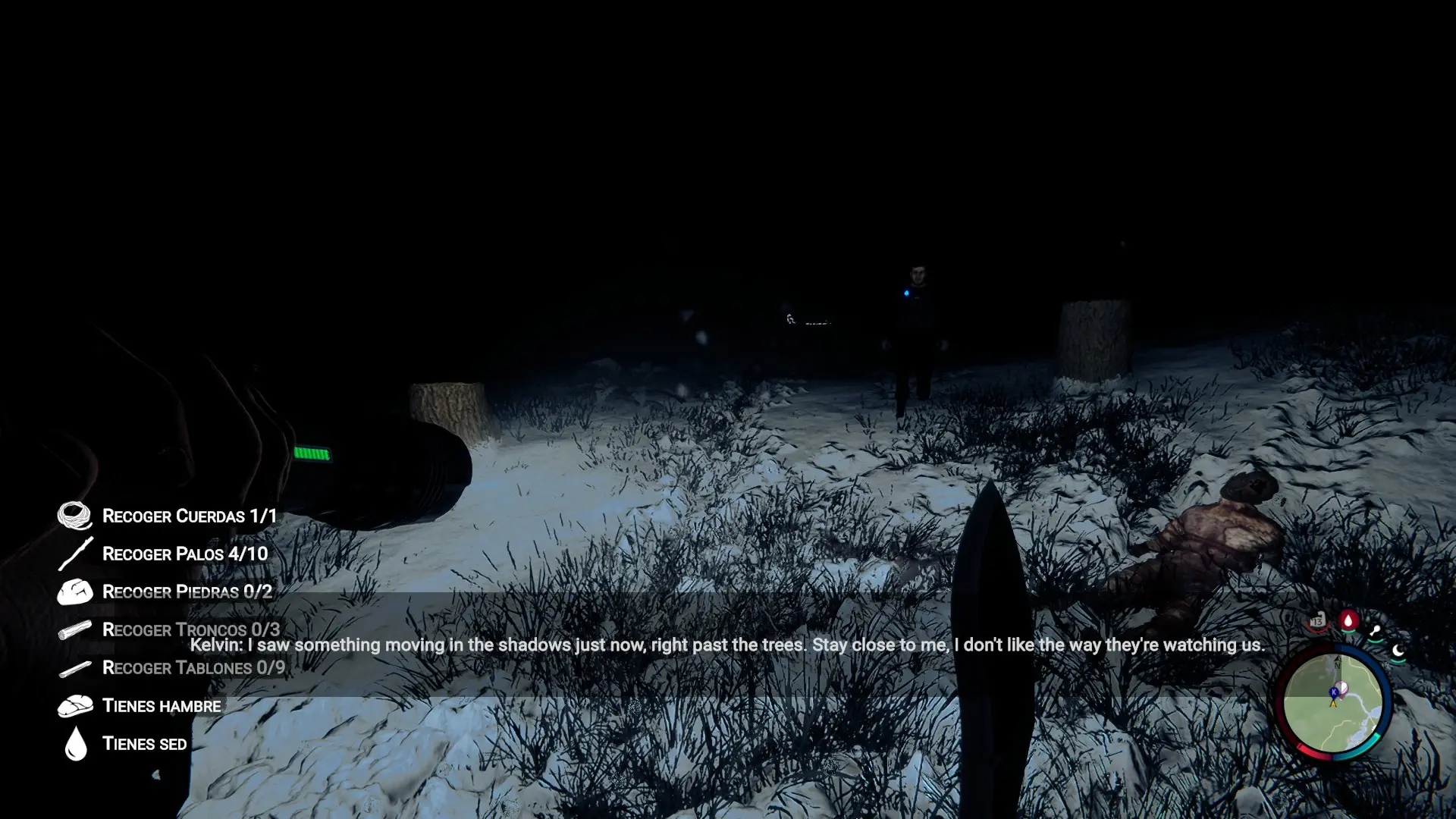
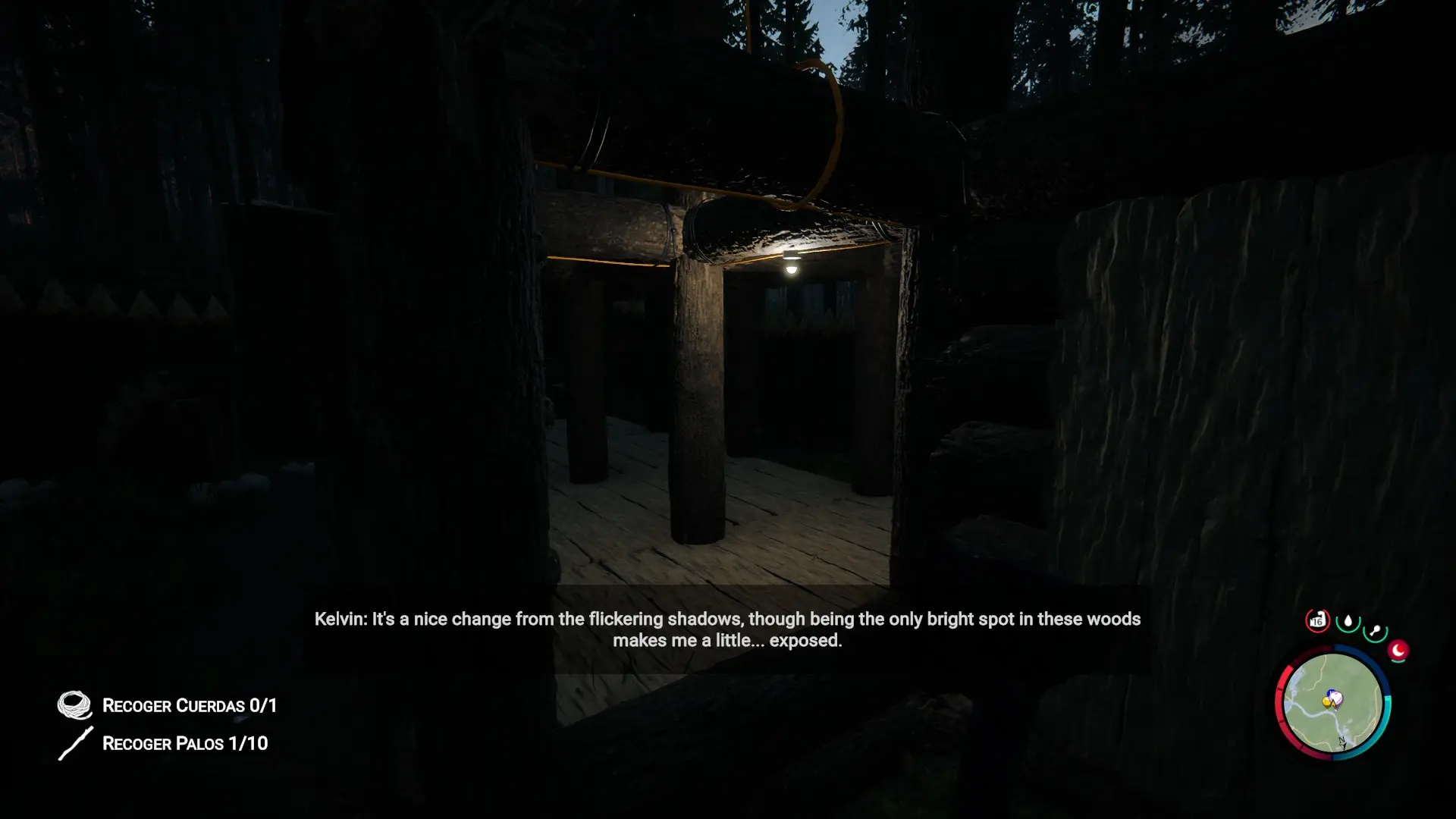
I put a lot of effort into making him aware of his surroundings: nearby danger, your state, the weather, and what he's doing. This mod assumes the crash left him deaf, but he can still speak.
He's your companion, and he'll always have something to say. He has a warm personality, is a bit shaken by what he's been through, and has a strong moral compass against the horrors of the forest.
You can also give him real orders through chat: bring logs, repair the camp, build a fire, stay put, follow you, and more. These are real orders he carries out in-game.
🌿 Virginia, an independent soul#
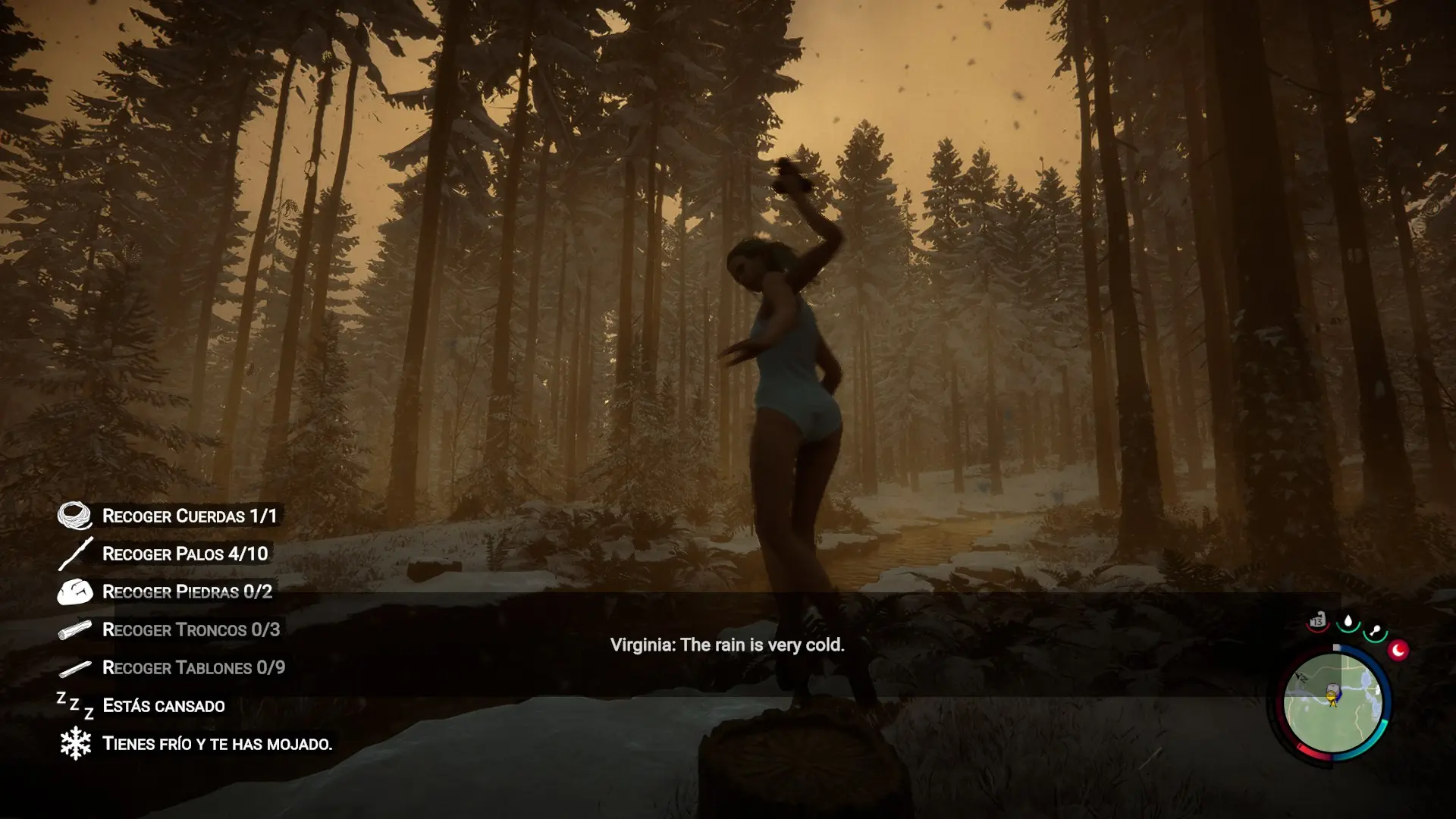
Virginia can talk with you too, on her own terms. She's a fully independent person: she can't be given orders or commands, and she'll only chat if she feels like it.
⚠️ Real environmental awareness#
Both react to what's actually happening: danger, injuries, hunger or thirst, night, and rain. I dug deep into the game's code so their conversations reflect what's going on with you and the world around you.
👀 Bonus: let them see what you see#
Type !look followed by your message (e.g. !look what do you think of our base?) to send a screenshot along with it. A fun little extra, completely optional.
Heads up: capturing it pauses the game for a split second.
⚙️ Deep customization#
Choose between several AI providers: Player2 (with a button to generate your API key instantly), OpenAI, Gemini, OpenRouter, or your own custom/local server.
Adjust how often they speak on their own, toggle danger comments, write custom personality notes, and more.
Surviving the forest is no longer something you do alone. Kelvin and Virginia become real friends to face the island with.
❤️ Support ForestTalk#
Thanks for giving ForestTalk a chance! If you're enjoying your time with Kelvin and Virginia, please consider supporting my work with a small donation. Every bit helps and means a lot to me.
☕ Support me on Ko-fi

3 comments
hello,this is amazing mod,could i ask,does it work on multiplayer
this mod is soo good i love it. it makes the game way more fun because i can talk to them now so i have a fourth thing to do in the game, i have getting stuff and exploring and building and noiw talking to the npcs. i love it so much. i think this is gonna boost my playtime by like 500 hours i love you creator of the mod. and the ais are so smart too they literally point out that im thirsty or hungry or when cannibals are nearby, for example i said hi to virginia and she said "Hi, you look thirsty." and she gave me a rabbit gift and then i tahnked her and she said "It is for you." they are soo smart. and they actually have humor and a personality and arent like mindless robots. and you can talk to them alot it doesnt spend alot of joules but its also fun to change the ai models in player2. i love this mod its so good thank you so much. the installation seems a tiny bit complicated but its easy. press "connect player2 account" or "player2 api key", and have chrome open. it will open the site automatically in chrome. and then log in or create an account. then install the player2 app. and then close sons of the forest and go back in and now the api key should be filled in. now you can play. if you want to edit their personality a bit you can do it in the mods menu in sons of the forest, if thats too short which it was for me, go into this path. "C:\Program Files (x86)\Steam\steamapps\common\Sons Of The Forest\UserData" then press Foresttalk.cfg, if you cant go into the path just go into steam then sons ofthe forest then manage then broswe local files and it will be there. then open foresttalk.cfg and open it with notepad or VS code or whatever you use, scroll down until you see kelvin_custom_prompt. then edit it, here is an example kelvin_custom_prompt = "example". this is it for virginia. virginia_custom_prompt = "example". You can edit the ai model in player2. i love this mod its so good, thank you creator. i would donate 1 euro if there was an option.
Hi! I auto-downloaded this mod with the mod manager. It doesn’t show up in the main menu mod list, and I can’t chat with Kevin in-game. Do I need a local AI model to run it? Or did I install it wrong? I’ve tried several times. TAT
Something not working? Share your log and paste the link in your comment.
Log in to comment