
Sons of the Forest Mod loader: RedLoader
Kelvin-GPT v1.0.6
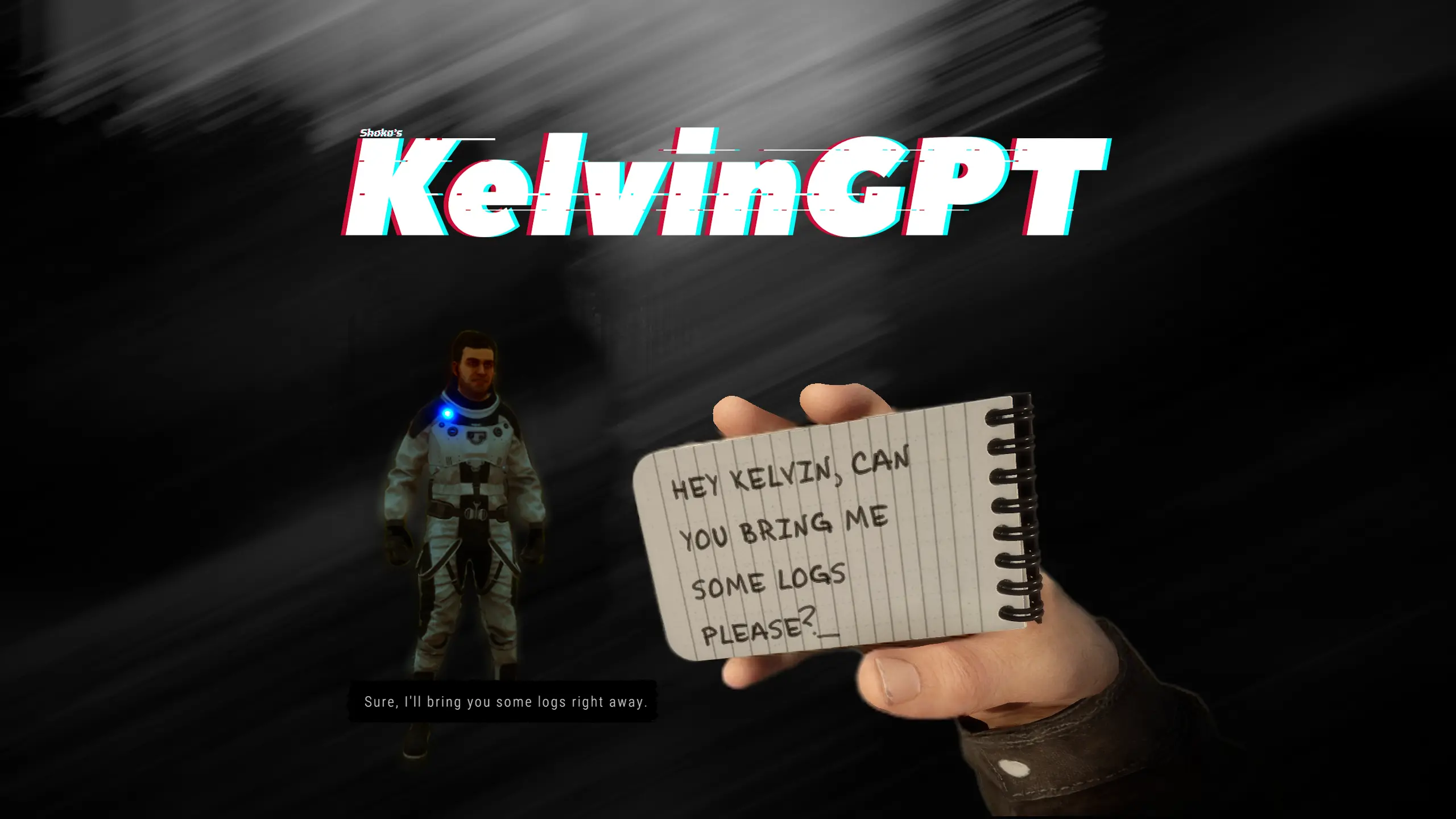
Bring the power of ChatGPT to the mind of Kelvin with Kelvin GPT

- 15K 15,009 Downloads
- 2 followers
Description
Kelvin GPT
ChatGPT-Powered Kelvin Mod for Sons of the Forest
Imagine asking kelvin one of these things
- "Kelvin can you get me some wood?"
- "Kelvin how are you feeling today?"
- "Its getting late, make a shelter real quick"
Now you can!

Seamlessly integrates into the Sons of the Forest game. By leveraging the capabilities of ChatGPT, Kelvin becomes more responsive and engaging, providing a unique gaming experience.
Installation
- Download the KelvinGPT mod
- Drop the mod .zip in your game folder and extract
- Configure your chatgpt api key in mod settings (Introduce your key without the prefix "sk-")
- Launch the game and start enjoying the enhanced interaction with Kelvin.
How to Use
- In the game, approach Kelvin and press the "E" key to open the notepad.
- Press the "T" key to activate text input mode.
- Start typing anything you want, questions, commands or interactions with Kelvin and press Enter.
Commands
The mods add 2 console commands
- askkelvin recieves a command and will send it to kelvin without you needing to open the notepad for example
askkelvin Hello kelvin, can you get me some wood? - clearkelvinchathistory Clears the chat history with kelvin
clearkelvinchathistory
(These commands work on the last kelvin you talked to, so in order to use them you must first send a message to kelvin via notepad)
Explore the world of Sons of the Forest in a whole new way with the KelvinGPT mod.
Versions and changelog
All 7 versions- v1.0.6 Latest Updated to work with 1.0 · 11.1K downloads
- v1.0.5 Now kelvin-gpt requires a valid chat gpt api key · 1.69K downloads
- v1.0.4 when the gpt api is down it will use a default answer based on the closest command to the user input · 1.31K downloads
-
v1.0.6
Latest -
-
Reviews
No reviews yet. Be the first to review this mod.
Write a review
Log in · One review per user. Be specific: version, what worked, what didn’t.
4 comments
Bug report · v1.0.6
It does not work. I wasted money on an api key, entered the key, and it does not work. Do not download, do not waste your money!
Be careful with this mod. It sends your OpenAI API key to the author's server, and how it's used is anyone's guess.
I would like to inform that it works, and did not crash yet. Kelvin spoke about himself, built a campfire, get resources, and so much more.
i have newer chatgpt and my key i have money there everything but its saying exceeded your current quota. i dont know what to do
Something not working? Share your log and paste the link in your comment.
Log in to comment