
Skip to content

We rebuilt SOTF Mods. Log in again with the same password.

  • Cover image of TeleportMap

Sons of the Forest Mod loader: RedLoader

TeleportMap v1.0.1

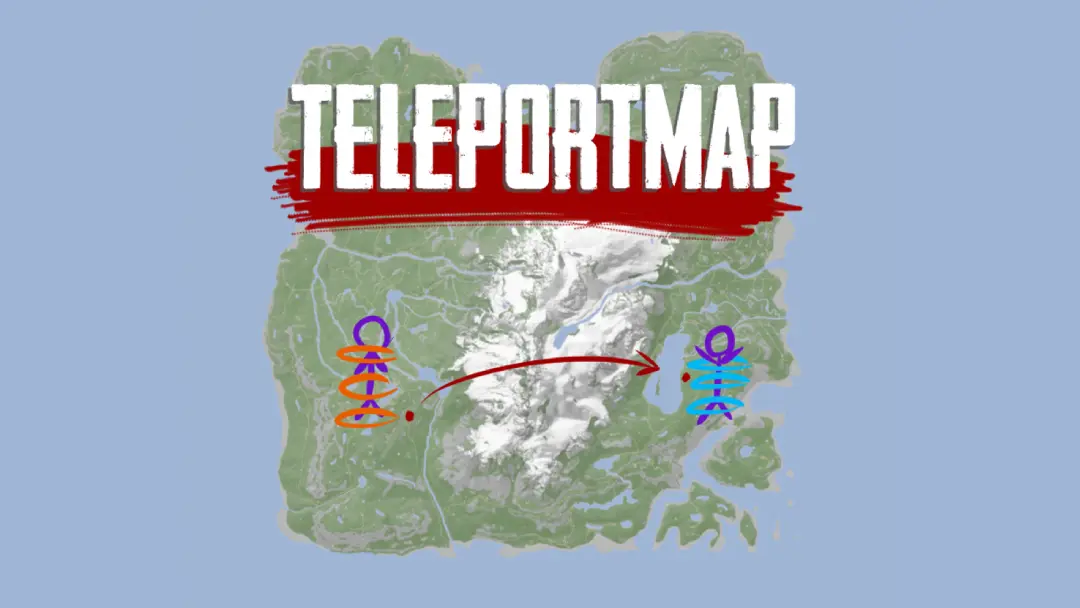
Teleport around using an interactive map that also shows player position

ImAxel Trusted Other

  • 13.6K 13,578 Downloads
  • 2 followers

Description

Standalone feature ported from my mod menu. You don't need it if you have it installed.

Only tested on 1080p resolution. Should work on all n X 1080 resolutions.
The default show/hide key is M. It can be changed in the mods settings.

Thumbnail by Laughingcat

Versions and changelog

All 2 versions
  1. v1.0.1 Latest Disabled HUD when map is open to avoid overlying text · 12.2K downloads
  2. v1.0.0 First release · 1.34K downloads
  1. v1.0.1

    Latest

    Disabled HUD when map is open to avoid overlying text

  2. v1.0.0

    First release

1 comment

  1. Reeushima

    This mod is awesome because I can teleport anywhere but i keep getting bug where ill open the map using M and it wont close. Cant get the UI to disappear.

Something not working? Share your log and paste the link in your comment.

Reviews

No reviews yet. Be the first to review this mod.

Write a review

Log in · One review per user. Be specific: version, what worked, what didn’t.

How to install this mod

These steps install TeleportMap by hand, without a manager.

SotF Mods Manager installs and updates mods and their dependencies for you. Get SotF Mods Manager

This mod needs RedLoader, not BepInEx. BepInEx mods and guides don’t apply to Sons of the Forest.

  1. Install RedLoader

    RedLoader is the mod loader for Sons of the Forest. You only need to install it once.

    How to install RedLoader
  2. Download TeleportMap v1.0.1

    Download v1.0.1
  3. Extract the ZIP into the Mods folder

    On your PC, extract it into the game’s Mods folder:

    Steam/steamapps/common/Sons Of The Forest/Mods

    Keep the folder structure of the ZIP. Don’t put the ZIP itself in the folder.

  4. Launch the game

    RedLoader loads the mod on start. Press F1 in the main menu to see the list of mods.

Full install guide

More actions

Share this mod

Badges for your page

Paste a badge into a README, forum post or Discord. Badges update automatically.

Downloads badge: TeleportMapVersion badge: TeleportMapCompatibility badge: TeleportMapRating badge: TeleportMap
QR code

Scan it with your phone to open the page.

Report TeleportMap

Tell the moderators what’s wrong. Reports are private.

Reason

Links, versions or anything that helps the moderators. Up to 2,000 characters.

Unapprove TeleportMap?

It goes back to Pending approval: it leaves the main list and returns to the New mods queue.

Changelog

Comments

Reviews