
Skip to content

We rebuilt SOTF Mods. Log in again with the same password.

  • In review. A moderator is checking this mod. It isn’t listed yet and may still change.
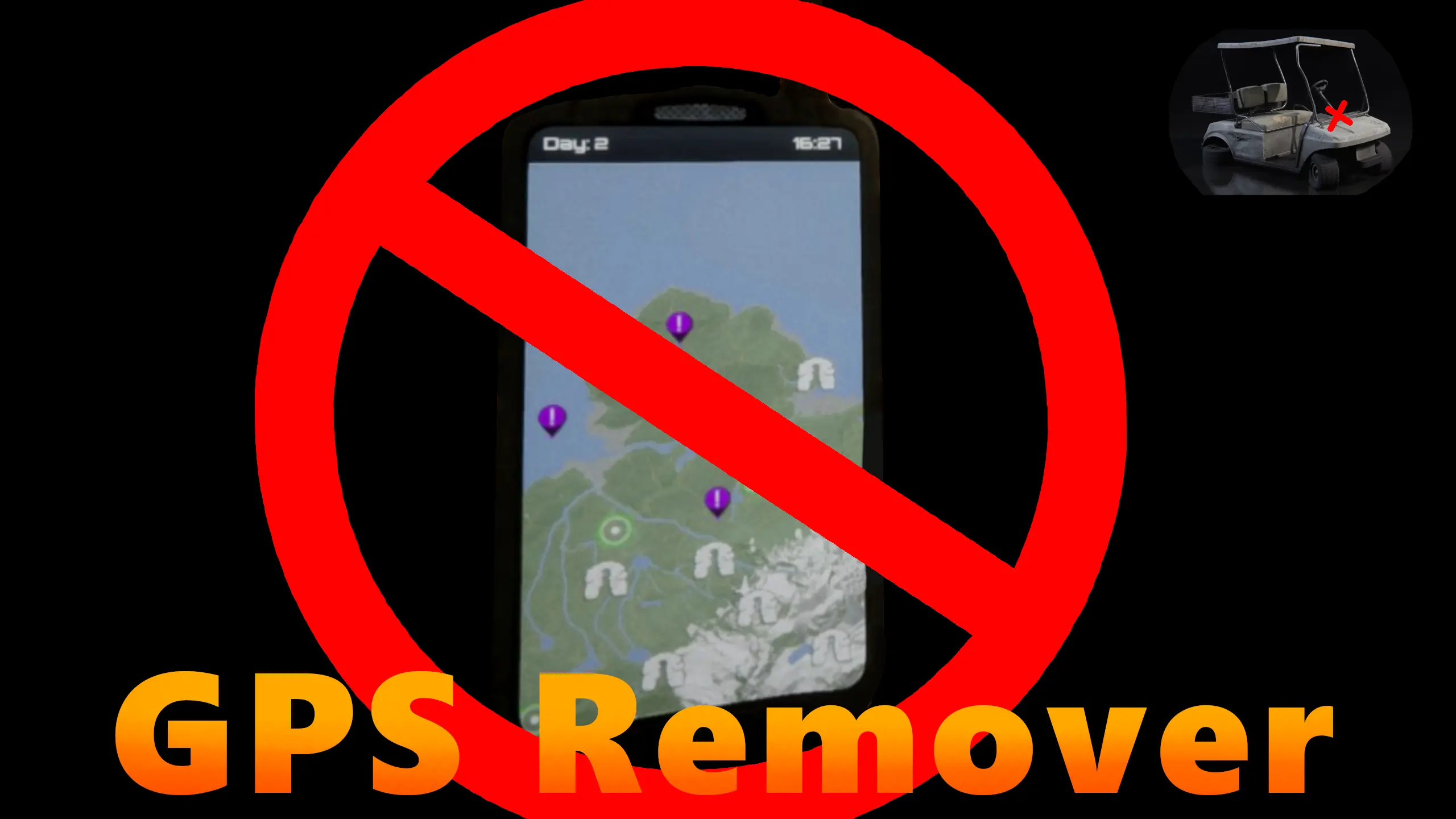
  • Cover image of GPS Remover

Sons of the Forest Mod loader: RedLoader

GPS Remover v1.0.1

Turns off the GPS trackers for the held GPS device and all golf cart GPS systems. Fully configurable.
RegiRockn'Roll Trusted Other

  • 1.02K 1,015 Downloads
  • 0 followers

Description

Many folks prefer to find their way around the map without the temptation or assistance of GPS devices. This mod solves that in an immersion friendly way by turning off all the screens for the held GPS and golf cart GPS systems. If you want the minimap turned off, there is already an option for that in the gameplay options.

Versions and changelog

All 2 versions
  1. v1.0.1 Latest Added some cleanup for subscribed events and fixed the golf cart gps not switching properly after the first changed of the menu config settings. · 4.7 kB · 1.01K downloads
  2. v1.0.0 First release · 4.3 kB · 1 download
  1. v1.0.1

    Latest 4.7 kB

    Added some cleanup for subscribed events and fixed the golf cart gps not switching properly after the first changed of the menu config settings.

  2. v1.0.0

    4.3 kB

    First release

1 comment

  1. lukeman3000

    This is great. I'm wondering though, would it be possible to simply remove the icons (like the cave icons and team members) off the GPS screens until they've actually been discovered? We already have the beeping feature which seems pointless given that the icon is on the GPS lol. I think that this would be a great improvement to the GPS system and encourage exploration. It would also be cool if the GPS itself had to be found somewhere on the map.

Something not working? Share your log and paste the link in your comment.

Reviews

No reviews yet. Be the first to review this mod.

Write a review

Log in · One review per user. Be specific: version, what worked, what didn’t.

How to install this mod

These steps install GPS Remover by hand, without a manager.

RedManager installs and updates mods and their dependencies for you. Get RedManager

This mod needs RedLoader, not BepInEx. BepInEx mods and guides don’t apply to Sons of the Forest.

  1. Install RedLoader

    RedLoader is the mod loader for Sons of the Forest. You only need to install it once.

    How to install RedLoader
  2. Download GPS Remover v1.0.1

    Download v1.0.1
  3. Extract the ZIP into the Mods folder

    On your PC, extract it into the game’s Mods folder:

    Steam/steamapps/common/Sons Of The Forest/Mods

    Keep the folder structure of the ZIP. Don’t put the ZIP itself in the folder.

  4. Launch the game

    RedLoader loads the mod on start. Press F1 in the main menu to see the list of mods.

Full install guide

More actions

Share this mod

Badges for your page

Paste a badge into a README, forum post or Discord. Badges update automatically.

Downloads badge: GPS RemoverVersion badge: GPS RemoverCompatibility badge: GPS RemoverRating badge: GPS Remover
QR code

Scan it with your phone to open the page.

Report GPS Remover

Tell the moderators what’s wrong. Reports are private.

Reason

Links, versions or anything that helps the moderators. Up to 2,000 characters.

Changelog

Comments

Reviews