
Skip to content

We rebuilt SOTF Mods. Log in again with the same password.

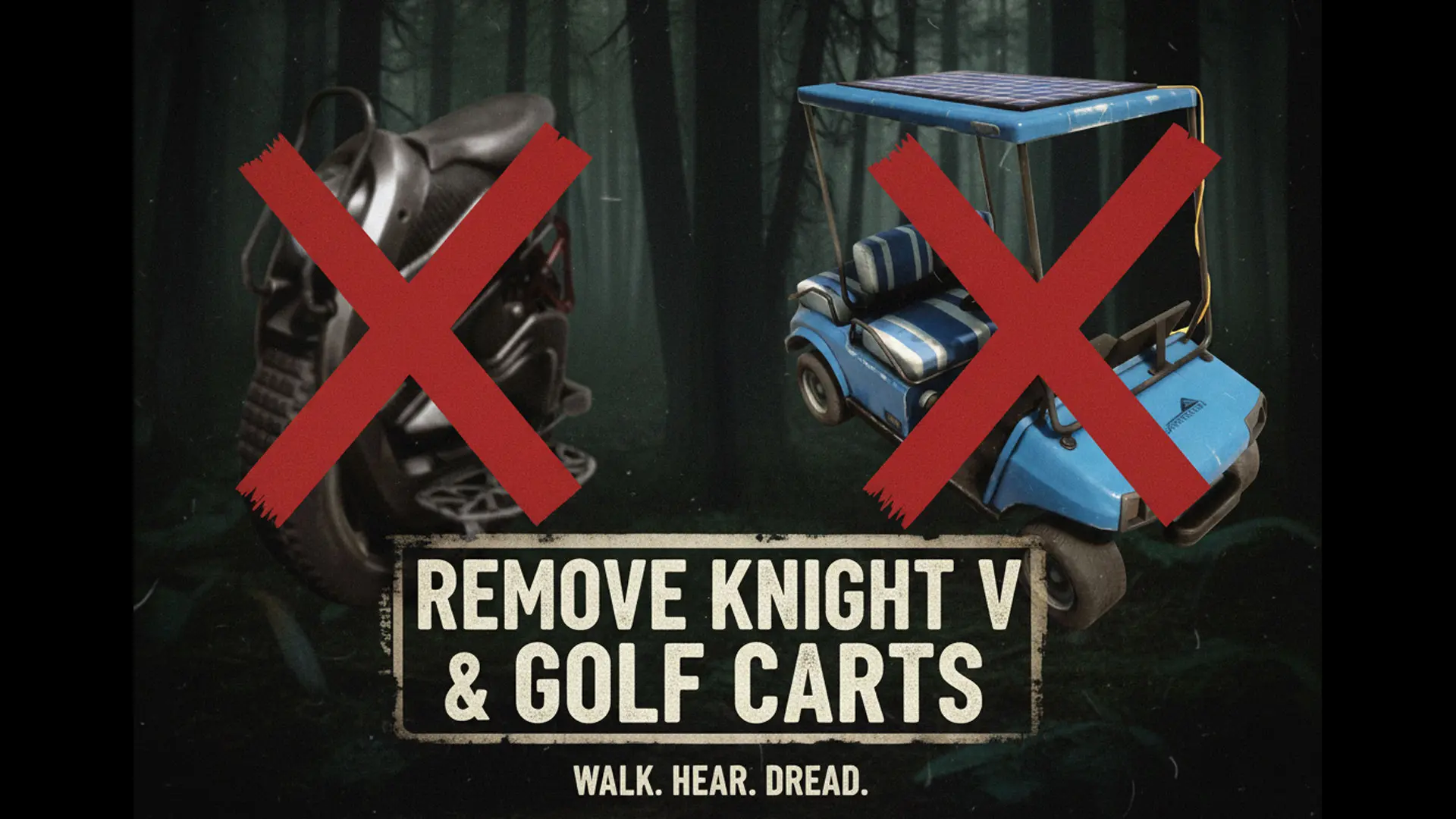
  • Cover image of Remove KnightVs and Golf Carts

Sons of the Forest Mod loader: RedLoader

Remove KnightVs and Golf Carts v1.0.0

Removes all Knight Vs and drivable golf carts from the game.

razorwings18 Other

  • 107 107 Downloads
  • 0 followers

Description

Description
Removes all Knight Vs and drivable golf carts from the game.

Installation instructions

  • Install RedLoader if you haven't already.
  • Unzip to your game's main folder (where SonsOfTheForest.exe is located) maintaining the ZIP's folder structure.
    (The .DLL will end up under the Mods folder, and the .json under the Mods/RW18_NoOPvehicles folder.) Main features
    What it says in the tin. If installed, those vehicles will no longer appear in the game. You will no longer have an overpowered way of escaping danger, and you will hear and dread the sounds of the forest - an experience that is much closer to what made the original great. Use the glider to get around the huge island instead.
    Does not remove broken down golf carts.

    Requirements
    Must have RedLoader installed.

    Shout outs
    Niklecx - For making the first attempt, albeit under BepInEx, which encouraged me to make a RedLoader version.

Versions and changelog

All 1 version
  1. v1.0.0 Latest First release · 107 downloads
  1. v1.0.0

    Latest

    First release

Comments

No comments yet. Questions, tips and bug reports go here.

Something not working? Share your log and paste the link in your comment.

Reviews

No reviews yet. Be the first to review this mod.

Write a review

Log in · One review per user. Be specific: version, what worked, what didn’t.

How to install this mod

These steps install Remove KnightVs and Golf Carts by hand, without a manager.

SotF Mods Manager installs and updates mods and their dependencies for you. Get SotF Mods Manager

This mod needs RedLoader, not BepInEx. BepInEx mods and guides don’t apply to Sons of the Forest.

  1. Install RedLoader

    RedLoader is the mod loader for Sons of the Forest. You only need to install it once.

    How to install RedLoader
  2. Download Remove KnightVs and Golf Carts v1.0.0

    Download v1.0.0
  3. Extract the ZIP into the Mods folder

    On your PC, extract it into the game’s Mods folder:

    Steam/steamapps/common/Sons Of The Forest/Mods

    Keep the folder structure of the ZIP. Don’t put the ZIP itself in the folder.

  4. Launch the game

    RedLoader loads the mod on start. Press F1 in the main menu to see the list of mods.

Full install guide

More actions

Share this mod

Badges for your page

Paste a badge into a README, forum post or Discord. Badges update automatically.

Downloads badge: Remove KnightVs and Golf CartsVersion badge: Remove KnightVs and Golf CartsCompatibility badge: Remove KnightVs and Golf CartsRating badge: Remove KnightVs and Golf Carts
QR code

Scan it with your phone to open the page.

Report Remove KnightVs and Golf Carts

Tell the moderators what’s wrong. Reports are private.

Reason

Links, versions or anything that helps the moderators. Up to 2,000 characters.

Unapprove Remove KnightVs and Golf Carts?

It goes back to Pending approval: it leaves the main list and returns to the New mods queue.

Changelog

Comments

Reviews