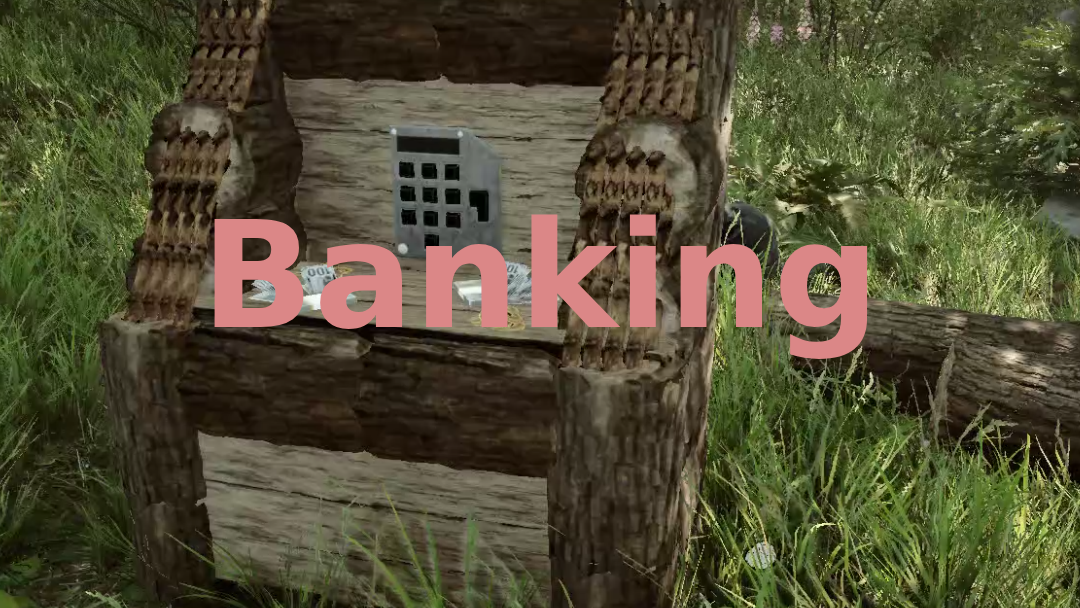
Banking
Adds a ATM and cash system
SmokyAce Libraries Version:v1.0.0 Updated Feb 6, 2025
- Downloads
- 4,737 total
- Downloads this week
- 31 this week
- Followers
- 1 follower
Download v1.0.0
Other versions
Not verified Not verified on the latest patch yet. Tried it? Report back. Report
Overview

Dependencies
Dependency graph
Field notes
All 1 versionReviews
No reviews yet. Downloaded it? Be the first to tell others how it went.
Write a review
Sign in · One review per survivor. Be specific: version, what worked, what didn’t.
Frequently asked questions
- Does Banking work in multiplayer?
- The author has not stated multiplayer support yet. Check the comments and the field reports of other players.
- How do I install Banking?
- Install RedLoader (RedManager can do it for you), download Banking 1.0.0 from this page and put it in the _RedLoader/Mods folder inside your game directory. Launch the game and press F1 to confirm it loaded.
- What does Banking need?
- Sons of the Forest on Steam, RedLoader and: SimpleNetworkEvents.
- Does Banking work on the current game patch?
- There are no compatibility reports yet. If you try it, add a field report.
At a glance
- Game build
- Not verified
- RedLoader
- Not declared
- Platform
- Unknown
- Multiplayer
- Unknown
- Dedicated server
- Unknown
- Remove mid-save
- Unknown
- Dependencies
- 1 required · 0 optional
- Conflicts
- None known
- Version
- 1.0.0
- Updated
- Published
Field reports
ReportNo field reports yet. Tried it? Report back.
Did it work in your game?
A field report takes ten seconds and tells everyone whether this mod works on the current patch.
Sign in to add a field report
1 comment
I have three of your mods, (SimpleNetworkEvents, Banking, & Shops) and I cannot get the ATM or the Shop to build. I see them in the book, but when I LeftClick to start building them, the ghost doesn't show up as if I never confirmed the build.
Do you have any ideas why I cannot?
Sign in to comment