进入Sons Of The Forest\Mods\Tattoo\Textures文件夹,复制一个你想要覆盖的纹理,并在原始名称后附加一个自定义名称(该自定义名称将显示在选项中),然后按你的喜好进行编辑。因此,要覆盖“RobbyHead.png”,复制它并将其命名为类似“RobbyHeadCustom.png”(将在设置中显示为“Custom”)。不要直接覆盖原始纹理,要创建一个副本。你可以为一个纹理创建任意数量的副本。
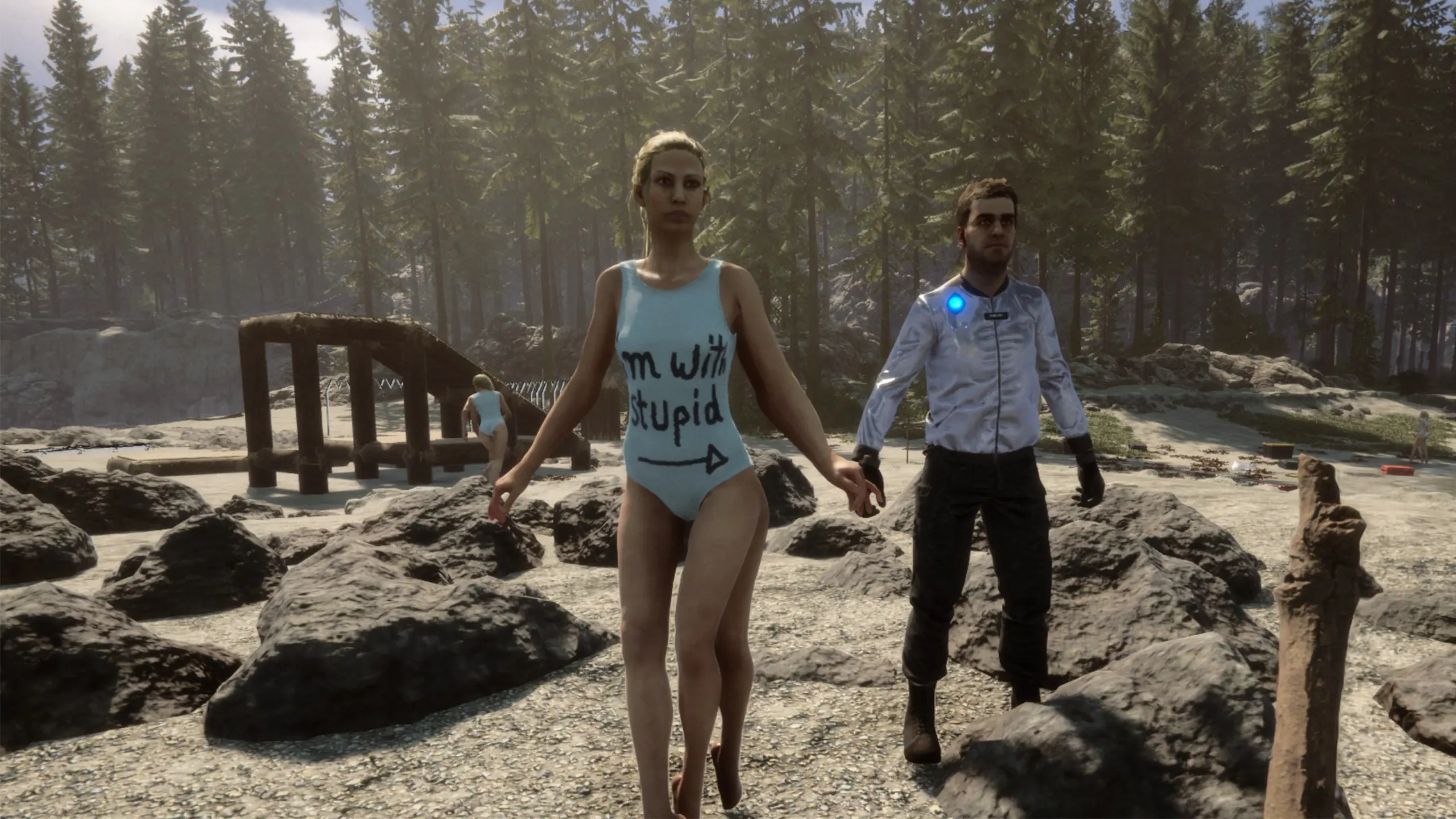
Go into the Sons Of The Forest\Mods\Tattoo\Textures folder, copy a texture you want to overwrite and append a custom name to the original name (the custom name will show in the options) then edit it to your liking. So to overwrite "RobbyHead.png", copy it and name it something like "RobbyHeadCustom.png" (will show as "Custom" in the settings). Don't just overwrite the original texture, create a copy. You can create as many copies as you like of a texture.
If you make changes to a texture or create a new one you can reload them in the game by either using the "Reload" button in the mod list or the reloadtattoo console command.

评论
还没有评论。提问、技巧和 bug 反馈都可以写在这里。
有东西不能用?分享你的日志,并把链接粘贴到评论中。
登录后发表评论