Sons Of The Forest\Mods\Tattoo\Textures フォルダーに入り、上書きしたいテクスチャをコピーして、元の名前にカスタム名を追加します(カスタム名はオプションに表示されます)。その後、好みに合わせて編集してください。例えば「RobbyHead.png」を上書きするには、それをコピーして「RobbyHeadCustom.png」のような名前にします(設定では「Custom」と表示されます)。元のテクスチャを直接上書きせず、コピーを作成してください。1つのテクスチャのコピーはいくつでも作成できます。
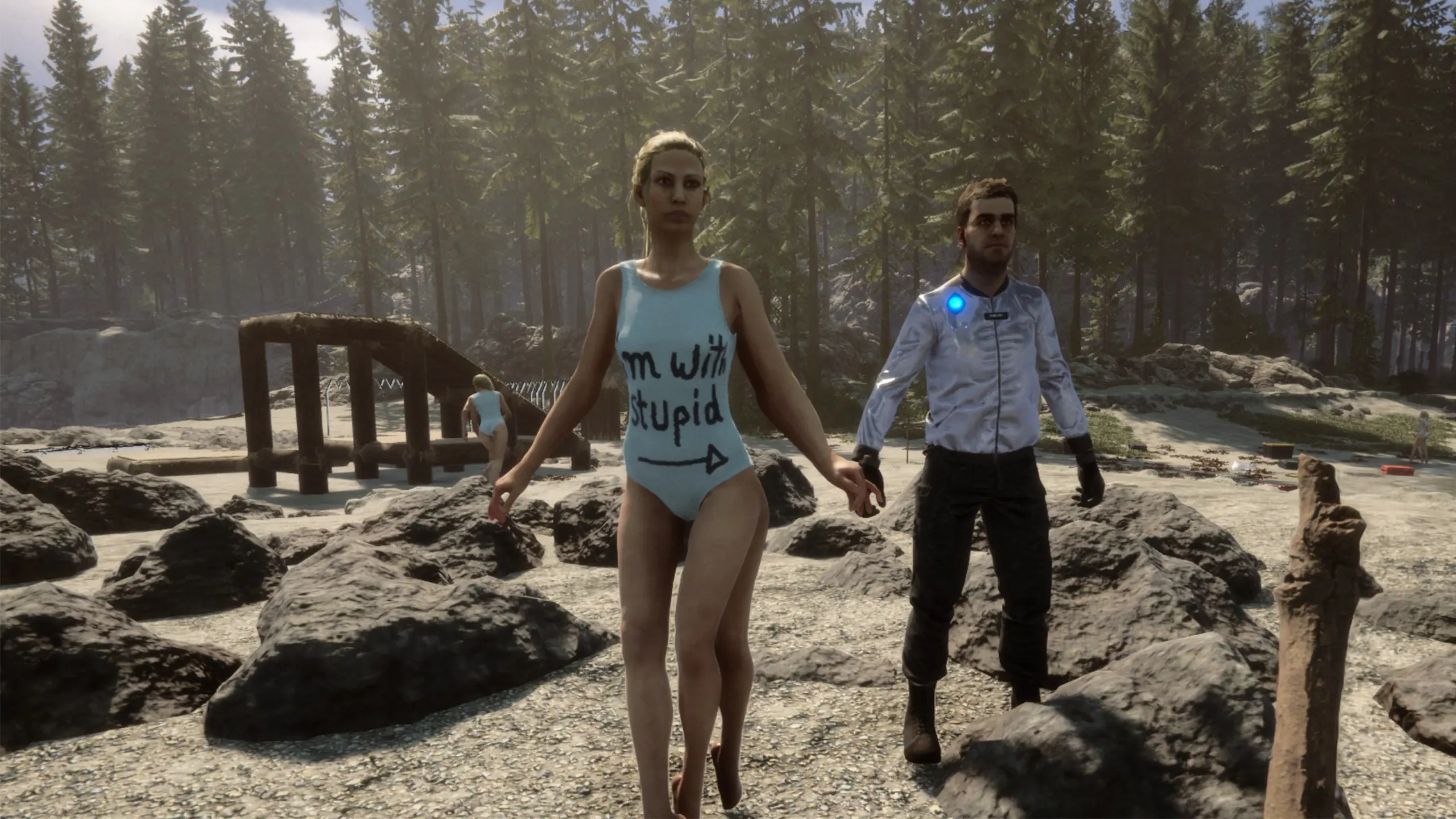
Go into the Sons Of The Forest\Mods\Tattoo\Textures folder, copy a texture you want to overwrite and append a custom name to the original name (the custom name will show in the options) then edit it to your liking. So to overwrite "RobbyHead.png", copy it and name it something like "RobbyHeadCustom.png" (will show as "Custom" in the settings). Don't just overwrite the original texture, create a copy. You can create as many copies as you like of a texture.
If you make changes to a texture or create a new one you can reload them in the game by either using the "Reload" button in the mod list or the reloadtattoo console command.

コメント
まだコメントはありません。質問、コツ、バグ報告はこちらへ。
うまく動かない場合は、ログを共有してリンクをコメントに貼り付けてください。
ログインしてコメントする