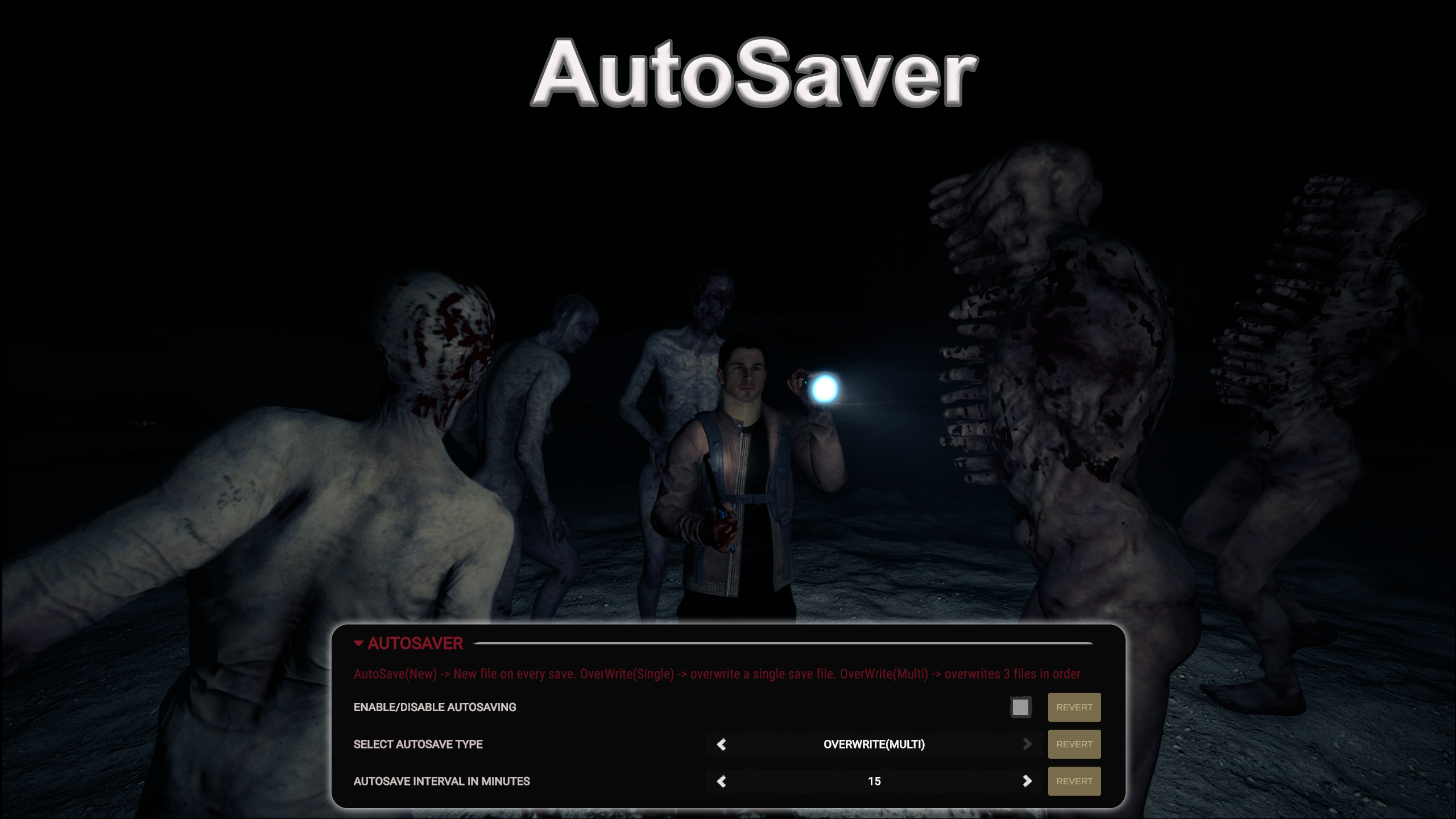
AutoSaver
Consente il salvataggio automatico. Il timer dell'intervallo di salvataggio è configurabile.
Lets you AutoSave. Timer of Save interval is configurable.
Tradotto automaticamente
Franky Quality of Life Versione:v1.1.0 Aggiornata il 19 mar 2024
- Download
- 12.048 in totale
- Download questa settimana
- 66 questa settimana
- Follower
- 1 follower
Scarica v1.1.0
Altre versioni
Non verificato Non ancora verificata sull’ultima patch. L’hai provata? Faccelo sapere. Segnala se funziona
Panoramica
Note sul campo
Tutte le 4 versioniRecensioni
Ancora nessuna recensione. L’hai scaricata? Racconta per primo com’è andata.
Scrivi una recensione
Accedi · Una recensione per sopravvissuto. Sii preciso: versione, cosa ha funzionato e cosa no.
Domande frequenti
- AutoSaver funziona in multigiocatore?
- L’autore non ha ancora indicato il supporto al multigiocatore. Controlla i commenti e i rapporti sul campo degli altri giocatori.
- Come si installa AutoSaver?
- Installa RedLoader (RedManager può farlo per te), scarica AutoSaver 1.1.0 da questa pagina e mettilo nella cartella _RedLoader/Mods della directory del gioco. Avvia il gioco e premi F1 per verificare che sia caricato.
- Di cosa ha bisogno AutoSaver?
- Solo di Sons of the Forest su Steam e di RedLoader. Non ha altre dipendenze.
- AutoSaver funziona con la patch attuale del gioco?
- Non ci sono ancora segnalazioni di compatibilità. Se lo provi, aggiungi un rapporto sul campo.
In breve
- Build del gioco
- Non verificato
- RedLoader
- Non dichiarato
- Piattaforma
- Sconosciuto
- Multigiocatore
- Sconosciuto
- Server dedicato
- Sconosciuto
- Rimozione a partita in corso
- Sconosciuto
- Dipendenze
- Nessuno
- Conflitti
- Nessuno noto
- Versione
- 1.1.0
- Aggiornata
- Pubblicata
Rapporti sul campo
SegnalaAncora nessun rapporto sul campo. L’hai provata? Faccelo sapere.
Ha funzionato nella tua partita?
Un rapporto sul campo richiede dieci secondi e dice a tutti se questa mod funziona con la patch attuale.
Accedi per aggiungere un rapporto sul campo
4 commenti
i just lost 100 days by playing on a older save.
See I bought the game during the Steam Holiday sale and have only been playing for about a month or so and this mod was working just fine, then 2-3 days ago after I downloaded the afore mentioned mods it just stopped. I do not believe those mods had anything to do with it stopping working tho. I just wish it would start working again.
This had been working fine for me, but suddenly it just stopped working a couple of days ago and I have no idea as to why? SotF has not had any game updates since I installed this and it was working. I did install the Item Spawner mod, and the Open Sesame mod and Bow Trajectory mod, but I honestly do not think those mods would have any affect on whether or not this mod would work or not. I wish I knew why it had been working for about a month and all of a sudden just stopped working.
Broken trash mod, It would show up as it "Saved" but the next day me and my partner played again our saved game is not there, Don't get this mod if you want to waste hours on end for this shit mod to not save your game.
Accedi per commentare