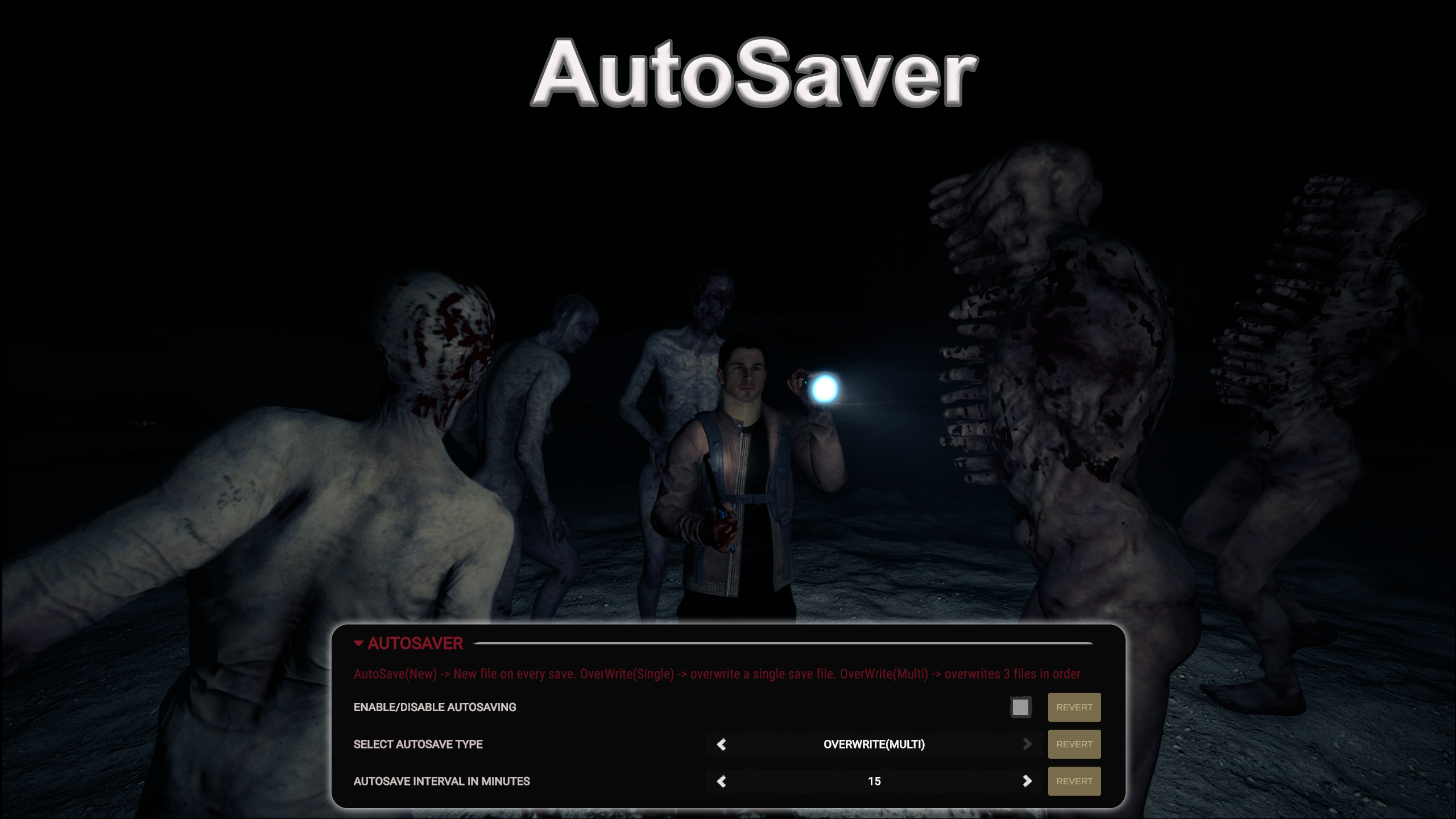
AutoSaver
Lets you AutoSave. Timer of Save interval is configurable.
Franky Quality of Life Version:v1.1.0 Updated Mar 19, 2024
- Downloads
- 12,048 total
- Downloads this week
- 66 this week
- Followers
- 1 follower
Download v1.1.0
Other versions
Overview
Field notes
All 4 versionsReviews
No reviews yet. Downloaded it? Be the first to tell others how it went.
Write a review
Sign in · One review per survivor. Be specific: version, what worked, what didn’t.
Frequently asked questions
- Does AutoSaver work in multiplayer?
- The author has not stated multiplayer support yet. Check the comments and the field reports of other players.
- How do I install AutoSaver?
- Install RedLoader (RedManager can do it for you), download AutoSaver 1.1.0 from this page and put it in the _RedLoader/Mods folder inside your game directory. Launch the game and press F1 to confirm it loaded.
- What does AutoSaver need?
- Only Sons of the Forest on Steam and RedLoader. It has no other dependencies.
- Does AutoSaver work on the current game patch?
- There are no compatibility reports yet. If you try it, add a field report.
At a glance
- Game build
- Not verified
- RedLoader
- Not declared
- Platform
- Unknown
- Multiplayer
- Unknown
- Dedicated server
- Unknown
- Remove mid-save
- Unknown
- Dependencies
- None
- Conflicts
- None known
- Version
- 1.1.0
- Updated
- Published
Field reports
ReportNo field reports yet. Tried it? Report back.
Did it work in your game?
A field report takes ten seconds and tells everyone whether this mod works on the current patch.
Sign in to add a field report
4 comments
i just lost 100 days by playing on a older save.
See I bought the game during the Steam Holiday sale and have only been playing for about a month or so and this mod was working just fine, then 2-3 days ago after I downloaded the afore mentioned mods it just stopped. I do not believe those mods had anything to do with it stopping working tho. I just wish it would start working again.
This had been working fine for me, but suddenly it just stopped working a couple of days ago and I have no idea as to why? SotF has not had any game updates since I installed this and it was working. I did install the Item Spawner mod, and the Open Sesame mod and Bow Trajectory mod, but I honestly do not think those mods would have any affect on whether or not this mod would work or not. I wish I knew why it had been working for about a month and all of a sudden just stopped working.
Broken trash mod, It would show up as it "Saved" but the next day me and my partner played again our saved game is not there, Don't get this mod if you want to waste hours on end for this shit mod to not save your game.
Sign in to comment