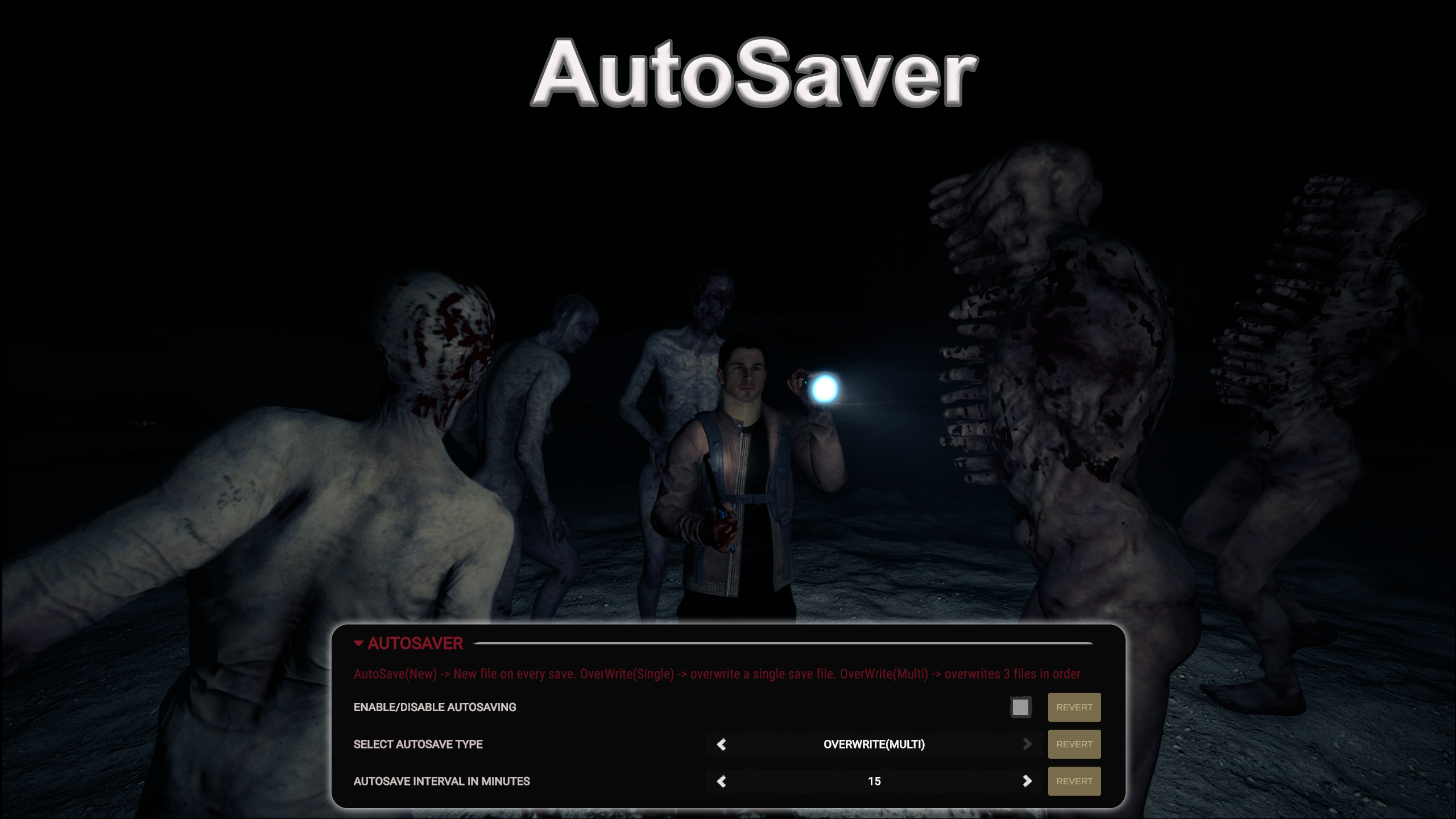
AutoSaver
自動保存ができます。保存間隔のタイマーは設定可能です。
Lets you AutoSave. Timer of Save interval is configurable.
自動翻訳
Franky Quality of Life バージョン:v1.1.0 2024/03/19 に更新
- ダウンロード数
- 12,048 合計
- 今週のダウンロード数
- 今週 66
- フォロワー
- フォロワー 1 人
v1.1.0 をダウンロード
ほかのバージョン
概要
フィールドノート
全 4 バージョンレビュー
まだレビューはありません。ダウンロードした?最初に感想を書いてみよう。
よくある質問
- AutoSaver はマルチプレイで使えますか?
- 作者はまだマルチプレイ対応を明記していません。コメントやほかのプレイヤーの動作報告を確認してください。
- AutoSaver はどうやってインストールしますか?
- RedLoader をインストールし(RedManager なら自動で行えます)、このページから AutoSaver 1.1.0 をダウンロードして、ゲームフォルダ内の _RedLoader/Mods フォルダに入れます。ゲームを起動して F1 を押すと、読み込まれたか確認できます。
- AutoSaver に必要なものは何ですか?
- Steam 版の Sons of the Forest と RedLoader だけです。ほかの依存関係はありません。
- AutoSaver は現在のゲームパッチで動きますか?
- 互換性の報告はまだありません。試したら動作報告を追加してください。
ひと目でわかる
- ゲームビルド
- 未確認
- RedLoader
- 未申告
- プラットフォーム
- 不明
- マルチプレイ
- 不明
- 専用サーバー
- 不明
- セーブ途中での削除
- 不明
- 前提 MOD
- なし
- 競合
- 既知の競合なし
- バージョン
- 1.1.0
- 更新日
- 公開日
フィールドレポート
報告フィールドレポートはまだありません。試しましたか?結果を教えてください。
コメント 4 件
i just lost 100 days by playing on a older save.
See I bought the game during the Steam Holiday sale and have only been playing for about a month or so and this mod was working just fine, then 2-3 days ago after I downloaded the afore mentioned mods it just stopped. I do not believe those mods had anything to do with it stopping working tho. I just wish it would start working again.
This had been working fine for me, but suddenly it just stopped working a couple of days ago and I have no idea as to why? SotF has not had any game updates since I installed this and it was working. I did install the Item Spawner mod, and the Open Sesame mod and Bow Trajectory mod, but I honestly do not think those mods would have any affect on whether or not this mod would work or not. I wish I knew why it had been working for about a month and all of a sudden just stopped working.
Broken trash mod, It would show up as it "Saved" but the next day me and my partner played again our saved game is not there, Don't get this mod if you want to waste hours on end for this shit mod to not save your game.
ログインしてコメントする