Sons of the Forest 模组加载器: RedLoader
把打印机带来 v1.1.0
原标题 Bring the Printer
拆掉地堡里的 3D 打印机取零件,拿走它的笔记本电脑,依照蓝图册在你的基地重建一台能用的打印机,由太阳能板供电。
Break a bunker 3D printer for parts, take its laptop and rebuild a working printer at your base from the blueprint book, powered by a solar panel.
译自英语 ·
- 4 4 下载量
- 0 位关注者
描述
Bring the Printer#
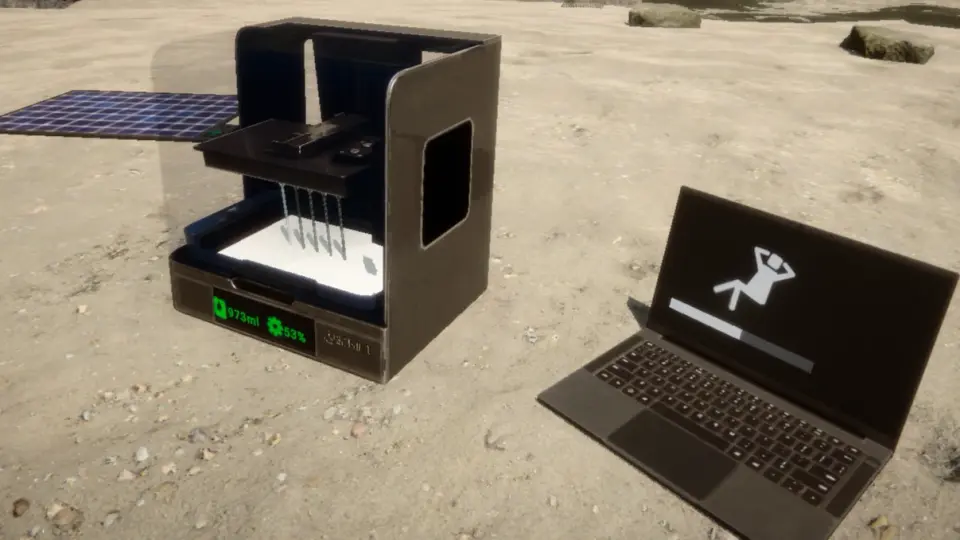
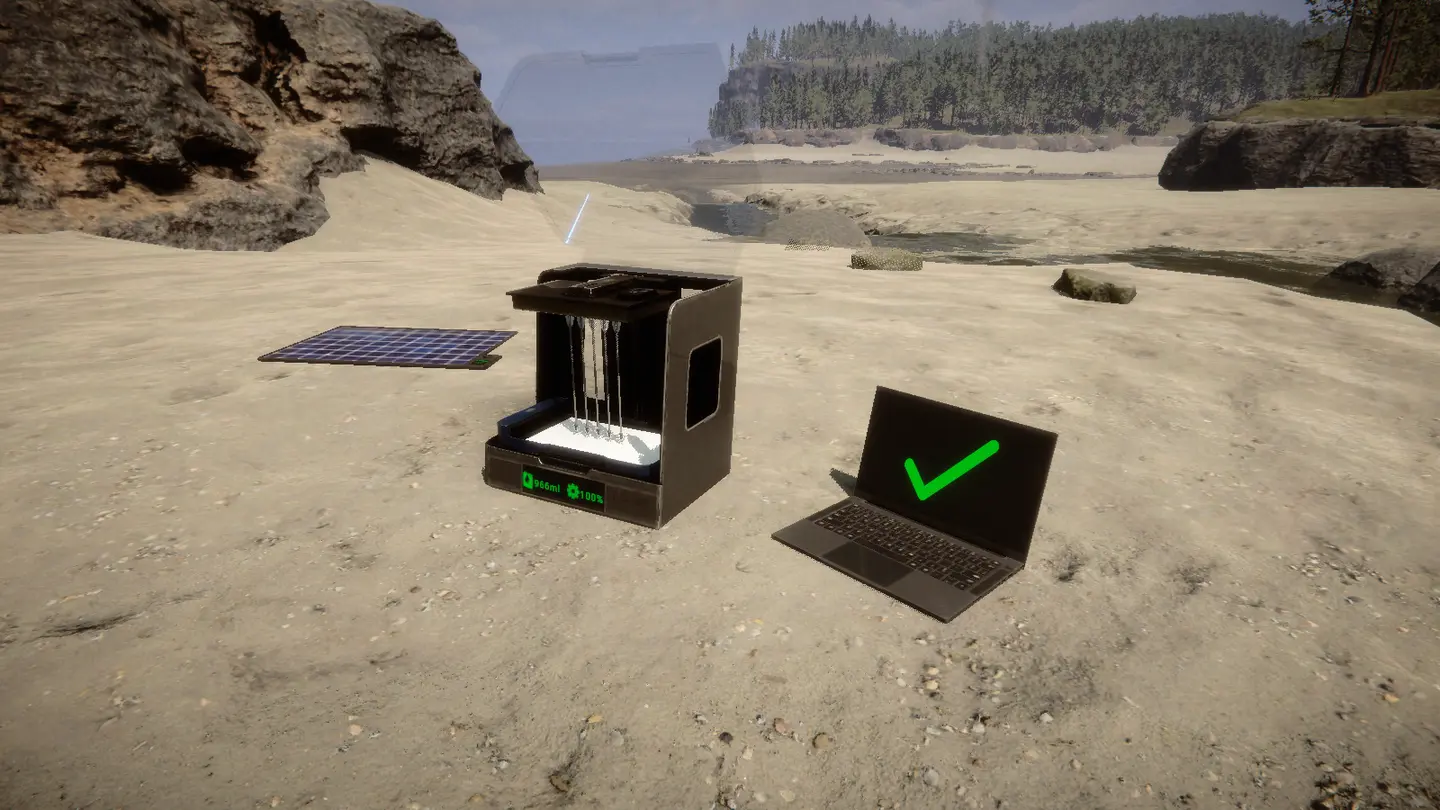
把一台3D打印机带回家。拆掉地堡打印机取零件,拿走它的笔记本电脑,在基地用蓝图手册重建两者,并用太阳能板为它们供电。
单人游戏和多人游戏(每位玩家都需要该mod)。需要RedLoader 0.8.6。
功能#
- 地堡3D打印机被击中时会损坏并掉落3D Printer Parts。
- 击打地堡笔记本电脑可将其打松,并作为Printer Laptop捡起。
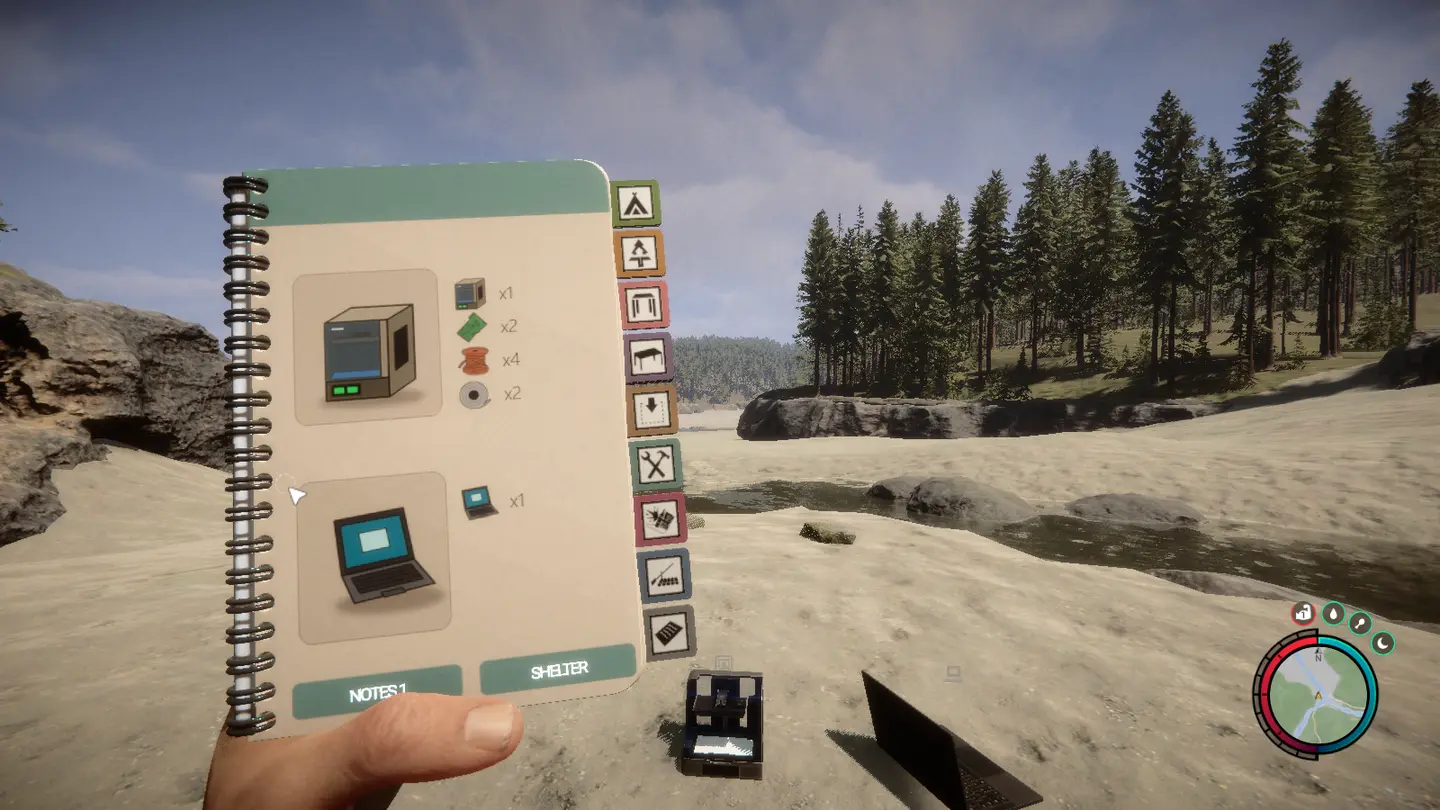
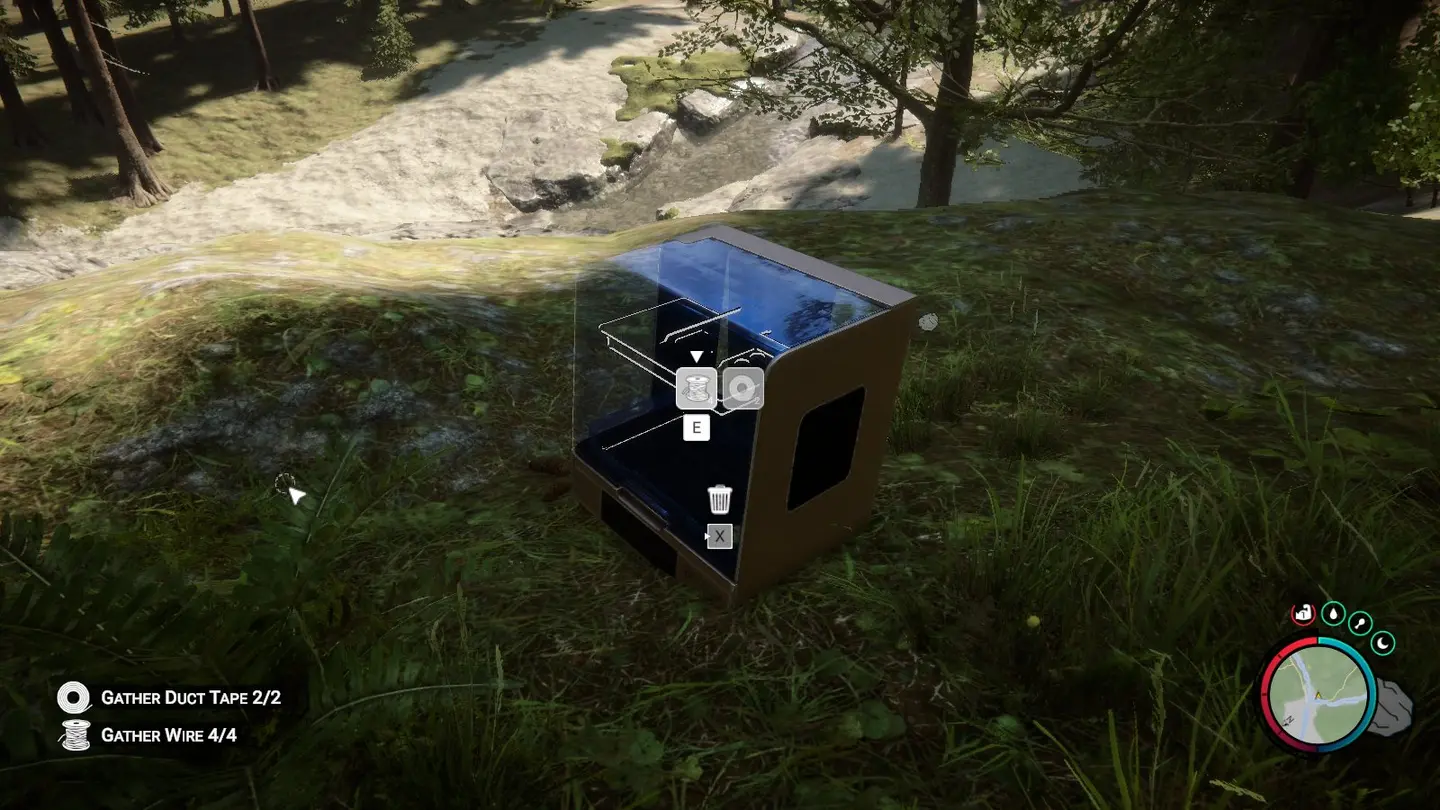
- 蓝图手册新增一页,包含3D Printer和Printer Laptop。像其他蓝图一样放置它们并添加材料。
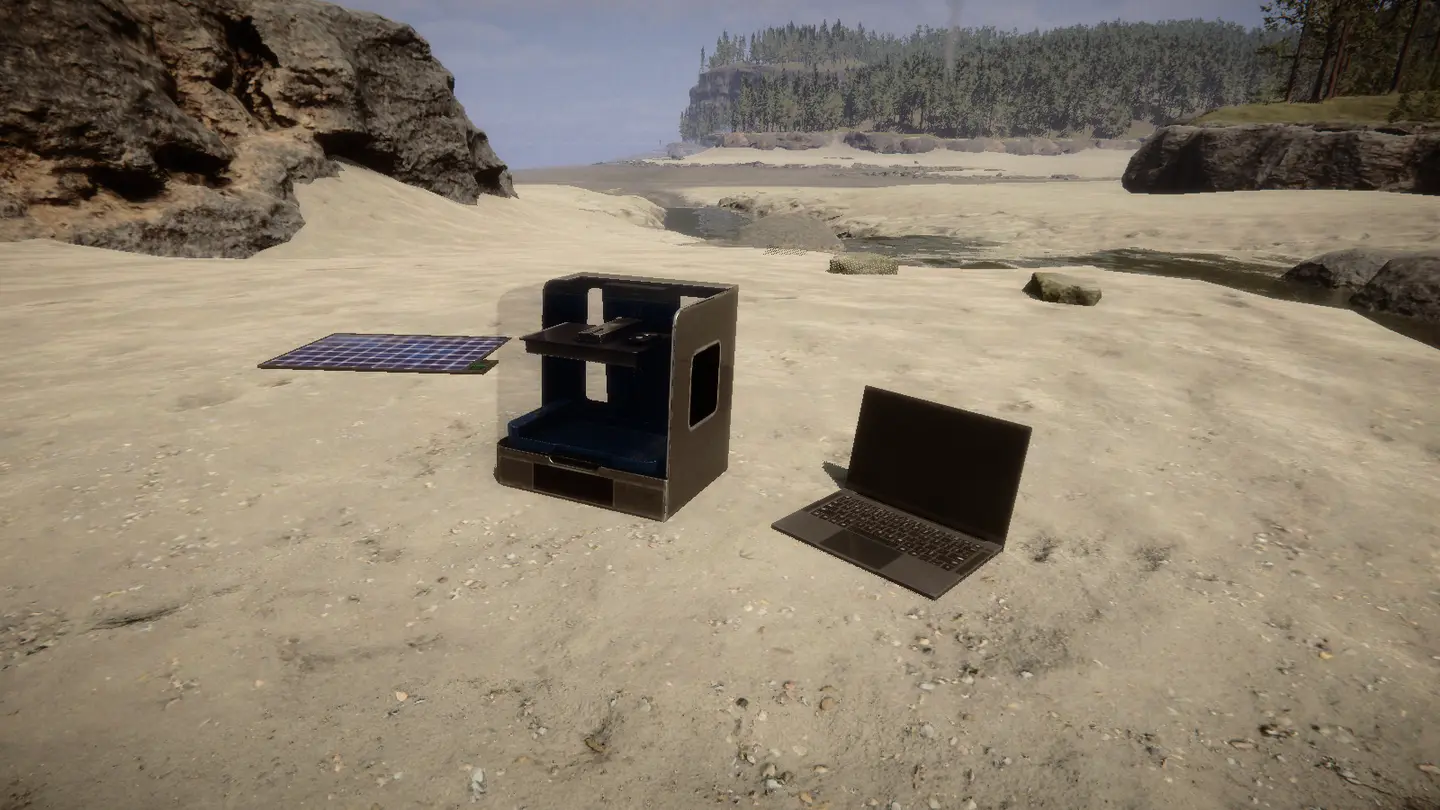
- 两者都是电力结构,像电灯一样。将笔记本电脑用电线连接到打印机,再将打印机连接到太阳能板。
- 没有电力时它们处于关闭状态:屏幕黑屏、无法交互,正在进行的打印会暂停,直到恢复供电。
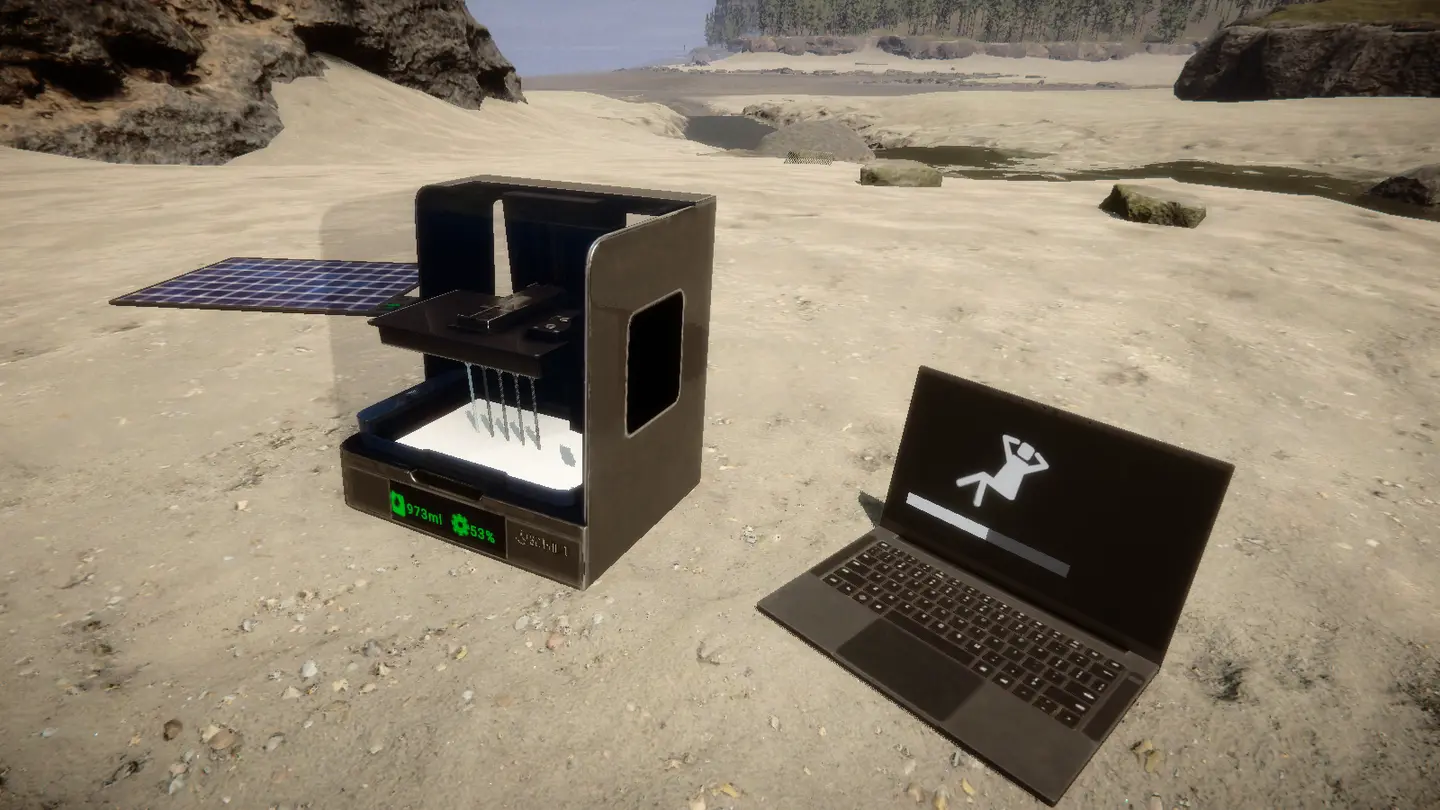
- 重建的打印机是真正的游戏打印机:为其补充树脂,在笔记本电脑上选择蓝图,然后打印。
- 重建的打印机、笔记本电脑、树脂、正在进行的打印任务、掉落的物品和未完成的蓝图都会保存在你的存档中。恢复供电后打印会继续。
- 地堡打印机和以前一样无需电力即可工作,并且会重新出现,因此你总能获得更多零件。
教程#
找到一台地堡打印机。 娱乐区、住宅区、地堡A或地堡B。
拿走笔记本电脑。 击打笔记本电脑一次。它会作为Printer Laptop掉落,你可以将其捡起。打印过程中无法拿走它。
拆掉打印机。 不断击打直到它损坏(三下斧头)并捡起3D Printer Parts。
放置蓝图。 打开蓝图手册的3D Printer页面,放置打印机和笔记本电脑。
用E添加材料,像其他蓝图一样:
结构 材料 3D Printer 3D Printer Parts x1、Circuit Board x2、Wire x4、Duct Tape x2 Printer Laptop Printer Laptop x1 接好电线。 使用电线工具,将笔记本电脑连接到打印机,再将打印机连接到太阳能板。
补充树脂并打印。 通电后,笔记本电脑会连接到同一根电线上的打印机。为打印机补充树脂并打印。
须知#
- 太阳能板在夜间不提供电力。添加一块电池以便日落后继续打印。
- 每台打印机只能配一台笔记本电脑。同一根电线上的额外笔记本电脑会保持未连接状态。
- 像其他结构一样摧毁重建的打印机或笔记本电脑。它会掉落其3D Printer Parts或Printer Laptop,以便你移动它。
- 电线会像其他电线一样由游戏保存。
- 当你距离地堡打印机超过60米时,它会重新出现。
多人游戏#
可在多人游戏中使用。每位玩家都必须安装该mod。
- 重建的打印机和笔记本电脑是真正的网络对象。树脂、打印进度、暂停和笔记本电脑连接都使用游戏自带的打印机同步。
- 由主机决定地堡打印机何时损坏并掉落其零件。当主机距离超过60米时它会重新出现。其他玩家看到相同的状态。
- 所有内容都保存在主机的存档中。
控制台命令(F1)#
spawnprinter会在你面前放置一台打印机和一台笔记本电脑(单人游戏或主机)。breakprinter会破坏你正看着的地堡打印机。
Bring the Printer#
Take a 3D printer home. Break a bunker printer for parts, take its laptop, rebuild both at your base from the blueprint book and power them with a solar panel.
Single player and multiplayer (every player needs the mod). Requires RedLoader 0.8.6.
Features#
- Bunker 3D printers break when you hit them and drop 3D Printer Parts.
- Hit a bunker laptop to knock it loose and pick it up as a Printer Laptop.
- A new blueprint book page with the 3D Printer and the Printer Laptop. Place them and add the materials like any other blueprint.
- Both are electric structures, like lamps. Wire the laptop to the printer and the printer to a solar panel.
- Without power they are off: dark screens, no interaction, and a running print pauses until power comes back.
- The rebuilt printer is a real game printer: refill it with resin, pick a blueprint on the laptop, print.
- Rebuilt printers, laptops, resin, running print jobs, dropped items and unfinished blueprints are kept in your save. A print resumes when power is back.
- Bunker printers work as before, without power, and come back so you can always get more parts.
Tutorial#
Find a bunker printer. Entertainment, Residential, Bunker A or Bunker B.
Take the laptop. Hit the laptop once. It drops as a Printer Laptop you can pick up. It can't be taken while it is printing.
Break the printer. Hit it until it breaks (three axe hits) and pick up the 3D Printer Parts.
Place the blueprints. Open the blueprint book on the 3D Printer page and place the printer and the laptop.
Add the materials with E, like any other blueprint:
Structure Materials 3D Printer 3D Printer Parts x1, Circuit Board x2, Wire x4, Duct Tape x2 Printer Laptop Printer Laptop x1 Wire it up. With the wire tool, connect the laptop to the printer and the printer to a solar panel.
Refill and print. Once powered, the laptop links to the printer on the same wire. Refill the printer with resin and print.
Good to know#
- A solar panel gives no power at night. Add a battery to keep printing after sunset.
- One laptop per printer. Extra laptops on the same wire stay unlinked.
- Destroy a rebuilt printer or laptop like any structure. It drops its 3D Printer Parts or Printer Laptop so you can move it.
- Wires are saved by the game like any other wire.
- A bunker printer comes back when you are more than 60 m away from it.
Multiplayer#
Works in multiplayer. Every player needs the mod installed.
- Rebuilt printers and laptops are real network objects. Resin, print progress, pause and the laptop link use the game's own printer sync.
- The host decides when a bunker printer breaks and drops its parts. It comes back when the host is more than 60 m away. Other players see the same state.
- Everything is saved in the host's save game.
Console commands (F1)#
spawnprinterputs a printer and a laptop in front of you (single player or host).breakprinterbreaks the bunker printer you are looking at.
译自英语 ·
版本与更新日志
全部 1 个版本-
First release
评论
还没有评论。提问、技巧和 bug 反馈都可以写在这里。
有东西不能用?分享你的日志,并把链接粘贴到评论中。
登录后发表评论