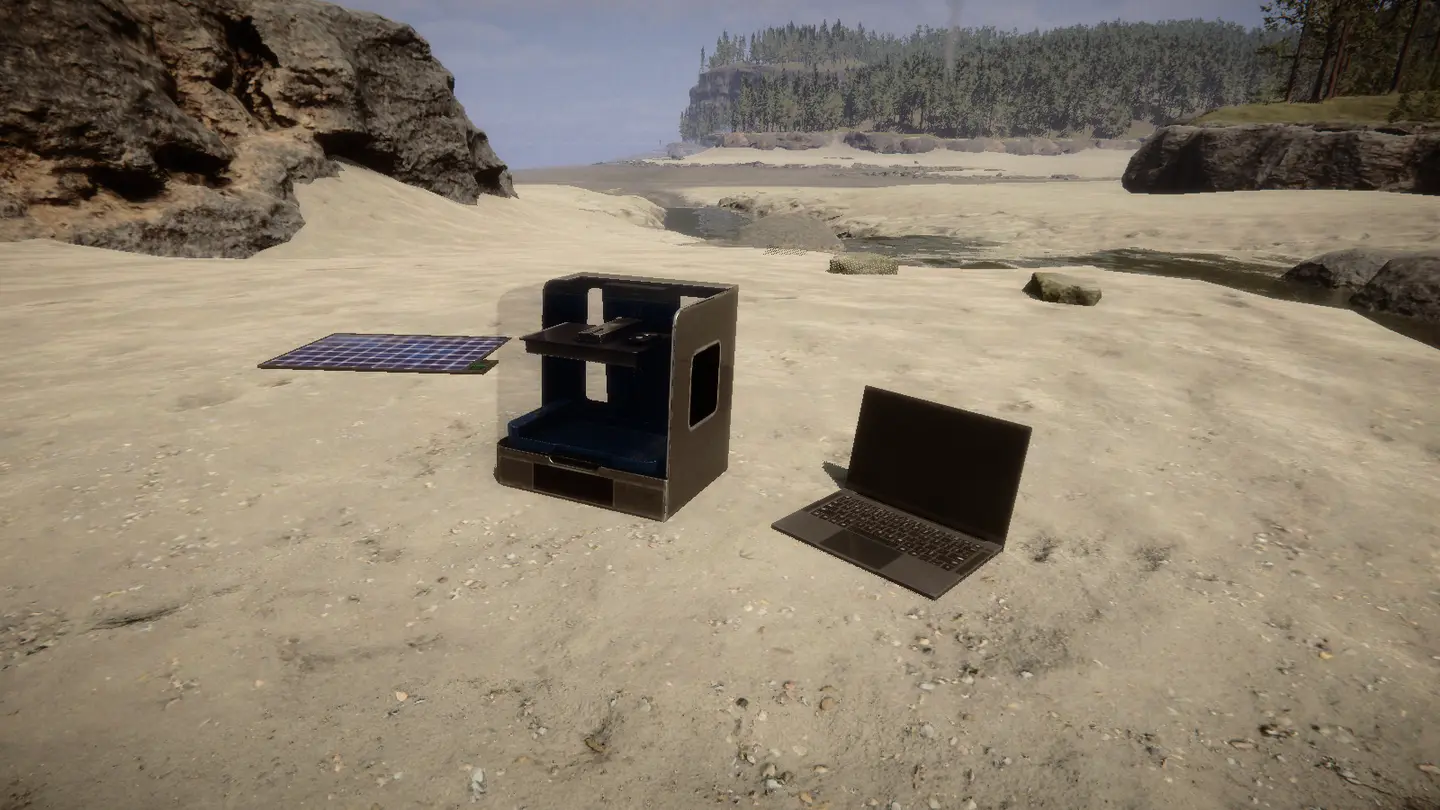
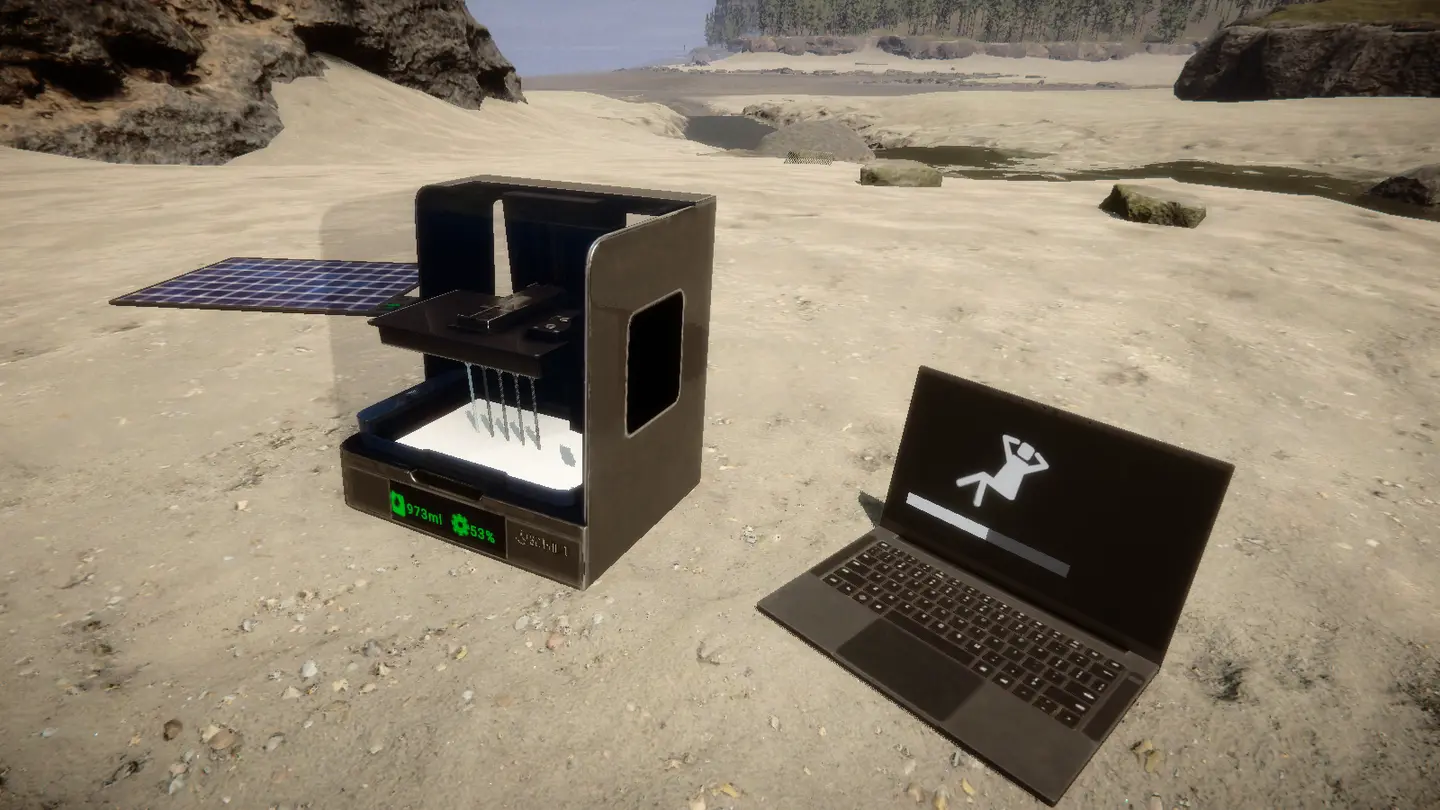
Sons of the Forest MODローダー: RedLoader
プリンターを持ってこい v1.1.0
原題 Bring the Printer
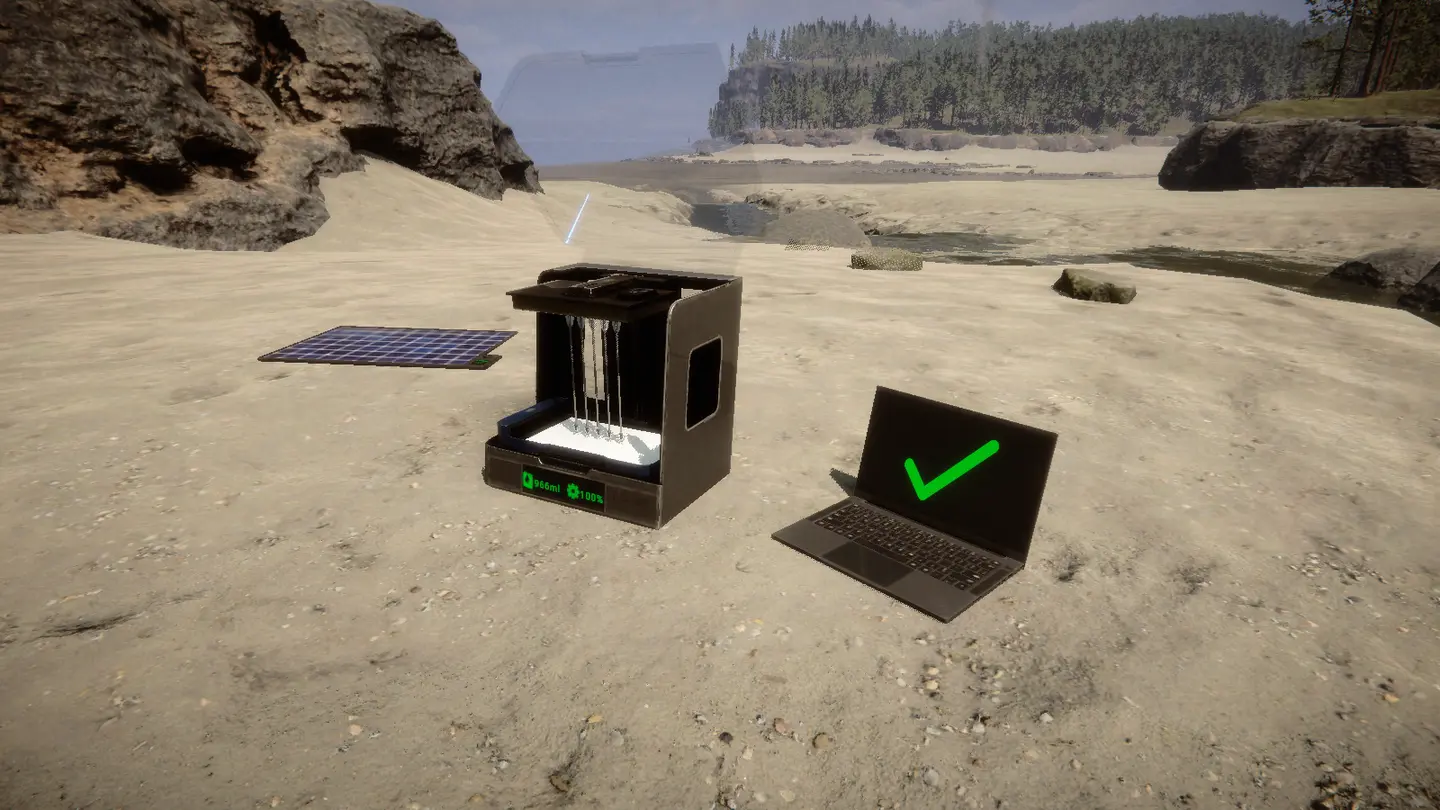
バンカーにある3Dプリンターを部品取りのために分解し、そのノートパソコンを持ち帰り、設計図の本を使って拠点に太陽光パネルで動くプリンターを組み直そう。
Break a bunker 3D printer for parts, take its laptop and rebuild a working printer at your base from the blueprint book, powered by a solar panel.
英語から翻訳 ·
ShokoCC 信頼済み Quality of Life
- 4 4 ダウンロード数
- フォロワー 0 人
説明
Bring the Printer#
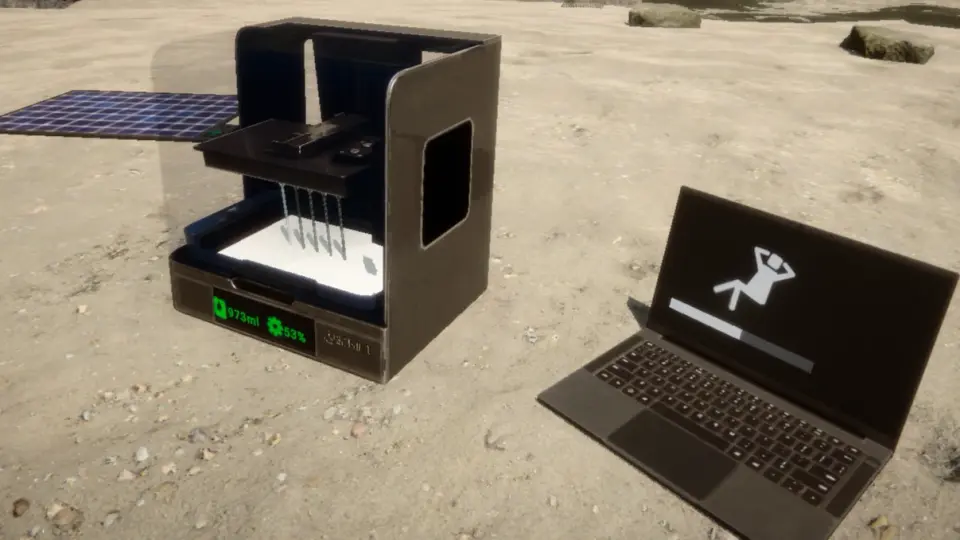
3Dプリンターを拠点に持ち帰ろう。バンカーのプリンターを分解して部品を手に入れ、そのノートパソコンを持ち帰り、設計図帳から両方を拠点で再建し、ソーラーパネルで電力を供給しよう。
シングルプレイとマルチプレイに対応(全プレイヤーがmodを導入する必要があります)。RedLoader 0.8.6が必要です。
機能#
- バンカーの3Dプリンターは攻撃すると壊れ、3D Printer Partsをドロップします。
- バンカーのノートパソコンを攻撃すると外れて、Printer Laptopとして拾えます。
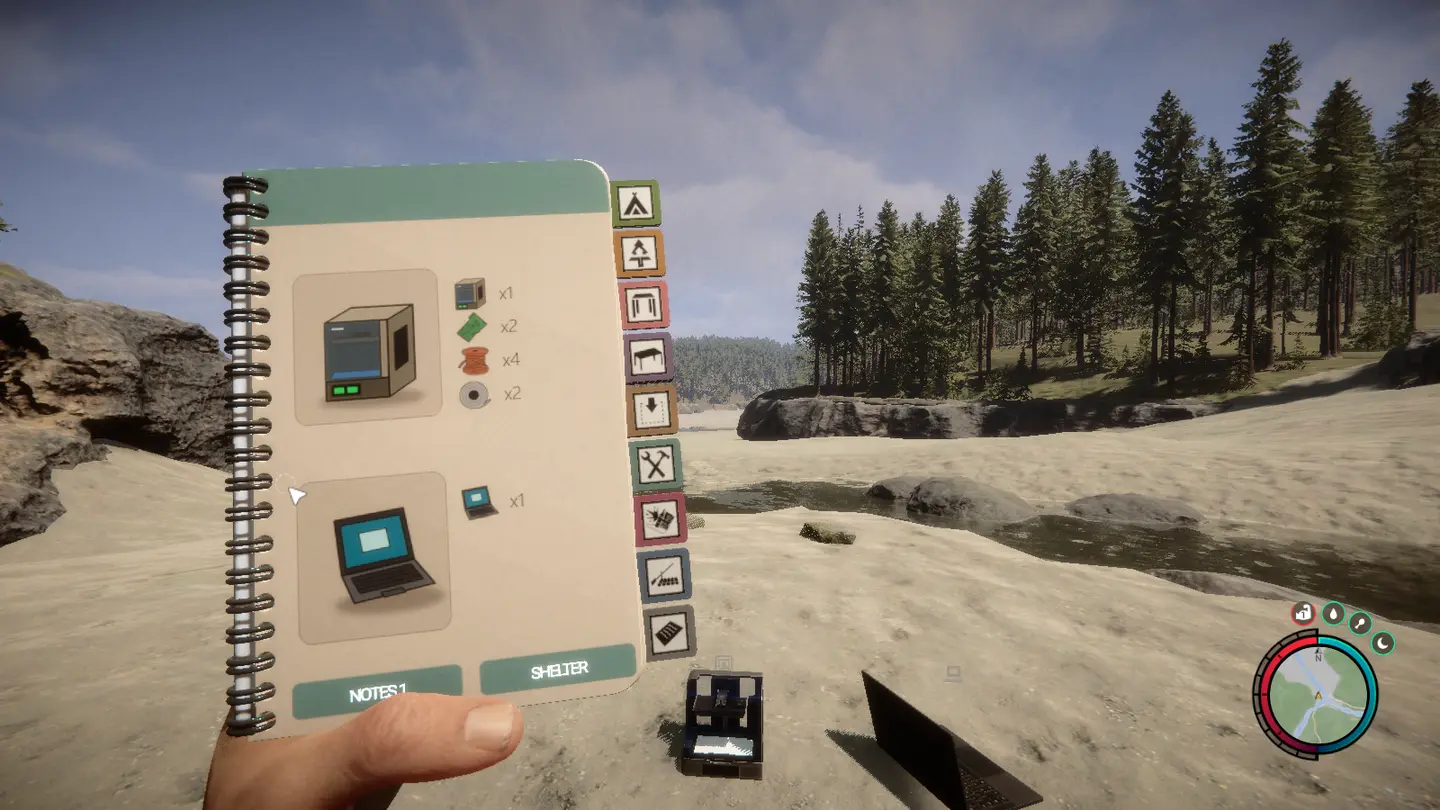
- 3D PrinterとPrinter Laptopが追加された設計図帳の新しいページ。他の設計図と同じように設置して素材を追加できます。
- どちらもランプと同じ電気構造物です。ノートパソコンをプリンターに、プリンターをソーラーパネルに配線します。
- 電力がないとオフになります。画面は暗くなり、操作できず、実行中の印刷は電力が戻るまで一時停止します。
- 再建したプリンターは本物のゲーム内プリンターです。樹脂を補充し、ノートパソコンで設計図を選んで印刷します。
- 再建したプリンター、ノートパソコン、樹脂、実行中の印刷ジョブ、ドロップしたアイテム、未完成の設計図はセーブデータに保存されます。印刷は電力が戻ると再開します。
- バンカーのプリンターは以前と同じように電力なしで動作し、復活するのでいつでも部品を追加で入手できます。
チュートリアル#
バンカーのプリンターを探す。 Entertainment、Residential、Bunker A、Bunker Bのいずれか。
ノートパソコンを取る。 ノートパソコンを一度攻撃します。Printer Laptopとしてドロップし、拾えます。印刷中は取り外せません。
プリンターを壊す。 壊れるまで攻撃し(斧で3回)、3D Printer Partsを拾います。
設計図を設置する。 設計図帳の3D Printerページを開き、プリンターとノートパソコンを設置します。
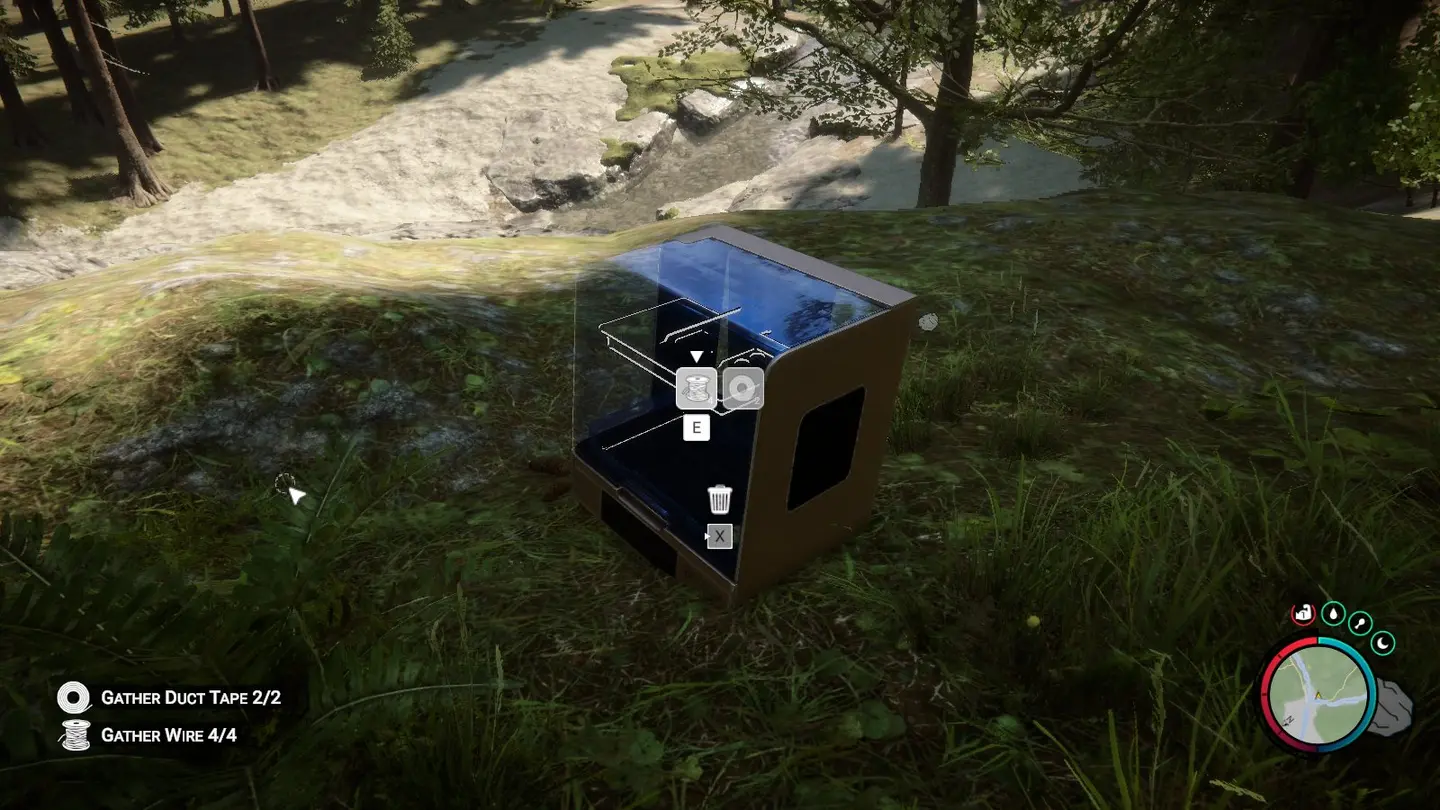
Eで素材を追加します。他の設計図と同じです。
構造物 素材 3D Printer 3D Printer Parts x1、Circuit Board x2、Wire x4、Duct Tape x2 Printer Laptop Printer Laptop x1 配線する。 ワイヤーツールでノートパソコンをプリンターに、プリンターをソーラーパネルに接続します。
補充して印刷する。 電力が供給されると、ノートパソコンは同じ配線上のプリンターにリンクします。プリンターに樹脂を補充して印刷します。
知っておくと便利#
- ソーラーパネルは夜間は電力を供給しません。日没後も印刷を続けるにはバッテリーを追加しましょう。
- プリンター1台につきノートパソコン1台です。同じ配線上の余分なノートパソコンはリンクされないままです。
- 再建したプリンターやノートパソコンは他の構造物と同じように破壊できます。3D Printer PartsやPrinter Laptopをドロップするので移動できます。
- 配線は他の配線と同じようにゲームによって保存されます。
- バンカーのプリンターは、そこから60 m以上離れると復活します。
マルチプレイ#
マルチプレイで動作します。全プレイヤーがmodを導入している必要があります。
- 再建したプリンターとノートパソコンは本物のネットワークオブジェクトです。樹脂、印刷の進行状況、一時停止、ノートパソコンのリンクはゲーム自身のプリンター同期を使用します。
- バンカーのプリンターがいつ壊れて部品をドロップするかはホストが決定します。ホストが60 m以上離れると復活します。他のプレイヤーには同じ状態が表示されます。
- すべてはホストのセーブゲームに保存されます。
コンソールコマンド(F1)#
spawnprinterはあなたの前にプリンターとノートパソコンを置きます(シングルプレイヤーまたはホスト)。breakprinterはあなたが見ているバンカープリンターを壊します。
Bring the Printer#
Take a 3D printer home. Break a bunker printer for parts, take its laptop, rebuild both at your base from the blueprint book and power them with a solar panel.
Single player and multiplayer (every player needs the mod). Requires RedLoader 0.8.6.
Features#
- Bunker 3D printers break when you hit them and drop 3D Printer Parts.
- Hit a bunker laptop to knock it loose and pick it up as a Printer Laptop.
- A new blueprint book page with the 3D Printer and the Printer Laptop. Place them and add the materials like any other blueprint.
- Both are electric structures, like lamps. Wire the laptop to the printer and the printer to a solar panel.
- Without power they are off: dark screens, no interaction, and a running print pauses until power comes back.
- The rebuilt printer is a real game printer: refill it with resin, pick a blueprint on the laptop, print.
- Rebuilt printers, laptops, resin, running print jobs, dropped items and unfinished blueprints are kept in your save. A print resumes when power is back.
- Bunker printers work as before, without power, and come back so you can always get more parts.
Tutorial#
Find a bunker printer. Entertainment, Residential, Bunker A or Bunker B.
Take the laptop. Hit the laptop once. It drops as a Printer Laptop you can pick up. It can't be taken while it is printing.
Break the printer. Hit it until it breaks (three axe hits) and pick up the 3D Printer Parts.
Place the blueprints. Open the blueprint book on the 3D Printer page and place the printer and the laptop.
Add the materials with E, like any other blueprint:
Structure Materials 3D Printer 3D Printer Parts x1, Circuit Board x2, Wire x4, Duct Tape x2 Printer Laptop Printer Laptop x1 Wire it up. With the wire tool, connect the laptop to the printer and the printer to a solar panel.
Refill and print. Once powered, the laptop links to the printer on the same wire. Refill the printer with resin and print.
Good to know#
- A solar panel gives no power at night. Add a battery to keep printing after sunset.
- One laptop per printer. Extra laptops on the same wire stay unlinked.
- Destroy a rebuilt printer or laptop like any structure. It drops its 3D Printer Parts or Printer Laptop so you can move it.
- Wires are saved by the game like any other wire.
- A bunker printer comes back when you are more than 60 m away from it.
Multiplayer#
Works in multiplayer. Every player needs the mod installed.
- Rebuilt printers and laptops are real network objects. Resin, print progress, pause and the laptop link use the game's own printer sync.
- The host decides when a bunker printer breaks and drops its parts. It comes back when the host is more than 60 m away. Other players see the same state.
- Everything is saved in the host's save game.
Console commands (F1)#
spawnprinterputs a printer and a laptop in front of you (single player or host).breakprinterbreaks the bunker printer you are looking at.
英語から翻訳 ·
バージョンと更新履歴
全 1 バージョン-
First release
コメント
まだコメントはありません。質問、コツ、バグ報告はこちらへ。
うまく動かない場合は、ログを共有してリンクをコメントに貼り付けてください。
ログインしてコメントする