
Skip to content

We rebuilt SOTF Mods. Log in again with the same password.

Sons of the Forest Mod loader: RedLoader

SilverSolafite v1.0.0

SilverSolafite overhauls the appearance of Solafite across Sons of the Forest, swapping out the default gold textures and materials for a sleek, metal of any color you desire

KillJoy Model Swap

  • 6 6 Downloads
  • 0 followers

Description

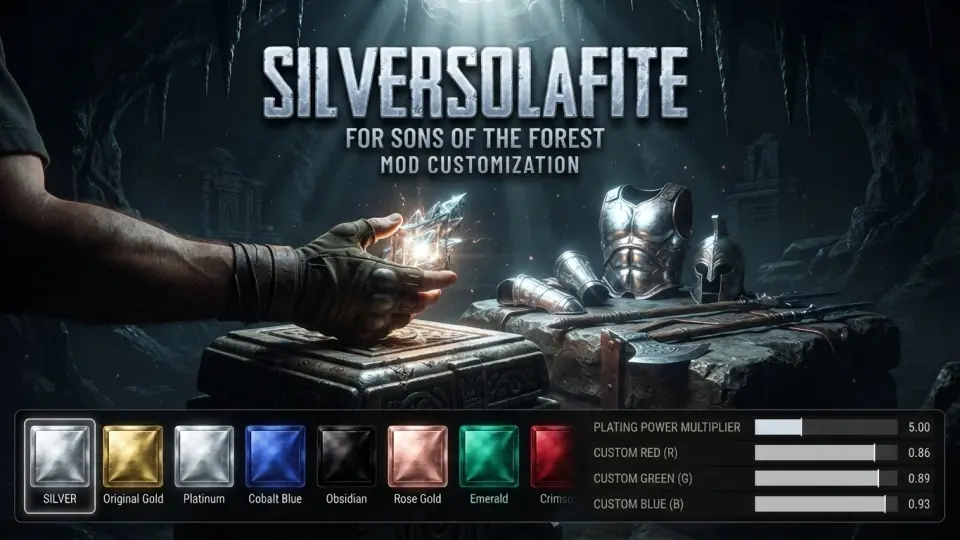
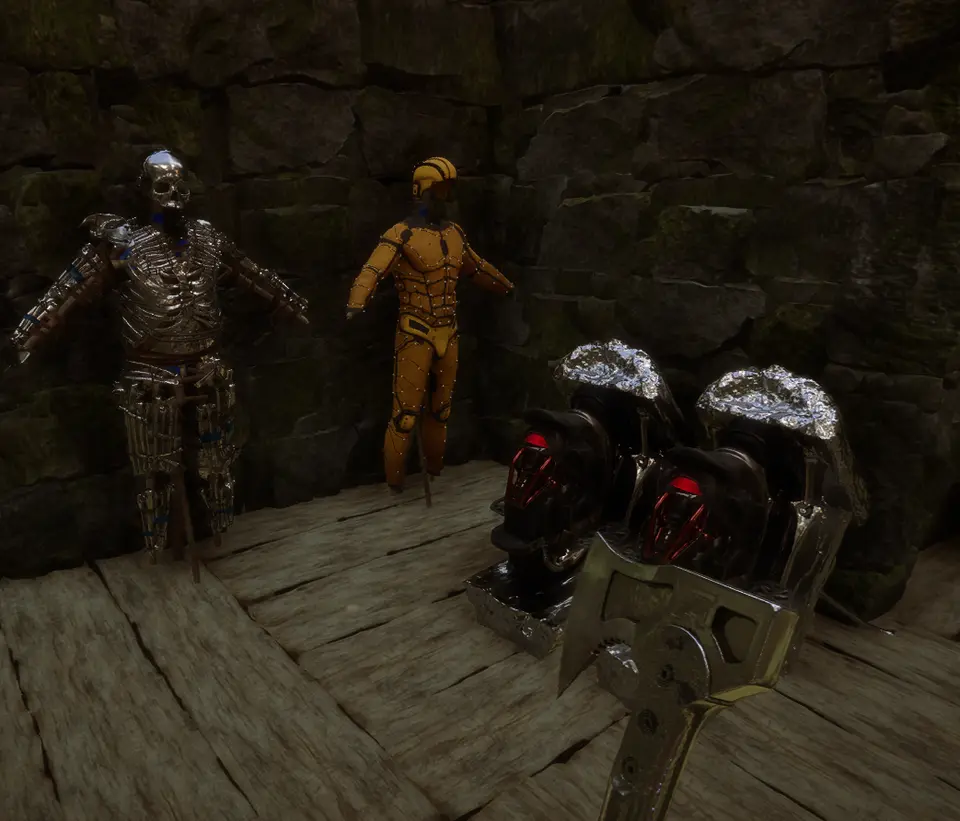
Tired of the standard gold look—or want a little extra power from your upgrades? SilverSolafite overhauls the appearance of Solafite across Sons of the Forest, swapping out the default gold textures and materials for a sleek, metallic silver finish right out of the box, while also letting you customize Solafite buff strength.
Whether you want your plated armor, upgraded weapons, or Solafite structures to match a colder aesthetic, want a completely custom color, or want to tune how strong Solafite enhancements are, this mod gives you full control.

Features

• Instant Silver Conversion: Automatically replaces default gold Solafite with a clean silver finish upon installation.
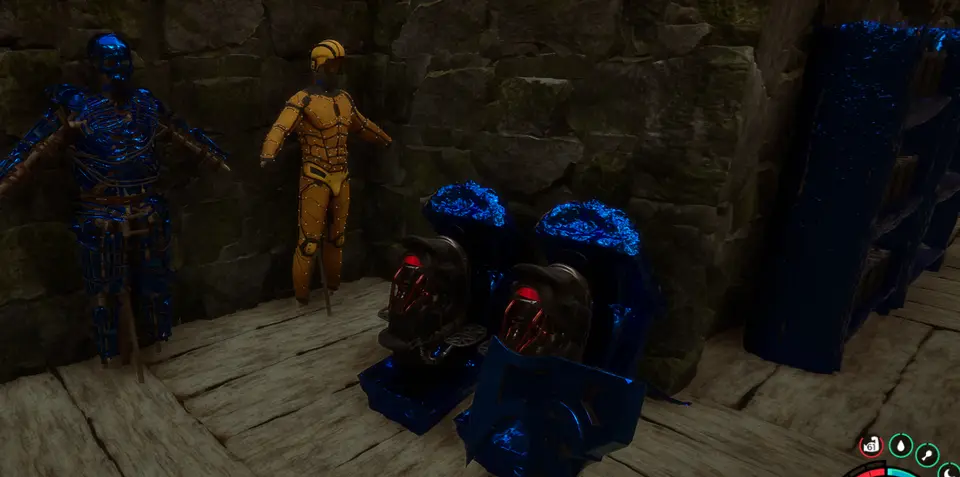
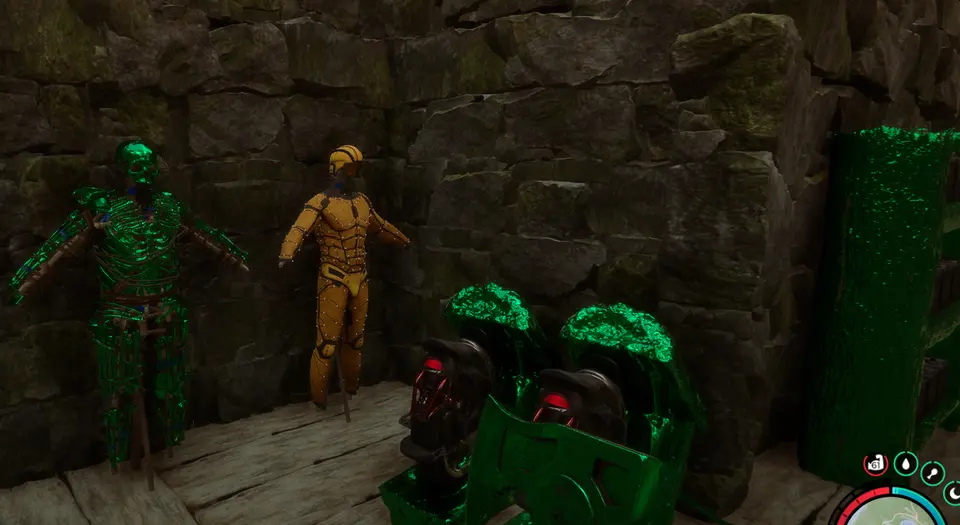
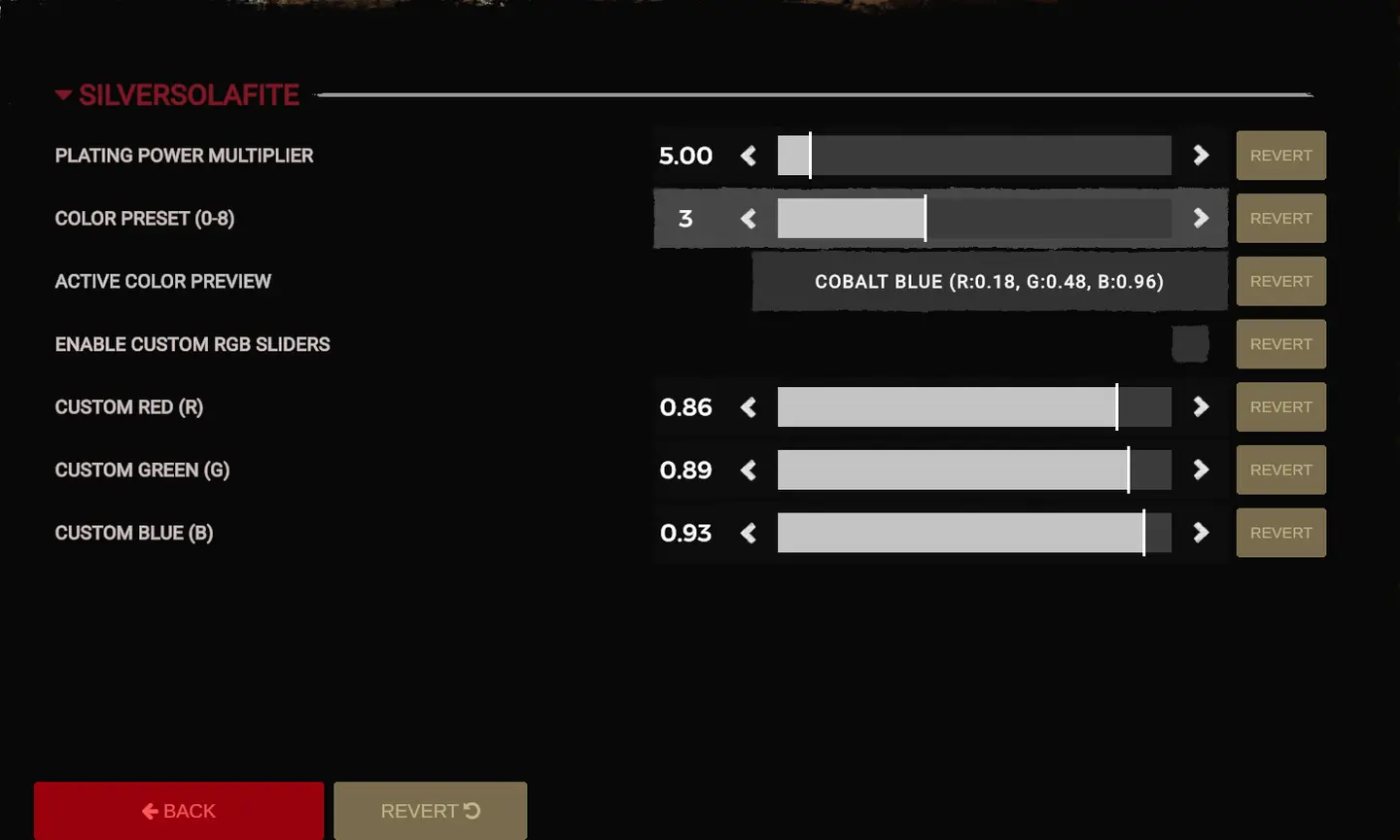
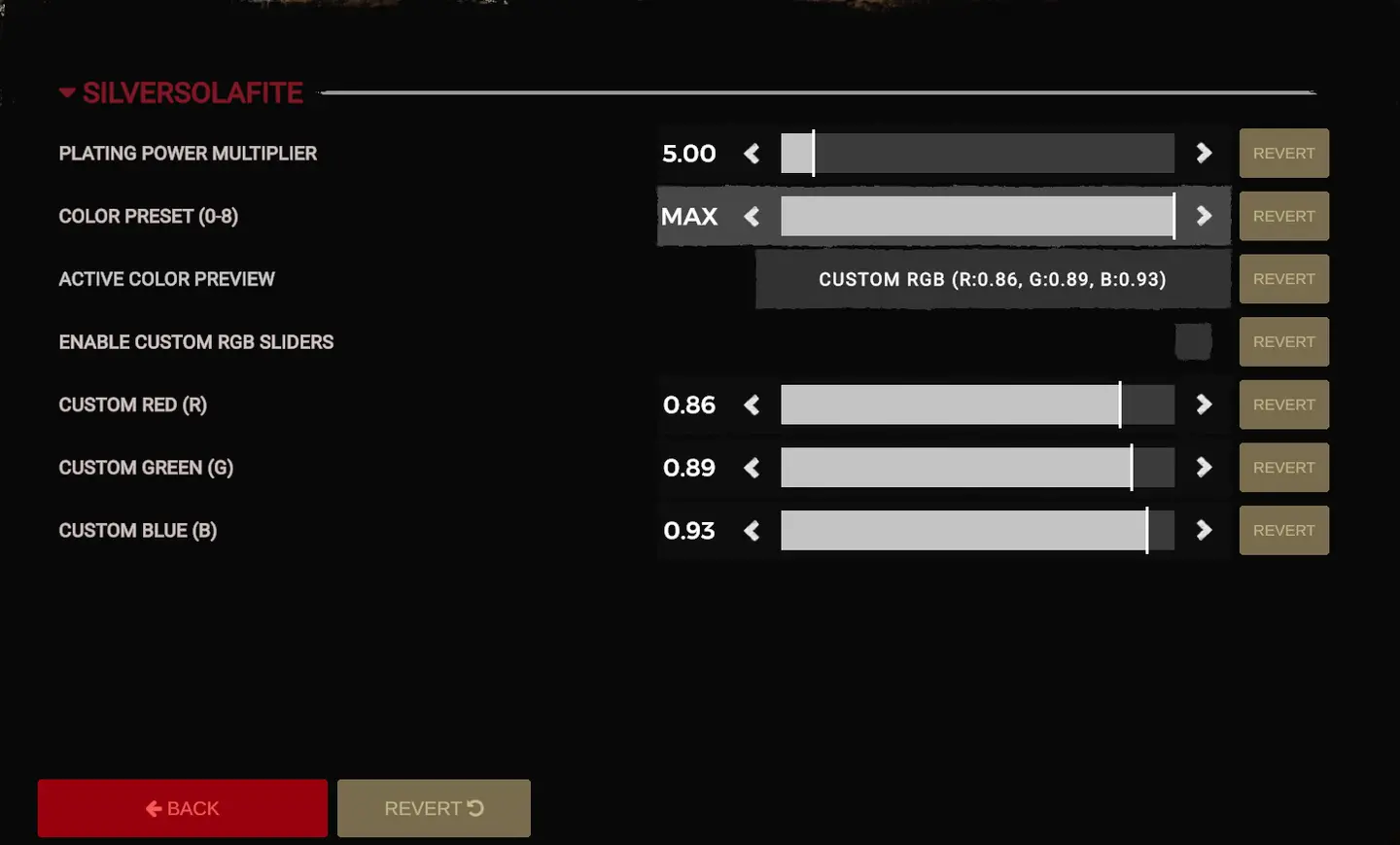
• 8 Built-in Color Presets: Easily switch between curated metallic and gemstone finishes:
• Silver (Default)
• Original Gold
• Platinum
• Cobalt Blue
• Obsidian
• Rose Gold
• Emerald
• Crimson
• Full RGB Color Selector: Dial in any custom shade or hue using the built-in RGB sliders to create your own unique look.
• Customizable Buff Multiplier: Adjust the effectiveness of Solafite buffs and upgrades to match your preferred playstyle—keep it vanilla (1.0x), boost your power, or tone it down.

Installation

  1. Ensure you have RedLoader installed for Sons of the Forest.
  2. Download the SilverSolafite release archive.
  3. Extract the .dll file and Folder into your game's Mods folder.
  4. Launch the game and open the mod configuration menu to switch presets or customize your RGB values.

Compatibility

• Works with existing saves—no new game required.
• Purely visual/client-side; safe to use in multiplayer sessions (other players without the mod will still see standard gold Solafite).

Versions and changelog

All 1 version
  1. v1.0.0 Latest First release · 8.5 kB · 7 downloads
  1. v1.0.0

    Latest 8.5 kB

    First release

1 comment

Reviews

No reviews yet. Be the first to review this mod.

Write a review

Log in · One review per user. Be specific: version, what worked, what didn’t.

How to install this mod

These steps install SilverSolafite by hand, without a manager.

RedManager installs and updates mods and their dependencies for you. Get RedManager

This mod needs RedLoader, not BepInEx. BepInEx mods and guides don’t apply to Sons of the Forest.

  1. Install RedLoader

    RedLoader is the mod loader for Sons of the Forest. You only need to install it once.

    How to install RedLoader
  2. Download SilverSolafite v1.0.0

    Download v1.0.0
  3. Extract the ZIP into the Mods folder

    On your PC, extract it into the game’s Mods folder:

    Steam/steamapps/common/Sons Of The Forest/Mods

    Keep the folder structure of the ZIP. Don’t put the ZIP itself in the folder.

  4. Launch the game

    RedLoader loads the mod on start. Press F1 in the main menu to see the list of mods.

Full install guide

More actions

Share this mod

Badges for your page

Paste a badge into a README, forum post or Discord. Badges update automatically.

Downloads badge: SilverSolafiteVersion badge: SilverSolafiteCompatibility badge: SilverSolafiteRating badge: SilverSolafite
QR code

Scan it with your phone to open the page.

Report SilverSolafite

Tell the moderators what’s wrong. Reports are private.

Reason

Links, versions or anything that helps the moderators. Up to 2,000 characters.

Unapprove SilverSolafite?

It goes back to Pending approval: it leaves the main list and returns to the New mods queue.

  • Silver
    Silver
  • Cobalt Blue
    Cobalt Blue
  • Emerald
    Emerald
  • Screenshot 4 of SilverSolafite
  • Screenshot 5 of SilverSolafite

1 / 5

Changelog

Comments

Reviews