
Skip to content

We rebuilt SOTF Mods. Log in again with the same password.

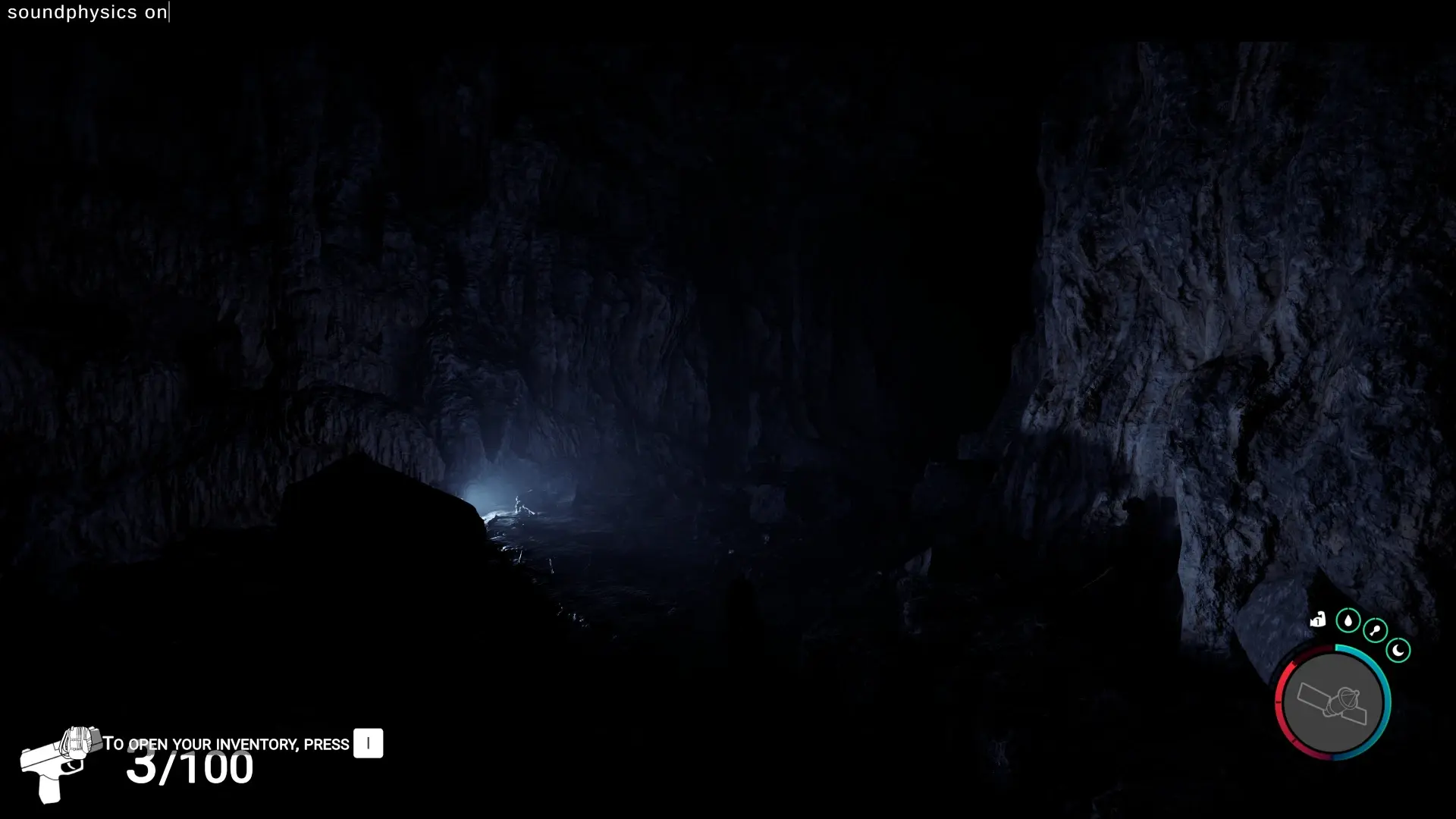
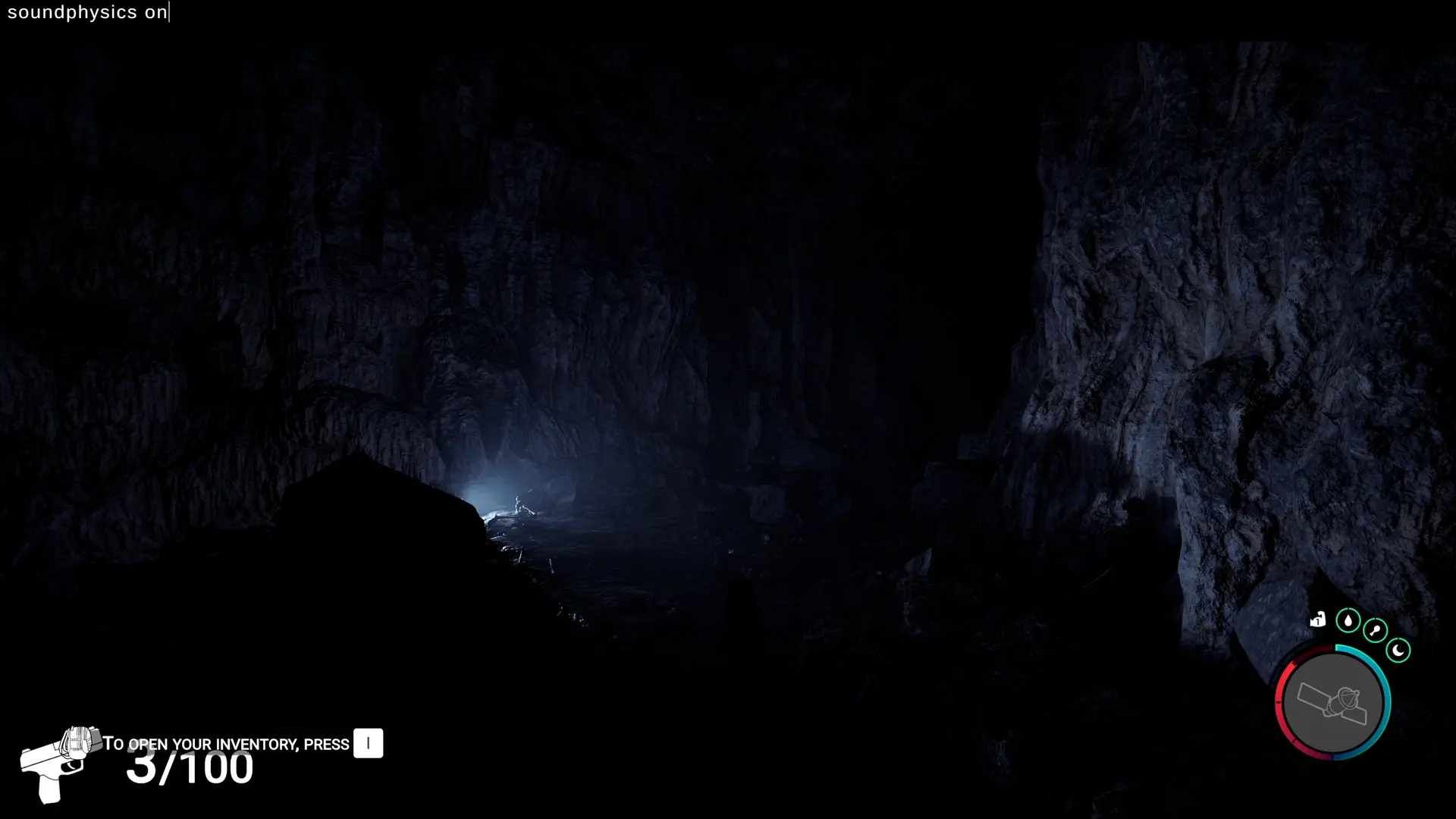
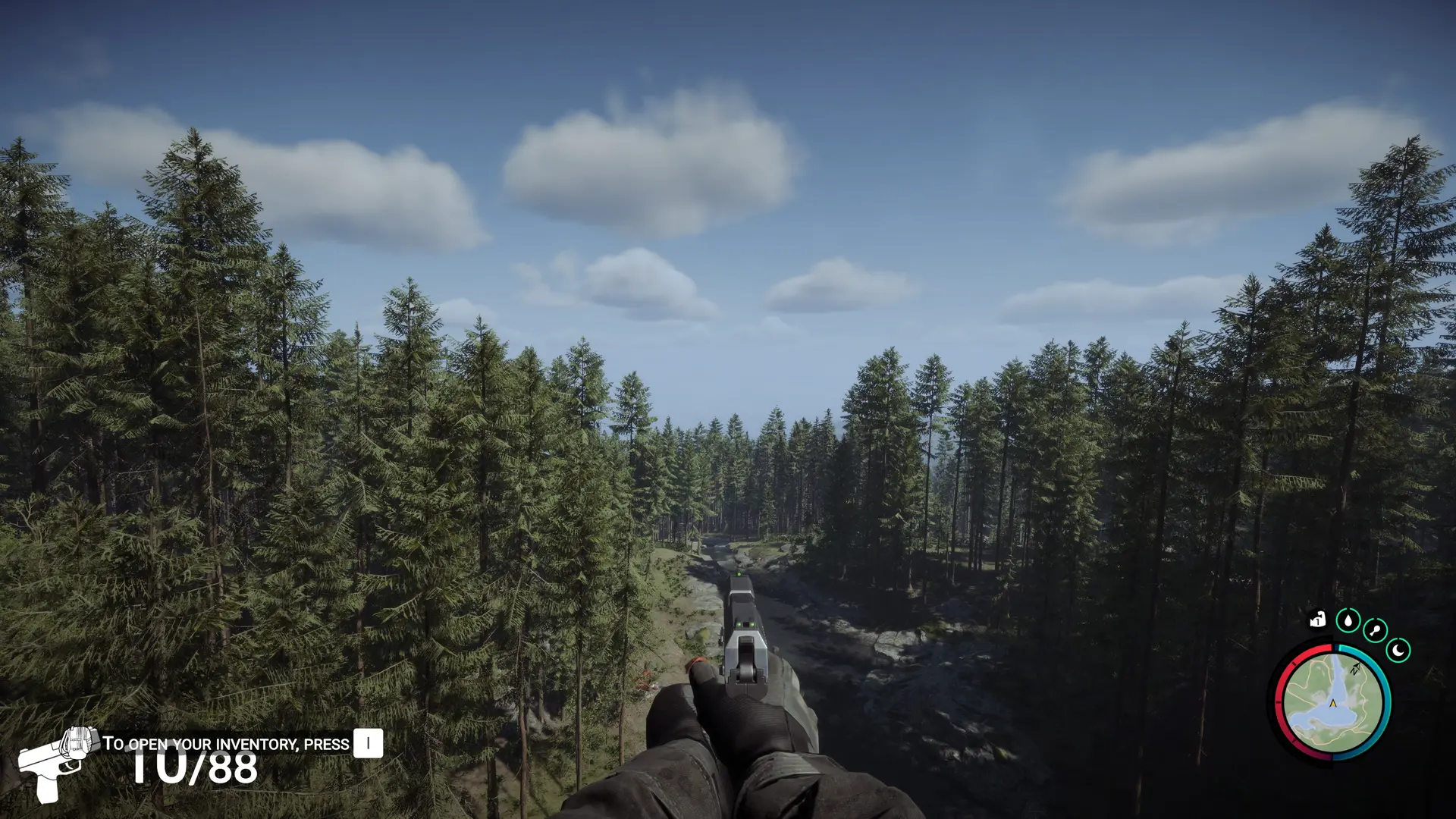
  • soundphysics on toggle
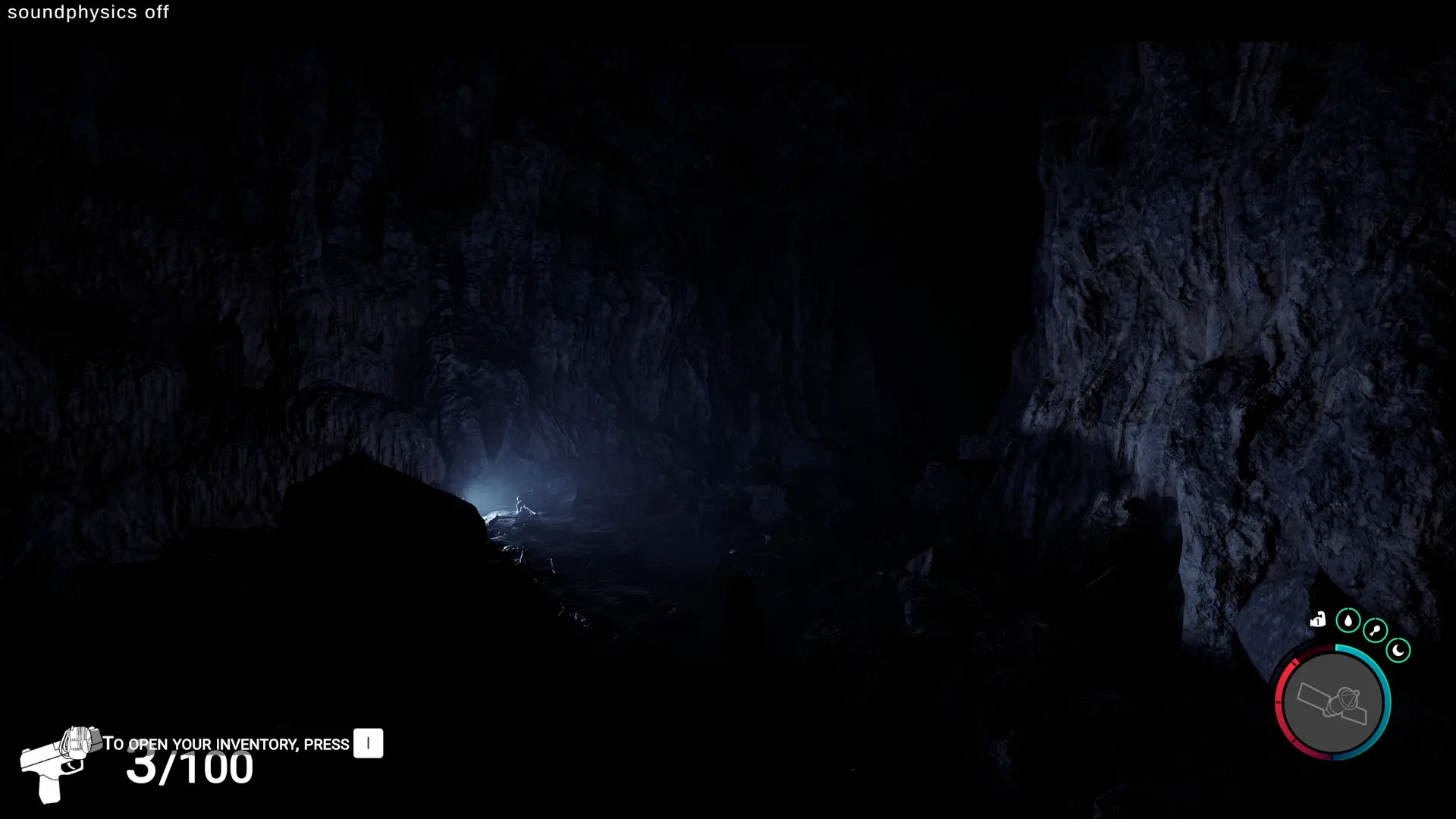
  • soundphysics off toggle
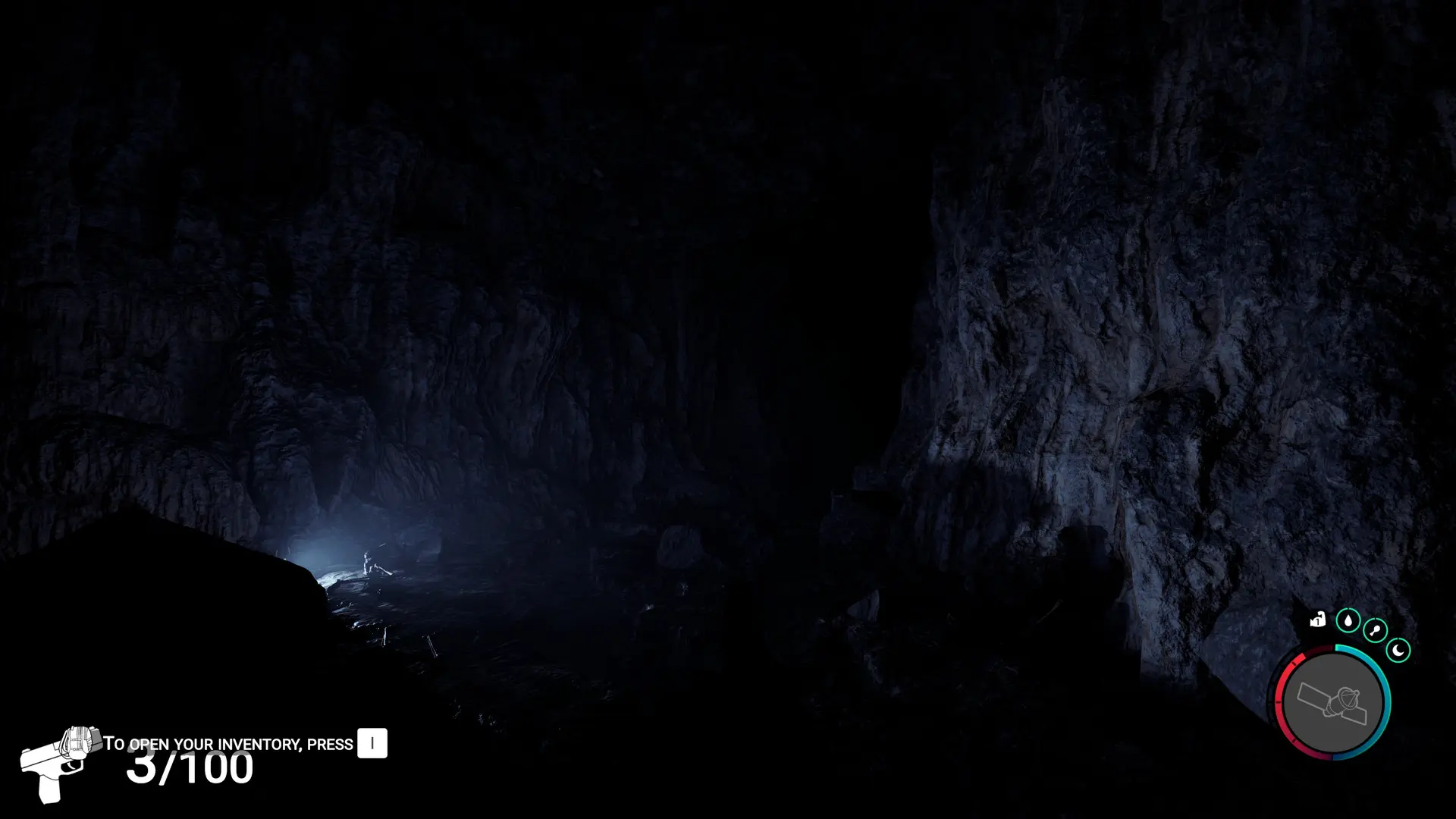
  • echoes in caves
  • reverb in cliffs, and more (not much can be shown in screenshots)

Sons of the Forest Mod loader: RedLoader

Sound Physics SOTF v1.0.1

Dynamic, ray-traced acoustics for Sons of the Forest. Adds realistic reverb to caves, cabins, and canyons, plus dynamic sound muffling behind walls and terrain.
Zemo Quality of Life

  • 3 3 Downloads
  • 1 follower
  • Updated

Description

Sound Physics brings real-time, ray-traced acoustics to Sons of the Forest. By tracing acoustic rays through the world around you, the mod analyzes your surroundings and dynamically processes every single in-game sound to match the environment.

Key Features

  • Dynamic Environment Reverb:
    • Cabins & Interiors: Short, warm room acoustics.
    • Caves & Bunkers: Long, cold, echoing reverberations for gunshots and footsteps.
    • Cliffs & Canyons: Subtle, delayed echoes bouncing off rock faces.
    • Open Fields & Forests: Natural, dry audio with zero artificial echo.
  • Realistic Sound Occlusion: Audio is dynamically muffled and attenuated based on the thickness and material of obstacles between you and the source. A mutant screaming behind a ridge sounds distant and muffled until it crests the hill into view.
  • 100% Vanilla Audio: Uses no custom sound files. It hooks directly into the game’s native audio engine, processing everything from one-shot impacts to looping ambience.
  • Fully Configurable: Tweak echo strength, muffling intensity, and ray-tracing range in the config file to fit your preference or performance needs.
  • Debug Overlay: Includes an optional visual debug mode so you can see the acoustic rays in real time.

Versions and changelog

All 2 versions
  1. v1.0.1 Latest 1.0.1 fixed some issues with redloader and compatibility issues · 20.5 kB · 5 downloads
  2. v1.0.0 1.0.0 initial public release. · 20.7 kB · 2 downloads
  1. v1.0.1

    Latest 20.5 kB

    1.0.1

    • fixed some issues with redloader and compatibility issues
  2. v1.0.0

    20.7 kB

    1.0.0

    • initial public release.

Comments

No comments yet. Questions, tips and bug reports go here.

Something not working? Share your log and paste the link in your comment.

Reviews

No reviews yet. Be the first to review this mod.

Write a review

Log in · One review per user. Be specific: version, what worked, what didn’t.

How to install this mod

These steps install Sound Physics SOTF by hand, without a manager.

SotF Mods Manager installs and updates mods and their dependencies for you. Get SotF Mods Manager

This mod needs RedLoader, not BepInEx. BepInEx mods and guides don’t apply to Sons of the Forest.

  1. Install RedLoader

    RedLoader is the mod loader for Sons of the Forest. You only need to install it once.

    How to install RedLoader
  2. Download Sound Physics SOTF v1.0.1

    Download v1.0.1
  3. Extract the ZIP into the Mods folder

    On your PC, extract it into the game’s Mods folder:

    Steam/steamapps/common/Sons Of The Forest/Mods

    Keep the folder structure of the ZIP. Don’t put the ZIP itself in the folder.

  4. Launch the game

    RedLoader loads the mod on start. Press F1 in the main menu to see the list of mods.

    Multiplayer: Only you need it.

Full install guide

More actions

Share this mod

Badges for your page

Paste a badge into a README, forum post or Discord. Badges update automatically.

Downloads badge: Sound Physics SOTFVersion badge: Sound Physics SOTFCompatibility badge: Sound Physics SOTFRating badge: Sound Physics SOTF
QR code

Scan it with your phone to open the page.

Report Sound Physics SOTF

Tell the moderators what’s wrong. Reports are private.

Reason

Links, versions or anything that helps the moderators. Up to 2,000 characters.

Unapprove Sound Physics SOTF?

It goes back to Pending approval: it leaves the main list and returns to the New mods queue.

  • soundphysics on toggle
    soundphysics on toggle
  • soundphysics off toggle
    soundphysics off toggle
  • echoes in caves
    echoes in caves
  • reverb in cliffs, and more (not much can be shown in screenshots)
    reverb in cliffs, and more (not much can be shown in screenshots)

1 / 4

Changelog

Comments

Reviews