本文へスキップ

SOTF Mods を再構築しました。同じパスワードでもう一度ログインしてください。

Sons of the Forest MODローダー: RedLoader

MP3ラジオプレイヤー v3.0.0

原題 MP3 Radio Player

FMODプログラマー楽器を通じて、カスタム.mp3ファイルをラジオやラジカセに直接ストリーミングします。https://github.com/cptsooper/mp3player

英語から翻訳

cptsooper Other

  • 0 0 ダウンロード数
  • フォロワー 0 人

説明

📻 MP3Player

Sons of the Forest(RedLoader)用のカスタムFMODオーディオエンジンおよびラジオ置き換えmodで、カスタム.mp3、.wav、.ogg、.flacファイルをストリーミングできます。

ソースコード & リリース: GitHubリポジトリ — MITライセンスの下でオープンソース。


✨ 機能

  • オーディオ形式: .mp3、.wav、.ogg、.flacファイルに対応。
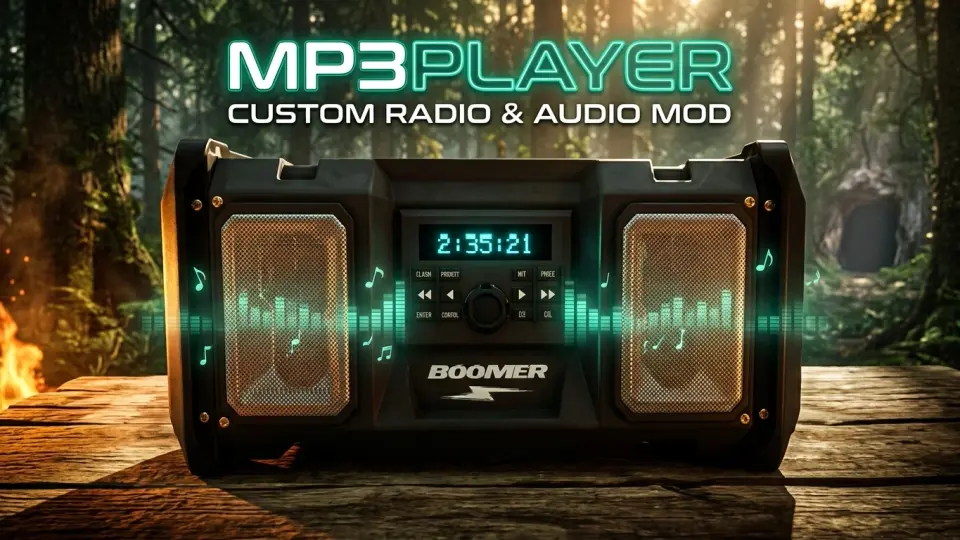
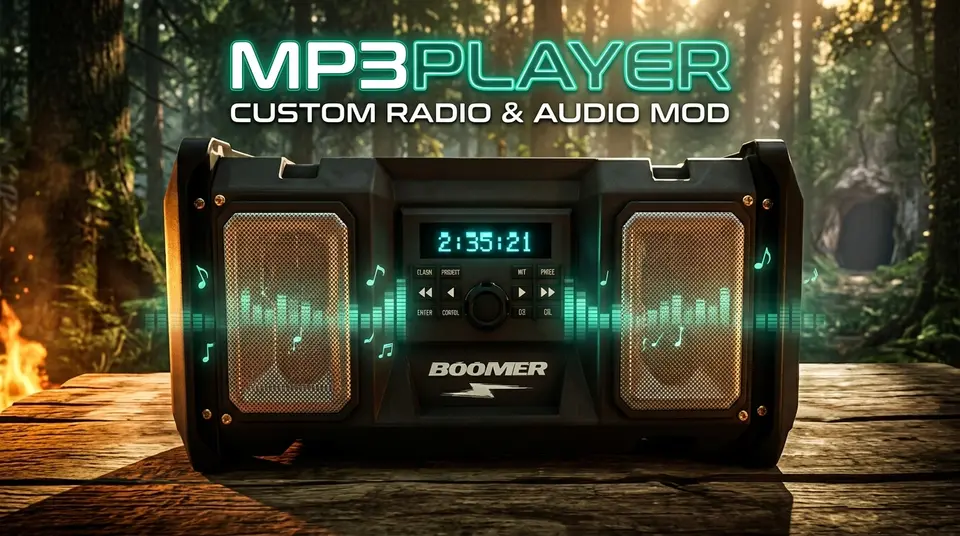
  • 再生モード: 3Dワールドブームボックス(リアルタイムLCDカウントダウン表示付き)、ゴルフカート(シームレスな引き継ぎ)、2Dヘッドホンモード。
  • 整理 & コントロール: マルチフォルダプレイリスト対応、完全な再生コントロール(スキップ、巻き戻し、早送り、シャッフル、リピート、音量)、スマートなバックグラウンドフェード、ライブトラック再スキャン。

📥 インストール

  • 自動(RedManager): Install with RedManagerをクリックし、Sons Of The Forest/Mods/mp3player/Tracks/にオーディオファイルを追加して、ゲームを起動します。
  • 手動: RedLoader経由でインストールし、.zipアーカイブをゲームディレクトリに解凍して、トラックをMods/mp3player/Tracks/内に配置します。

🎮 デフォルトコントロール

(ゲーム内またはUserData/mp3player.cfgでカスタマイズ可能)

  • 再生 / 一時停止: ;
  • プレイリスト切り替え: '
  • 次のトラック / 前のトラック: \ / P
  • 早送り (+30秒) / 巻き戻し (-15秒): Right Arrow / Left Arrow
  • リピート / シャッフル: O / K
  • 音量アップ / ダウン: Numpad + / Numpad -

🛠 リンク & サポート

英語から翻訳

バージョンと更新履歴

全 1 バージョン
  1. v3.0.0 最新 🚀 Version 3.0.0 Release Notes# Multi-Format Audio Support: Added full streaming support for .wav, .ogg, and .flac files alongside .mp3. Subfolder Playlists & Switch Playlist Hotkey (Default: '): Organize tracks into subfolders inside Mods\mp3player\Tracks\ and cycle between All Playlists, Root, and individual folders in-game. Wear Headphones (Standalone 2D Mode): Added a Wear Headphones toggle and Headphones Volume slider in Mod Settings to listen anywhere on the island in 2D stereo without needing a placed boombox. Play / Pause Hotkey (Default: ;): Pause and resume playback in-place across 3D boomboxes, golf carts, and 2D headphones. Seamless Track & Position Handoffs: Picking up a boombox, entering a golf cart, or toggling Wear Headphones bookmarks your exact track and timestamp so playback resumes seamlessly. Built-In Push-and-Hold Volume Controls (Defaults: Numpad + / Numpad -): Added integrated volume adjustment with configurable step percentage, push-and-hold repeat, and a distortion-free 150% max ceiling. Automatic sotfVolumeMod Coexistence: Automatically detects Radio Volume Mod (sotfVolumeMod), defers volume hotkeys to it, enforces a clean 150% ceiling, and suppresses any colliding playback hotkeys. Custom 3D Boombox LCD & Scrolling HUD Marquee: Aligned the backlit cyan countdown timer onto placed boomboxes and added smooth scrolling marquee text + playlist badges to the on-screen HUD banner. Audio & Persistence Improvements: Tuned 3D boombox spatial range (2m–60m) and headroom (-9.0 dB) to prevent clipping at max volume, kept music active while browsing Inventory (I) or Survival Book (B), and updated config persistence to save cleanly on exit. · 28.3 KB · 2 回ダウンロード
  1. v3.0.0

    最新 28.3 KB

    🚀 Version 3.0.0 Release Notes

    • Multi-Format Audio Support: Added full streaming support for .wav, .ogg, and .flac files alongside .mp3.
    • Subfolder Playlists & Switch Playlist Hotkey (Default: '): Organize tracks into subfolders inside Mods\mp3player\Tracks\ and cycle between All Playlists, Root, and individual folders in-game.
    • Wear Headphones (Standalone 2D Mode): Added a Wear Headphones toggle and Headphones Volume slider in Mod Settings to listen anywhere on the island in 2D stereo without needing a placed boombox.
    • Play / Pause Hotkey (Default: ;): Pause and resume playback in-place across 3D boomboxes, golf carts, and 2D headphones.
    • Seamless Track & Position Handoffs: Picking up a boombox, entering a golf cart, or toggling Wear Headphones bookmarks your exact track and timestamp so playback resumes seamlessly.
    • Built-In Push-and-Hold Volume Controls (Defaults: Numpad + / Numpad -): Added integrated volume adjustment with configurable step percentage, push-and-hold repeat, and a distortion-free 150% max ceiling.
    • Automatic sotfVolumeMod Coexistence: Automatically detects Radio Volume Mod (sotfVolumeMod), defers volume hotkeys to it, enforces a clean 150% ceiling, and suppresses any colliding playback hotkeys.
    • Custom 3D Boombox LCD & Scrolling HUD Marquee: Aligned the backlit cyan countdown timer onto placed boomboxes and added smooth scrolling marquee text + playlist badges to the on-screen HUD banner.
    • Audio & Persistence Improvements: Tuned 3D boombox spatial range (2m–60m) and headroom (-9.0 dB) to prevent clipping at max volume, kept music active while browsing Inventory (I) or Survival Book (B), and updated config persistence to save cleanly on exit.

コメント

レビュー

まだレビューはありません。最初のレビューを書いてみてください。

レビューを書く

ログイン · レビューは 1 ユーザーにつき 1 件。バージョン、動いた点、動かなかった点を具体的に。

この MOD の導入方法

MP3 Radio Player を手動で、マネージャーなしでインストールする手順です。

SotF Mods Manager が Mod とその依存関係のインストールと更新を行います。 SotF Mods Manager を入手

この MOD には BepInEx ではなく RedLoader が必要です。BepInEx 向けの MOD や解説は Sons of the Forest には使えません。

  1. RedLoader を導入する

    RedLoader 0.8.6 以降を使ってください。

    RedLoader の導入方法
  2. MP3 Radio Player v3.0.0 をダウンロード

    v3.0.0 をダウンロード
  3. ZIP を Mods フォルダーに展開する

    PC では、ゲームの Mods フォルダーに展開します:

    Steam/steamapps/common/Sons Of The Forest/Mods

    ZIP 内のフォルダー構成はそのままに。ZIP ファイル自体をフォルダーに入れないでください。

  4. ゲームを起動する

    RedLoader が起動時に MOD を読み込みます。メインメニューで F1 を押すと MOD 一覧が表示されます。

    マルチプレイ:シングルプレイ専用。

導入ガイドを見る

その他の操作

この MOD を共有

ページ用バッジ

READMEやフォーラムの投稿、Discord にバッジを貼れます。バッジは自動で更新されます。

ダウンロード数バッジ: MP3 Radio Playerバージョンバッジ: MP3 Radio Player互換性バッジ: MP3 Radio Player評価バッジ: MP3 Radio Player
QR コード

スマホで読み取るとページが開きます。

MP3 Radio Player を通報

問題をモデレーターに伝えてください。通報は非公開です。

理由

リンクやバージョンなど、モデレーターの役に立つ情報。2000 文字まで。

MP3 Radio Player の承認を取り消しますか?

承認待ちに戻ります。メインの一覧から外れ、新規MODのキューに戻ります。

  • MP3 Radio Player のスクリーンショット 1

1 / 1

変更履歴

コメント

レビュー