Skip to content

We rebuilt SOTF Mods. Log in again with the same password.

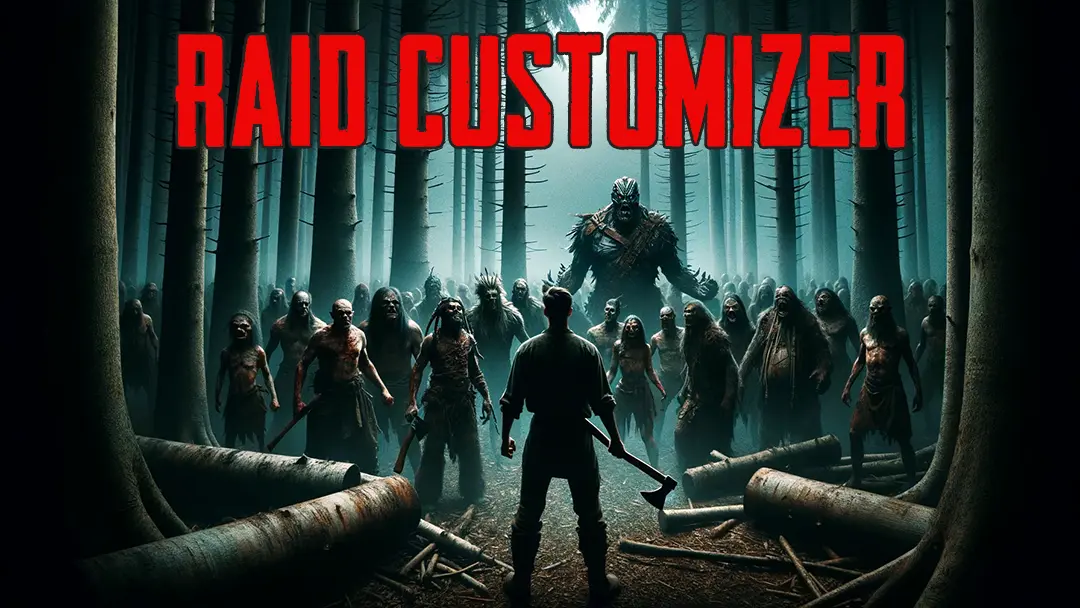
  • Cover image of Raid Customizer

Raid Customizer v1.0.1

Allows you to customize enemy health/damage/anger and daily raids (size/frequency etc.)

codengine Trusted Quality of Life

  • 11K 11,030 Downloads
  • 2 followers

Description

This mod allows you to customize the size, frequency and distribution of daily raid events as well as the health, damage and anger of enemies.

As a bonus, you can also make your followers more robust.

In SOTF vanilla, some people rarely see enemies and others get swarmed. This mod addresses both issues.

First of all, there are several factors that allow (or disallow) an event to be chosen. For example
how angry cannibals are, if its an endgame event (and the player has not completed the game), if the player is surrounded
by trees, if the event is on cooldown and so on.

It is important that the choice of events for the day occurs only if a new day is started. Therefore, if you load a savegame
after installing the mod it will influence the choice for the first time at the next day. You can enforce that also with the
debug command "requeueraids".

The mod is customizable at "Mods" -> "RaidCustomizer".

Config

SpawnCountFactor:
If an event would spawn 6-8 enemies and the factor is set to 2.0, 12-16 enemies would spawn.
Likewise, a factor of 0.5 would reduce it to 3-4 enemies.

EnemyLimit:
Total upper limit for normal enemy raids

Ignore min/max anger:
Some events require a certain anger value. This disables the check.

Ignore min/max day:
Some events require a certain day. This disables the check.

Raid Distribution:
In vanilla, it is completely random. "Evenly" will try to generate even gaps between events.
Stacked means that they will start the next hour and from there consecutively.

Debug Commands

printqueuedraids - Prints all currently queued raids
clearqueuedraids - Removes all currently queued raids
clearallevents - Removes ALL currently queued events
runrandomraid - Starts a random raid, according to the current mod config
clearraidcooldowns - Useful if raid cooldowns should be used but no events would occur
requeueraids - Clears all queued raids and creates new ones

Versions and changelog

All 2 versions
  1. v1.0.1 Latest Added settings to adjust enemy health/damage/anger and follower health · 10.2K downloads
  2. v1.0.0 First release · 813 downloads
  1. v1.0.1

    Latest

    Added settings to adjust enemy health/damage/anger and follower health

  2. v1.0.0

    First release

Comments

No comments yet. Questions, tips and bug reports go here.

Something not working? Share your log and paste the link in your comment.

Reviews

No reviews yet. Be the first to review this mod.

Write a review

Log in · One review per user. Be specific: version, what worked, what didn’t.

How to install this mod

These steps install Raid Customizer by hand, without a manager.

RedManager installs and updates mods and their dependencies for you. Get RedManager

This mod needs RedLoader, not BepInEx. BepInEx mods and guides don’t apply to Sons of the Forest.

  1. Install RedLoader

    RedLoader is the mod loader for Sons of the Forest. You only need to install it once.

    How to install RedLoader
  2. Download Raid Customizer v1.0.1

    Download v1.0.1
  3. Extract the ZIP into the Mods folder

    On your PC, extract it into the game’s Mods folder:

    Steam/steamapps/common/Sons Of The Forest/Mods

    Keep the folder structure of the ZIP. Don’t put the ZIP itself in the folder.

  4. Launch the game

    RedLoader loads the mod on start. Press F1 in the main menu to see the list of mods.

Full install guide

More actions

Share this mod

Badges for your page

Paste a badge into a README, forum post or Discord. Badges update automatically.

Downloads badge: Raid CustomizerVersion badge: Raid CustomizerCompatibility badge: Raid CustomizerRating badge: Raid Customizer
QR code

Scan it with your phone to open the page.

Report Raid Customizer

Tell the moderators what’s wrong. Reports are private.

Reason

Links, versions or anything that helps the moderators. Up to 2,000 characters.

Changelog

Comments

Reviews