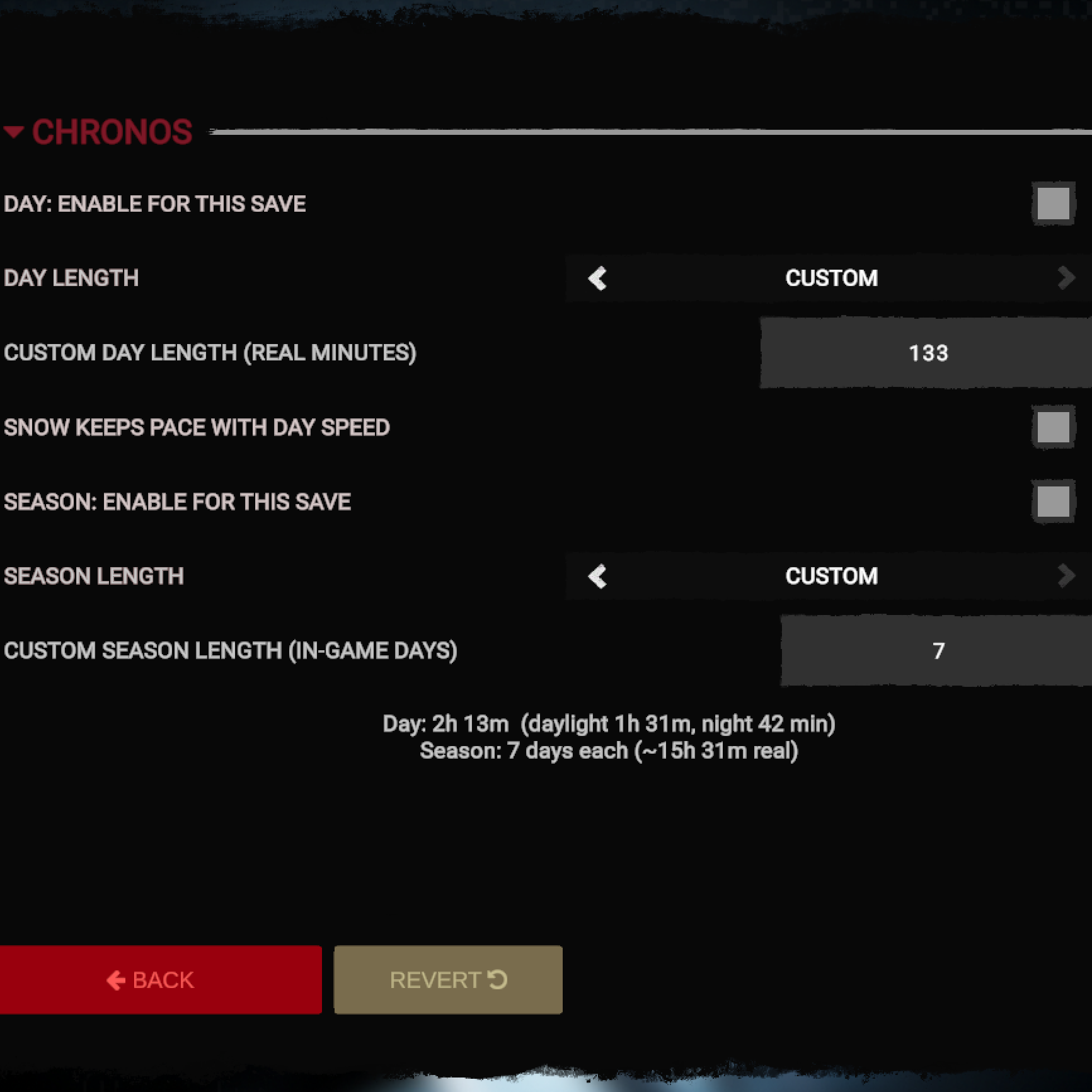
Day length as a count of real minutes, season length as a count of in-game days, changed at any time in a loaded save. The game gives you four presets, picked at world setup before you know how that world plays, and changing your mind later means editing the save.
Day length. The vanilla presets in real time: Short 29.4 minutes, Default 58.7, Long 2h 58m, Realistic 24h. Custom takes anything from 0.1 to 10080 minutes. The panel splits the result into daylight and night. Night runs 2.7 times faster, so a 60-minute day gives you 41 minutes of light.
Season length. Presets in in-game days per season: 3, 5, 10, 91. Custom takes 1 to 120 whole days, since a season turns over at midnight. The season is worked out from the current day, so switching the calendar re-reads the year you already played.
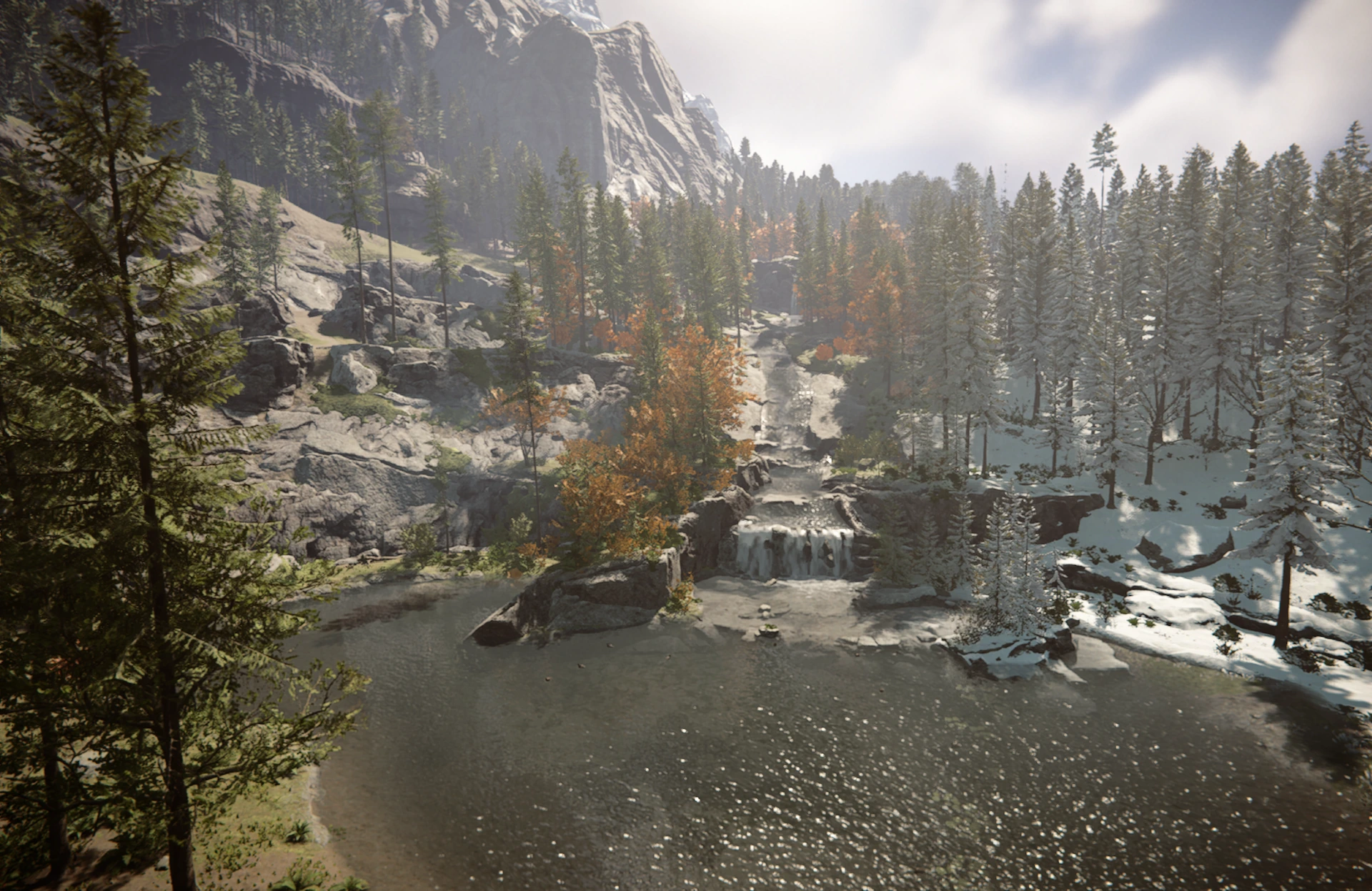
Snow keeps pace. Snow is a height line that winter walks down the mountains at a fixed rate. On short days a season can end before the line has finished moving. Chronos scales that rate with your day length.
Usage. Load a save, open Options, then Mods, then Chronos. Turn on the day override, the season override or both, pick a preset or type your own number, close the panel. Values live inside the save and travel with it.
Multiplayer. Works in co-op. Every player needs the mod and the same numbers. The clock comes from the host, but hunger, thirst and the season turn over on each player's own day length. Dedicated servers are untested.
Compatibility. Chronos writes the clock speed (TimeOfDayHolder.GetBaseSpeedMultiplier), the season durations (SeasonsManager.GetSeasonDurations) and eight transition fields on SnowHeightManager. Another mod that writes any of them will fight it, and the one that applied last wins.
Install. Install RedLoader and run the game once, then unpack the archive into the game folder. You should end up with Mods/Chronos.dll and Mods/Chronos/manifest.json.
Source: github.com/Cyace84/sotf-chronos (MIT)
评论
还没有评论。提问、技巧和 bug 反馈都可以写在这里。
登录后发表评论