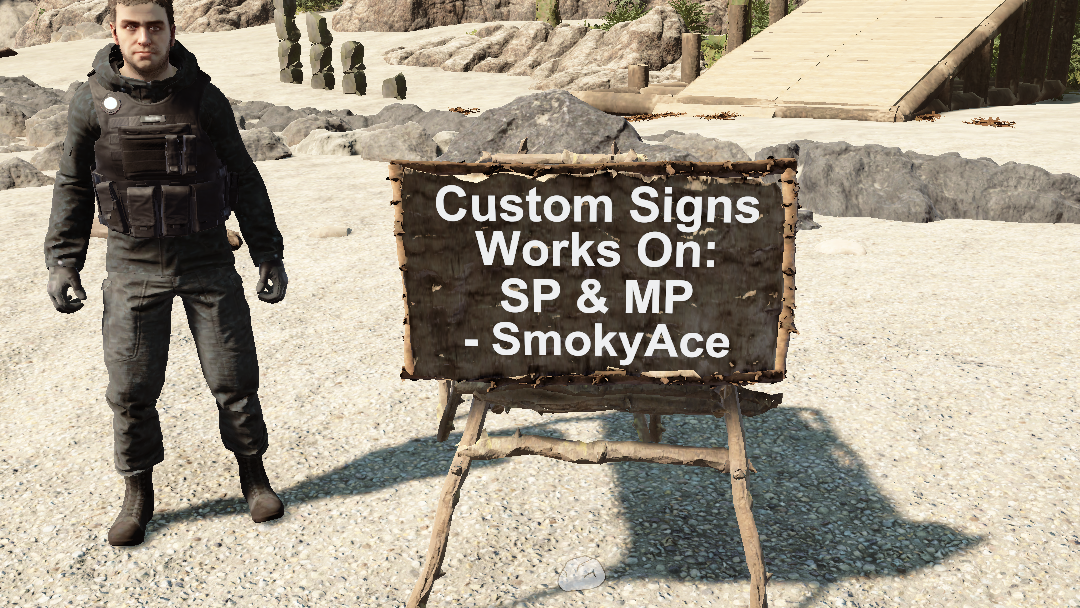
Signs
Carteles personalizados, funciona en multijugador y un jugador
Custom Signs, works in Multiplayer and SinglePlayer
Traducido automáticamente
SmokyAce Other Versión:v1.3.1 Actualizado el 22 mar 2025
- Descargas
- 8650 en total
- Descargas esta semana
- 25 esta semana
- Seguidores
- 2 seguidores
Descargar v1.3.1
Otras versiones
Resumen
Notas de campo
Las 5 versionesReseñas
Aún no hay reseñas. ¿Lo descargaste? Sé el primero en contar qué tal.
Escribir una reseña
Iniciar sesión · Una reseña por superviviente. Sé concreto: versión, qué funcionó y qué no.
Preguntas frecuentes
- ¿Signs funciona en multijugador?
- El autor aún no ha indicado si funciona en multijugador. Revisa los comentarios y los informes de campo de otros jugadores.
- ¿Cómo se instala Signs?
- Instala RedLoader (RedManager puede hacerlo por ti), descarga Signs 1.3.1 desde esta página y ponlo en la carpeta _RedLoader/Mods dentro del directorio del juego. Abre el juego y pulsa F1 para comprobar que cargó.
- ¿Qué necesita Signs?
- Solo Sons of the Forest en Steam y RedLoader. No tiene otras dependencias.
- ¿Signs funciona con el parche actual del juego?
- Todavía no hay informes de compatibilidad. Si lo pruebas, añade un informe de campo.
De un vistazo
- Build del juego
- Sin verificar
- RedLoader
- Sin declarar
- Plataforma
- Desconocido
- Multijugador
- Desconocido
- Servidor dedicado
- Desconocido
- Quitar a mitad de partida
- Desconocido
- Dependencias
- Ninguno
- Conflictos
- Ninguno conocido
- Versión
- 1.3.1
- Actualizado
- Publicado
Reportes de campo
ReportarAún no hay reportes de campo. ¿Lo has probado? Cuéntalo.
¿Te funcionó en tu partida?
Un reporte de campo lleva diez segundos y dice a todos si este mod funciona en el parche actual.
Inicia sesión para añadir un reporte de campo
8 comentarios
does this still work as nothing shows in my book?
ErrorLog Part3
at DynamicClass.(il2cpp - managed) TheForest_Player_Actions_PlayerStructurePlaceAction_IPlaceOperation_Begin(il2cpp - managed) TheForest_Player_Actions_PlayerStructurePlaceAction_IPlaceOperation_Begin(IntPtr, IntPtr, Byte, Il2CppInterop.Runtime.Runtime.Il2CppMethodInfo)
ErrorLog Part2
at DynamicClass.DMD(SinglePlaceOperation, Sons.Crafting.Structures.StructureRecipe, Boolean)
ErrorLog Part2
at DynamicClass.DMD(SinglePlaceOperation, Sons.Crafting.Structures.StructureRecipe, Boolean)
Thanks for your cool mod, bro !
I tested 1.3.1, it crashed my game when set a sign blueprint for the first time running. It works very well for the second time.
ErrorLog( _Redloder/ErrorLog.txt) Part1
Fatal error. System.AccessViolationException Attempted to read or write protected memory. This is often an indication that other memory is corrupt.
Repeat 2 times
at Il2CppInterop.Runtime.IL2CPP.il2cpp_runtime_invoke(IntPtr, IntPtr, Void, IntPtr ByRef)
It seems to have corrected itself? I tried it six times and the last two didn't crash? I will keep you updated if it starts happening again. Thanks for the help and being so prompt. Sorry that it took me a few days to get back to you.
I love the mod BTW.. have signs all over the place... lol
This don't seem to be a issue for me, can you try some more times, and give feedback. If so can you check (Sotf Installation path)/_Redloder/ErrorLog file when this happens?
Prior to update 1.3.0 this mod worked great, now the mod crashes my game when I try to make a sign. I'm playing in single-player.
Inicia sesión para comentar