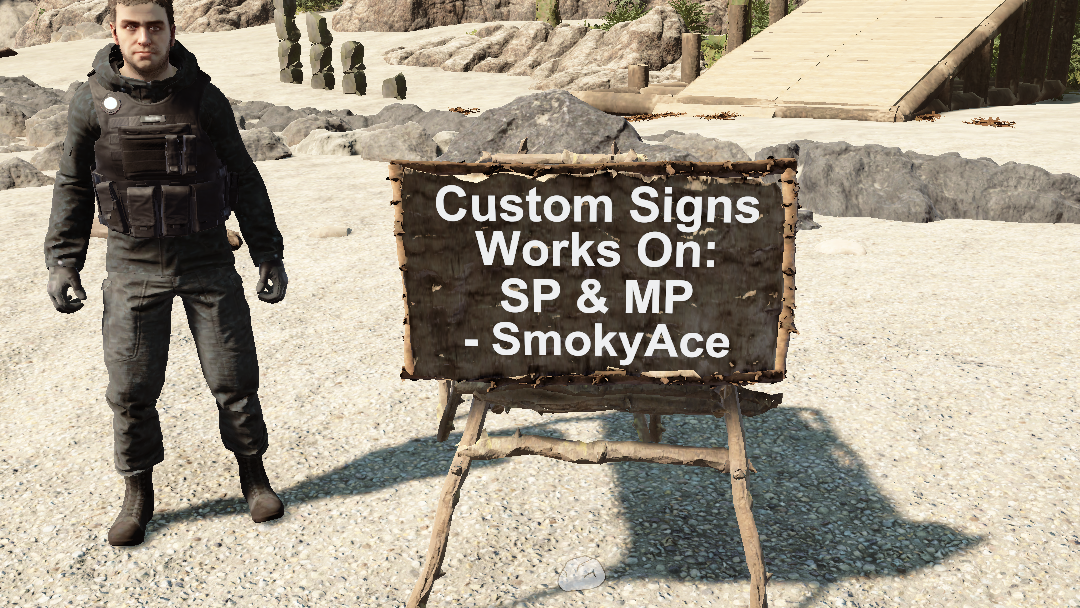
Signs
Własne znaki, działa w trybie wieloosobowym i jednoosobowym
Custom Signs, works in Multiplayer and SinglePlayer
Przetłumaczono automatycznie
SmokyAce Other Wersja:v1.3.1 Zaktualizowano 22 mar 2025
- Pobrania
- 8650 łącznie
- Pobrania w tym tygodniu
- 25 w tym tygodniu
- Obserwujący
- 2 obserwujących
Pobierz v1.3.1
Inne wersje
Niezweryfikowany Jeszcze niesprawdzony na najnowszym patchu. Testowałeś? Daj znać. Zgłoś, czy działa
Przegląd
Notatki terenowe
Wszystkie 5 wersjiRecenzje
Brak recenzji. Pobrałeś? Opowiedz jako pierwszy, jak poszło.
Napisz recenzję
Zaloguj się · Jedna recenzja na ocalałego. Konkretnie: wersja, co działało, a co nie.
Najczęstsze pytania
- Czy Signs działa w trybie wieloosobowym?
- Autor nie podał jeszcze, czy działa w trybie wieloosobowym. Sprawdź komentarze i raporty z terenu innych graczy.
- Jak zainstalować Signs?
- Zainstaluj RedLoader (RedManager może zrobić to za ciebie), pobierz Signs 1.3.1 z tej strony i umieść go w folderze _RedLoader/Mods w katalogu gry. Uruchom grę i naciśnij F1, aby sprawdzić, czy się wczytał.
- Czego potrzebuje Signs?
- Tylko Sons of the Forest na Steamie i RedLoadera. Nie ma innych zależności.
- Czy Signs działa z aktualną łatką gry?
- Nie ma jeszcze zgłoszeń zgodności. Jeśli go wypróbujesz, dodaj raport z terenu.
W skrócie
- Build gry
- Niezweryfikowany
- RedLoader
- Nie podano
- Platforma
- Nieznany
- Tryb wieloosobowy
- Nieznany
- Serwer dedykowany
- Nieznany
- Usuwanie w trakcie zapisu
- Nieznany
- Zależności
- Brak
- Konflikty
- Brak znanych
- Wersja
- 1.3.1
- Zaktualizowano
- Opublikowano
Raporty terenowe
ZgłośBrak raportów terenowych. Testowałeś? Daj znać.
Czy działało w twojej grze?
Raport terenowy zajmuje dziesięć sekund i mówi wszystkim, czy ten mod działa z obecną łatką.
Zaloguj się, aby dodać raport terenowy
8 komentarzy
does this still work as nothing shows in my book?
ErrorLog Part3
at DynamicClass.(il2cpp - managed) TheForest_Player_Actions_PlayerStructurePlaceAction_IPlaceOperation_Begin(il2cpp - managed) TheForest_Player_Actions_PlayerStructurePlaceAction_IPlaceOperation_Begin(IntPtr, IntPtr, Byte, Il2CppInterop.Runtime.Runtime.Il2CppMethodInfo)
ErrorLog Part2
at DynamicClass.DMD(SinglePlaceOperation, Sons.Crafting.Structures.StructureRecipe, Boolean)
ErrorLog Part2
at DynamicClass.DMD(SinglePlaceOperation, Sons.Crafting.Structures.StructureRecipe, Boolean)
Thanks for your cool mod, bro !
I tested 1.3.1, it crashed my game when set a sign blueprint for the first time running. It works very well for the second time.
ErrorLog( _Redloder/ErrorLog.txt) Part1
Fatal error. System.AccessViolationException Attempted to read or write protected memory. This is often an indication that other memory is corrupt.
Repeat 2 times
at Il2CppInterop.Runtime.IL2CPP.il2cpp_runtime_invoke(IntPtr, IntPtr, Void, IntPtr ByRef)
It seems to have corrected itself? I tried it six times and the last two didn't crash? I will keep you updated if it starts happening again. Thanks for the help and being so prompt. Sorry that it took me a few days to get back to you.
I love the mod BTW.. have signs all over the place... lol
This don't seem to be a issue for me, can you try some more times, and give feedback. If so can you check (Sotf Installation path)/_Redloder/ErrorLog file when this happens?
Prior to update 1.3.0 this mod worked great, now the mod crashes my game when I try to make a sign. I'm playing in single-player.
Zaloguj się, aby skomentować